Meta Tag Generator
Fill in a page title, a meta description, optional keywords and a robots setting. The tool writes the matching head tags as you type, adds charset and viewport lines, and gives you one button to copy the lot.
Updated · by the Linkstonic team
What ends up in the code block
The output is built line by line from your fields. A few of those lines behave in ways worth knowing before you paste them into a template.
Hard length caps
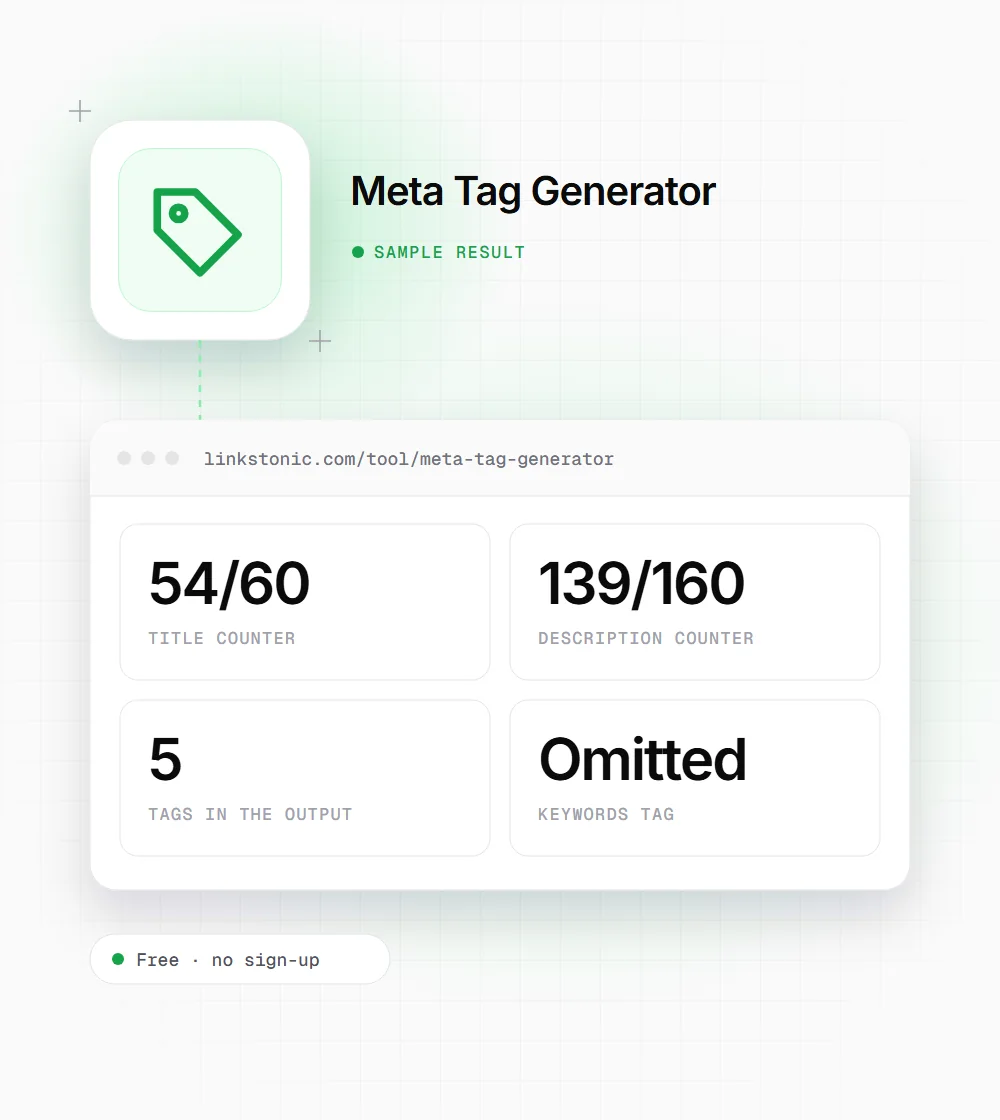
The title field stops accepting characters at 60 and the description at 160, with a live counter beside each label. Pasting longer text cuts it off at the cap, possibly mid-word, so reread the end of anything you paste in.
Empty fields are skipped
If you leave the title, description or keywords blank, that tag is left out entirely rather than written with empty content. An empty keywords field is the normal case, since Google ignores that tag.
Robots is always written
You choose from index, follow; noindex, nofollow; index, nofollow; or noindex, follow. The tag is included even at the default index, follow, which is what search engines assume when no robots tag exists. That line is harmless but optional.
Charset and viewport
Every output ends with meta charset UTF-8 and a responsive viewport tag (width=device-width, initial-scale=1.0). They're placed after the title in the output. Move the charset line to the very top of your head, since browsers expect it within the first 1,024 bytes.
No escaping
Your text goes into the tags exactly as typed. A double quote in the description closes the content attribute early and cuts the rest off. Use single quotes, or type " in the field where you need a double quote.
Tags for a recipe guide
We filled in a title and description for a cold brew guide, left keywords empty and kept the robots default.
Page title: Cold Brew Ratio Guide: Strength Chart for Every Method
Meta description: How much coffee per cup of water for cold brew? Ratios from 1:4 concentrate to 1:15 ready-to-drink, with steep times and a printable chart.
Keywords: (empty)
Robots: index, follow
The description answers the question in its first sentence and backs it with concrete numbers. That's the kind of snippet people click, and it gives Google less reason to write its own.
Who uses a meta tag builder
Most CMSs have SEO fields, but plenty of pages still get their head tags written by hand.
Developers on static sites
Hand-coded HTML pages and simple site generators often have no SEO plugin. Writing the title and description here with the counters visible is quicker than counting characters in a code editor.
SEO specialists writing briefs
A developer ticket with the exact tags to paste leaves no room for guesswork. Generate the block, copy it into the ticket, and the page ships with the wording you approved.
Site owners hiding pages
Thank-you pages, test pages and internal search results usually shouldn't appear in Google. The robots presets give you a correct noindex tag without having to remember the syntax.
Which robots setting to pick
The four presets cover almost every page. Here's when each one fits.
| Setting | What it tells crawlers | Typical page |
|---|---|---|
| index, follow | List the page and follow its links | Any page you want found in search |
| noindex, follow | Keep the page out of results but follow its links | Tag archives, internal search results, thin filter pages |
| noindex, nofollow | Keep it out and ignore its links | Thank-you pages, staging copies, private landing pages |
| index, nofollow | List the page but don't follow its links | Rarely needed; pages full of untrusted user links |
| No robots tag | Same as index, follow | Fine for most public pages |
A noindex tag only works if crawlers can fetch the page. If robots.txt blocks the URL, Google never sees the tag.
The two tags that still do real work
Of everything in this output, the title and description matter most. The title is a confirmed input for how Google understands a page and is usually the blue link in results. The description isn't a ranking factor, but it's your best shot at the snippet text. Google rewrites both fairly often, mostly when they don't match the query or the page.
The keywords tag is a leftover. Google has ignored it for well over a decade, and filling it in mainly shows competitors which terms you're targeting. I'd leave the field empty unless your own internal site search reads it. The robots presets are more useful than they look, since one wrong noindex can drop a page from search.
AI search tools lean on the same signals. ChatGPT search, Perplexity and Google's AI Overviews use titles and descriptions to decide which result a source is and whether it answers the question. A description that states the answer plainly, with specifics, helps them as much as it helps a human reader scanning results.
Writing tags that survive
Google shows your own title and description more often when they closely match what's on the page.
- 01
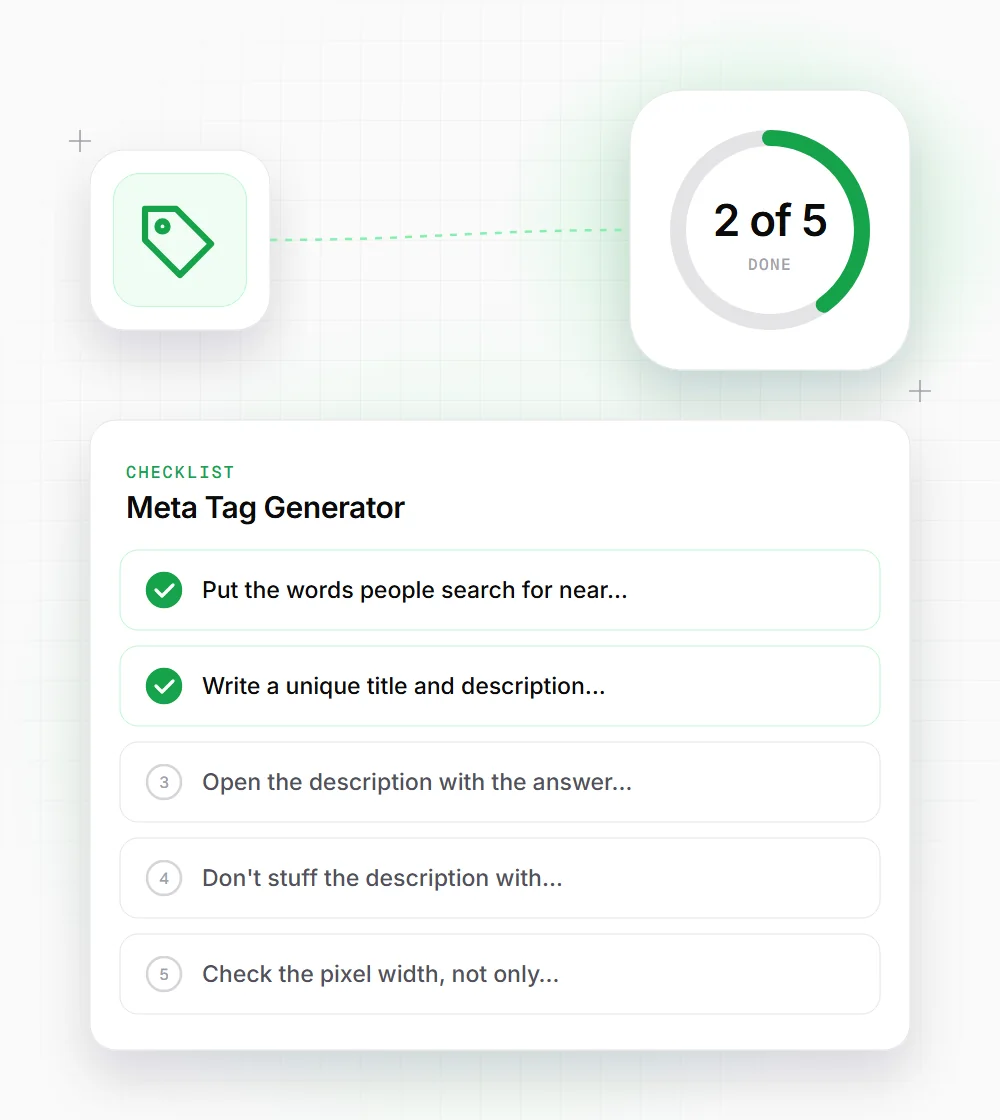
Put the words people search for near the start of the title, and your brand at the end if there's room.
- 02
Write a unique title and description for every page. Duplicates across a site are a common reason Google writes its own.
- 03
Open the description with the answer or the offer, then add one concrete detail such as a number, price or format.
- 04
Don't stuff the description with keywords. Google bolds matching terms anyway, and a list of phrases rarely earns a click.
- 05
Check the pixel width, not only characters. A title full of wide letters like W and M gets cut earlier.
- 06
After publishing, run the page through a meta tag analyzer to confirm the tags are live and not duplicated by your theme.