Twitter Card Generator
Choose a card type, type in the title, description, image URL and your @ handles, and the twitter: meta tags build themselves below the form. Copy the block and paste it into the head of the page you want to share on X.
Updated · by the Linkstonic team
What ends up in the tag block
The generator is a form that writes markup. It doesn't fetch your page or check the image, so it helps to know exactly what it does with each field.
Card type
The dropdown starts on summary_large_image and also offers summary, app and player. Because a card type is always selected, twitter:card is the one tag you get even before you type anything else.
Empty fields drop out
Only fields with a value become tags. Leave the creator handle blank and there is no twitter:creator line at all, rather than an empty content attribute. The order is fixed: card, title, description, image, site, creator.
Handles are written as typed
The @site and @creator boxes don't add the @ for you or check the account exists. Type "@linkstonic", not "linkstonic" or a full profile URL, because whatever you enter goes straight into the content attribute.
No escaping
Text is dropped into content="..." as is. A title that contains a double quote, like 6" Chef Knife, will close the attribute early and break the tag. Swap straight double quotes for " or curly quotes before copying.
App and player cards
You can select app or player, but the form has no fields for twitter:player, player width and height, or the app store IDs those cards need. For those two types, treat the output as a starting point and add the rest by hand.
A filled-in blog post card
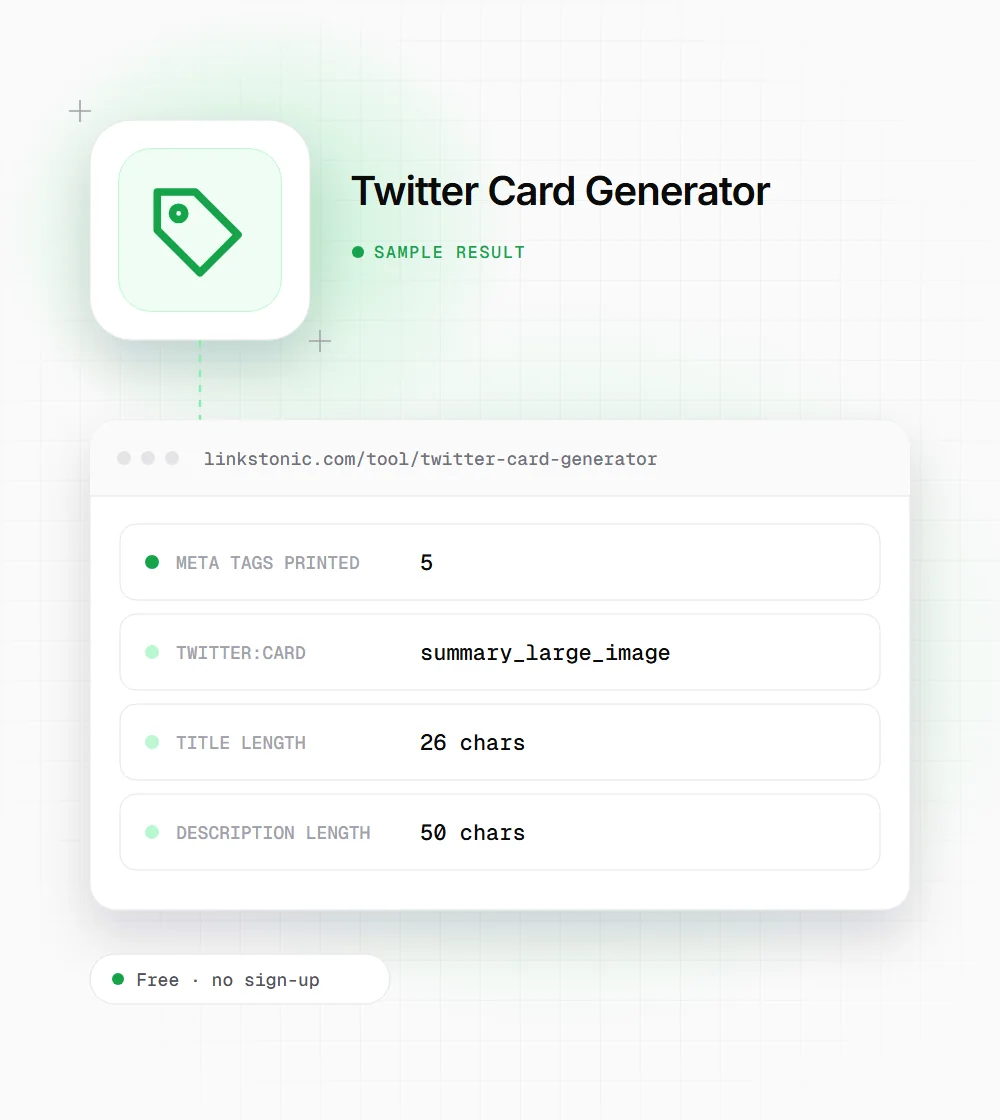
Here is what we typed for a blog post, leaving the creator handle empty. The output below is exactly what the tool prints.
Card type: summary_large_image
Title: How to fix redirect chains
Description: Find and flatten 301 hops that slow crawlers down.
Image URL: https://example.com/img/redirects-1200x600.png
@site handle: @examplebrand
@creator handle: (empty)
The tool doesn't count characters, we did. Both lengths sit well under the 70 and 200 character limits X documents for card titles and descriptions.
Card tags and their limits
These are the values X documents for its cards. The generator doesn't enforce any of them, so check them yourself.
| Tag | Used for | Limit or format |
|---|---|---|
| twitter:card | Card type | Required. summary, summary_large_image, app or player |
| twitter:title | Headline on the card | Up to 70 characters |
| twitter:description | Text under the title | Up to 200 characters |
| twitter:image (summary) | Square thumbnail | 1:1 ratio, at least 144x144 px |
| twitter:image (large) | Wide banner image | 2:1 ratio, at least 300x157 px |
| twitter:image | File rules | Under 5 MB, JPG, PNG, WEBP or GIF |
| twitter:site / creator | Brand and author accounts | @username format |
If a twitter: tag is missing, X falls back to the matching Open Graph tag (og:title, og:description, og:image) when the page has one.
Do you still need twitter: tags?
Less than you might think. X reads Open Graph tags when the twitter: versions are missing, so a page with good og:title, og:description and og:image already gets a decent card. The tag you can't get from Open Graph is twitter:card itself, and without it you usually get the small summary layout instead of the big image.
So my minimum is one line: twitter:card set to summary_large_image, plus solid OG tags. Add twitter:title and twitter:description only when you want different wording on X than on Facebook or LinkedIn, for example a punchier headline.
The most common failure is the image, not the tags. Relative paths, images behind a login, a CDN that blocks bots, or a file over 5 MB all lead to a card with no picture. None of this affects Google rankings or AI answers directly. Cards only change how the link looks when people share it.
Before you paste the tags live
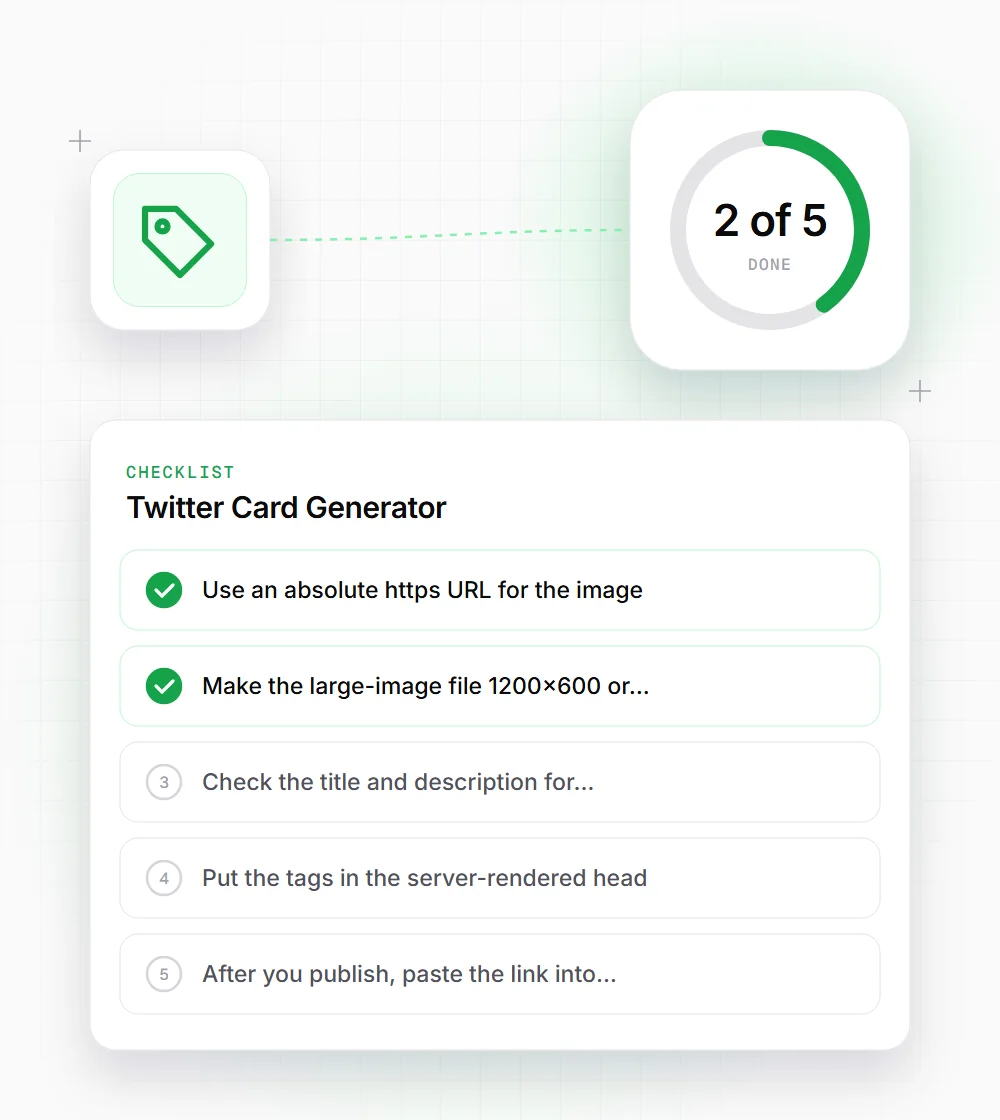
A card that renders wrong is usually a small mistake. Run through these first.
- 01
Use an absolute https URL for the image. X won't resolve a path like /img/card.png against your domain.
- 02
Make the large-image file 1200x600 or similar 2:1 size so X doesn't crop the text in your graphic.
- 03
Check the title and description for straight double quotes, since the generator won't escape them for you.
- 04
Put the tags in the server-rendered head. Tags added later by JavaScript are often missed by the card fetcher.
- 05
After you publish, paste the link into a draft post on X to see the preview. X caches cards, so changes can take a while to show.