Open Graph Checker
Enter a URL and the checker fetches the live page and lists the og: and twitter: tags it finds. You see the title, description, image and URL that social platforms and chat apps will use to build the link preview, before anyone shares it.
Updated · by the Linkstonic team
Reading the social tags
This page uses the same fetch as our Meta Tag Analyzer. The part that matters here is the blue Open Graph box and the Twitter Card box below it.
Open Graph box
Each og: property the analyzer extracts is listed with its value, typically og:title, og:description, og:image and og:url. Long values such as image URLs wrap onto the next line instead of being cut, so you can copy the exact image address and open it in a new tab.
Missing tags disappear
Empty or absent og: properties are simply left out of the list. There is no "not set" label in this box. So read it as a checklist: if og:image isn't in the list, the page doesn't have one, and platforms will guess an image or show none.
Twitter Card box
Works the same way for twitter: tags, such as twitter:card and twitter:image. X falls back to Open Graph values when twitter: tags are missing, so an empty Twitter box isn't a problem as long as the Open Graph box is complete.
Server-side fetch
The page is fetched from Linkstonic's server, which is roughly how social crawlers see it: raw HTML, no clicks, no scrolling. If your og: tags are added by JavaScript after load, they may not appear here, and many platforms won't see them either.
What it doesn't do
It doesn't download the image to check its size, and it doesn't draw a mock preview card. It reports the tags. To see the image, open the og:image URL. To refresh a platform's cached preview, use that platform's own debugger.
A post that shares badly
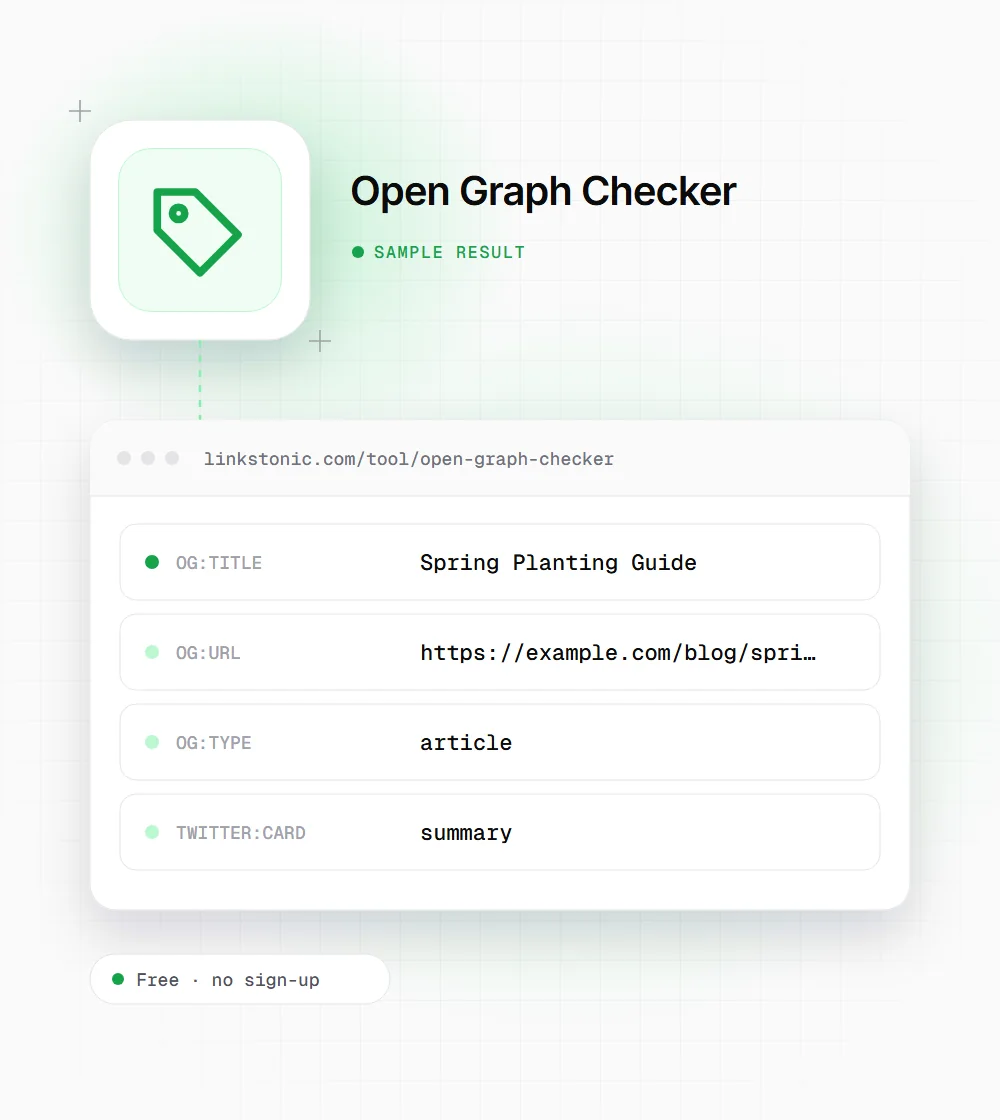
An illustrative result for a blog post on example.com. The values are invented to show a common pattern, not measured.
https://example.com/blog/spring-planting-guide
No og:image, so Facebook and LinkedIn will pick an image from the page or show a bare link, and the summary card gives X only a small thumbnail. Adding one 1200 x 630 image and switching to summary_large_image fixes both.
Who checks share previews
The people who care most are the ones whose links get shared at scale.
Marketers before a campaign
Check every URL in a launch email or social schedule the day before it goes out. A missing og:image on one landing page means that post shows a bare link, and nobody notices until the campaign is live.
Editors publishing articles
Some CMS setups reuse the homepage image or the site tagline for every article. Run a fresh post through the checker and make sure its og:title and og:image belong to that post.
Developers on JavaScript sites
Single-page apps often set tags in the browser after load. If the checker comes back with an empty Open Graph box on a page you know has tags, the tags need to move into the server-rendered HTML.
Tags a good preview needs
The Open Graph protocol and X's card documentation define these. The first four are the core set to aim for on every shareable page.
| Tag | What it controls | Notes |
|---|---|---|
| og:title | Headline on the card | Can differ from the SEO title |
| og:type | Kind of object | "website" or "article" for most pages |
| og:image | Preview image | Absolute https URL; 1200 x 630 is the common size |
| og:url | Canonical link for shares | Should match your canonical URL |
| og:description | Text under the headline | Optional; often cut to a line or two |
| og:site_name | Brand label on the card | Optional |
| twitter:card | Card layout on X | "summary" or "summary_large_image" |
Platforms cache previews. After changing tags, re-scrape the URL in the platform's debugger or the old card keeps showing.
Open Graph is for people, not rankings
Open Graph tags don't move Google rankings. What they change is whether a shared link looks worth clicking. A link with a clear image and headline in a Slack channel or LinkedIn feed gets opened. A bare URL with a random logo mostly gets scrolled past.
The usual failure isn't a missing tag, it's a stale one. A team updates the page title and hero image, but the og: tags still point at last year's version, or every page on the site shares the same homepage image. I'd check the og:image on each template, not just the homepage.
Some AI tools and chat apps read these tags too. When someone pastes your link into ChatGPT or a messaging app, the preview often comes from og:title and og:image. It's not a citation signal anyone has documented, but a clean title and image help your link look legitimate wherever it lands.
Getting previews right
A few habits prevent most broken share cards.
- 01
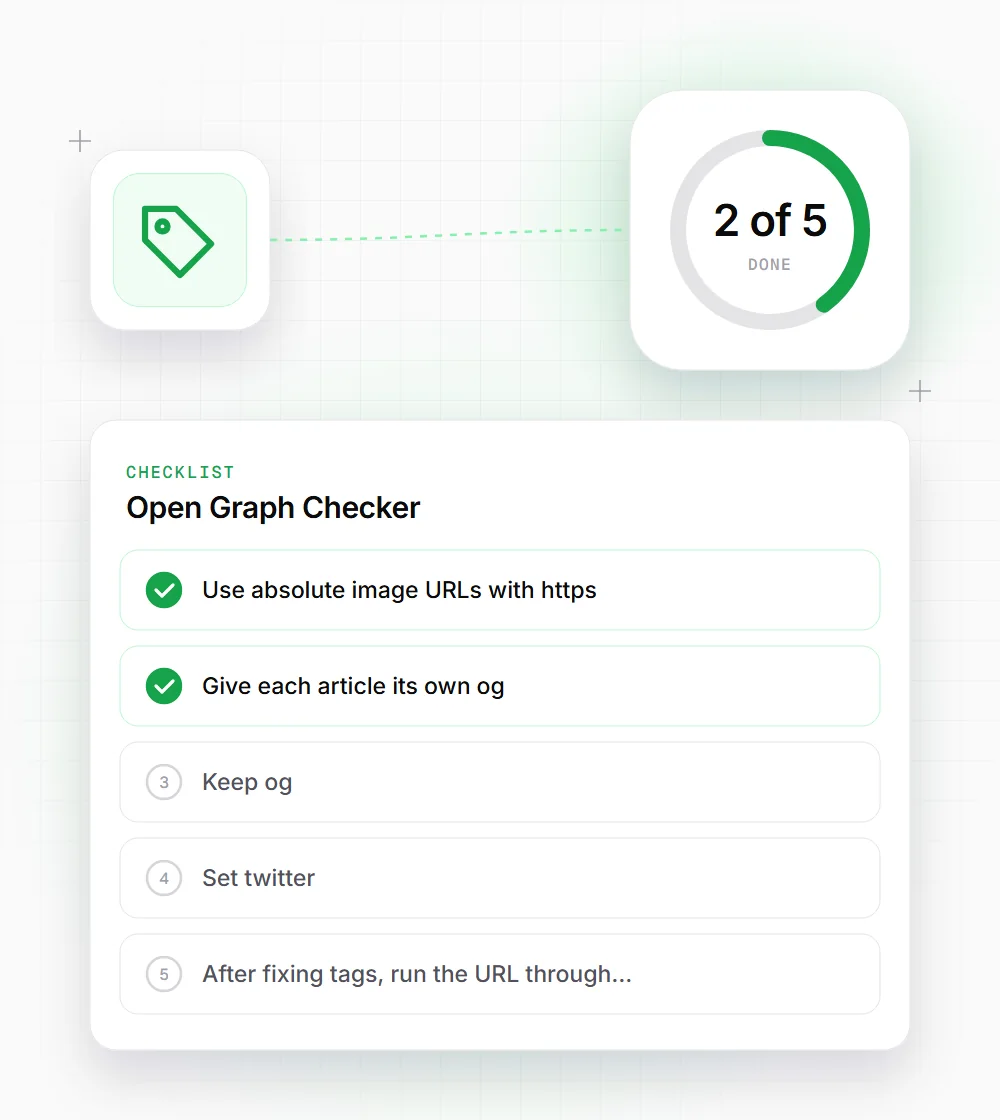
Use absolute image URLs with https. Relative paths like /img/cover.jpg often fail on social crawlers.
- 02
Give each article its own og:image. A single sitewide image makes every share in a feed look identical.
- 03
Keep og:title short enough to read at a glance. Around 60 characters rarely gets cut.
- 04
Set twitter:card to summary_large_image if you want the wide image on X instead of a small thumbnail.
- 05
After fixing tags, run the URL through Facebook's Sharing Debugger or LinkedIn's Post Inspector to clear the old cached card.