Meta Tag Analyzer
Enter a page URL and the analyzer fetches the live HTML and reads the tags in its head. You get the title, meta description, robots directive, canonical URL and viewport side by side, with anything missing marked "not set" and a list of issues underneath.
Updated · by the Linkstonic team
What the analyzer reads
The fetch happens on Linkstonic's server. The panel shows five core tags first, then the social tags (covered on our Open Graph Checker page), then a list of problems it found.
Title
The text inside the page's title element, exactly as served. Check it against what you meant to publish. CMS templates often append the site name or a separator, and that suffix eats into the space Google shows before it cuts the title off.
Description
The content of the meta description tag. Google doesn't always use it (it rewrites snippets often), but a written description gives it a sensible default. When the tag is absent, the row turns red and reads "not set" instead of going quietly blank.
Robots
The meta robots value, such as "index, follow" or "noindex". This is the row to read first after a launch or migration. A leftover noindex from a staging site is one of the most common reasons a new page never shows up in search.
Canonical
The URL in the rel="canonical" link. It should normally point at the page itself, with the same protocol, host and trailing slash you want indexed. A canonical that points at the homepage or a staging domain tells Google to index something else.
Viewport
The meta viewport tag, which controls how the page scales on phones. The usual value is "width=device-width, initial-scale=1". It isn't a ranking tag, but a missing viewport usually means the page renders as a shrunken desktop layout on mobile.
Issues found
When the server spots problems it lists them in an amber box with a count in the heading. If the box doesn't appear, no issues came back. Some sites block automated fetches entirely, and those return an error rather than tags.
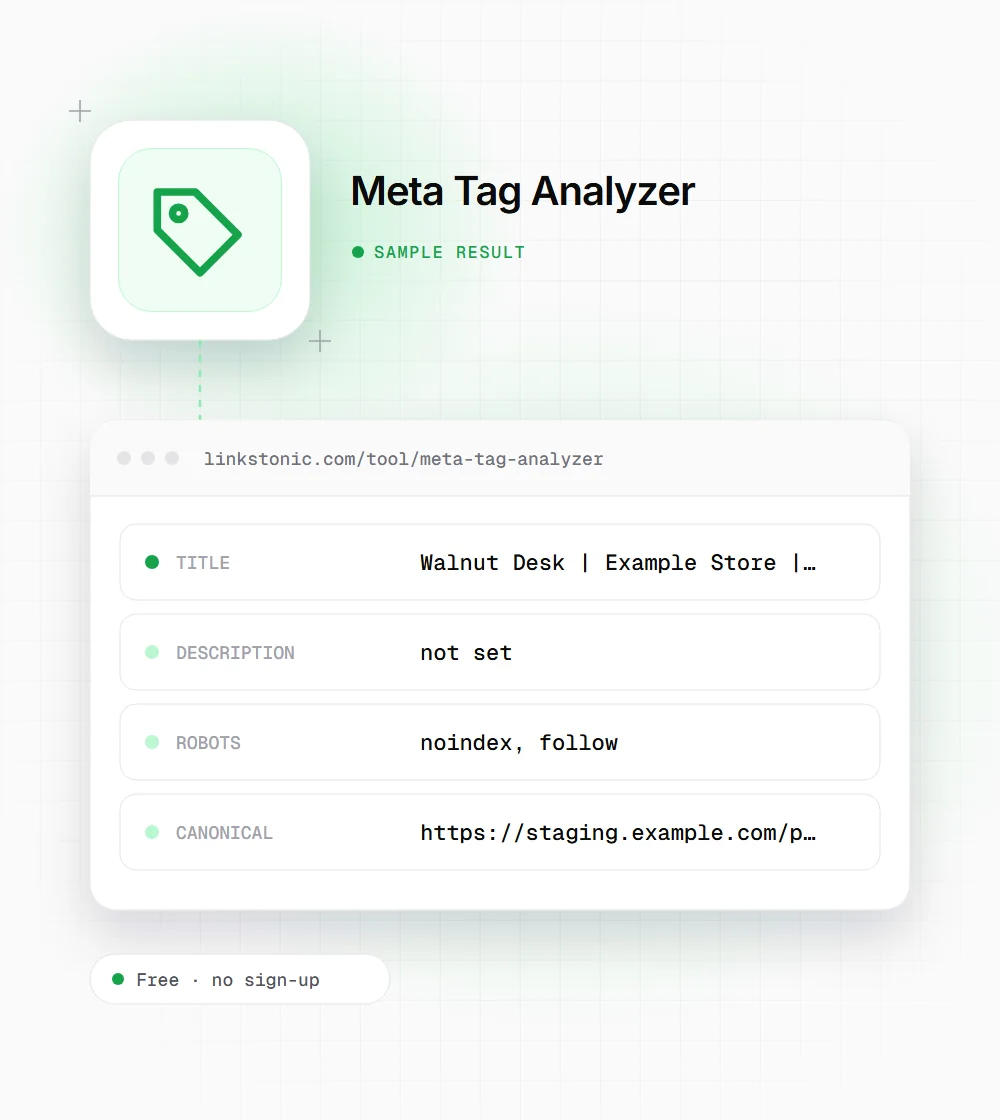
A page after a messy migration
An illustrative result for a product page on example.com, the kind of thing we see after a site moves platforms. It is not a real measurement.
https://example.com/products/walnut-desk
Three problems from one template: the brand repeats in the title, and the noindex and staging canonical both came across from the test site. Fix the template once and every product page recovers.
When to run it
Meta tags break quietly. Nobody sees a bad canonical until traffic drops.
Launch and migration checks
Run a few key URLs the day a new site or template goes live. Robots and canonical are the two rows that can wipe out search traffic, and staging values leak into production more often than any team likes to admit.
Content editors
After publishing, confirm the title and description your CMS actually output match what you typed in the SEO fields. Plugins and themes sometimes override them without telling you, and the analyzer shows the served version.
Competitor research
Pull a rival's title and description for a page that outranks yours. You see how they phrase the offer, which terms they put first and whether they set a canonical, without digging through view-source.
Which tags still matter
Most meta tags are paperwork. The ones that do real damage when they're wrong are robots and canonical, because they tell Google whether to index a page and which URL gets the credit. I'd check those two on every template before worrying about description length.
Titles still matter a lot. They are the clickable headline in search, and Google uses them as a strong clue to what the page is about. Descriptions matter less than people think. Google rewrites many of them to match the query, so write a good one, but don't agonize over the exact character count.
AI search mostly reads the page body, not the meta tags. ChatGPT, Perplexity and AI Overviews quote text they can pull from the content. The title still helps as a label. And a stray noindex or bad canonical can keep a page out of Google's index, which also keeps it out of AI Overviews, since they draw on that index.
Fixing what the analyzer finds
Most issues trace back to a template or a plugin setting, not to individual pages.
- 01
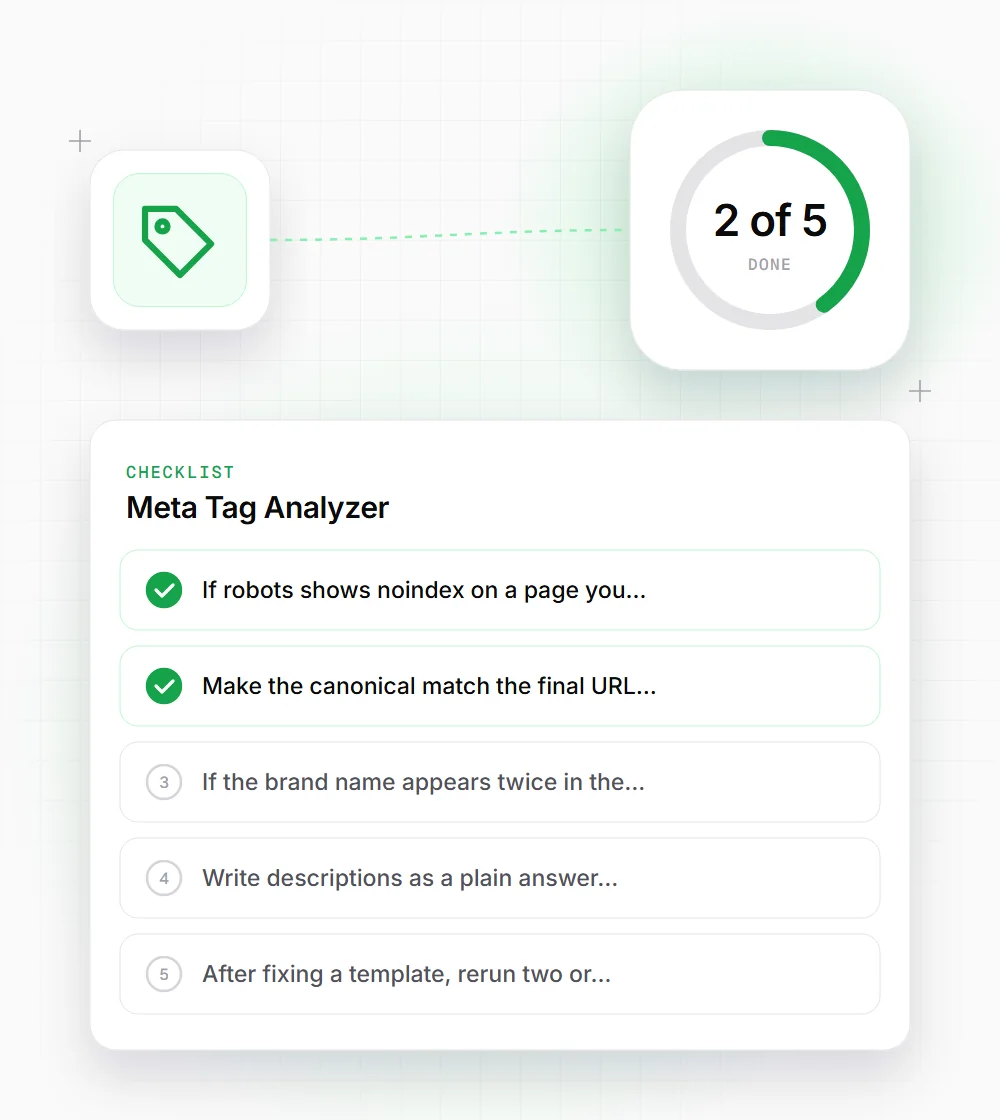
If robots shows noindex on a page you want in search, check your CMS's global search-visibility setting before editing pages one by one.
- 02
Make the canonical match the final URL exactly: https, the right host, and your usual trailing slash rule.
- 03
If the brand name appears twice in the title, one is coming from the template and one from the SEO field. Remove one.
- 04
Write descriptions as a plain answer to why someone should click. Around 150 characters is a sensible target.
- 05
After fixing a template, rerun two or three URLs that use it to confirm the change is live and not cached.
Related free tools
Meta Tag Generator
Write fresh title and description tags ready to paste into your head.
Open tool Free toolOpen Graph Checker
See how a link will look when someone shares it on social media.
Open tool Free toolRedirect Chain Analyzer
Follow a URL through each redirect and confirm the final status.
Open tool