Slow on phones, so callers leave
You put work into your Business Profile, but the website crawls on mobile. People leave before they ever tap "Call."
Even if most leads come through Google Business Profile, your website still does a lot of the work. Search engines and assistants read your pages to judge trust, speed and clarity before they send anyone your way.


Sample local data for illustration
A great profile and five-star reviews only get people as far as your website. What happens there decides whether they call you or the next result.
You put work into your Business Profile, but the website crawls on mobile. People leave before they ever tap "Call."
Competitors with fewer stars still rank above you, because their service pages are structured better than yours.
You have no idea if ChatGPT or a voice assistant suggests you for emergency and specialty jobs, or sends people to a rival.
Audit each service and city page, keep mobile fast, see which local queries bring clicks, and hear when AI answers change.
Audit your location pages for thin or near-duplicate copy before they compete with each other, and check that the business details in your schema are complete.
Most local searches happen on a phone. PageSpeed-based checks keep your templates fast, and real-visitor monitoring catches broken booking forms and scripts.
See how AI answers describe your hours, services and guarantees, and whether they mention you or a nearby rival for high-intent prompts.
Get an email or Discord ping when an audit fails or AI mentions shift, so you hear about it before reviews mention that nobody could book online.
Pick your kind of business to see the prompts worth tracking and the page checks that matter most.
Plumbers, locksmiths, roofers and towing. Stay visible when people ask an assistant for immediate help in your ZIP codes.
Dentists, clinics, law and accounting firms. Keep appointment pages fast and schema-clean for people checking insurance and availability.
Gyms, studios, spas and personal trainers. Monitor the prompts people use to choose memberships, trainers and class times.
Run the same audit on every location, keep landing page copy and schema consistent, and spot the one location that's falling behind.
Start with the URLs that drive calls, forms and bookings. You can add more locations later.
Import Search Console, run technical checks and turn on AI tracking for your branded and category prompts.
Work through the guided fixes in priority order, then re-audit to confirm the site is healthy.
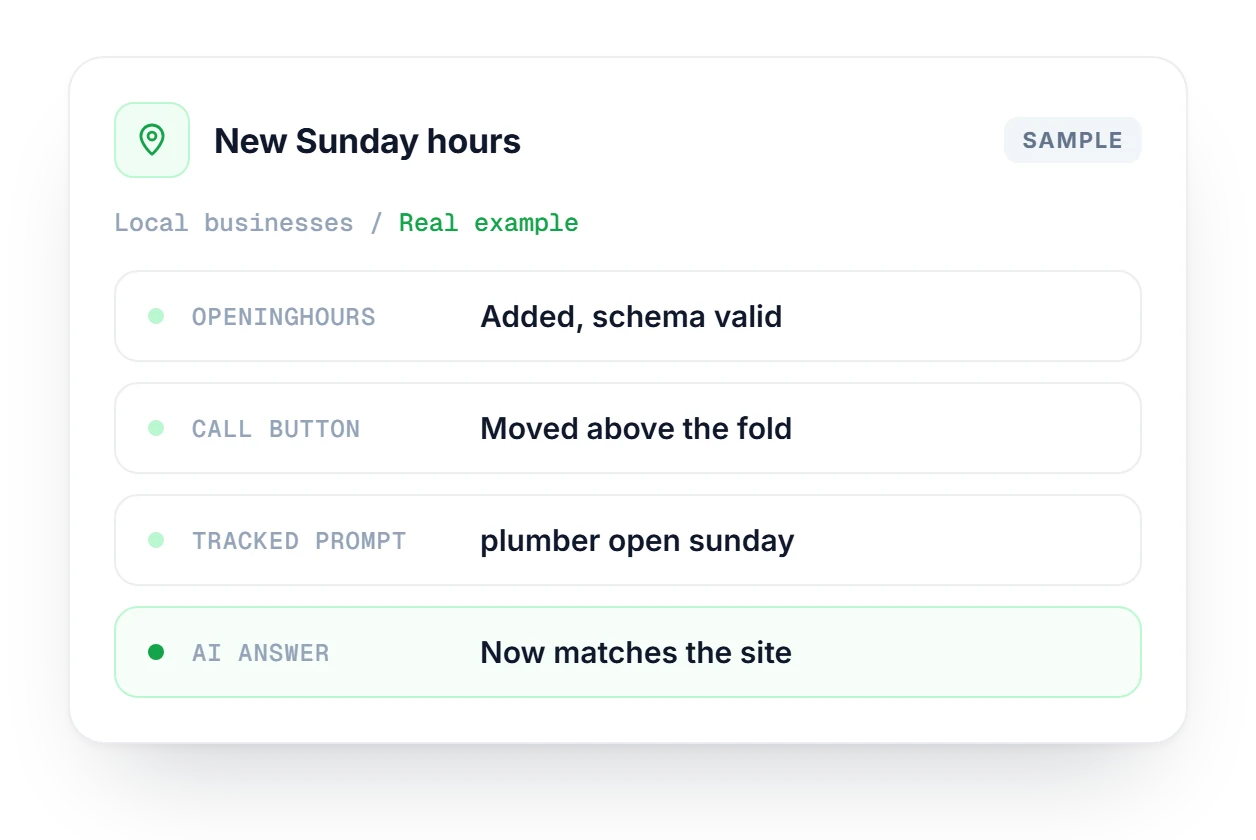
You start taking Sunday calls, but your website still says Monday to Friday and your schema has no openingHours, so AI assistants say you're closed. You update the hours on the site, add openingHours, re-audit and move the call button up. Then you track prompts like "plumber open sunday" until AI answers match the site.
Track where your business shows up in ChatGPT, Claude, Gemini and Perplexity answers over time.
Explore AI TrackingEvery organic URL from Search Console, with geo and directory filters and an AI visibility score beside each page.
Explore SearchMindEmail or Discord alerts when AI engines mention your business, or when your visibility changes.
Explore AlertsHow Linkstonic fits alongside your Business Profile, your website builder and the people who help you.
Give them scoped access, or see how agencies run Linkstonic across many clients.
Linkstonic for agencies →No. Linkstonic complements your Google Business Profile with site-side SEO and AI monitoring. Your profile gets people to your website; Linkstonic makes sure the website backs it up.
Yes. Start with a single domain and add locations as you open new stores or service areas. A good place to begin is the pages that bring in calls and bookings, like your emergency and booking pages, then add city pages once those are healthy.
Not directly. Linkstonic works on your public HTML rather than connecting to booking systems. The performance of embedded booking widgets still shows up in your audits, and real-visitor monitoring flags it when a booking widget request fails.
That works. As long as Linkstonic can reach your public URLs, audits and tracking run the same way on any builder or CMS. Audits don't need anything installed on the site, and you make the fixes in your builder as usual.
Yes. Invite your agency or freelancer with scoped access while you keep control of billing. They work on the pages and data you share with them, and if you switch to someone else later, you simply remove their access.
Audits finish quickly, so you can start on fixes right away. Search Console and AI visibility baselines fill in as each source connects. Give AI tracking a few weeks of history before you read much into the trend lines.
Audit your location pages, keep them fast on phones and see when assistants recommend you. Pick a plan that matches your footprint.
Our customers
Linkstonic for our team has been a game-changer. It’s helped us work more efficiently, cutting down on manual checks so we can focus on what really matters—measuring AI visibility, fixing technical SEO, and driving growth.
+373%
Increase in
share of voice


