YouTube Title Generator
Type your video topic, choose a style such as educational or entertaining, and an AI model writes a batch of title options. Each one shows its format and character count, so you can see at a glance which ideas fit before you test them.
Updated · by the Linkstonic team
What you get for each topic
Titles come from an AI model on our server. The page adds labels and counts that make the list faster to sort through.
Topic and style
Enter a topic ("keto diet", "React tutorial") and pick one of six styles: engaging, clickbait, professional, educational, entertaining or motivational. Engaging is the default. Both go to the server with each request, so switching style and rerunning gives a noticeably different batch.
Batch size
The tool card promises ten titles per run, and the header shows the exact number returned. Every run is fresh, so if the first batch misses, run it again rather than editing the weakest options.
Format labels
Each title carries a small badge naming its format. The page color-codes six of them: how-to, listicle, question, curiosity, shocking and tutorial. Anything else shows in gray. The labels make it easy to keep a mix, so you aren't choosing between ten versions of the same list post.
Character count
The number on the right of each title, like "56c", is its length in characters. The tool card advises staying under 70. YouTube allows up to 100, but long titles get cut off in search results, suggested videos and on phones.
Copy all
Copy all puts every title on your clipboard, one per line. That's handy for a shortlist doc or for sharing options with a client or co-host before you decide. Single titles can be selected and copied by hand.
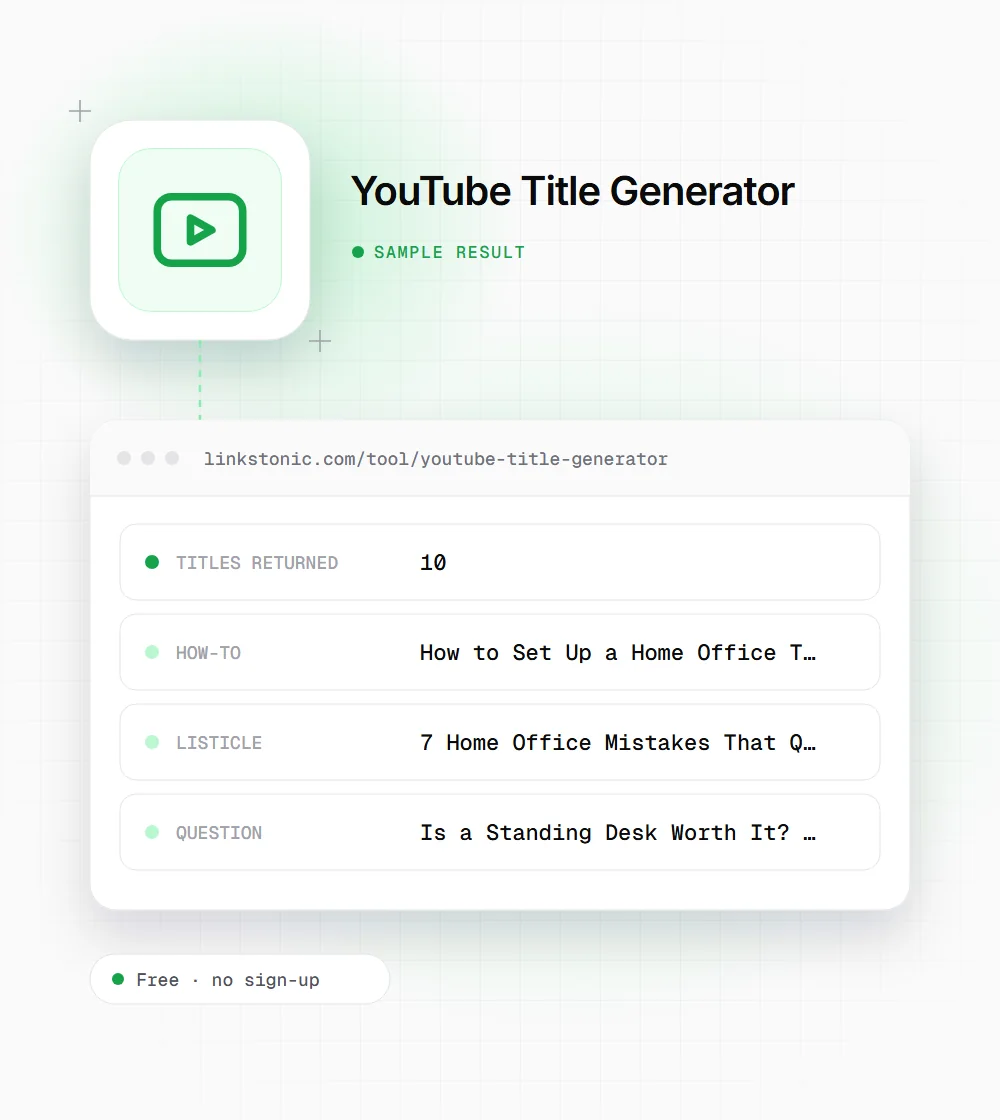
Ten ideas for a desk setup video
An illustrative run with the topic "home office setup" in the educational style. Your batch will differ, since the model writes new titles every time.
Topic: home office setup
Style: educational
Look at the standing desk title. It promises a 90-day test the creator may never have done. Models write first-person claims freely, so only keep a title like that if the video actually delivers it.
Who uses a title generator
Nobody should publish a generated title untouched. As a starting point, it helps these people most.
Solo creators
After editing a video for hours, it's hard to see it fresh. Ten outside options, in formats you might not have considered, usually shake loose a better angle than the working title you've been staring at.
Teams testing titles
Some channels test titles by running two versions a week apart and comparing click rate. The format labels help you pick contrasting candidates, say a how-to against a question, so the test compares two ideas instead of two phrasings.
Marketers on brand channels
The professional and educational styles keep product and tutorial videos clear without sounding like an ad. Run clickbait separately if you want to see how far a hook can stretch, then pull it back.
Podcasters clipping episodes
Each clip needs its own title. Enter the clip's subject rather than the episode name and you get titles that make sense to someone who never heard the full show.
A title is a promise
YouTube recommends videos that people click and then keep watching. A title that wins the click but misrepresents the video tends to cost you in watch time, and viewers remember. I'd treat the clickbait style as a way to find the strongest honest hook, not as the title to publish.
The most common mistake is burying the topic. "You Won't Believe What Happened" gives neither YouTube nor Google any idea what the video covers. Put the subject in the first few words, then add the reason to click. The character count helps here: if the key phrase lands past 60 characters, many viewers won't see it.
Titles also travel beyond YouTube. Google shows videos in regular results, and AI answers from Gemini or Perplexity sometimes link a video when the title matches the question closely. A plain how-to title that states the task usually matches those questions better than a curiosity hook.
Picking a winner from the list
Ten options is a shortlist, not an answer. We narrow it down like this.
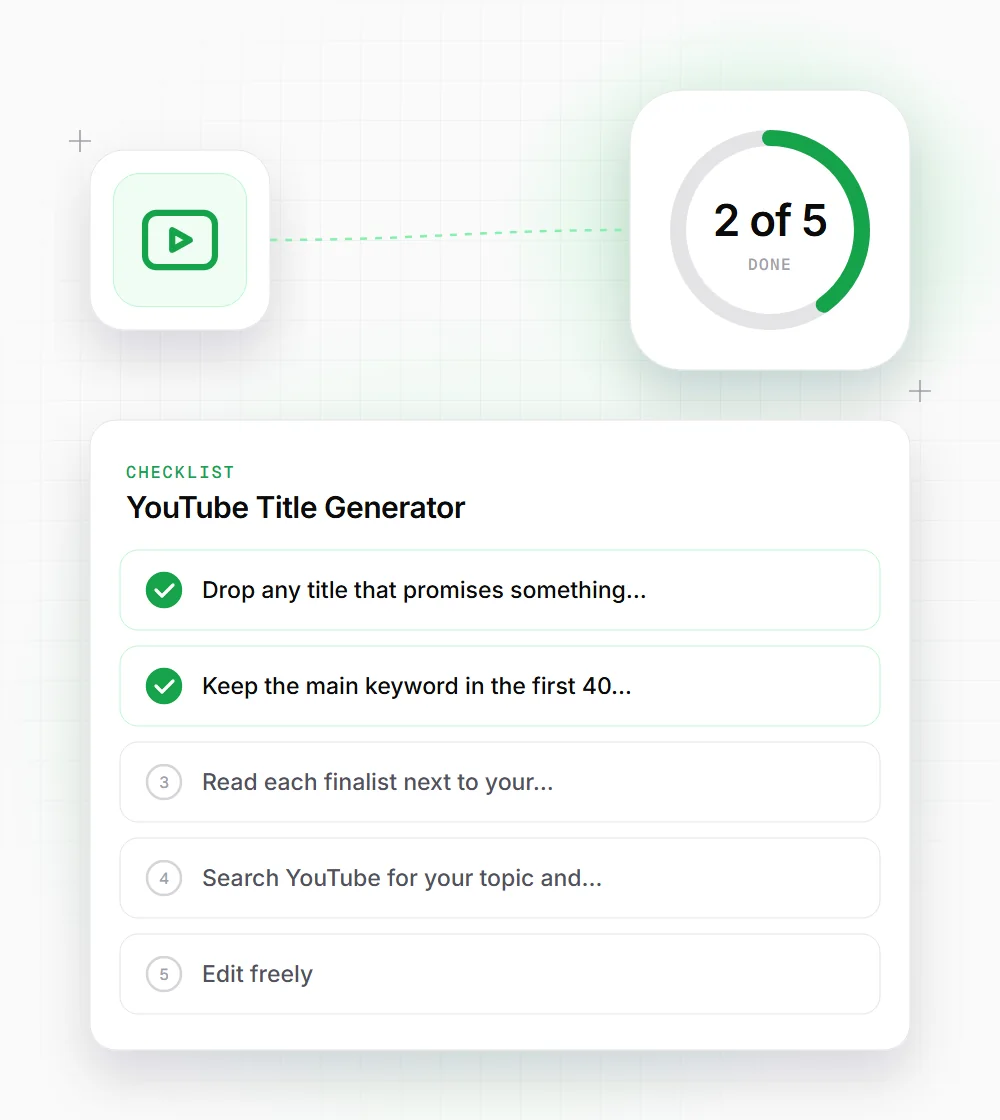
- 01
Drop any title that promises something the video doesn't show. Viewers who feel misled leave in the first minute, and that shows up in your retention graph.
- 02
Keep the main keyword in the first 40 characters so it survives truncation on mobile and in suggested videos.
- 03
Read each finalist next to your thumbnail. The title and image should add to each other, not repeat the same words.
- 04
Search YouTube for your topic and compare. If five top videos use the same format, a different one may stand out.
- 05
Edit freely. Swapping one vague word for a number or a specific result often turns an average title into a good one.