Video Downloader
Paste a public video page link, such as a YouTube watch URL or a Facebook video post, and our server reads the page's metadata. You get the platform, the video title and thumbnail, and a direct video file URL when the page publishes one.
Updated · by the Linkstonic team
What the analyzer can and can't pull
The name says downloader, but it is more accurate to call this a video link analyzer. It reads what a page openly publishes and stops there.
Metadata, not the stream
Our server fetches the page you paste and reads its Open Graph video tags, the same tags social networks use to build link previews. It doesn't log in, run the player or record the stream. If the page doesn't publish a file URL in its tags, there is nothing to hand back.
Platform and title
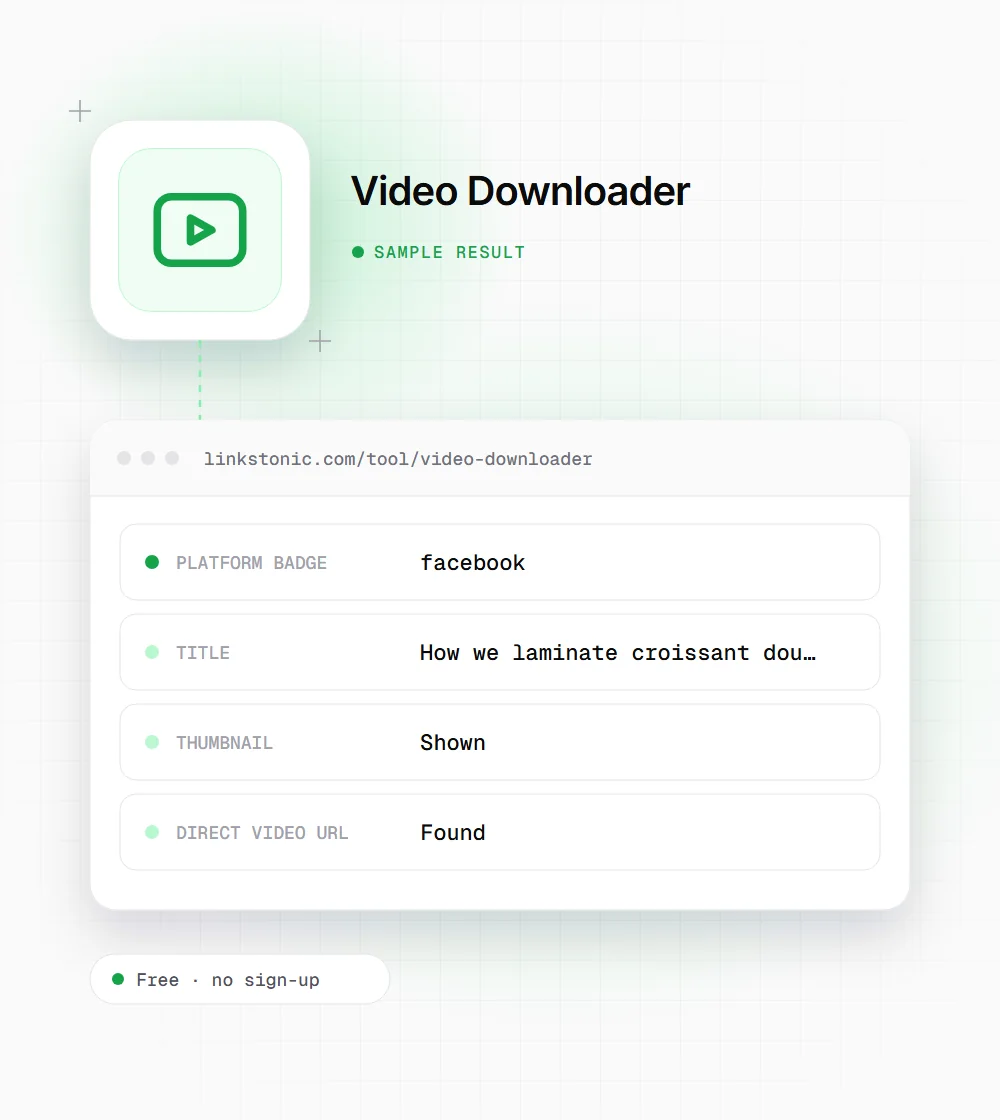
The top card shows a platform badge, the video title and a small thumbnail. These come from the page's own preview tags, so they match what you'd see if you shared the link in a chat app.
Direct video URL
When the page's metadata includes a playable file address, it appears in a green "Direct video URL found" box. You can open that address in a new tab and save the file from there. The box simply doesn't appear when no address is found.
YouTube
YouTube doesn't expose downloadable files in its page metadata, so for YouTube links expect the title and thumbnail but no saveable file, and sometimes a short note explaining why. YouTube Premium offers offline viewing in its app, which is the route YouTube's terms allow.
Public posts only
Because the fetch happens without an account, private videos, friends-only posts, age-gated content and anything behind a login can't be read. If you need to be signed in to watch it, the tool can't see it either.
What comes back for a public post
An illustrative result for a made-up public video post. The values show the shape of the output, not a real fetch.
https://www.facebook.com/examplebakery/videos/1234567890
The file address in a result like this is usually a long signed CDN link that expires after a while. Save the file soon after you run the check, or run it again.
Fair ways to use it
Saving a video file is often legitimate. These are the cases where it usually is.
Brands archiving their own posts
Your team posted a video to a Facebook page and the original file got lost. Pull it back from your own public post so it can go into the brand library or onto your website. Ask whoever filmed it too, since a freelancer may hold the rights.
Social and content managers
Check what title and thumbnail a video link will show when someone shares it. That preview is built from the same tags this tool reads, so a wrong title here means a wrong preview everywhere.
Researchers and journalists
Keep a record of a public video that may be deleted, for reporting or study. Note the original URL and date, and follow your organization's rules on fair use and attribution.
Downloading is easy, permission is the hard part
A public video is not a free video. Copyright stays with whoever made it, and most platforms' terms forbid downloading outside their own features. Use this tool for your own uploads, for content you have written permission to reuse, or for uses the law in your country allows. If you're unsure, ask the creator. It is usually a short message.
From an SEO angle, video files sitting on your hard drive do nothing. If the video is yours, host it on a page on your own site with a descriptive title, a transcript and VideoObject structured data. Google can show that page in video results, and a transcript gives text that AI tools such as Gemini and Perplexity can actually read and quote.
The honest limit is YouTube. It doesn't publish file URLs in its page tags, so this tool won't give you a YouTube file. For your own YouTube uploads, YouTube Studio lets you download an MP4 of each video on your channel. That is the clean route, and it doesn't break anyone's terms.
Before you save a file
A few checks save trouble later, both legal and practical.
- 01
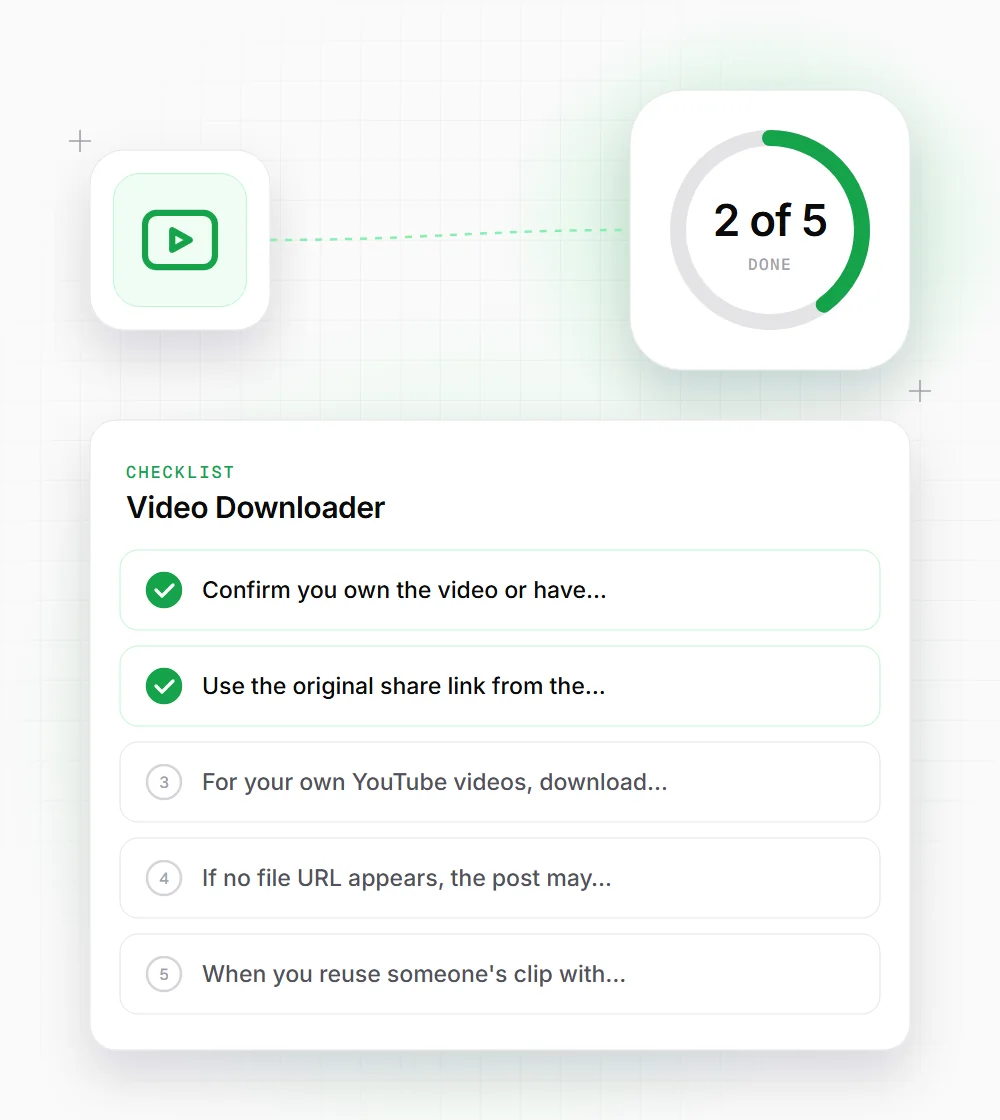
Confirm you own the video or have permission in writing. Screenshots of a DM saying yes are better than nothing.
- 02
Use the original share link from the post, not a link copied from inside an app's in-browser viewer.
- 03
For your own YouTube videos, download from YouTube Studio instead. It is quicker and within YouTube's rules.
- 04
If no file URL appears, the post may be private or the platform may not publish it. Don't try to work around that.
- 05
When you reuse someone's clip with permission, credit them by name and link to the original post.