Hashtag Generator
Enter a topic, choose one of seven platforms and get a set of hashtags split into popular, niche, branded and trending groups. A short strategy note and a suggested number of tags per post come with it, and one click copies the whole set.
Updated · by the Linkstonic team
How the hashtag sets are built
Your topic and platform go to an AI model on Linkstonic's server, and the tags come back sorted into four groups. Each group has a different job in a caption.
Platform choice
The dropdown covers Instagram (the default), X, LinkedIn, TikTok, Facebook, Pinterest and YouTube. The platform is sent along with your topic, so the tags, the strategy note and the recommended count are written for that network. Switch it before generating, not after.
Popular and niche
Popular tags are broad and heavily used, so your post competes with a huge volume of others. Niche tags are narrower and closer to your exact subject. For smaller accounts, the niche group is usually where a post has a real chance of being seen.
Branded and trending
Branded suggestions are tags you could own, built around a business or campaign. Trending tags are the model's idea of what's current for the topic. They're AI-generated, not read from live platform data, so open each one on the platform before you use it.
Strategy note and count
Above the groups, a short strategy note explains how to mix the tags. Below them, a line recommends how many hashtags to use per post on the platform you picked. Treat that count as a starting point and test it against your own results.
Copying the set
Copy all joins every tag from all four groups with spaces, ready for a caption or a first comment. There's no per-group copy, so trim the ones you don't want after pasting. Pressing Enter doesn't run the tool; click Generate Hashtags.
A set for a local cafe
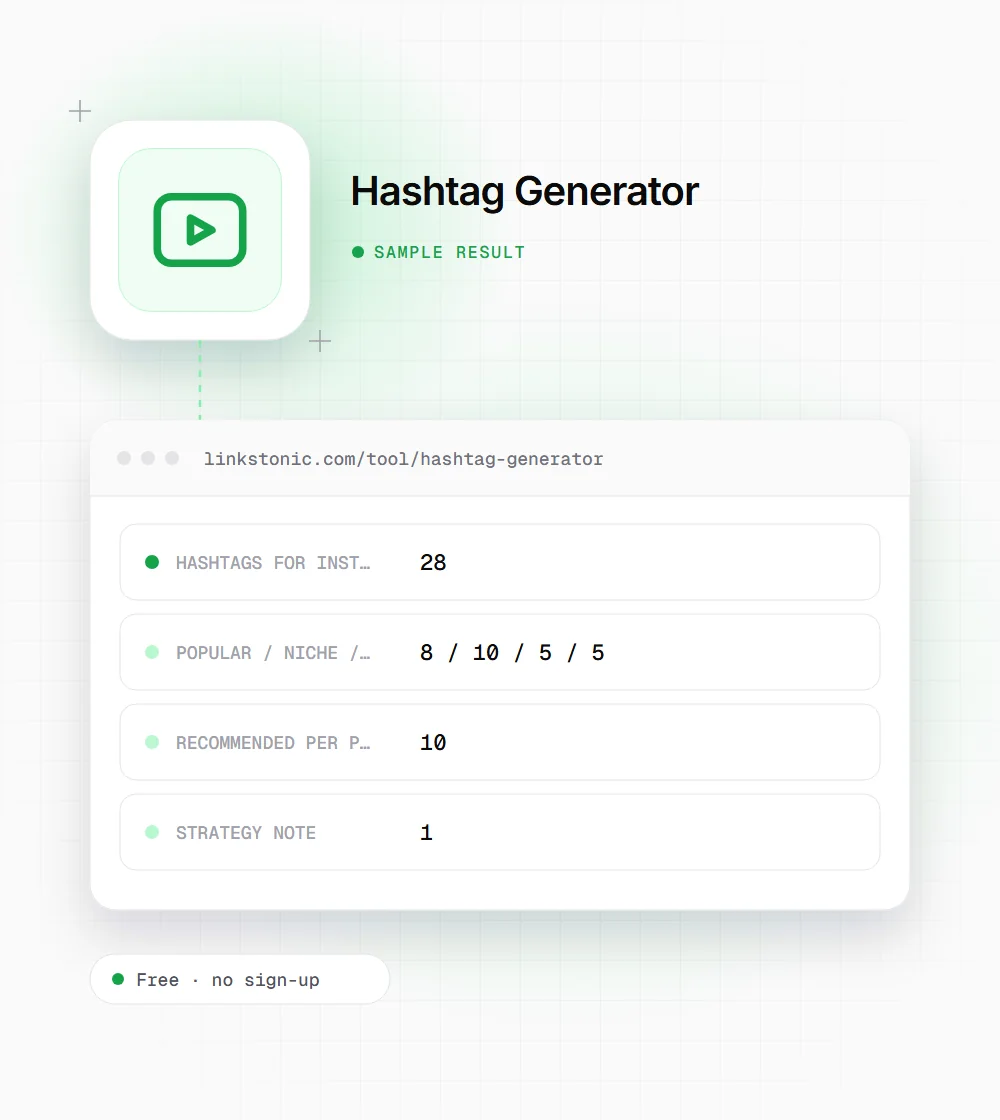
An illustrative result for an Instagram post. Group sizes and the recommended count vary from run to run.
Topic: specialty coffee shop
Platform: instagram
The tool doesn't know the shop's name, so the branded group comes back as generic patterns. Treat those as a template and swap in the real business name before posting.
Who uses it
Most people who open this page are posting today and want a sensible set, not a research project.
Small business owners
A cafe, salon or shop owner posting between customers doesn't have time to research tags. Generate a set once per type of post, save the ones that fit, and reuse them with small changes.
Social media managers
Running several accounts means several niches. The four groups give a quick first draft for a new client or campaign, which you then refine with what the account's own insights show.
Creators trying a new platform
Hashtag habits differ between LinkedIn, TikTok and Pinterest. Switching the platform dropdown and comparing the strategy notes is a fast way to see how conventions change before your first post.
Event and campaign organizers
A product launch, a conference or a charity drive needs one tag people can share. The branded group gives starting ideas; pick one that's short, easy to spell and not already in use.
How much hashtags still matter
Less than they used to. Instagram, TikTok and YouTube lean heavily on the content itself, the caption and how people react, and they recommend posts to people who follow no hashtags at all. A good set of tags helps a platform understand what your post is about. It won't rescue a weak one.
Tags still earn their place in search and in communities. People search hashtags on TikTok and Instagram, and niche groups gather around specific tags. That's why a few precise niche tags usually beat a long wall of popular ones that every post in the category is also using.
Platforms also have hard rules. YouTube ignores all hashtags on a video that has more than 60 of them, and irrelevant or misleading tags break most networks' spam policies. A caption that says in plain words what the post is about helps both people and search features more than a longer list of tags.
Picking from the list
You'll rarely want every tag the tool returns. This is how we narrow a set down.
- 01
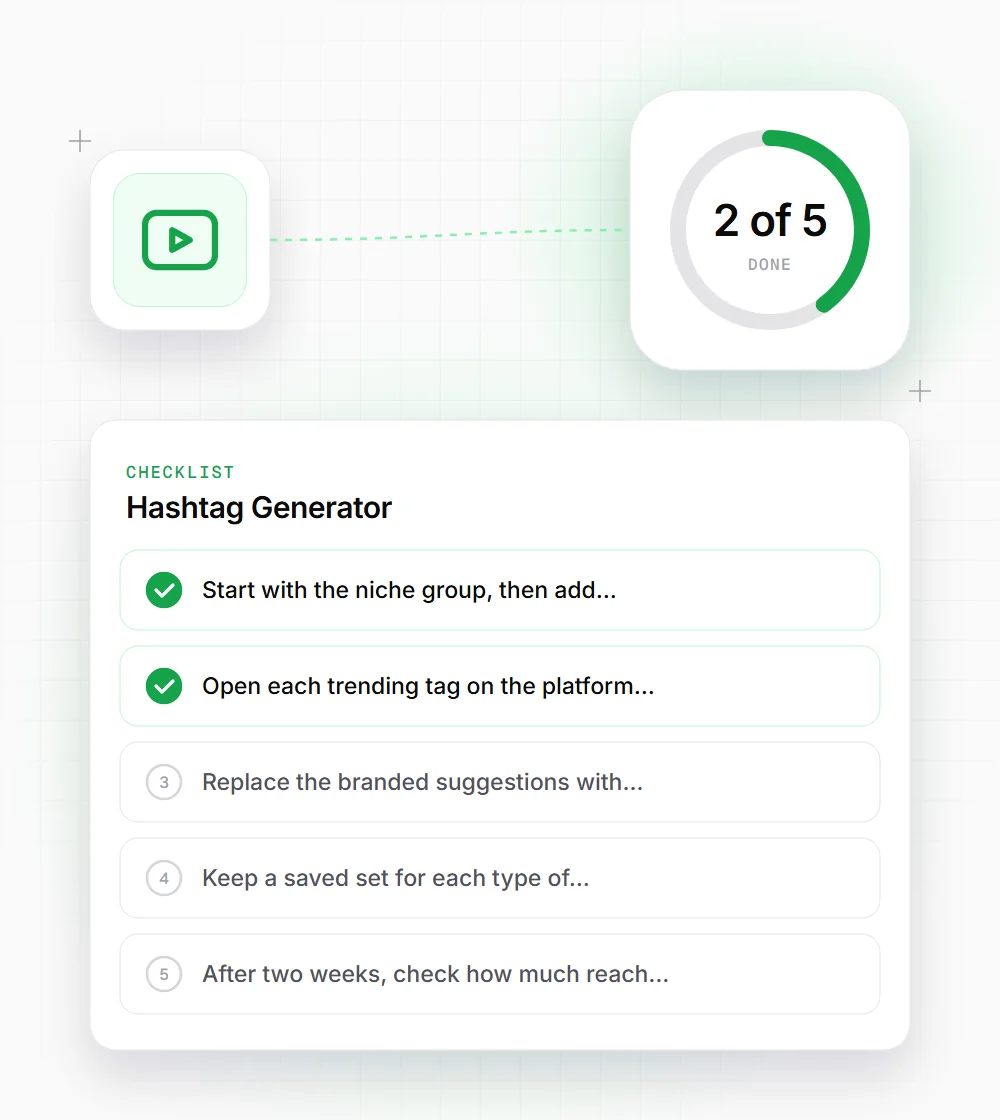
Start with the niche group, then add two or three popular tags. Leave the rest out.
- 02
Open each trending tag on the platform before using it. Some carry meanings or communities you don't want to join.
- 03
Replace the branded suggestions with your real business or campaign name, and use that tag on every post.
- 04
Keep a saved set for each type of content, and rotate tags rather than pasting an identical block every time.
- 05
After two weeks, check how much reach came from hashtags in the platform's insights and drop tags that bring nothing.