Pinterest SEO Checker
Enter the description for a pin, the board you'll save it to and the keywords you want it found for. You get a percentage score and a pass or fail line for each of five checks, updating as you edit.
Updated · by the Linkstonic team
The five checks behind the score
Each check is worth 20%, so the score only moves in steps: 0, 20, 40, 60, 80 or 100. It turns green at 80% and amber at 60%, and anything lower shows in red.
Description length
Passes between 100 and 500 characters, spaces and hashtags included. Pinterest cuts descriptions off at 500, and under 100 there's rarely enough text for search to match against. The detail line shows your exact count.
Keywords in the description
Your comma-separated keywords are each checked as a phrase, ignoring case. One match is enough to pass, and the line shows how many were found, like 1/3. Matching is by substring, so "hike" is found inside "hikes" but "denver hikes" isn't found in "hikes near Denver".
Board name
Passes if the board name contains at least one of your keywords. If you haven't entered any keywords, this check always fails, which is why a strong description can still score 60% until the keyword field is filled.
Hashtags
Counts every # character in the description and passes at five or fewer. It counts symbols, not tags, so a # used in "size #10" or a phone menu option adds to the total as well.
Opening words
Fails if the description starts with hi, hey, hello, "I " or "we ", in any case. The test looks at the first letters only, so a description starting with "Hiking" or "History" fails too because it begins with hi. Reorder the first words if that trips you up.
A hiking pin, scored
Here's a pin for a Denver trails guide, saved to a board called Colorado Hiking Trails, with three target keywords.
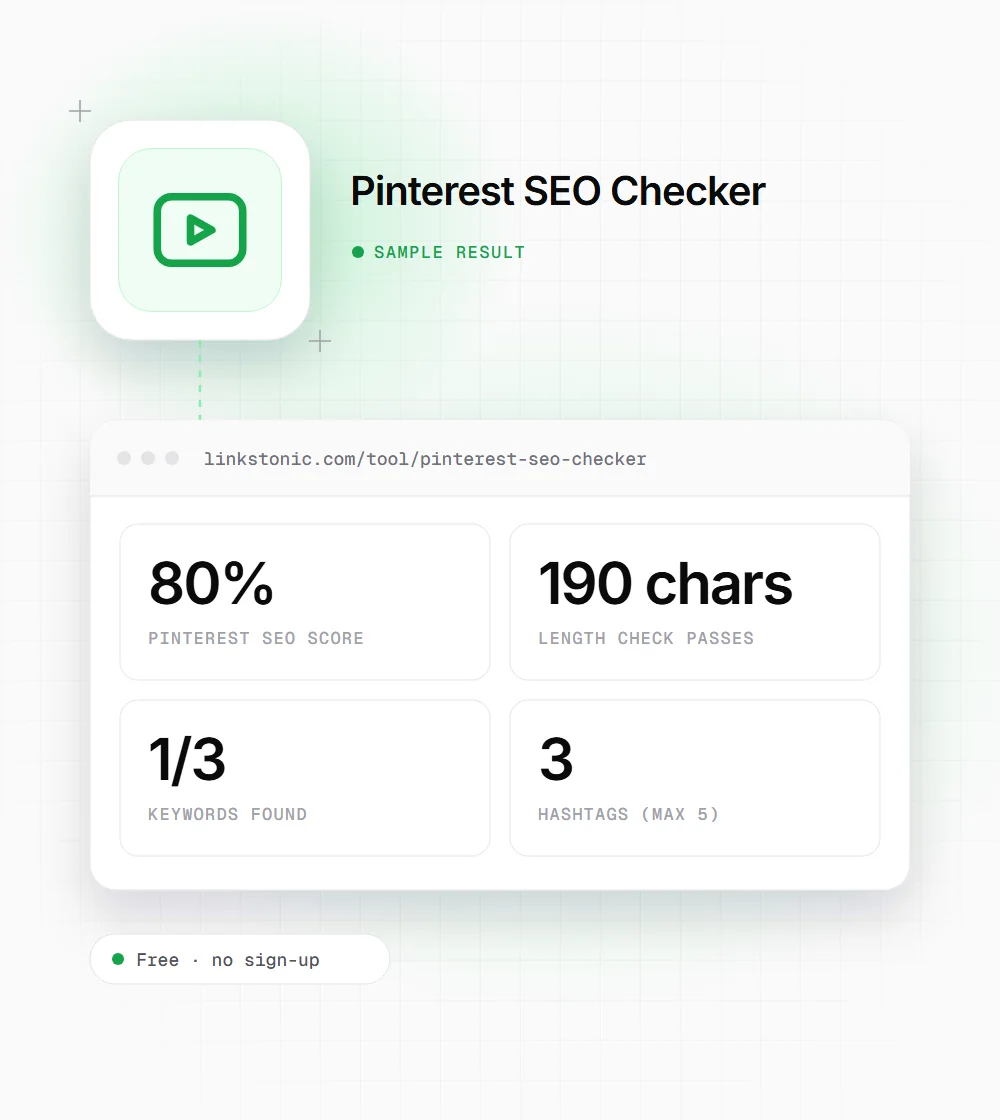
Description: Hiking trails near Denver for beginners: 12 easy day hikes with parking tips, trail lengths and the best months to go. Save this pin for your next Colorado weekend! #hiking #colorado #denver
Board name: Colorado Hiking Trails
Keywords: hiking trails, denver hikes, beginner hikes
The only failure is the opening check, and it's a false alarm: "Hiking" starts with the letters hi. Only one keyword matched because "beginners" and "near Denver" don't contain the exact phrases "beginner hikes" and "denver hikes".
Who runs pins through it
Pinterest traffic depends on search more than most social networks, so the text on a pin matters.
Food and lifestyle bloggers
Recipe and DIY sites often get a big share of referral traffic from Pinterest. Checking each new pin's description before scheduling keeps keyword use consistent across dozens of pins a week.
Ecommerce shops
Product pins need the words shoppers type, like material, style and use, not only the brand name. The keyword check shows at a glance whether the description mentions what the product is.
Social media managers
When several people write pins for one account, a quick score gives everyone the same baseline. It catches the common slips: a one-line description, a pile of hashtags, a greeting as the first word.
Bloggers repurposing old pins
Older pins often have one-line descriptions written before keyword search mattered much on Pinterest. Scoring them in bulk shows which ones need a rewrite first, starting with any under the 100-character minimum.
What the score can't see
The five checks cover text hygiene. Pinterest also reads the image itself, the pin title, the linked page and how people engage with the pin, and none of that is visible to this tool. A 100% score means the description is in decent shape, not that the pin will get distribution.
The keyword checks are the most useful part. Pinterest search works much like a search engine: people type specific phrases like "small balcony garden ideas", and pins whose text matches those phrases get a chance to appear. I'd pick keywords from Pinterest's own search suggestions and write them into sentences a person would actually read.
Pins also show up outside Pinterest. Google indexes pin pages and often shows Pinterest results for visual queries, and AI assistants sometimes cite them for ideas and how-to topics. A clear, specific description is what those systems have to go on, since they can't judge a pin from its image the way a scrolling user does.
Writing a pin description that passes
Most descriptions can hit 100% with small edits.
- 01
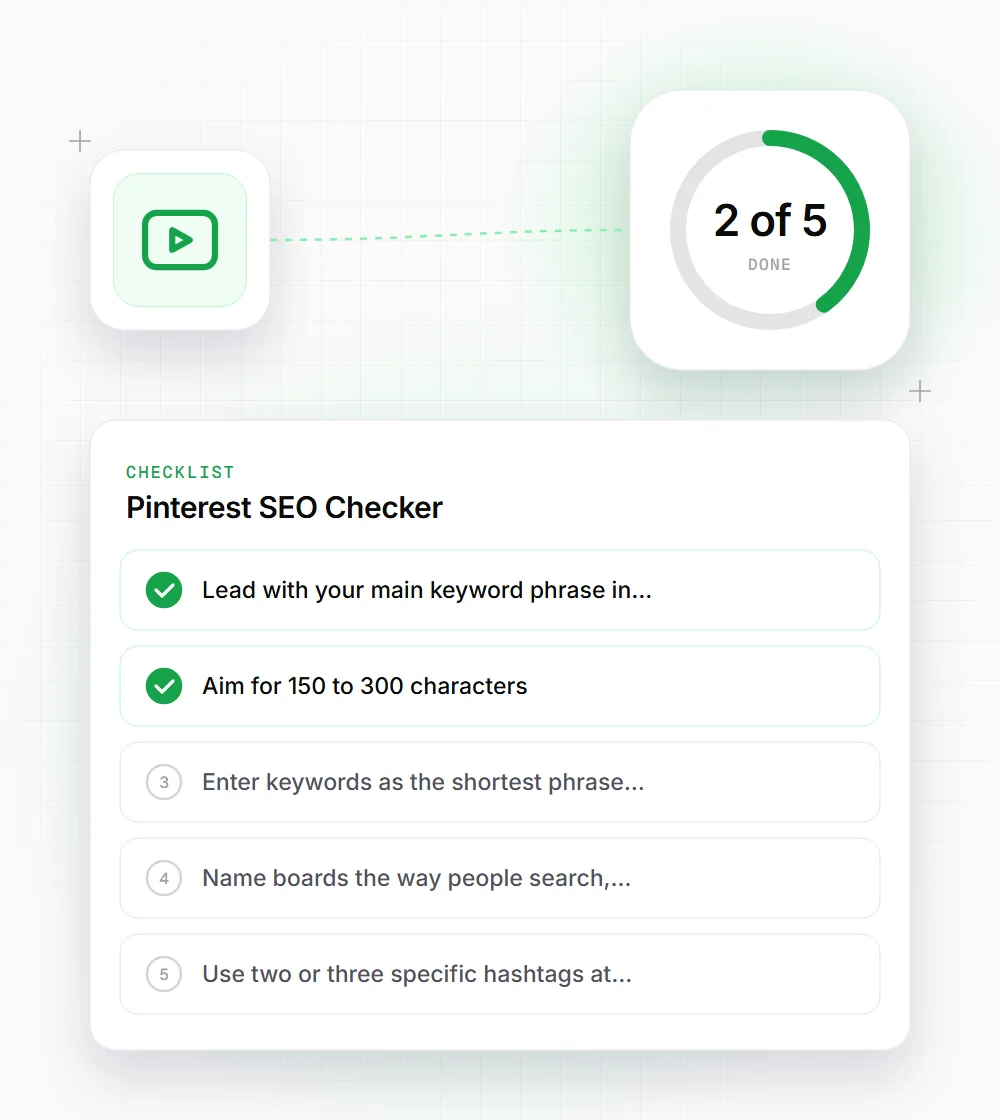
Lead with your main keyword phrase in the first sentence, since only the start of the description shows in many feeds.
- 02
Aim for 150 to 300 characters. That clears the 100-character minimum with room for a benefit and a call to save.
- 03
Enter keywords as the shortest phrase people search, like "denver hikes", then use that exact phrase in the text.
- 04
Name boards the way people search, such as "Easy Weeknight Dinners", not inside jokes or brand slogans.
- 05
Use two or three specific hashtags at the end, or none. The description text does more work than tags.
- 06
If "Hiking", "History" or another word starting with hi fails the opening check, you can safely ignore that one result.