YouTube Tag Generator
Describe your video in a few words, like "how to start a podcast in 2025", and an AI model returns tags sorted into short, main and long-tail groups, with hashtag suggestions underneath. One click copies all the tags as a comma-separated list for YouTube Studio.
Updated · by the Linkstonic team
How the tags come back
The generator is simple on the surface. The grouping and the copy format are the parts worth understanding before you paste anything into YouTube Studio.
Topic in, AI out
Your topic goes to Linkstonic's server, where an AI model writes the tags. You can type a working title or a plain description. Press Enter or click Generate. The button stays disabled until the field has text, and each run can return a slightly different set.
Three tag groups
Short tags are usually one or two broad words, like "podcast". Main tags are the core phrases for the topic. Long-tail tags are the longer, specific searches, like "how to start a podcast with no audience". Each group gets its own colored row, so you can pick a few from each.
Tag count
The counter above the groups adds up short, main and long-tail tags. The tool card says to expect about 25. Hashtags are shown in a separate row and aren't included in that number or in the Copy all button.
Copy all format
Copy all joins every tag with a comma and a space, which is the format YouTube Studio's tag field accepts. Paste it, then delete the tags that don't fit. YouTube counts the tag field against a 500-character limit, so a full set of 25 may need trimming anyway.
Hashtags
The hashtag row is for your description or title, not the tag field. They're shown as outline badges and have to be copied by hand. YouTube shows up to three hashtags from the description above the title.
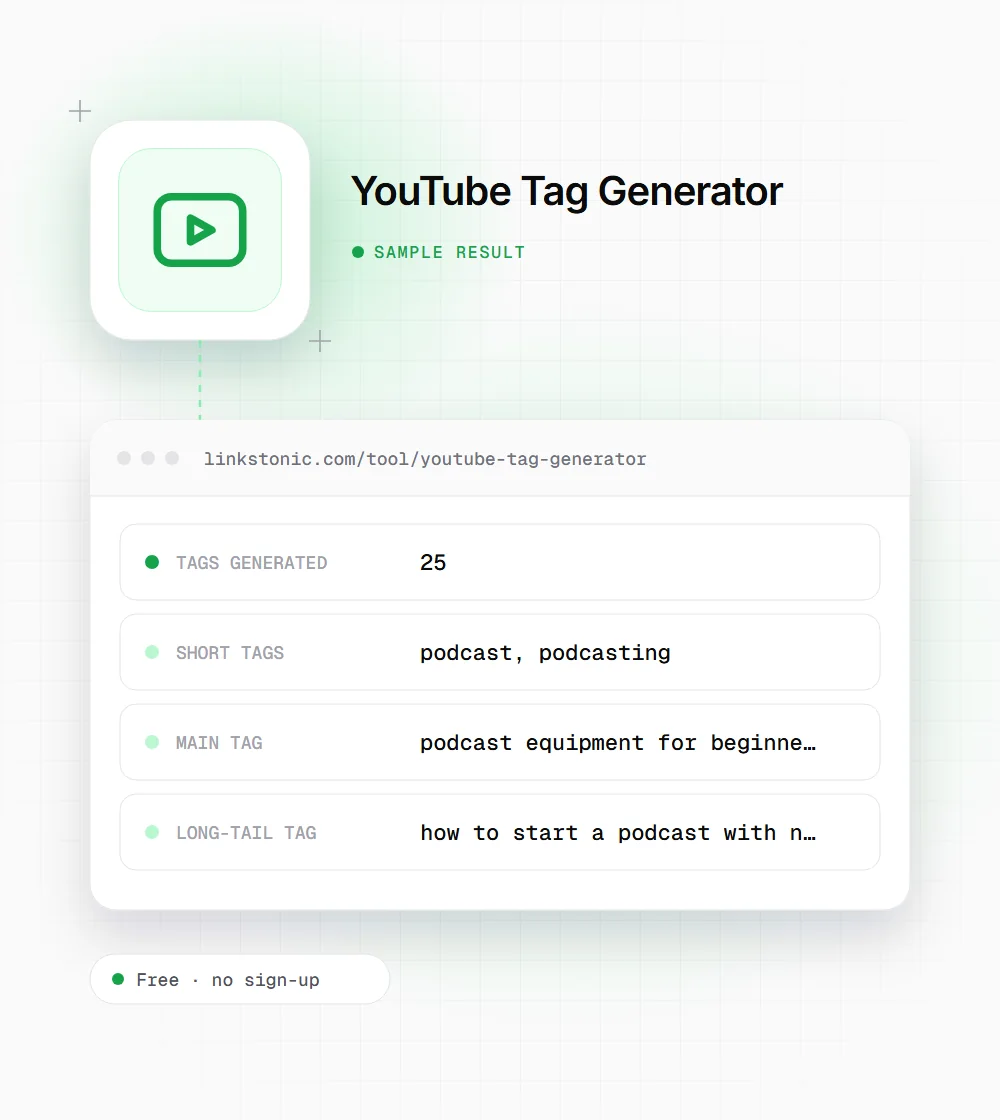
Tags for a beginner podcast video
An illustrative run. The model writes fresh tags each time, so treat these as the kind of result you'll get, not the exact one.
how to start a podcast for beginners
The long-tail tags are often the most useful part. They read like the searches a real beginner types, and a few of them make good lines for your description too.
Who gets the most from it
Tags are a small job, which is exactly why people skip them. These are the cases where a generated list saves real time.
Channels publishing weekly
When you upload often, metadata is the step that gets rushed. Generating a list takes seconds, and trimming it is faster than writing tags from memory at 11 p.m. before the video goes live.
Brands with product names
Product names get misspelled and abbreviated. Tags are one of the few places to cover those variations without cluttering the title, and YouTube's own help pages mention misspellings as the case where tags help most.
Marketers repurposing webinars
A long webinar recording covers many subtopics. Enter the subject of each clip and the long-tail group surfaces specific phrases you can reuse as tags, chapter names and description lines for the shorter versions.
YouTube metadata limits
The tag generator doesn't enforce these, so keep them in mind when you trim the list.
| Field | Limit | What happens past it |
|---|---|---|
| Title | 100 characters | Studio stops accepting more |
| Description | 5,000 characters | Studio stops accepting more |
| Tags (all combined) | 500 characters | The field stops accepting more |
| Hashtags above the title | First 3 from the description | Extra hashtags stay in the description only |
| Hashtags per video | 60 | YouTube ignores all hashtags on the video |
Commas between tags count toward the 500 characters, and a multi-word tag also counts the quote marks YouTube adds around it.
Tags are the last thing to worry about
YouTube's own help center says tags play a minimal role in discovery and are mainly useful when your topic is commonly misspelled. Title, thumbnail and how long people watch do the heavy lifting. So I'd spend two minutes on tags, not twenty, and put the saved time into the thumbnail.
The mistake I see most is pasting 25 generated tags without reading them. Irrelevant tags don't help, and YouTube's spam policies treat excessive or misleading tags as metadata abuse. Keep the ones that describe what's actually in the video. Ten accurate tags beat twenty-five loose ones.
Outside YouTube, video results in Google Search and in AI answers from Gemini or Perplexity lean on the title, description and transcript, which they can read. Tags are hidden from viewers and carry little weight there. If a long-tail tag describes the video well, work that phrase into the description where both people and machines see it.
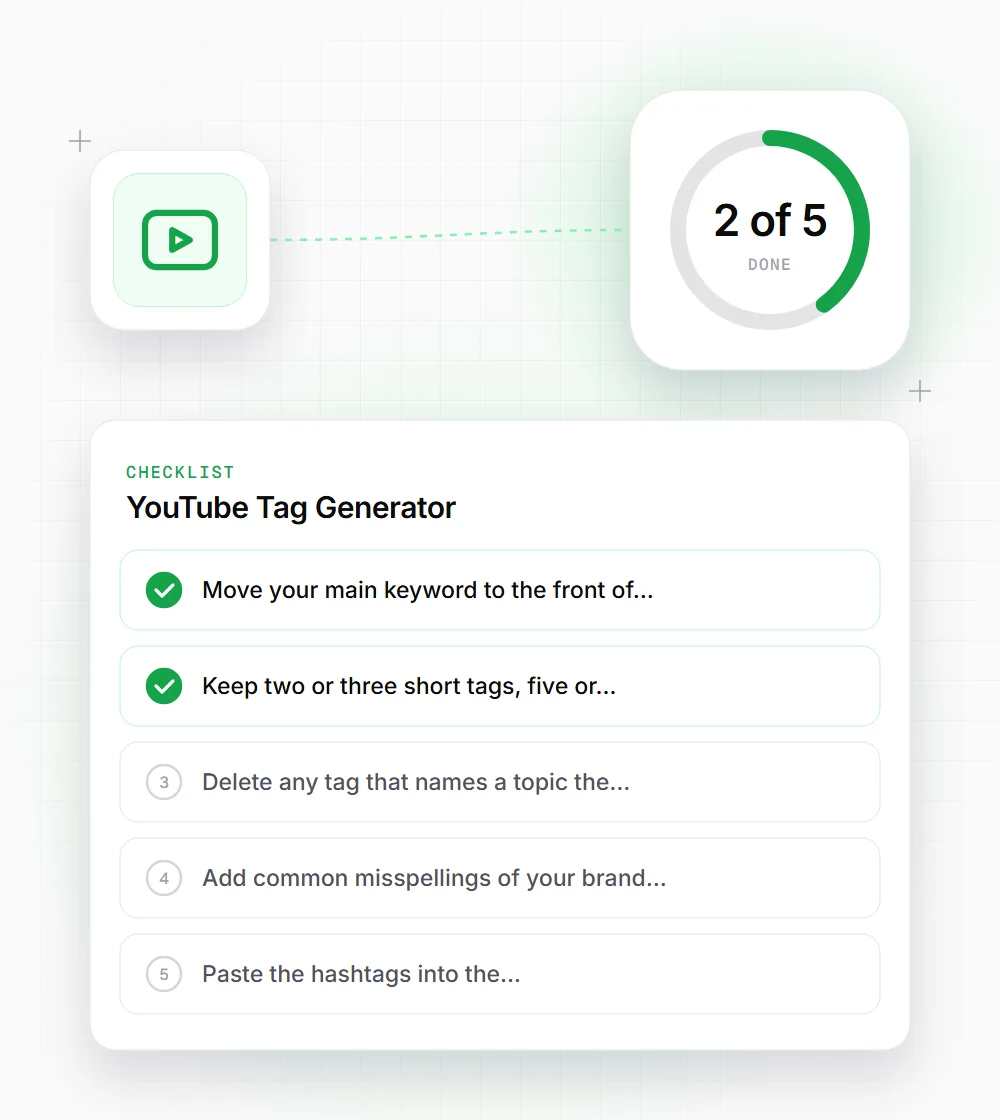
Trimming a generated list
Start with the full list, then cut. This is the order we use.
- 01
Move your main keyword to the front of the list, so it survives if you later trim tags from the end to fit the limit.
- 02
Keep two or three short tags, five or six main tags and a handful of long-tail tags. Drop the rest.
- 03
Delete any tag that names a topic the video doesn't cover, even if it's popular.
- 04
Add common misspellings of your brand or product by hand. The generator won't guess them.
- 05
Paste the hashtags into the description, not the tag field, and keep only the three you'd want above the title.
- 06
Reuse your best long-tail tag as a phrase in the first two lines of the description, where viewers and search engines can actually read it.