LSI Keyword Generator
Type a main keyword and get around 20 related terms and phrases, each rated for relevance and tagged with a search intent, plus a row of related topics. It's a quick way to see which subtopics a page on that keyword is expected to mention.
Updated · by the Linkstonic team
Reading the keyword list
Each term comes back with two badges, and the list is followed by broader topics. Here's where the data comes from and what each label is for.
Where the terms come from
The list is generated by GPT-4o-mini on Linkstonic's server from your keyword alone. It isn't pulled from Google or a keyword database, so there are no search volumes or difficulty scores. Treat it as a well-read colleague brainstorming, then check the terms that matter in a keyword tool.
Relevance badge
Each term is marked high, medium or low relevance, in green, amber or gray. High terms are the ones a page on your topic would look incomplete without. Low terms are adjacent ideas that may deserve a page of their own rather than a paragraph in this one.
Intent badge
A second badge says whether the term reads as informational, commercial, transactional or navigational. A mix is a hint. If half the list is transactional and your page is a how-to guide, those terms probably belong on a product or pricing page instead.
Related topics
Below the list, related topics appear as tags. They're broader themes, not phrases to paste into copy. Use them to plan H2 sections or to spot a supporting article you haven't written yet.
Copy and input
Copy all puts every term on its own line, ready for a spreadsheet or a brief. Press Enter or click Generate; the button stays off until the box has text. A specific keyword such as "trail running shoes for wide feet" gives sharper results than "shoes".
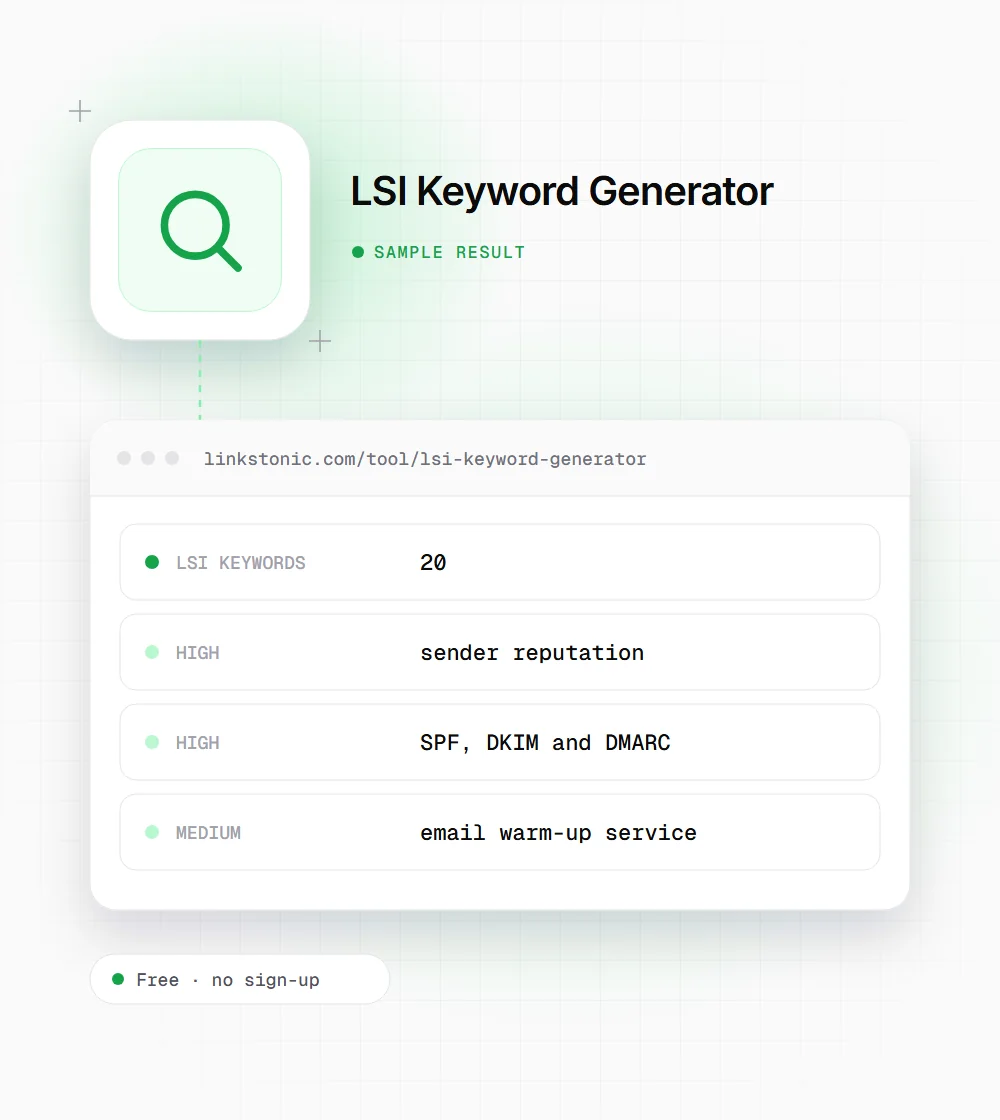
One keyword, expanded
An illustrative result for a common marketing keyword. The model returns a fresh list on each run, so yours will differ.
email deliverability
The commercial terms are the ones to watch. "Email warm-up service" comes from people comparing products, which suits a comparison page better than a deliverability guide.
Who uses a related-terms list
The list is small and quick, so it tends to show up at the start of a piece of work.
SEO writers
Before drafting, pull the high-relevance terms into the brief as subtopics to cover. It catches the obvious gaps, like a guide to deliverability that never mentions bounce rate, before an editor has to point them out.
Content strategists
The related topics row is a cheap way to sketch a topic cluster. Each broad theme can become a supporting article that links back to the main page, and the intent badges suggest which ones are commercial.
Editors refreshing old pages
Run the page's main keyword and compare the list with what the page already says. Missing high-relevance terms usually point to a section that needs adding, not a word that needs sprinkling in.
PPC and product marketers
The commercial and transactional terms are a starting list for ad groups and landing page copy. Check them against real query data before bidding, since the tool doesn't report volume or cost.
About the name "LSI"
Latent semantic indexing is an information retrieval method from the late 1980s, and Google has said plainly that there's no such thing as "LSI keywords" in how it ranks pages. The label stuck in SEO anyway, as shorthand for related terms. That's what this tool gives you: words and concepts that come up around a topic, not a hidden ranking formula.
Related terms still matter, for a plainer reason. A page that really covers a topic ends up using its vocabulary. A guide to email deliverability that never mentions SPF or bounce rate reads as thin to anyone who knows the subject. Use the list as a checklist of subtopics, never as words to scatter through the copy.
AI answers make coverage more visible. When ChatGPT or an AI Overview answers a question, it draws on passages that address the specific sub-question asked. A page with a clear section for each related concept gives those systems more to work with than one that repeats the main keyword ten times.
Turning the list into a better page
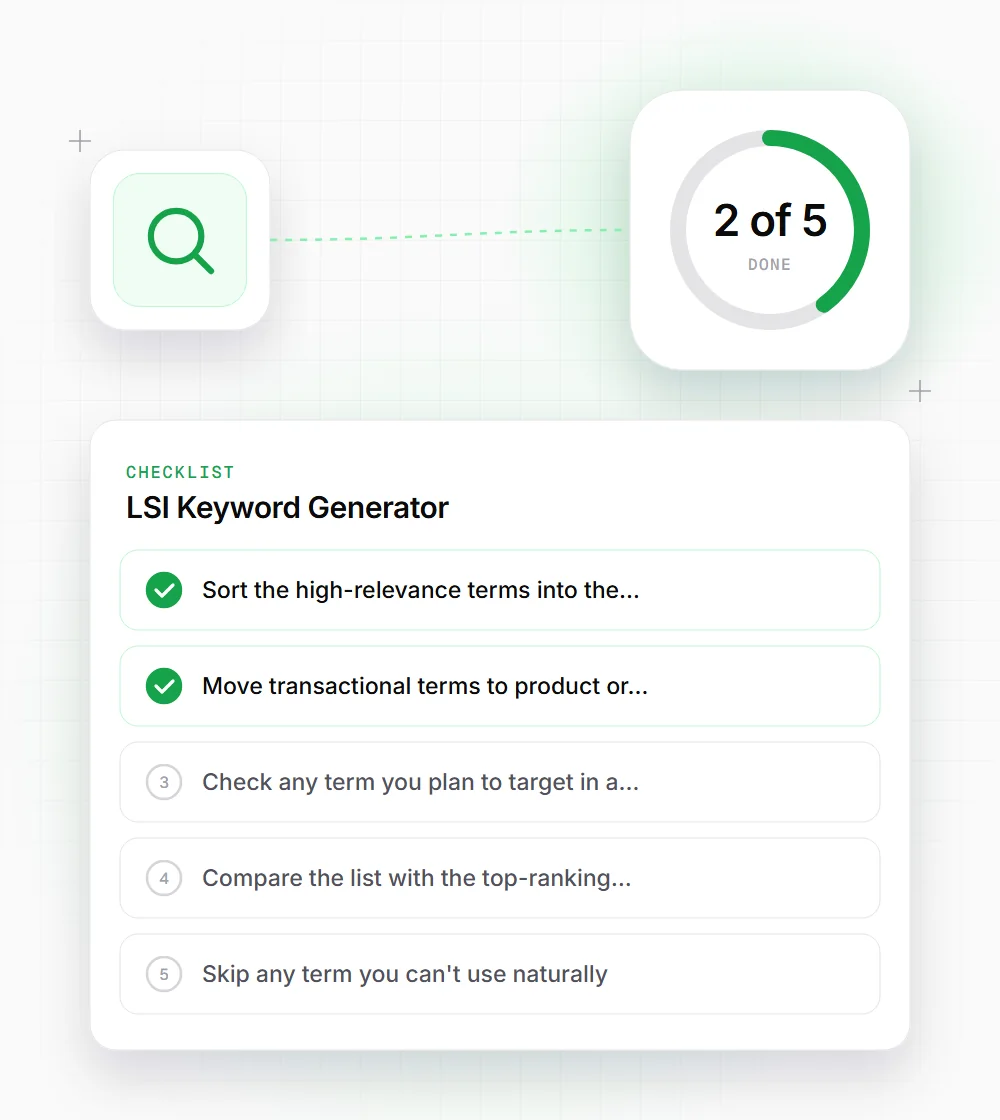
A list of terms is only useful once it changes the outline. This is how we work through one.
- 01
Sort the high-relevance terms into the sections where they belong, and add a new section for any that don't fit anywhere.
- 02
Move transactional terms to product or pricing pages rather than forcing them into an informational guide.
- 03
Check any term you plan to target in a tool with real search volume data before building a page around it.
- 04
Compare the list with the top-ranking pages. Terms they all cover and you don't are the gaps to fill first.
- 05
Skip any term you can't use naturally. A forced phrase reads worse than a missing one.
Related free tools
People Also Ask Extractor
Turn a keyword into question ideas for headings and FAQs.
Open tool Free toolKeyword Density Checker
See how often each term already appears in your draft.
Open tool Free toolQuery Fan-out Simulator
Preview the sub-queries an AI search might split a question into.
Open tool