People Also Ask Extractor
Enter a keyword and get about 15 questions of the kind that appear in Google's People Also Ask box, each tagged by question type and intent. The questions are written by AI, not scraped from Google, so treat them as a research list to check against live results.
Updated · by the Linkstonic team
What the extractor actually does
The name suggests it pulls questions out of Google. It doesn't. Here's what happens instead, and how to read what comes back.
Generated, not scraped
Your keyword goes to Linkstonic's server, where an AI model writes the questions people are likely to ask about it. No search results page is fetched. The tool's own note says to verify the questions against live SERPs, and that's the right way to use it.
Question type
Each question starts with a colored badge: what, how, why, when, who, which, or other for anything that doesn't fit. Scanning the badges shows at a glance whether searchers want definitions (what), a process (how) or a comparison (which).
Intent label
On the right, each question carries an intent label. "Which CRM is best for a small team" behaves differently from "what is a CRM", and the two usually deserve different pages. The label helps you sort the list into the page each question belongs on.
Count and copy
The header shows how many questions came back and the keyword they're for. The tool is set up to return about 15. Copy all puts one question per line, the format most FAQ blocks, content briefs and spreadsheets expect.
Choosing a keyword
Press Enter or click Extract; the button stays disabled until you type something. Broad one-word keywords return generic questions. Add a qualifier, such as a place, an audience or a product type, and the questions get specific enough to be worth answering.
Questions for a how-to topic
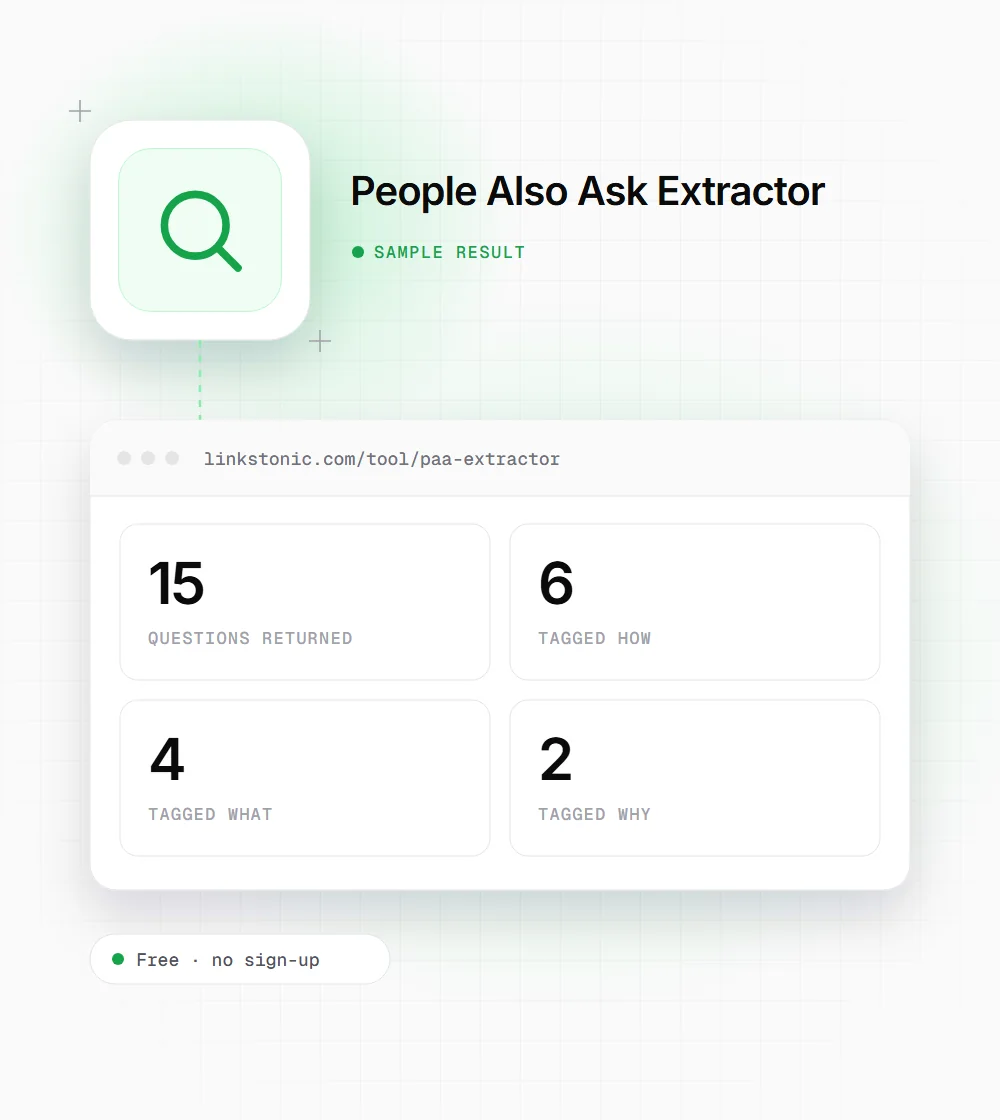
An illustrative result. Each run generates a fresh list, so the exact questions and counts will change.
composting at home
How questions dominate, which tells you searchers want a process. A step-by-step guide with a few short answers underneath fits this keyword better than a long explainer.
Who uses question lists
Questions are the most direct view of what people want to know, so they're useful well beyond FAQ sections.
Content writers
Turn the strongest questions into H2 and H3 headings, then answer each one in the first sentence below it. The outline practically writes itself, and every section has a clear job.
Support and product teams
Run your product category as the keyword. The questions that come back are the ones prospects ask before buying, and many deserve an answer in your help center or on the pricing page.
Video and podcast creators
A list of 15 questions is a ready-made episode plan or a set of short videos. Pick the ones you can answer from experience, since those are the ones viewers can't get from a generic article.
SEO leads planning content
Run the main keywords of a topic cluster one by one. Questions that come up under several keywords are strong candidates for a dedicated article, and the rest can be answered inside existing pages.
Using PAA-style questions without overdoing it
Google's People Also Ask box is one of the few places it shows publicly which follow-up questions it connects to a search. Answering those questions on your page is a sensible way to cover a topic. This tool guesses at them, though. Before you build a page around a question, search the keyword and see whether Google shows it or something close.
The common mistake is bolting fifteen questions onto the bottom of every article as an FAQ. Google limited FAQ rich results to well-known government and health sites in 2023, so FAQ markup rarely changes how your listing looks. Put the best questions in as headings where they fit in the article, and answer each one in its first sentence.
Question-shaped headings do help with AI answers. ChatGPT, Perplexity and AI Overviews are answering questions, and a heading that matches the question followed by a direct two-sentence answer is easy for them to lift. That makes the list useful even when Google's own PAA box for your keyword looks different.
From question list to outline
Fifteen questions is too many for one page. This is how we cut the list down.
- 01
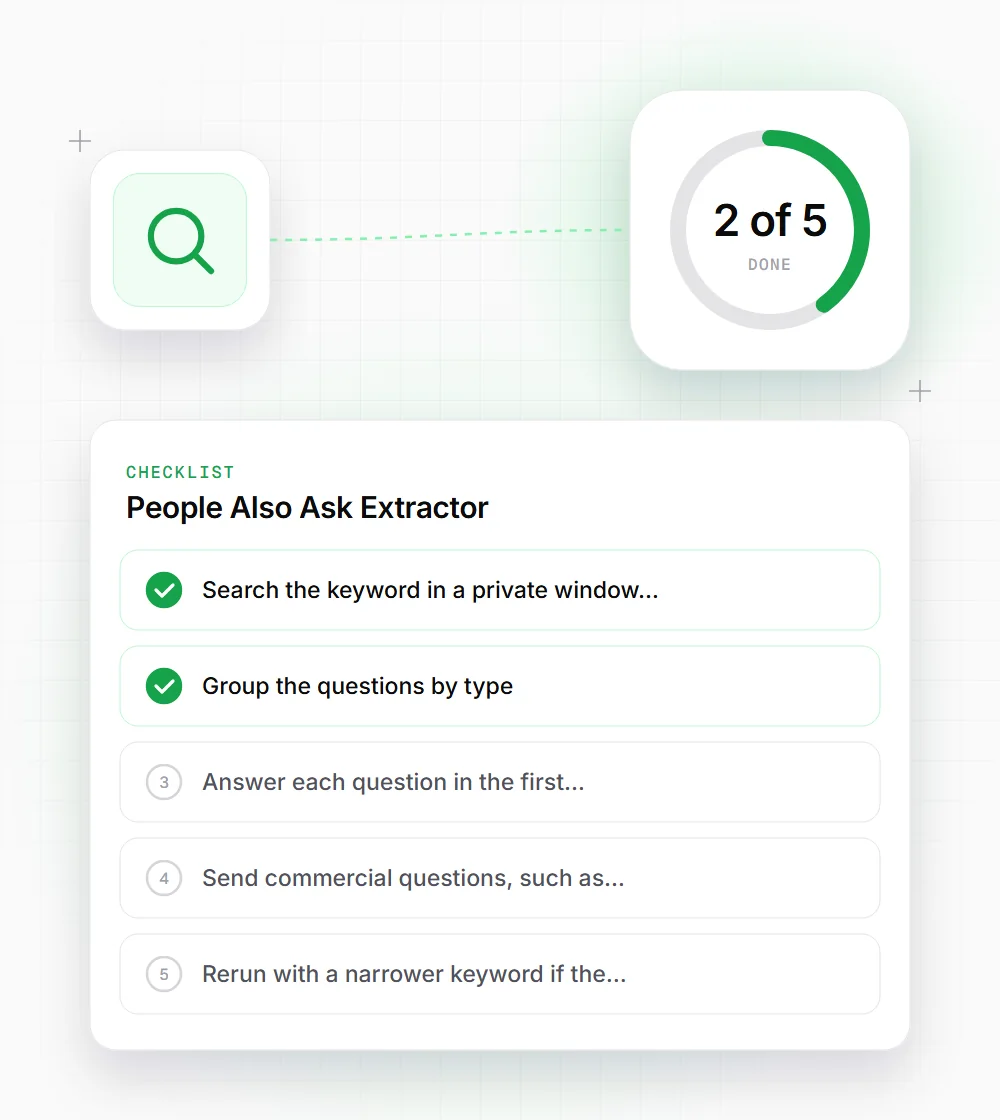
Search the keyword in a private window and tick off the questions Google also shows. Start with those.
- 02
Group the questions by type. A cluster of how questions often becomes one step-by-step section.
- 03
Answer each question in the first sentence under its heading, then add detail and examples below it.
- 04
Send commercial questions, such as which product is best, to a comparison page instead of the guide.
- 05
Rerun with a narrower keyword if the questions come back generic or read like a textbook index.