FAQ Generator
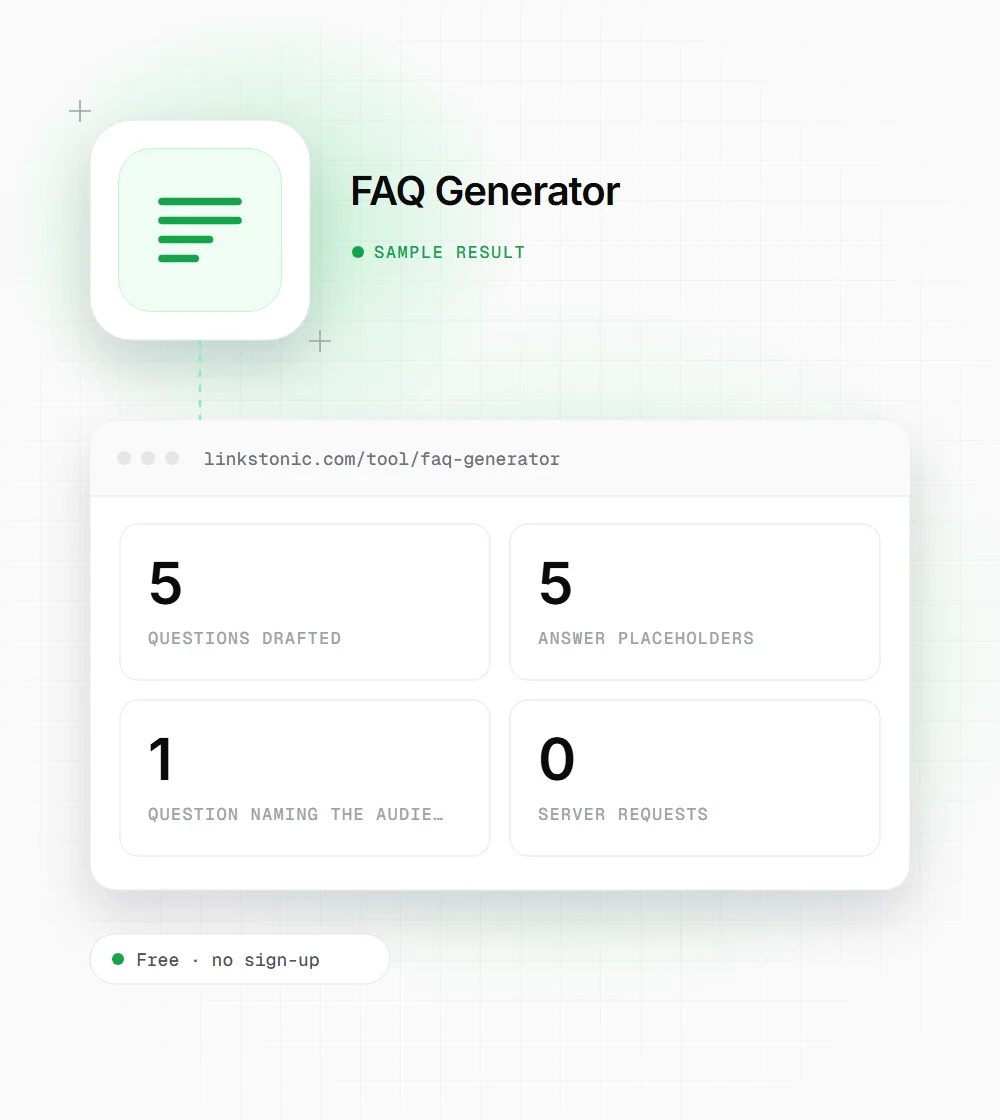
Type the product, service or topic you want an FAQ for, and who it's aimed at. You get five starter questions in Markdown, each followed by a placeholder where your own answer goes, ready to copy into a page or brief.
Updated · by the Linkstonic team
How the questions are built
The generator uses a fixed set of question patterns. Knowing what they are makes it easier to decide which to keep and what to add.
Five fixed patterns
Every run asks the same five things about your topic: what it is and who it's for, how to get started, its main benefits for your audience, how it compares to alternatives, and what support or resources exist. The order never changes.
Topic goes in as typed
Your topic is dropped into each question exactly as you entered it, with the same capitalization. "Rank tracking software" and "rank tracking software" give different output, so type it the way you'd write it mid-sentence.
Audience appears once
The audience field starts as "customers" and only shows up in the benefits question: "What are the main benefits of X for agencies?". If you clear the field, that question ends with "for ?", so leave something in it.
Answers are placeholders
Each answer line is a bracketed prompt asking for a concise, factual answer with citations, numbered one to five. The tool doesn't write answers. That's deliberate: FAQ answers need your real prices, policies and facts.
Markdown output
Questions come out as bold "Q:" lines and answers as "A:" lines, with a blank line between pairs. The Draft FAQs button stays disabled until the topic field has text, and the copy button grabs the whole block.
One run, start to finish
We entered a topic and changed the audience from the default. The tool made no server request; this is the exact output shape.
Topic: rank tracking software
Audience: agencies
The third question reads "What are the main benefits of rank tracking software for agencies?". It's the only one that changes with the audience, so swap in audience-specific wording by hand on the other four.
Who starts from a question list
A blank FAQ section is oddly hard to begin. These are the people who use this to get past it.
Small business owners
You know the answers because customers ask them every week. The five prompts give you a starting order; replace any that don't fit with the questions from your inbox and you have a usable FAQ page in an hour.
Product marketers
Launch pages need an FAQ, and the comparison and getting-started questions are the ones buyers expect. Use the draft to agree with sales and support on the answers before anyone writes copy.
Content strategists
Paste the output into a brief as the FAQ section outline. The writer sees exactly which questions to cover, and the placeholders remind them to cite sources rather than pad.
Support teams
Run it for each product line and compare the five prompts with your ticket tags. Wherever a prompt has no matching ticket, drop it; wherever a busy tag has no prompt, add that question instead.
FAQ sections after the rich result cutback
In August 2023 Google limited FAQ rich results to well-known, authoritative government and health sites. For most sites, FAQPage markup no longer produces the expandable questions under a search result. Plenty of people still add it, and it does no harm, but it's no longer the reason to write an FAQ.
The reason now is answers. Google's AI Overviews, ChatGPT and Perplexity look for a clear question followed by a direct answer, and a well-written FAQ is exactly that. The catch is the questions have to be real ones. Five generic prompts will only get you so far.
My advice: use this output as a skeleton, then replace at least two of the five questions with ones pulled from support tickets, sales calls or People Also Ask. Answer each in two to four sentences with a concrete fact. An FAQ that repeats your homepage is wasted space.
Writing answers worth reading
The placeholders tell you what to write. These notes cover how.
- 01
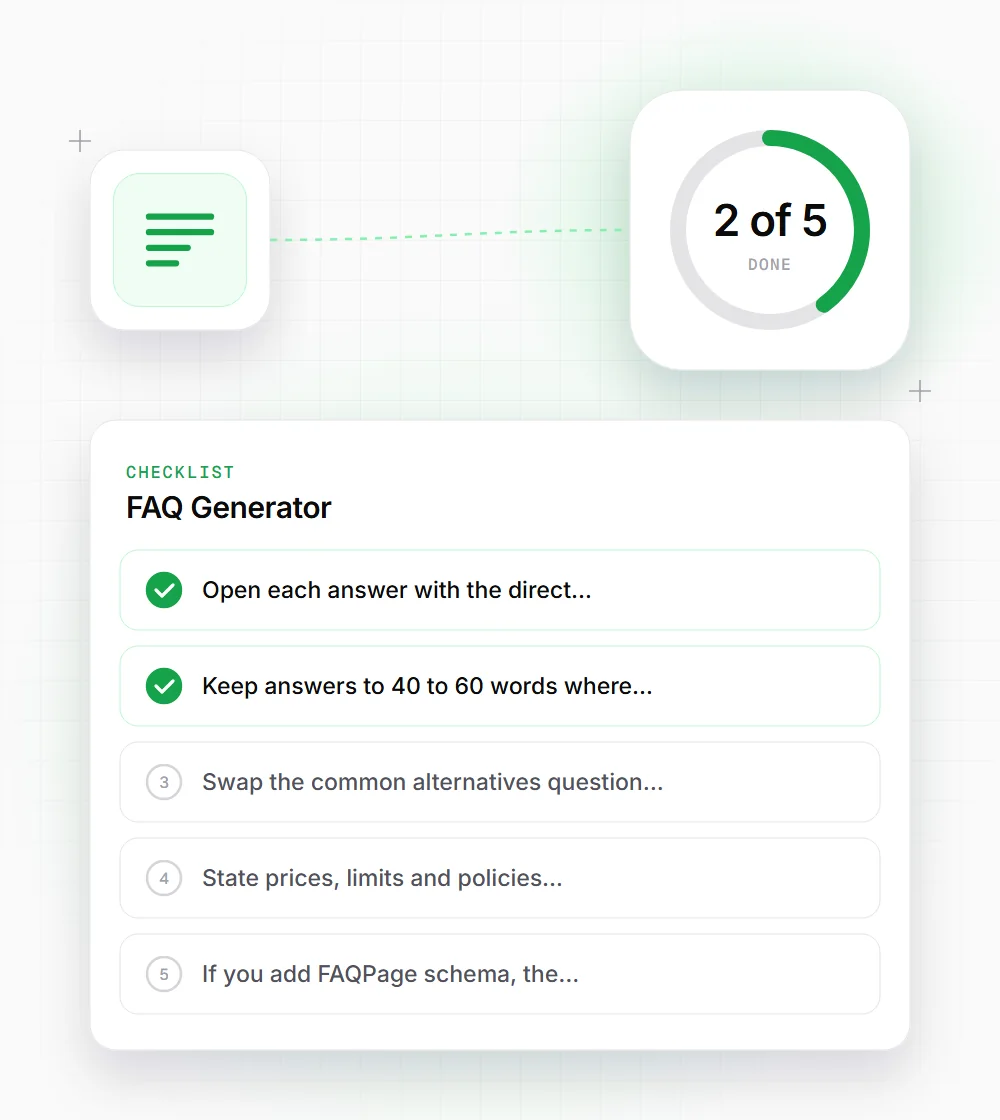
Open each answer with the direct response: yes, no, a number or a name. Explanation comes in the second sentence.
- 02
Keep answers to 40 to 60 words where you can. Longer topics deserve their own page, linked from the FAQ.
- 03
Swap the "common alternatives" question for a named comparison if buyers really ask it, such as "How is X different from Y?".
- 04
State prices, limits and policies exactly and date them if they change. Vague answers are the ones people call support about.
- 05
If you add FAQPage schema, the marked-up text must match what's visible on the page.
- 06
Order the questions by how often people ask them, not by the template order. The most common question belongs at the top of the section.