Schema Generator
Choose a schema type, type a name or headline, add the page URL and get a formatted JSON-LD block you can copy with one click. The output is a starting skeleton for Article, FAQPage, Product or LocalBusiness markup, not a finished implementation, so plan to add fields before you ship it.
Updated · by the Linkstonic team
What each type gives you
The generator fills only a few properties per type. Here is exactly what lands in the output, so you know what's still missing.
Article
You get @type Article with your headline, your URL and a datePublished set to today's date. The date comes from your device in UTC, so late in the evening in the Americas it may already read tomorrow. Author, image and dateModified are not included.
FAQPage
This type ignores both the name and URL fields. It always outputs one placeholder question, "Question 1?", with the answer "Answer 1." Treat it as a template: replace the text and copy the Question block once for every question visible on your page.
Product
You get the product name and an offers object with priceCurrency set to USD and availability set to InStock. There is no price and no URL, even if you filled the URL field. Add the price, and change the currency and stock status to match the page.
LocalBusiness
The output holds only the business name and URL. Google's local business markup needs an address as well, and it's worth adding telephone, openingHoursSpecification and geo coordinates. If a more specific type fits, such as Dentist or Restaurant, use it in place of LocalBusiness.
Empty and default fields
Leave the name blank and you get a placeholder such as "Article title" or "Product name" in the markup. The URL box starts as https://, and if you leave it like that, the bare https:// goes into the output. Clear the box completely and the url property is left out.
An Article block for a blog post
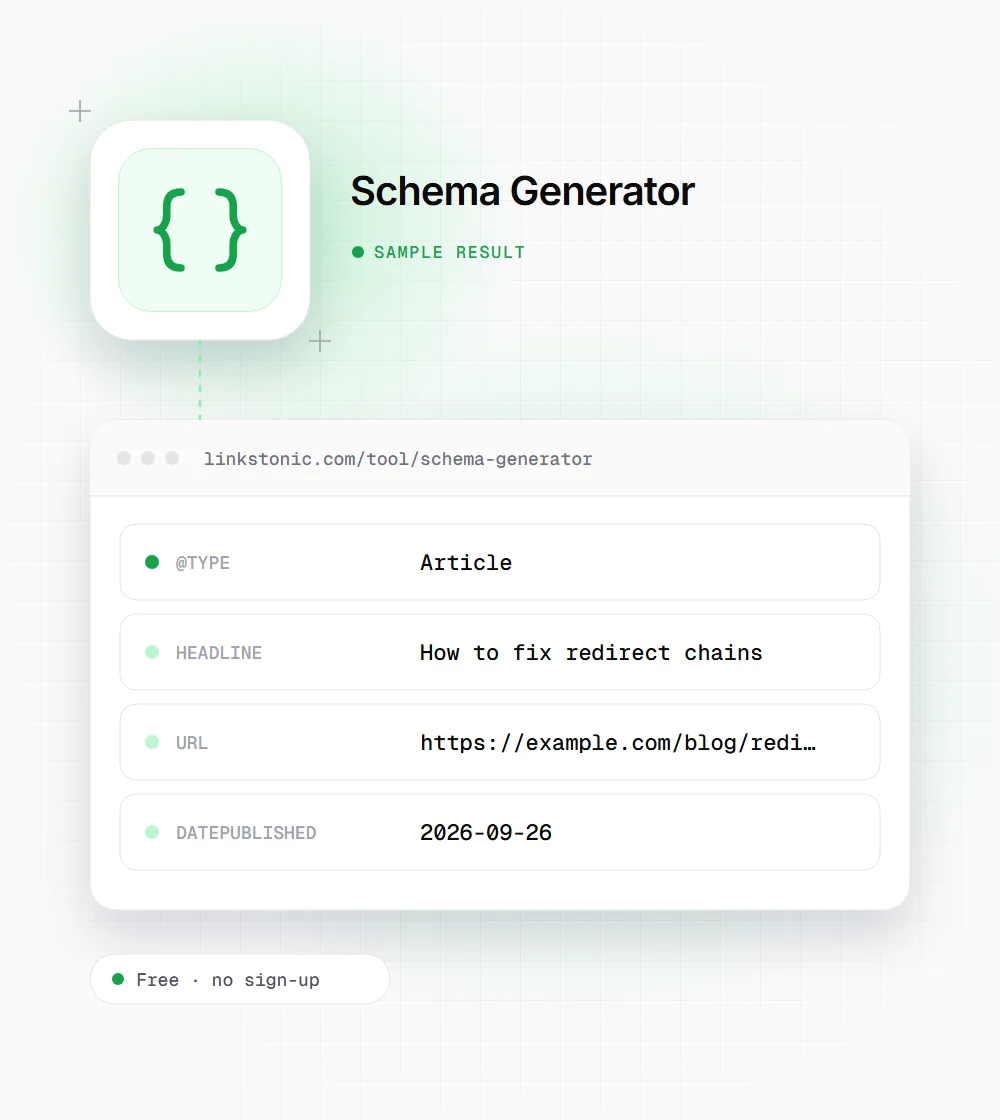
We picked Article, typed a headline and pasted the post's URL. Generated on September 26, 2026, the block contains these properties.
Type: Article
Name / headline: How to fix redirect chains
Canonical URL: https://example.com/blog/redirect-chains
The date is the day you click Generate, not the day the post went live. For an older post, change datePublished to the real date and add dateModified if you've updated it.
Who starts from a skeleton
A bare block is most useful when you know what to add but don't want to type the brackets.
Bloggers on simple CMSs
If your platform has no schema plugin, generate an Article block here, add your author name and a featured image URL, and paste it into a custom HTML field in the post template.
Local business owners
Start the LocalBusiness block with your name and site URL, then add the street address, phone and hours exactly as they appear on your Google Business Profile and your contact page.
Developers building templates
Generate the base object, swap the values for template variables, and let the CMS fill them per page. It saves typing the @context and nesting by hand for the first pass.
Markup is a label, not a ranking boost
Structured data tells search engines what a page is about in a form they don't have to guess. Google uses it to decide whether a page is eligible for rich results like product prices or review stars. Eligible is the key word: valid markup doesn't guarantee anything shows, and Google says so plainly.
The FAQPage option needs a warning. Since August 2023, Google only shows FAQ rich results for well-known, authoritative government and health sites. For most businesses the markup still describes the page accurately, but it won't produce the expandable questions in search it once did. I'd still add it where a page has a real FAQ, and not expect a visual change.
For AI answers, markup helps most with entities: who wrote this, which business this is, what the product costs. ChatGPT, Perplexity and Gemini read the page text too, so the markup has to match what's visible. Google's guidelines say markup must describe content that's on the page, and markup that doesn't can lead to a manual action.
Before the block goes live
A starter block needs a few minutes of work. This is our checklist.
- 01
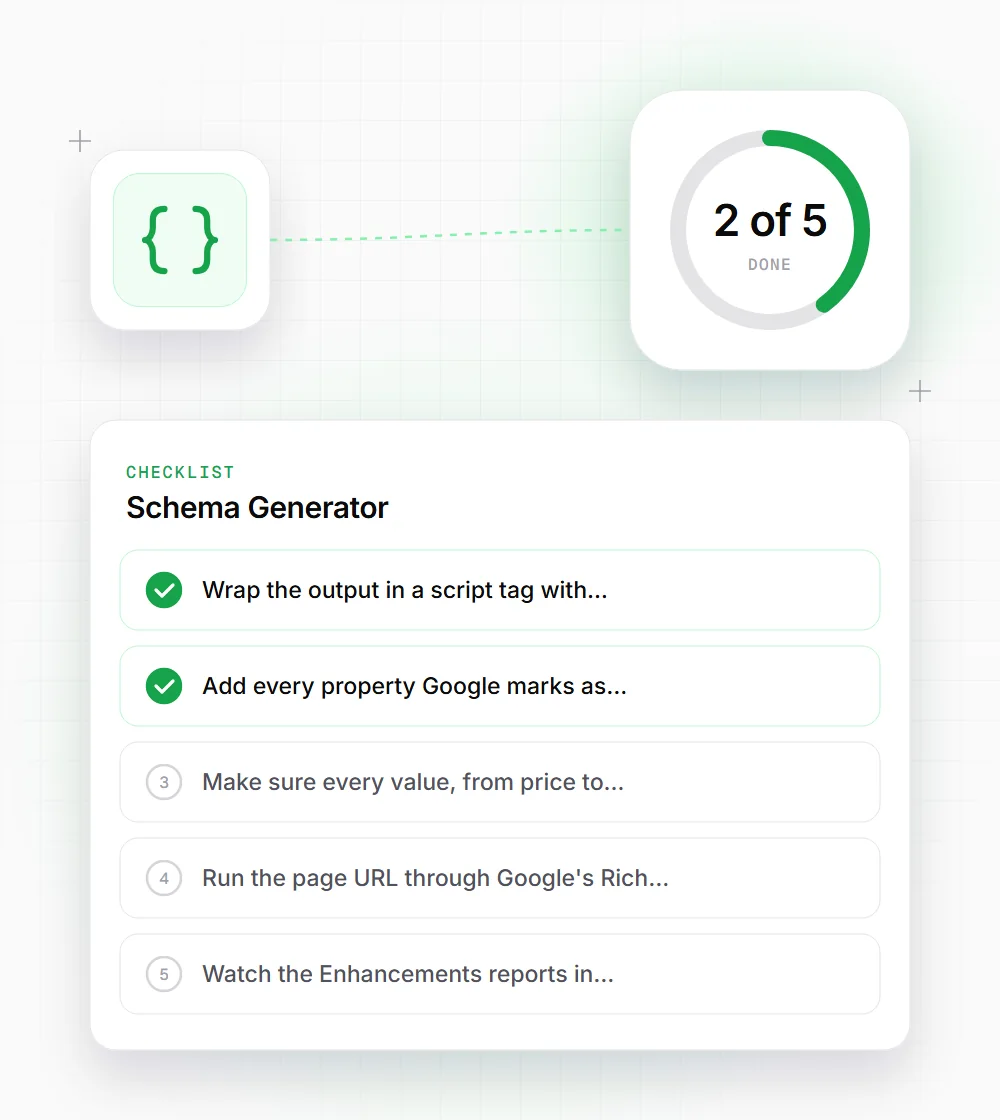
Wrap the output in a script tag with type application/ld+json and place it in the head or body.
- 02
Add every property Google marks as required for your type, plus the recommended ones you can fill honestly.
- 03
Make sure every value, from price to headline, matches text a visitor can see on the page.
- 04
Run the page URL through Google's Rich Results Test and the Schema Markup Validator after deploying.
- 05
Watch the Enhancements reports in Search Console for errors in the weeks after launch, since template changes can break markup quietly.