AI Snippet Generator
Type a topic and, if you have them, a few key facts one per line. You get back a Markdown scaffold with an answer paragraph slot, a takeaways list built from your facts and two People Also Ask questions ready for your own answers.
Updated · by the Linkstonic team
What the generator builds
This is a template tool. It doesn't write your answer for you; it lays out the shape an answer-friendly section should have and drops your topic and facts into it.
Topic is the only required field
Leave it empty and you get an "Enter a topic" warning and nothing else. The topic is inserted exactly as you typed it, including lowercase, so "crawl budget" opens the paragraph with a lowercase letter. Capitalize it yourself if it starts a sentence.
The paragraph block is guidance
The "Featured-snippet style" paragraph is fixed wording with your topic swapped in. It tells you what a good answer does (state the outcome, define jargon once, cite sources) and suggests about 45 to 55 words. Replace it with your real answer before publishing.
Key facts become the takeaways
Each non-empty line in the facts box becomes one bullet under "Key takeaways". A leading dash or asterisk is stripped first, so pasting an existing list works. Blank lines are dropped. There is no limit on the number of lines.
Default bullets when facts are empty
Skip the facts box and the takeaways fall back to three generic prompts: what the topic is and why it matters, who should use it, and how to get started safely. They are reminders, not content.
Two People Also Ask drafts
The last section always holds two questions: "What is [topic]?" and "How do I choose the right approach for [topic]?". Each answer line describes what the answer should contain, such as a one-sentence definition plus one concrete example.
A worked run
We entered the topic "crawl budget" with three facts, one written as a dash bullet, one with an asterisk and one plain.
Topic: crawl budget

Key facts:
- Google sets how many URLs it will crawl on a site
* Faceted and parameter URLs burn through it
Large sites notice limits long before small ones
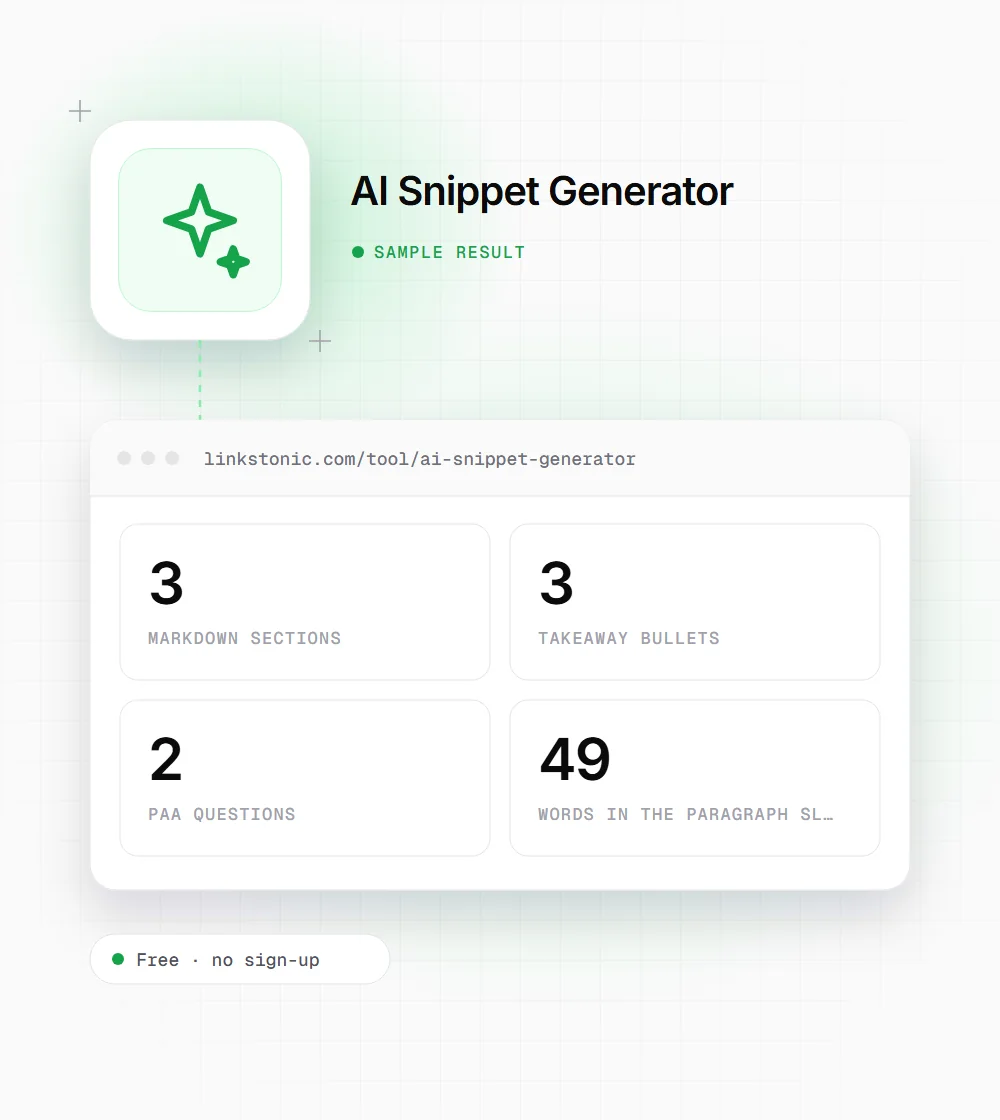
The paragraph slot comes back at 49 words, inside its own 45 to 55 word guideline, but it contains instructions rather than an answer about crawl budget. That's the part you rewrite.
Who gets use out of a scaffold
A template is only as good as what you pour into it. These are the people it saves time for.
Content writers
When you know the facts but keep writing the answer as a long intro, the scaffold forces a different order: short answer first, bullets second, questions last. Fill the slots, then move the block into your draft.
SEO editors
Hand the Markdown to a freelancer as the spec for one section. The structure is fixed and the placeholders say what goes where, so you spend less time explaining format in comments.
Product and docs teams
Paste your release notes or feature facts into the facts box and you get a clean bullet list plus two questions support already hears. It's a quick start for a help center article.
Agencies producing at volume
When ten writers deliver answer sections for one client, a shared scaffold keeps them consistent. Everyone starts from the same three blocks, and reviewers know exactly where the definition, the facts and the questions should sit.
Snippets, AI answers and what actually gets quoted
Featured snippets and AI answers pull from the same kind of passage: a heading that asks the question, followed immediately by a direct answer. Google, ChatGPT, Gemini and Perplexity all have more sources than they need, so a clear, self-contained paragraph is easier to lift than a point buried in paragraph four.
The mistake I see most is treating the format as the win. A 50-word answer that says nothing specific won't get picked over a longer page that has the real number or the real steps. The scaffold gives you the shape. The facts you add decide whether it's worth quoting.
Where this tool doesn't help: pages that need a table, a code sample or a step list as the answer. Google often shows those formats instead of a paragraph. Look at what currently appears for your query and match that format rather than forcing this template onto it.
Turning the scaffold into a real answer
The output is a draft with holes. This is the order we fill them in.
- 01
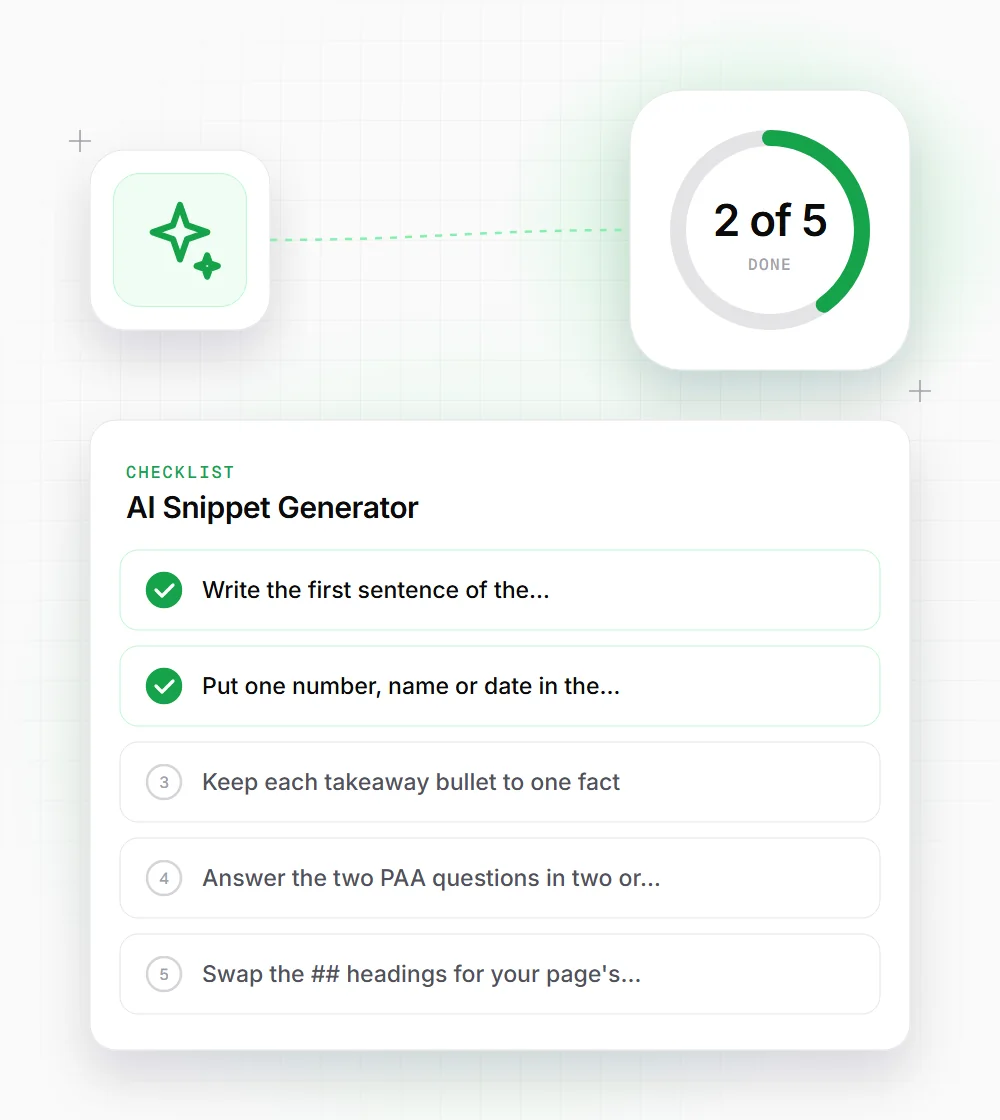
Write the first sentence of the paragraph as a definition or a verdict. "Crawl budget is..." beats "When it comes to crawl budget...".
- 02
Put one number, name or date in the answer paragraph. Specifics are what separate a quotable answer from a generic one.
- 03
Keep each takeaway bullet to one fact. If a bullet needs "and" twice, split it into two lines in the facts box and regenerate.
- 04
Answer the two PAA questions in two or three sentences each, then check them against the questions Google really shows for your topic.
- 05
Swap the "## " headings for your page's heading level before you paste, so the section doesn't break your outline.
- 06
Read the finished block out loud. If the first two sentences don't answer the question for someone who stops there, rewrite them before anything else.