AI Answer Optimizer
Enter a URL or paste a page's HTML and get a readiness score from 38 to 100, with a pass or fail against eight structure checks. It looks at the things answer engines find easy to lift: a definition up top, question headings, lists and schema.
Updated · by the Linkstonic team
The eight checks and the math
The score is a pattern-matching heuristic. Each check is a simple test on the text or HTML, and seeing them spelled out tells you how far to trust a pass.
Two ways in
Fetch URL sends the address to Linkstonic's server, which returns the page text and a sample of its HTML. Paste HTML skips the server: the tool strips scripts, styles and tags in your browser and scores what's left. Paste is handy for drafts and pages behind a login.
Content checks
Body copy of 400 words or more. A definitional opening, which passes if the first 280 characters contain "is", "are", "means" or "refers to". And a "readable grade level" check that, despite the name, only confirms the text is over 80 words. No reading-level formula is run.
HTML checks
An H2 or H3 whose text contains a question mark, at least one ul or ol list, and at least one strong or b tag. These look at the markup only, so a list styled with divs or a bold span set in CSS won't count.
Schema checks
One passes if the HTML mentions FAQPage, HowTo or QAPage anywhere. The other needs the literal text schema.org/Article or schema.org/BlogPosting. Standard JSON-LD that sets "@context" to https://schema.org and "@type" to Article separately won't match that second check.
The score
38 plus 7.5 per passed check, plus a length bonus of word count divided by 400 (capped at 15), rounded and capped at 100. A page that passes nothing still scores 38. Passing all eight on a 1,000-word page lands at 100.
A short FAQ-style snippet
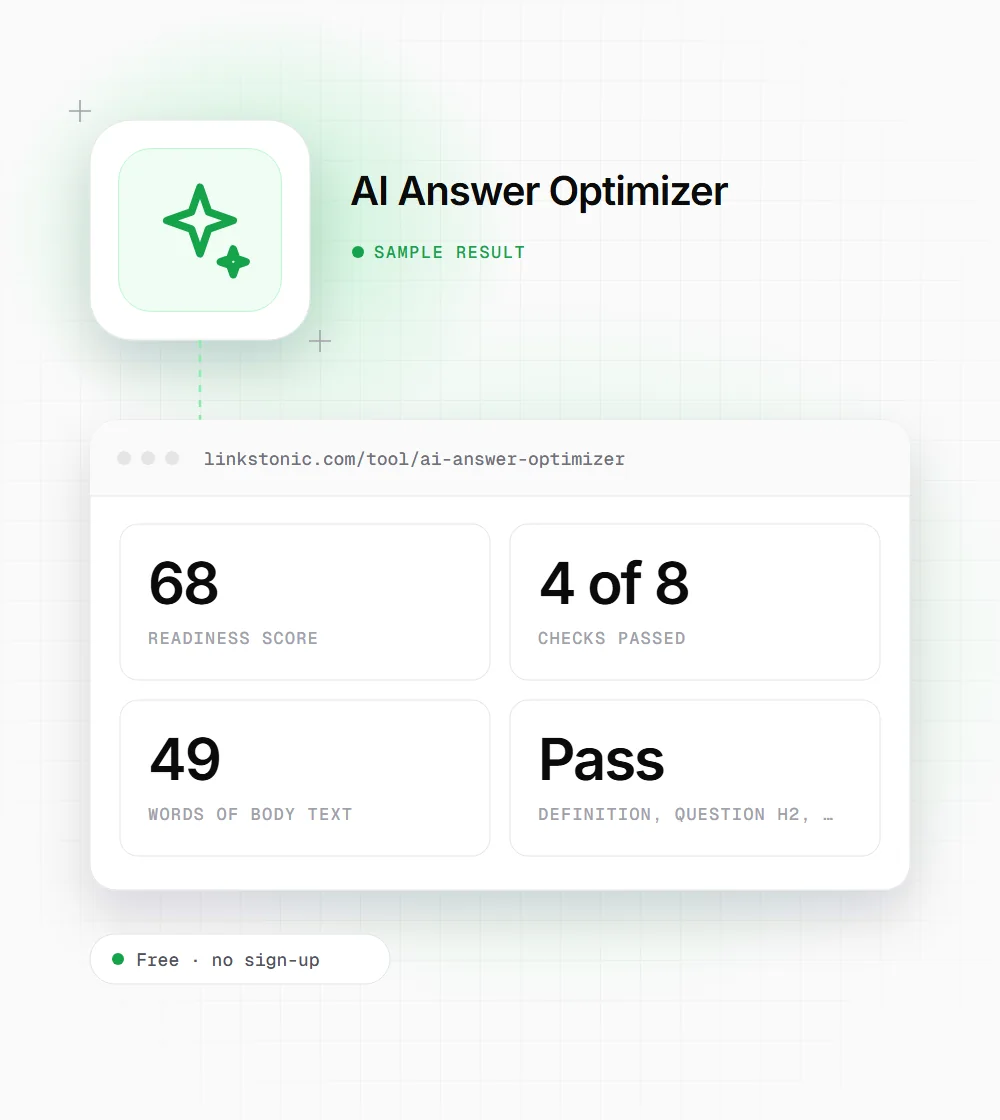
We pasted this 49-word fragment into the Paste HTML tab. These are the results the tool gives.
<article>
<h1>What is crawl budget?</h1>
<p>Crawl budget is the number of URLs Googlebot will crawl on a site in a given period.</p>
<h2>Does crawl budget matter for small sites?</h2>
<p>Rarely. Sites under a few thousand URLs are usually crawled in full.</p>
<ul><li>Fix redirect chains</li><li>Drop faceted URLs from the sitemap</li></ul>
<script type="application/ld+json">{"@context":"https://schema.org","@type":"FAQPage"}</script>
</article>The script block is stripped before counting words, but its FAQPage type still passes the schema check. The "grade level" fail is only because the snippet is under 80 words.
Structure helps, but it isn't the answer
Google's AI Overviews, ChatGPT search and Perplexity all pull short passages from pages they already trust for a query. A clear one-sentence definition under a question heading is easy to lift whole, and that is what this tool rewards. It is a reasonable proxy for extractability. It says nothing about whether the page is the best answer.
So I'd use the score to catch structural gaps on pages that already rank or deserve to: a guide with no question headings, a glossary page with no definition in the first paragraph. I wouldn't add FAQ schema or bold text just to move the number. Google now shows FAQ rich results only for a small set of authoritative government and health sites.
The only real test is asking the AI tools your target questions and seeing who they cite. Do that before and after you restructure a page. The tool doesn't query ChatGPT or Perplexity, and it doesn't pretend to.
Fixes that move a page from fail to pass
These map to the checks, in the order we usually tackle them.
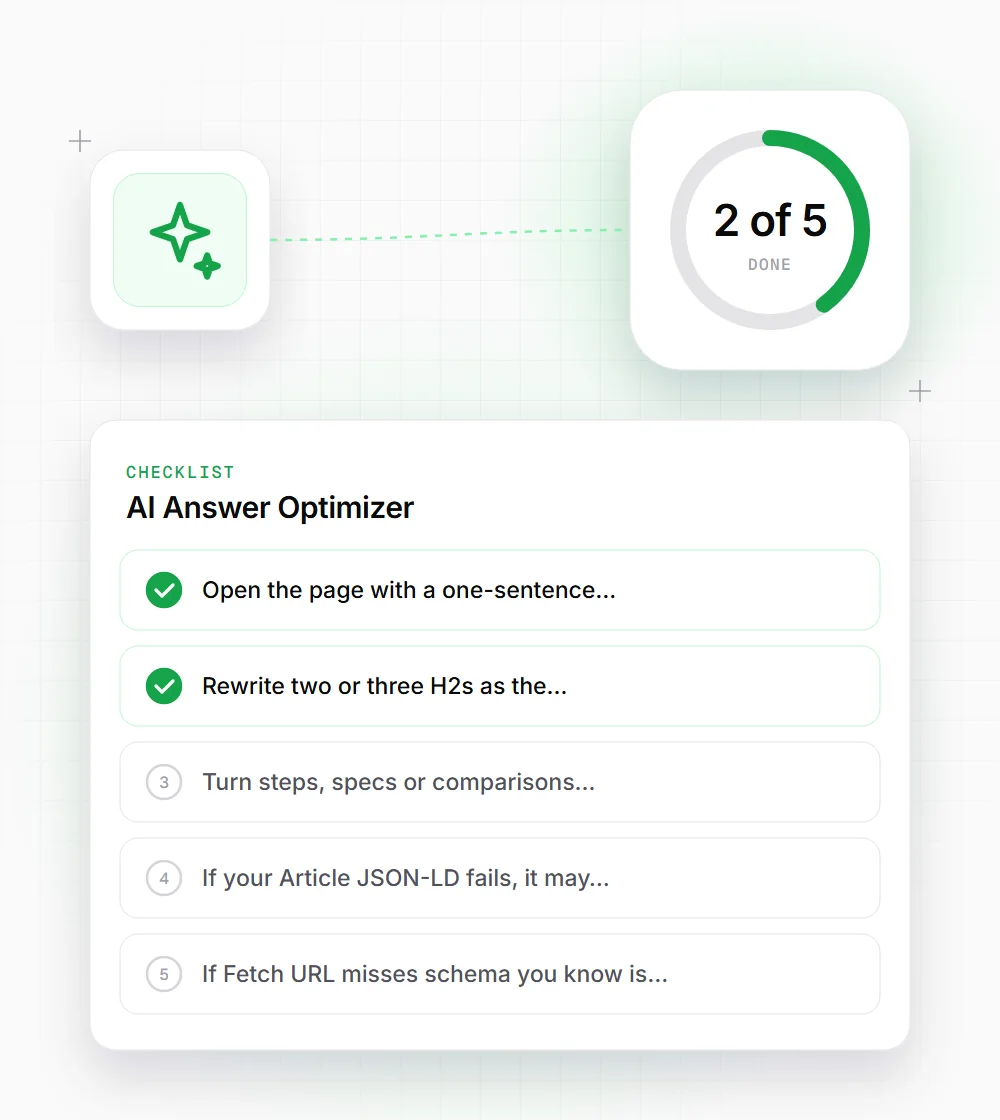
- 01
Open the page with a one-sentence answer that starts "X is..." within the first two lines of body text.
- 02
Rewrite two or three H2s as the questions people type, and answer each in the first sentence below it.
- 03
Turn steps, specs or comparisons buried in paragraphs into a real ul or ol list.
- 04
If your Article JSON-LD fails, it may only be the check's strict text match. Validate it in Google's Rich Results Test before changing anything.
- 05
If Fetch URL misses schema you know is there, paste the full page source into the Paste HTML tab and rerun.