Keyword Density Checker
Paste an article or landing page and the checker lists its most frequent words, each with a count, a density percentage and a bar. Anything above 3% gets a High badge, and a filter box narrows the list to the term you care about.
Updated · by the Linkstonic team
How the density is worked out
Density sounds precise, but it depends entirely on what gets counted as a word. These are the rules this checker uses.
What counts as a word
The text is lowercased and split into runs of the letters a to z. Numbers are skipped, so "12 hours" adds one word, not two. Apostrophes split words: "don't" becomes "don" and "t". Accented letters break words too, so "café" is read as "caf".
The total
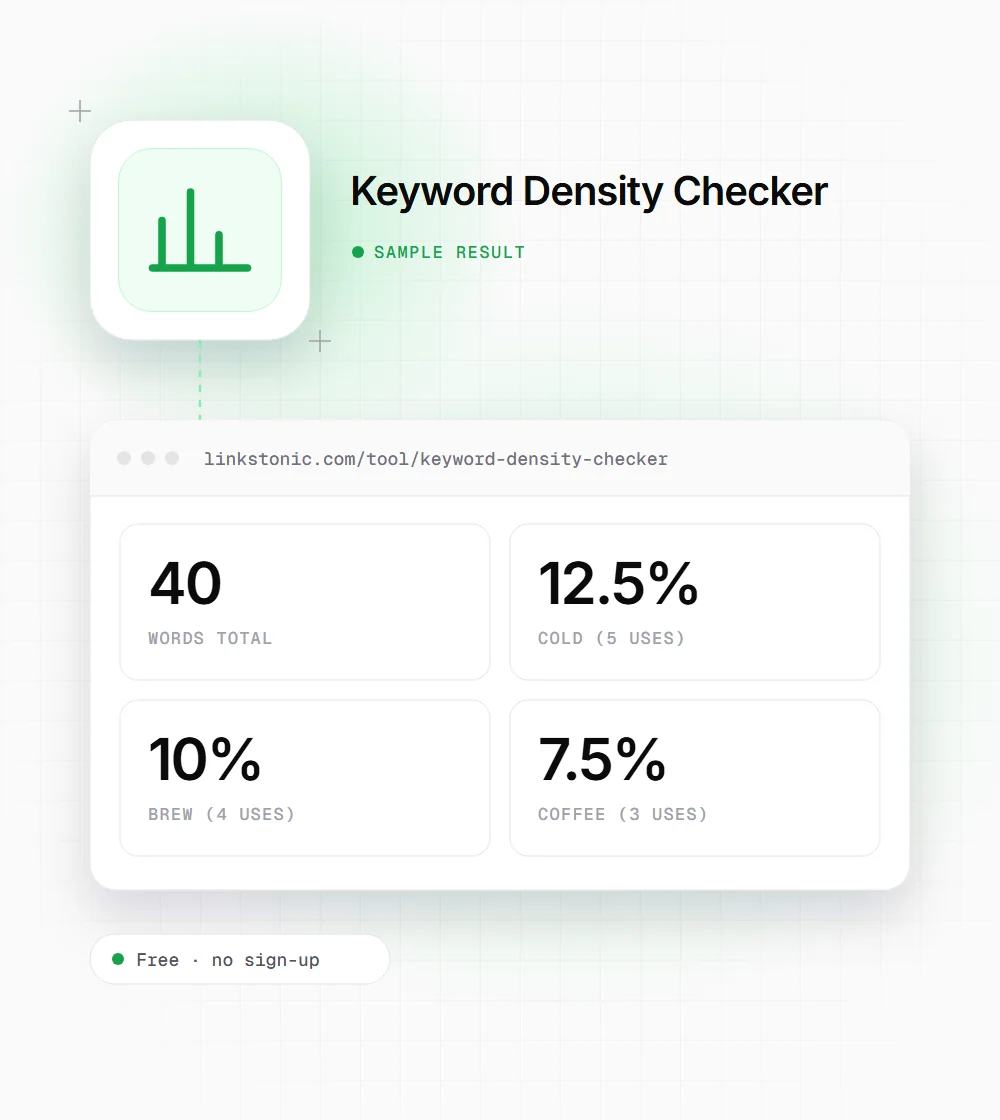
Every letter run counts toward the total, including short ones like "a", "in" and "to". Density is a word's count divided by that total, times 100, to two decimal places. So 5 uses in 40 words is 12.5%.
What gets listed
Only words of three letters or more make the list, sorted by count, and the list stops at 30. Stop words aren't removed, so "the", "and" and "for" often sit near the top of longer pieces. Skip past them to the terms that matter.
The High badge
Any word above 3% density gets an amber High badge. The bar next to each word is its density times ten, capped at full width, so a 5% word fills half the bar and anything at 10% or more fills it completely.
Filtering
The filter keeps words that contain what you typed, so "brew" also matches "brewing" and "brewer". The checker works on single words only. A two-word filter like "cold brew" returns nothing, because no single word contains a space.
A short paragraph about cold brew
We pasted a 40-word paragraph written around the phrase "cold brew" and left the filter empty.
Cold brew coffee is smooth. To make cold brew at home, steep coarse coffee in cold water for 12 to 18 hours. Cold brew tastes less bitter than hot coffee, and a cold brew concentrate keeps for a week in the fridge.
All four get the High badge, including "for". On a short passage every repeat moves the needle a lot, so density numbers are only worth reading on full-length pages.
Who finds it useful
The same frequency list answers different questions depending on who's reading it.
Editors reviewing SEO drafts
A writer told to hit a keyword can overdo it. If the main term shows up at 6% while the prose reads stiffly, that's a clear sign to swap some repeats for pronouns or natural variations.
Writers checking topic coverage
Scan the top 30 for the supporting terms a reader would expect. An article about cold brew that never mentions ratio, grind or steep time is probably missing sections, whatever its main keyword density says.
Anyone auditing competitor pages
Paste the body copy of a page that ranks well and compare its word frequencies with yours. You're looking for topics they cover that you don't, not a percentage to copy.
Students and copywriters
Teachers and clients sometimes flag writing that leans on one word too often. The frequency list makes that visible in seconds, so you can find the sentences where a synonym or a restructure would read better.
Keyword density is a smell test, not a target
Google has said for years that there's no ideal keyword density, and modern search matches meaning far more than exact repeats. I wouldn't aim for any number. I'd use this tool to catch the extremes: a term so frequent it reads like spam, or a main topic that barely appears.
The 3% High flag is a sensible alert level, not a rule. A 300-word product page naming the product ten times will trip it and still read fine. A 3,000-word guide at 3% probably uses the phrase ninety times, which nobody writes naturally.
AI answers make repetition matter even less. ChatGPT, Perplexity and Google's AI Overviews pull passages that clearly answer a question. A section that says what cold brew is in one plain sentence is easier to quote than one that repeats the phrase five times. Clear wording and good coverage of related terms help more than density ever did.
Getting a cleaner reading
What you paste changes the numbers a lot, so feed it the right text.
- 01
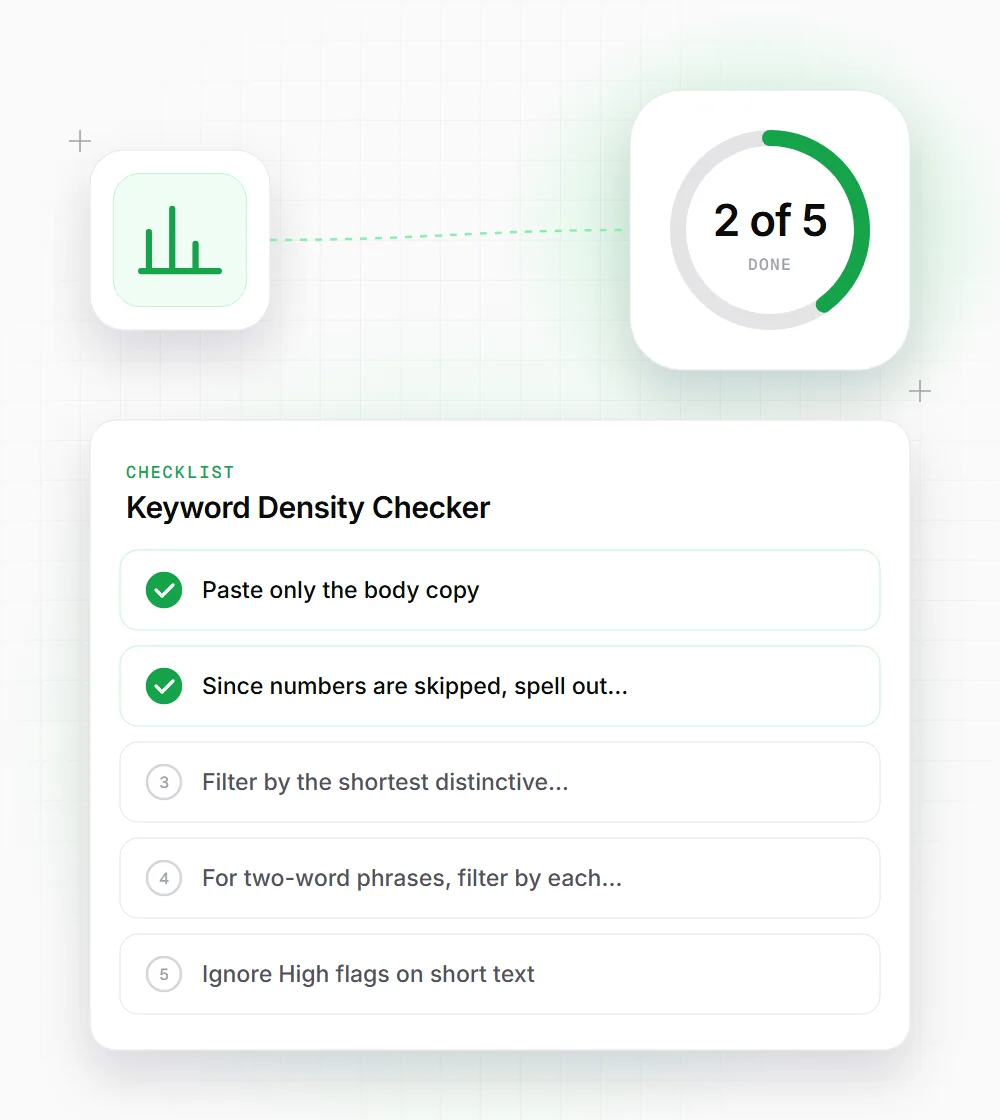
Paste only the body copy. Menus, footers and sidebars repeat on every page and skew the counts.
- 02
Since numbers are skipped, spell out any keyword that contains a digit, or count it with your browser's find tool instead.
- 03
Filter by the shortest distinctive part of your keyword, such as "brew", to catch every variation in one list.
- 04
For two-word phrases, filter by each word separately and compare the counts. If they're similar, the phrase is doing most of the work.
- 05
Ignore High flags on short text. Anything under 300 words will trip the 3% line with only a few repeats.
- 06
Run the check again after editing. Cutting a few repeats of a High word often drops it well below 3% on a page of normal length.