Word Counter
Paste a draft and watch the words, characters, sentences, paragraphs and reading time update as you type. The counting happens in your browser tab, so nothing you paste gets sent anywhere.
Updated · by the Linkstonic team
How the counter reads your text
Every counter makes a few judgment calls about what a word or a sentence is. Here are the ones this tool makes, so a number never catches you off guard.
Words
Anything between two spaces is one word. "Over-think" is one word, a full URL is one word, and so is a lone dash with spaces around it. That last one is why copy full of spaced em dashes can read a word or two high.
Characters
You get two numbers. The first includes spaces and line breaks, which is what X, LinkedIn and most form fields count. The second drops them, for briefs that ask for characters excluding spaces. Emoji take two characters each.
Sentences
Every period, question mark and exclamation point closes a sentence, including the dot in a domain name, the dots in "e.g." and the decimal in 3.5. On technical copy, read the sentence count as a rough guide.
Paragraphs
A new paragraph starts after an empty line. Single line breaks, like the lines of a list or an address, stay in the same paragraph.
Reading time
Words divided by 200, rounded up, with one minute as the minimum. So 230 words shows ~2 min and 460 words shows ~3 min.
Top words
Words of four letters or more, ranked by how often they appear. It's a quick way to catch a phrase you've leaned on too hard.
Try this sample
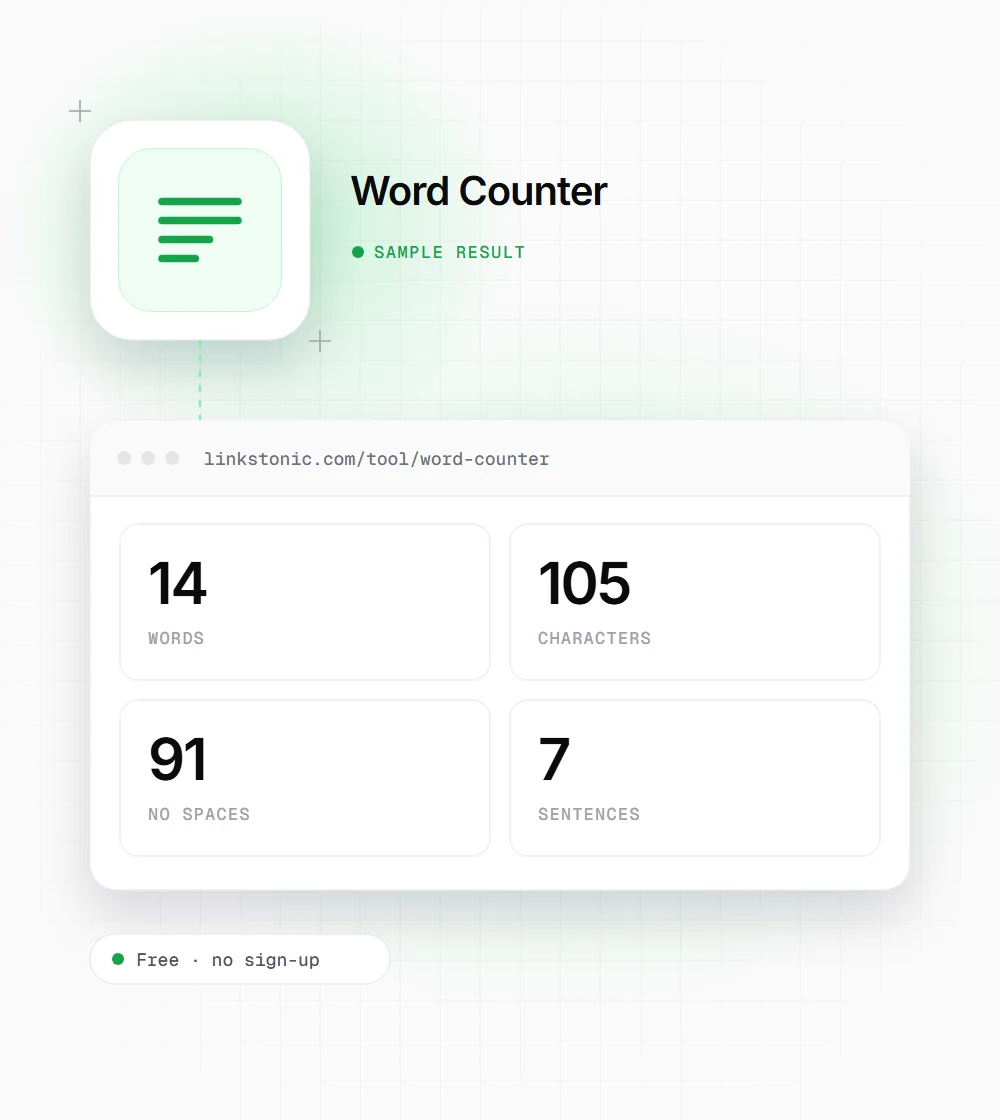
We pasted this two-paragraph note into the counter. It shows most of the edge cases above in one go.
Don't over-think it. Visit https://linkstonic.com/tool/ in 2026 — e.g. 3.5 times!

Second paragraph here.
Seven sentences for what reads like three. The domain name, "e.g." and 3.5 each add a break, and the spaced dash counts as a word.
Who reaches for a word counter
Most people open this page with one number in mind. These are the ones we hear about most.
Students
Application essays have hard caps. The Common App personal essay stops at 650 words and a UCAS personal statement at 4,000 characters, spaces included. Paste the final draft in here before you paste it into the portal.
SEO writers
Briefs usually give a word range, and the meta description has its own limit. Check both before the draft goes to an editor, not after.
Social media managers
Every platform counts differently and cuts off at a different point. Writing the caption here first means no surprise truncation at publish time.
Freelancers and translators
A lot of writing and translation work is quoted per word. A quick count on the source file settles the invoice before anyone argues about it.
Character limits worth keeping open
Where a counter earns its keep is hard limits. These are the ones we check most often.
| Where | Field | Limit |
|---|---|---|
| Google Search | Title tag | About 50 to 60 characters before it gets cut |
| Google Search | Meta description | About 150 to 160 characters on desktop |
| X | Post | 280 characters on a free account |
| Post | 3,000 characters | |
| Caption | 2,200 characters | |
| YouTube | Title / description | 100 / 5,000 characters |
| Google Business Profile | Business description | 750 characters |
| Pin description | 500 characters |
Google truncates titles and descriptions by pixel width, not a fixed character count, so treat those two as ranges.
When word count matters, and when it doesn't
Google's search team has said more than once that word count isn't a ranking factor. Pages rank because they answer the query better than the alternatives. Sometimes that takes 400 words, sometimes 3,000. I'd use the count as a sanity check against the pages already ranking for your keyword, not as a target to hit.
Limits are a different story. A meta description that runs long gets cut mid-sentence in the results, and a LinkedIn post over 3,000 characters won't publish at all. That's the job this tool does best.
AI answers push the other way. ChatGPT, Gemini and Google's AI Overviews tend to lift one short passage that answers one question cleanly. A tight 60-word answer under a clear heading is easier to quote than the same point spread over three paragraphs, so shorter sections often help more than a longer page.
Trimming a draft that runs long
Over the limit by a hundred words? Cutting is usually faster than rewriting. This is the order we work in.
- 01
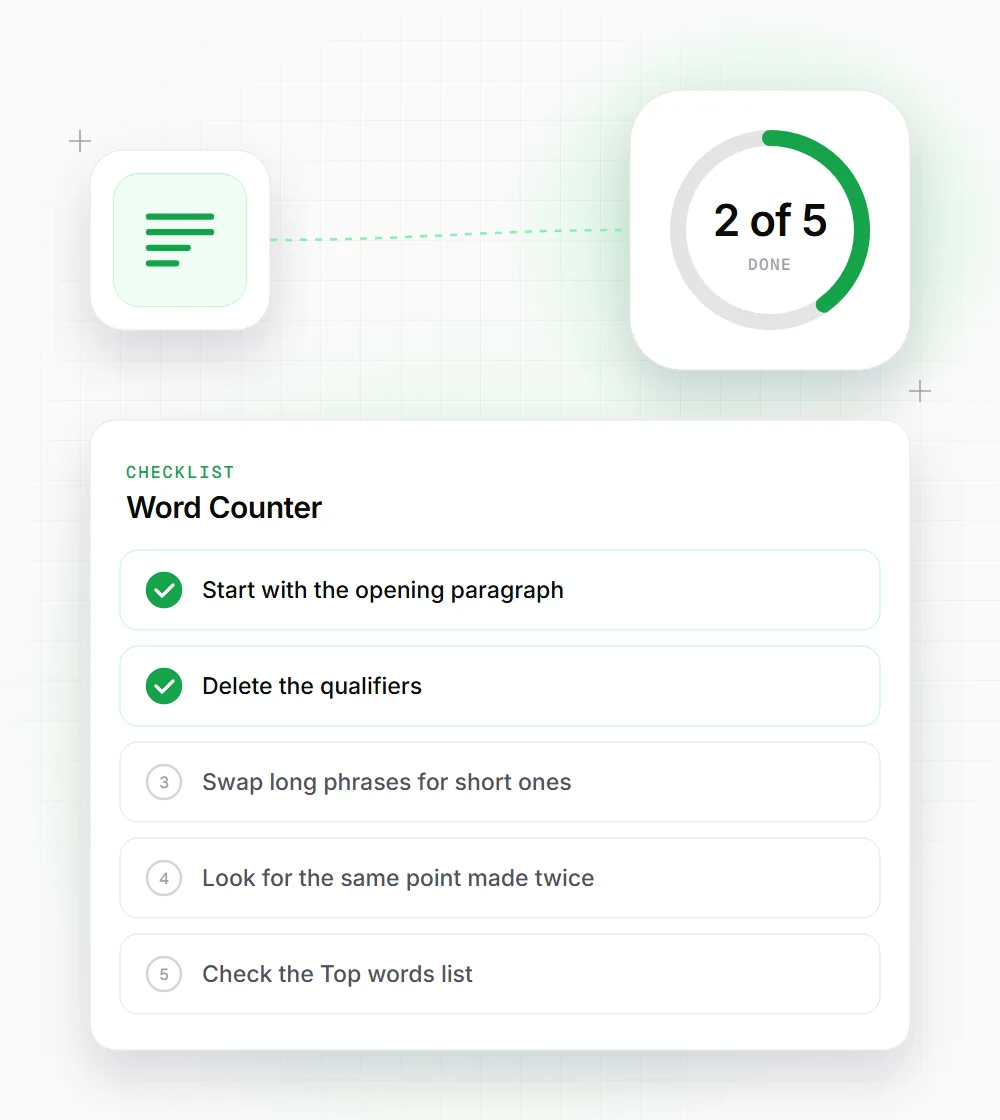
Start with the opening paragraph. First drafts often spend two or three sentences warming up before they say anything.
- 02
Delete the qualifiers: very, really, quite, just, actually. Most sentences lose nothing without them.
- 03
Swap long phrases for short ones. "In order to" becomes "to" and "due to the fact that" becomes "because".
- 04
Look for the same point made twice. Writers often explain an idea, then summarize it straight away.
- 05
Check the Top words list. If one phrase shows up six times, some of those sentences can go.
- 06
Cut the closing summary if the piece is short. On a 500-word post, readers still remember the beginning.