Spell Checker
Paste a paragraph, an email or a page of copy and click Check Spelling. You get back a corrected version of the whole text with a fix count, and a list pairing each misspelled word with the word that replaced it.
Updated · by the Linkstonic team
How the spell check works
This isn't the red squiggle in your word processor. The check runs on an AI model, which changes what it catches and what it might miss.
AI-based check
Your text is sent to Linkstonic's server and checked by GPT-4o-mini, according to the tool's card. A language model reads words in context, so it can fix "recieve" and also spot a real word used wrongly, which a plain dictionary lookup lets through.
Corrected text
The green box shows the full passage with every correction applied, and its heading gives the number of fixes, for example "Corrected text (4 fixes)". The Copy button takes the whole corrected version, so you can paste it straight back into your editor.
Fix list
Under the corrected text, each change is shown as the original word struck through in red, an arrow, and the replacement in green. Scan this list before copying. It's where you catch a brand name or a technical term the model "corrected" by mistake.
Clean result
If the model finds nothing to change, the tool says "No spelling mistakes found!" in a green note. That means spelling only. Grammar and style aren't the focus here, and the Grammar Checker handles those separately.
Input rules
The button stays disabled until there's actual text in the box, so a box of spaces won't send anything. There's no fixed character limit shown on the page. For long documents, checking a section at a time keeps the fix list readable.
Five classics in two sentences
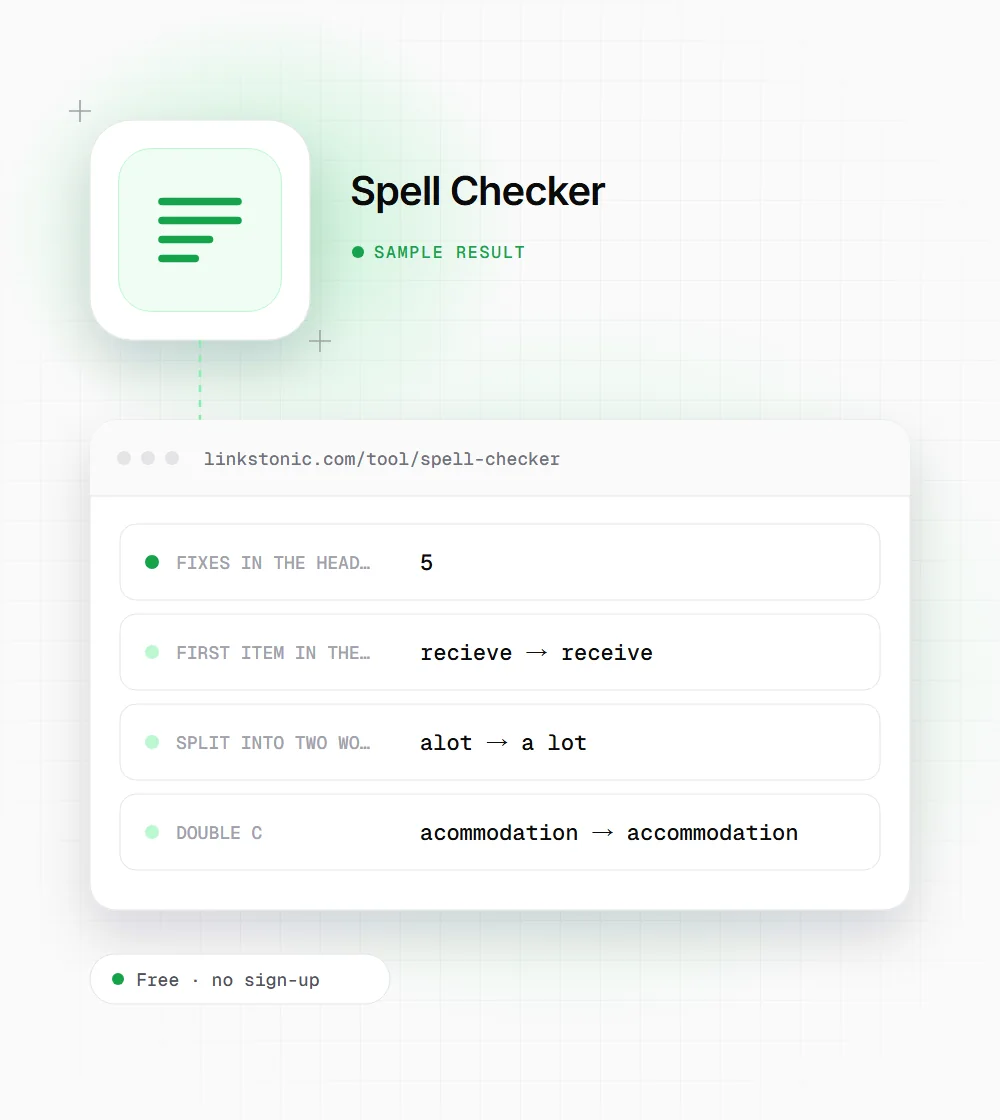
An illustrative run on text packed with common misspellings. The model's exact output can vary, but these are the fixes you'd expect.
We recieve alot of questions about acommodation, so we seperated the FAQ into two sections. Definately read the first one.
"Alot" becomes two words, which a character-by-character dictionary check sometimes handles badly. The model reads the phrase, so it splits it correctly.
Where a quick spell check pays off
Anything that goes live without a second reader is worth thirty seconds here.
Product and landing pages
A typo in a headline or a price table costs more trust than one buried in a blog post. Paste the page copy in before it ships and read the fix list against the design.
Emails and outreach
Cold emails and link-building pitches are read by people deciding in seconds whether you're careful. A misspelled name or company in the first line ends the conversation. Check the template once and every send benefits.
CMS fields without spell check
Meta descriptions, alt text and product specs are often typed into plain fields with no red underline. Collect them in one block, check them together, and paste the corrected lines back field by field.
Non-native English writers
The corrected text shows the right spelling in context, and the list shows the pattern behind each mistake. Over a few weeks you'll see the same words come up less often.
Typos don't sink rankings, they sink trust
Google has said spelling and grammar aren't direct ranking factors. Its quality rater guidelines do treat sloppy, error-filled content as a sign of low effort, though, and readers make the same call faster than any algorithm. A typo in the first line of a service page tells people how careful you'll be with their project.
The common mistake with AI spell checkers is copying the corrected text without reading the fix list. Models occasionally "fix" a product name, a surname or a deliberately informal spelling. Brand terms like "Linkstonic" or technical words like "hreflang" deserve a quick glance before you paste.
For AI search, clean text matters in a practical way. ChatGPT, Perplexity and AI Overviews match your page to a question by its terms. A misspelled key term in a heading means the page literally uses a different word from the one people ask about, and a clear, correctly spelled answer is easier to quote.
Proofing habits that stick
A spell checker catches most slips. These catch the rest.
- 01
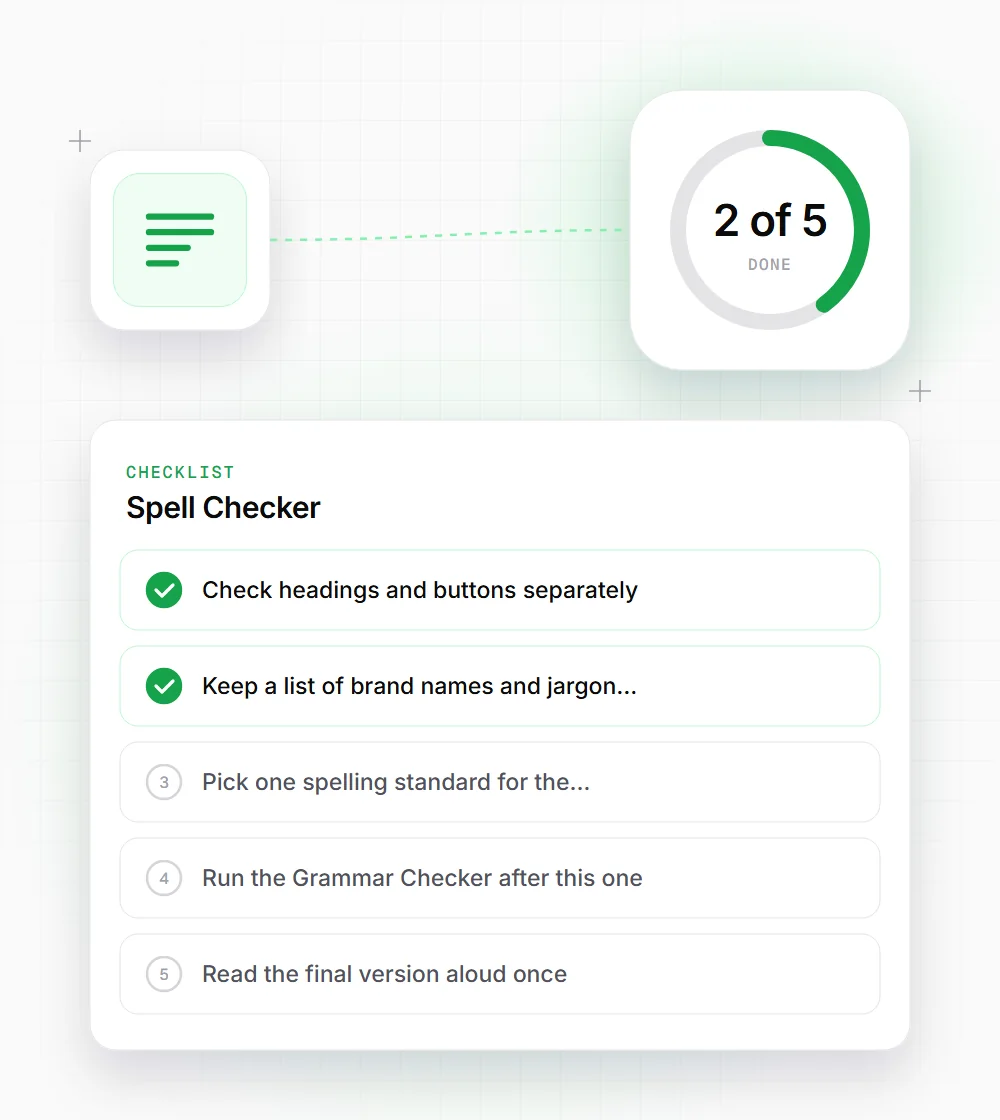
Check headings and buttons separately. Short strings with little context are where errors hide longest.
- 02
Keep a list of brand names and jargon the model tends to change, and check for them in the fix list every time.
- 03
Pick one spelling standard for the site, American or British, and stick to it across pages.
- 04
Run the Grammar Checker after this one. A correctly spelled wrong word, like "loose" for "lose", needs grammar context.
- 05
Read the final version aloud once. Your ear catches repeated words that both tools let through.
- 06
For pages already live, paste the visible text rather than the HTML source. Tags and attribute names confuse the check and pad the fix list.