Plagiarism Checker
Paste your text and the tool pulls out key phrases, each with a ready-made Google search link, plus buttons to check elsewhere. It doesn't compare against a private database or give a similarity percentage, so think of it as a fast way to run manual spot checks.
Updated · by the Linkstonic team
What this checker actually does
Most plagiarism tools hide their method behind a single percentage. This one shows its work, and it's more limited than the name suggests, so here is exactly what you get.
Server picks phrases
Your text is sent to Linkstonic's server, which counts the words and selects a set of sample phrases from the passage. Those come back as a list, each shown in quotes. The selection happens server-side, so the page can't tell you why a given phrase was chosen.
Search Google links
Every phrase has a Search Google link that opens in a new tab. The idea is an exact-phrase search: if the same wording appears on another page, Google usually shows it near the top. You judge the matches yourself, one phrase at a time.
Other engines
Below the phrases is a row of buttons for other search engines or checkers, also opening in new tabs. They're shortcuts, nothing more. The tool doesn't read the results or fold them into a score.
The notice
Each result starts with an amber note from the server. It's there to remind you the check is phrase-based. The tool's own card says it plainly: for full detection, use a dedicated service such as Copyscape or Grammarly.
Word count
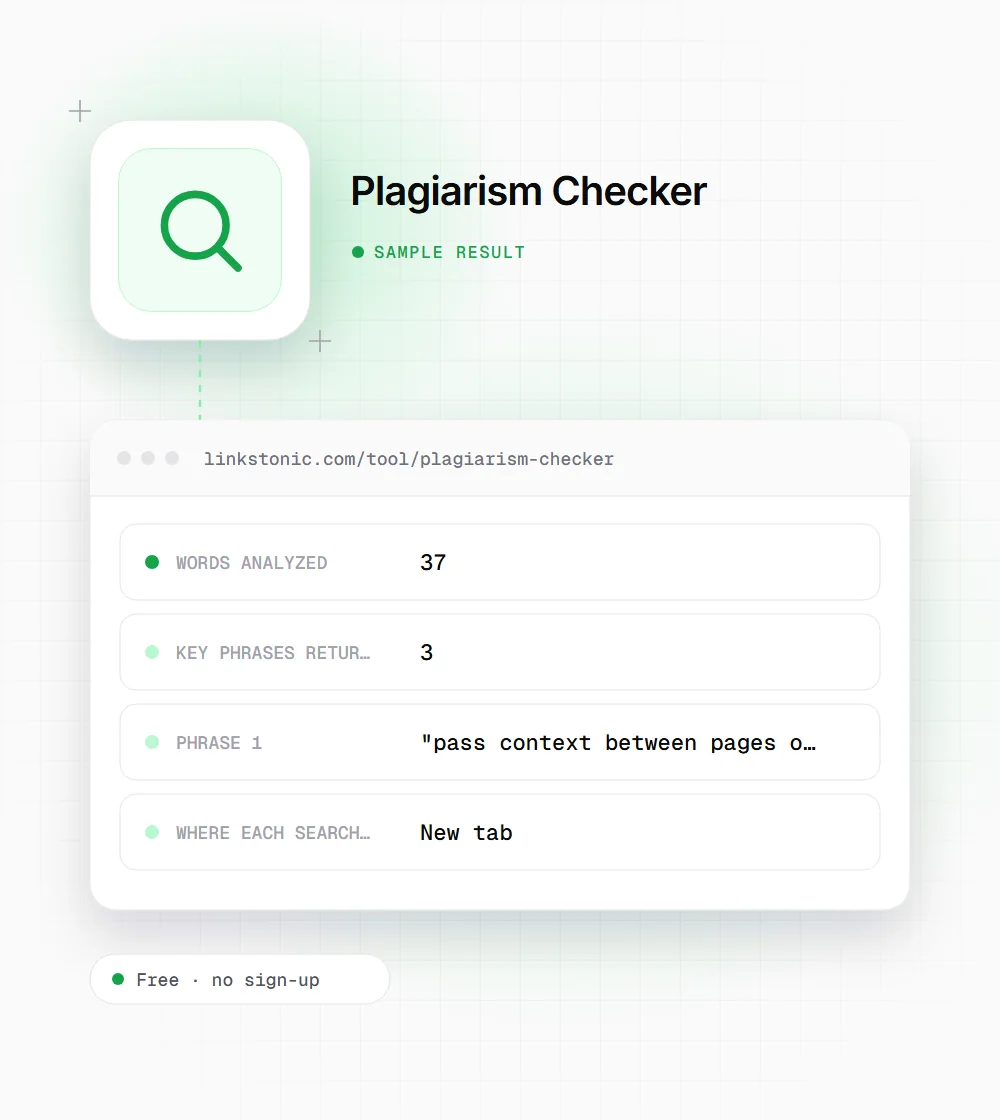
The line under the note shows how many words were analyzed. It's a quick way to confirm the whole draft went through, not just the first paragraph you happened to have selected when you copied it.
A sample spot check
An illustrative run on a short paragraph. Phrases are picked by the server, so the ones you get may differ.
Internal links pass context between pages on the same site. When you link from a strong page to a newer one, you tell search engines the new page matters. Use descriptive anchor text instead of click here.
Common phrasing like "descriptive anchor text" will turn up thousands of pages without anyone copying anyone. A match only means something when a long, specific sentence shows up word for word.
When a phrase check is enough
A full database scan costs money and time. For these jobs, a few targeted searches usually answer the question.
Editors reviewing freelance work
If one paragraph in a submission sounds unlike the rest, search two or three sentences from it. A word-for-word hit on another site is hard to argue with, and it takes a minute.
Site owners checking for scrapers
Paste a distinctive paragraph from your own post. If exact-match searches show it on other domains, you've found copies worth a DMCA request, a polite email asking for a link back, or at least a note to watch that site.
Writers checking their own drafts
Notes taken from sources have a way of ending up in drafts verbatim, especially on long research pieces. Spot-checking the sentences you're unsure about catches the ones that need quotation marks, a citation or a proper rewrite.
Teachers with a hunch
When one paragraph of an essay suddenly reads like a textbook, searching two of its sentences often settles it quickly. A matching source is something concrete to discuss with the student, which a percentage from a scanner often isn't.
A percentage isn't proof
I'll be blunt about the name. This is a phrase-search helper, not a plagiarism scanner. It won't tell you that 14% of your draft matches three sources. What it does is save you the tedium of copying sentences into Google one by one, and for a lot of editorial checks that's all you need.
Paid scanners have their own blind spots. Their percentages count quotes, boilerplate and common phrasing as matches, and they miss content behind logins or not yet indexed. Whatever tool you use, the real evidence is the matching page, read side by side with yours, with the dates checked.
Copies rarely win anything. Google filters duplicate pages out of results rather than penalizing them outright, and ChatGPT or Perplexity will usually cite whichever version looks like the source. If your page is the copy, you lose either way. If someone copied you, an earlier publish date and links pointing to your version are what help.
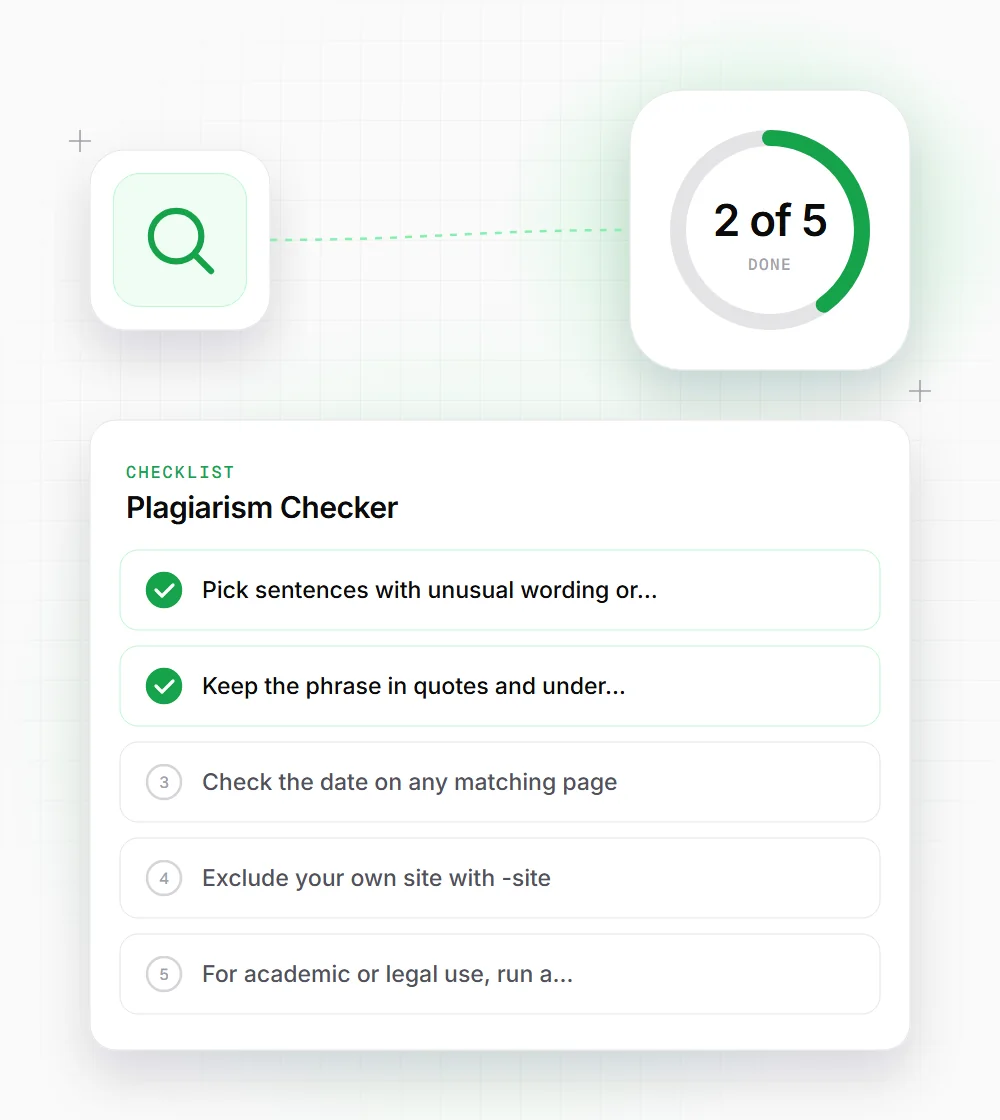
Running a useful spot check
A few habits make exact-phrase searches much more telling.
- 01
Pick sentences with unusual wording or specific numbers. Generic phrases match everywhere and prove nothing.
- 02
Keep the phrase in quotes and under about 30 words. Google ignores words past a query length limit.
- 03
Check the date on any matching page. Older publication on another site is a red flag. Newer usually means they copied you.
- 04
Exclude your own site with -site:, for example "your sentence" -site:yourdomain.com, so only other domains show up.
- 05
For academic or legal use, run a dedicated scanner as well. A phrase check is a first pass, not a verdict.