Article Summarizer
Paste an article, report or long email, pick one of five summary styles, and get a condensed version back with its word count. It needs at least 50 characters and works best on complete pieces of up to about 6,000 characters.
Updated · by the Linkstonic team
Picking a style, and what comes back
An AI model on Linkstonic's server writes the summary. You control two things: the text you paste and the style you pick from the dropdown.
Bullet points, the default
The dropdown starts on bullet-points, which returns the main points as a list. It's the best choice for research notes, because each bullet can be checked against the source on its own and dropped straight into a brief or a doc.
One paragraph and TL;DR
one-paragraph gives a single block of prose, which suits a newsletter blurb or the intro to a shared link. tldr asks for the shortest possible version: the main takeaway and little else, for a Slack message or the top of a long document.
Executive brief and outline
executive-brief is aimed at a reader who needs the points that affect a decision, not the story. structured-outline returns the piece as a hierarchy of sections, the one to use when you're studying how a competing article is organized.
Length limits
The Summarize button stays disabled until the box holds at least 50 characters. The tool is built for up to 6,000 characters, roughly 900 to 1,000 words of English. For anything longer, summarize one section at a time and combine the results yourself.
Word count and copy
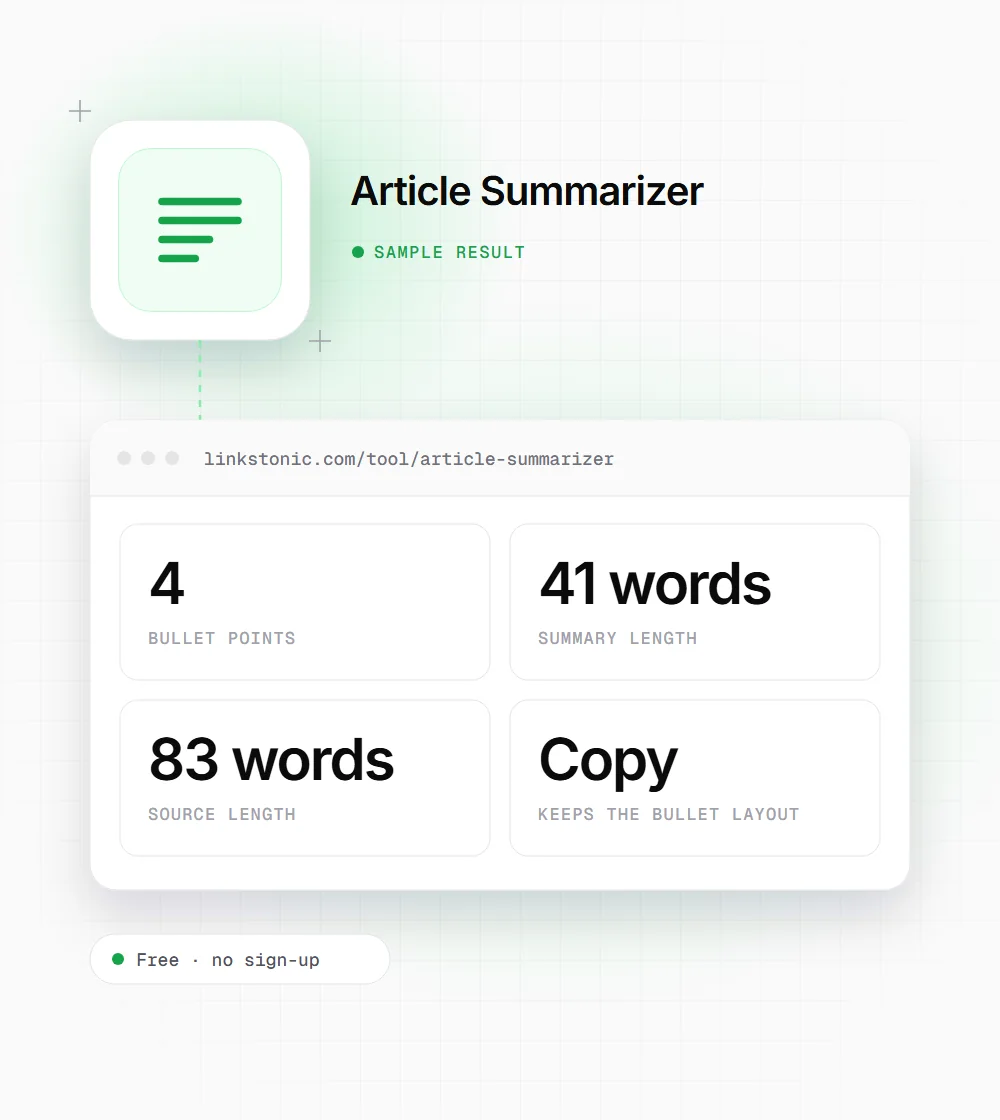
The word count of the summary sits above it, so you can compare it with the source. The Copy button puts the text on your clipboard with line breaks intact, which keeps bullets and outline levels in shape when you paste them elsewhere.
One article, summarized
An illustrative run on a short ecommerce case study, using the bullet-points style. The model's wording changes from run to run.
Style: bullet-points

Shoppers abandon checkout for predictable reasons. Surprise shipping costs are the most common complaint, followed by forced account creation and slow pages on mobile. We tested three changes on a 400-product store over eight weeks. Showing shipping costs on the product page cut checkout exits noticeably. Guest checkout helped more than we expected, especially with first-time buyers. Compressing product images improved mobile load time but had little visible effect on sales. The lesson: fix the surprises first, then the friction, then the speed.
The summary kept the order of the three tests but dropped the eight-week time frame. Small details like that are exactly what to check against the source before you quote a summary anywhere.
Who gets the most from it
A summary is a shortcut for reading, and people take that shortcut for different reasons.
Content strategists
Before writing on a topic, summarize the top-ranking articles in outline style, a section at a time for long ones. You see how each is structured and what they all cover, in less time than reading every post end to end.
Managers and founders
Paste a long report or email thread and ask for an executive brief. You get the points that need a decision, and you can go back to the full text for the one section that actually matters to you.
Students and researchers
Summarize a reading to check that you understood it, then compare the result with your own notes. Gaps between the two are worth a second read. Don't hand in the summary as your own work.
Newsletter writers
Use one-paragraph summaries as a starting point for the blurbs under each linked article, then rewrite them in your own voice so the newsletter doesn't sound like a feed.
Summaries are for reading, not publishing
A summarizer saves reading time. It doesn't replace reading. AI summaries drop caveats, merge separate points and now and then state something the source never said. For internal notes that trade is fine. For anything you quote or publish, check every claim against the original first.
Publishing summaries of other people's articles as your own pages is a bad plan twice over. It's thin content with nothing original in it, and republishing the substance of someone's work raises copyright questions. Use the summary to get up to speed quickly, then write your own piece with your own evidence.
There is one SEO use I like: paste your own article in and read the TL;DR. If the one-line takeaway isn't what you meant the page to say, readers will miss it too. ChatGPT, Perplexity and Google's AI Overviews all compress pages into short answers, so a page whose main point survives a summary is in better shape for them.
Getting a summary you can trust
Most bad summaries come from bad input. These habits fix the majority of them.
- 01
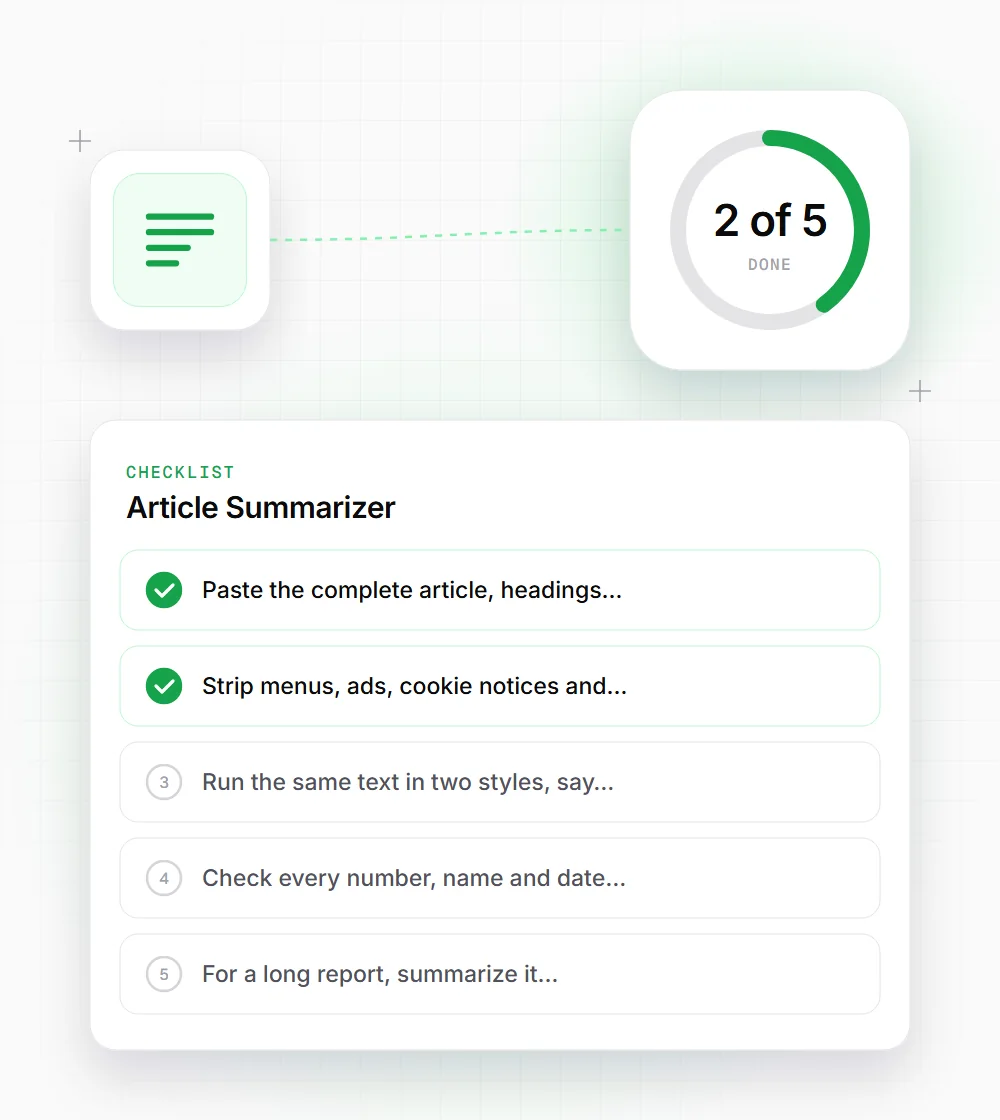
Paste the complete article, headings included. A fragment gets summarized as if it were the whole piece, and the result leans on whatever you happened to copy.
- 02
Strip menus, ads, cookie notices and comments before pasting. They use up the 6,000-character budget and add noise to the summary.
- 03
Run the same text in two styles, say bullets and TL;DR. Points that appear in both are the core of the piece.
- 04
Check every number, name and date against the source before you reuse it anywhere.
- 05
For a long report, summarize it section by section, then run the combined summaries through once more for an overview.