Paraphrasing Tool
Paste a sentence, a paragraph or a whole section, choose a tone, and the tool sends it to an AI model that rewrites it in that voice. You get one rewritten version back, labeled with the tone you picked, ready to copy.
Updated · by the Linkstonic team
What happens when you hit Paraphrase
The rewrite itself happens on our server with an AI model. The page around it is simple, and a few details are worth knowing before you paste a long draft.
Tone picker
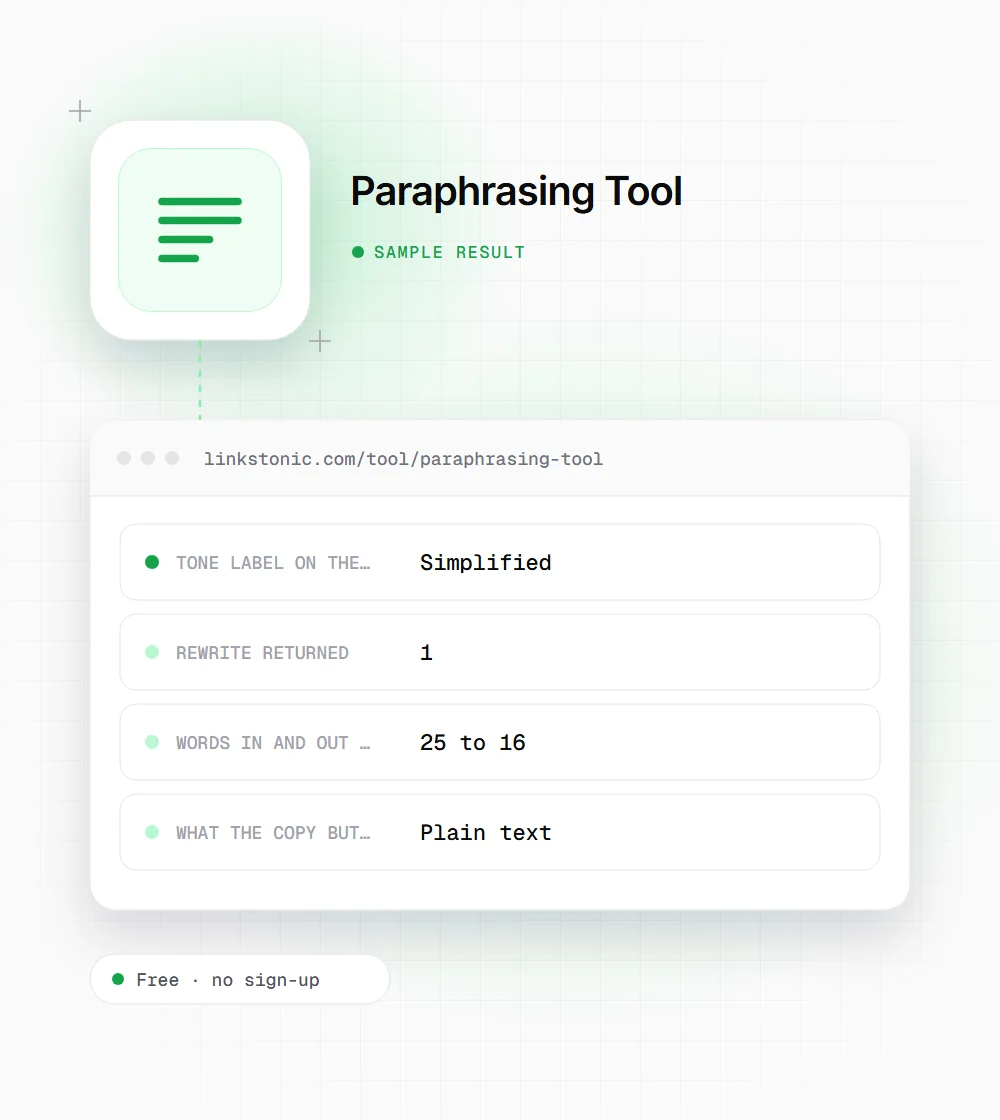
There are eight tones: standard, formal, casual, persuasive, creative, simplified, academic and professional. Standard is selected by default. The tone is sent along with your text, and the result box is labeled with it, so you can tell versions apart when you run the same paragraph twice.
One version per run
Each click returns a single rewrite, not a list of alternatives. If you want to compare, run it again with the same tone or switch tones. AI output varies from run to run, so the second standard rewrite won't match the first word for word.
Server-side AI
Your text goes to Linkstonic's server, which passes it to an AI language model and returns the rewritten passage. Nothing is rewritten in the browser. If the AI isn't configured on the server, you'll see a notice instead of a result.
Empty input
The Paraphrase button stays disabled until the box has something other than spaces in it. There is no hard length cap in the page itself, but very long input takes longer, and shorter chunks usually come back cleaner.
Copy button
The Copy button puts the full rewrite on your clipboard and shows a short confirmation. It copies plain text only, so any formatting from your original (bold, links, headings) has to be added back in your editor.
A stiff paragraph, simplified
An illustrative run on a short product paragraph. The exact wording will differ each time because the rewrite comes from an AI model.
Tone: simplified

Our platform facilitates the consolidation of disparate marketing data sources into a unified reporting interface, thereby reducing the time analysts spend on manual spreadsheet reconciliation.
A typical simplified result reads something like "Our platform pulls your marketing data into one report, so analysts spend less time fixing spreadsheets." The formal tone on the same input tends to keep the length and swap vocabulary instead.
Who uses a rewriter, and for what
Most people come here with a specific paragraph that isn't working. These are the jobs it handles well.
Content editors
When a writer's draft is correct but reads stiff, running one paragraph through the casual or simplified tone gives you a second version to borrow from. You keep the facts and take the phrasing that fits.
Marketers repurposing copy
The same product blurb often has to appear on a landing page, in an email and in a sales deck. Switching between professional and persuasive gives a quick starting point for each channel without writing three drafts.
Non-native English writers
If you know what you want to say but the sentence feels awkward, the standard tone often produces a more natural version. Compare it with yours line by line so you learn the pattern, not just the fix.
Students and researchers
The academic tone helps tighten your own notes into formal prose. It is not a way around citation: if the idea came from a source, it still needs a reference after you rewrite it.
Rewording is the easy part
A paraphraser changes how a passage sounds. It doesn't make the passage more accurate, more useful or more original in any way that counts. I'd use it for the paragraph you've rewritten three times and still dislike, not as a way to turn someone else's article into yours.
Spinning competitor content is the classic misuse, and it rarely works. Google's spam policies call out scaled content made to manipulate rankings, and a page that repeats what already ranks in new words gives nobody a reason to prefer it. The value has to come from what you know, tested or measured.
For AI answers, the same logic applies. ChatGPT, Perplexity and Google's AI Overviews tend to cite pages that state a specific fact or answer plainly. A rewrite can help with the plainly part, especially the simplified tone. It can't supply the fact. Read every result for meaning drift, since models sometimes soften a claim or drop a qualifier.
Getting a better rewrite
The model does what it's given. Small changes to the input make a bigger difference than switching tones repeatedly.
- 01
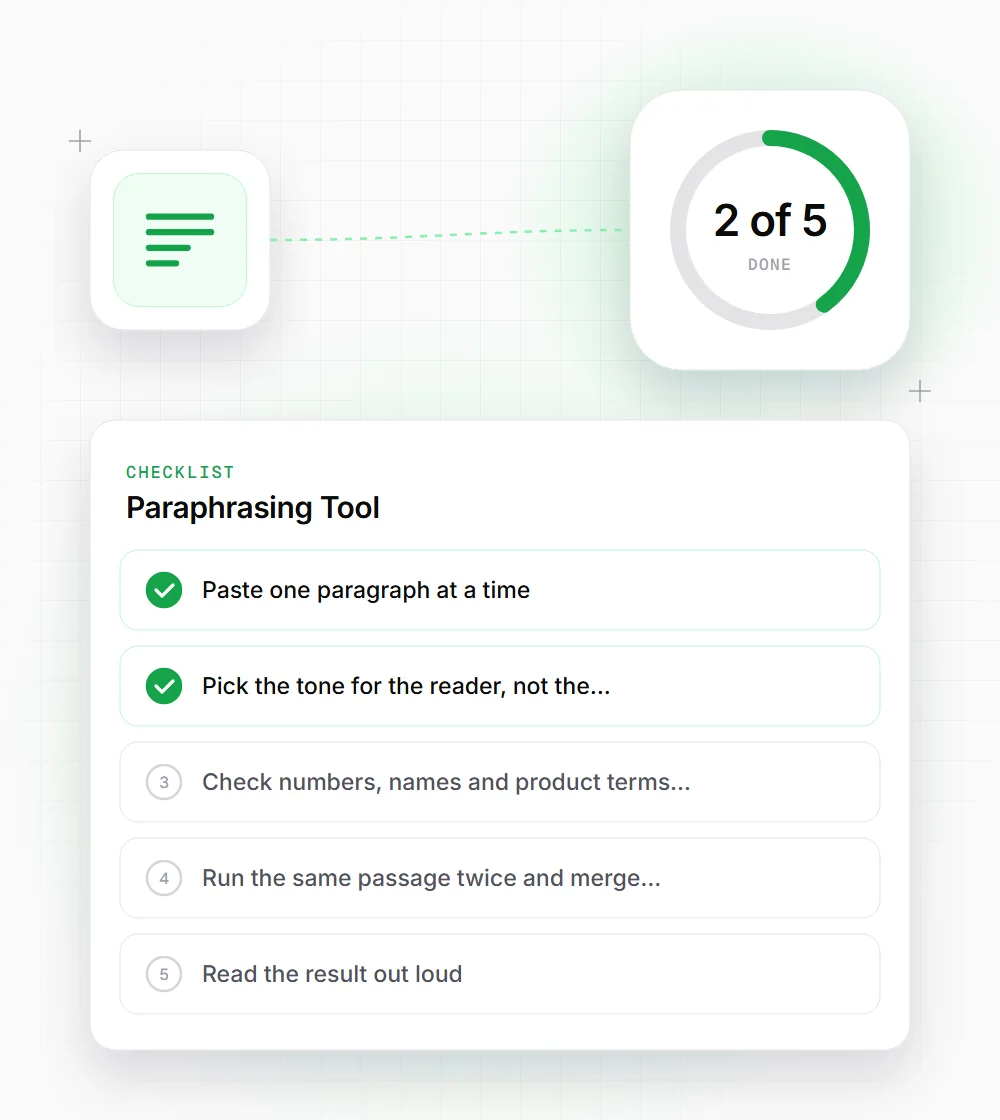
Paste one paragraph at a time. A single idea comes back tighter than a full page where the model has to balance several points.
- 02
Pick the tone for the reader, not the writer. Simplified suits help docs and FAQs, professional suits B2B pages, casual suits social posts.
- 03
Check numbers, names and product terms in the output. They should match your original exactly.
- 04
Run the same passage twice and merge the best sentences from each version rather than accepting either one whole.
- 05
Read the result out loud. If a phrase sounds like nobody would say it, change it by hand.