Grammar Checker
Paste a paragraph or a full draft and get a grammar score, a corrected version of the whole text and a list of every change. Each fix is tagged as grammar, spelling, punctuation or style, usually with a line on why it was made.
Updated · by the Linkstonic team
How the checker reports problems
The check runs on Linkstonic's server using OpenAI's GPT-4o-mini. The results come back in three parts, and each one is useful for something different.
Grammar score
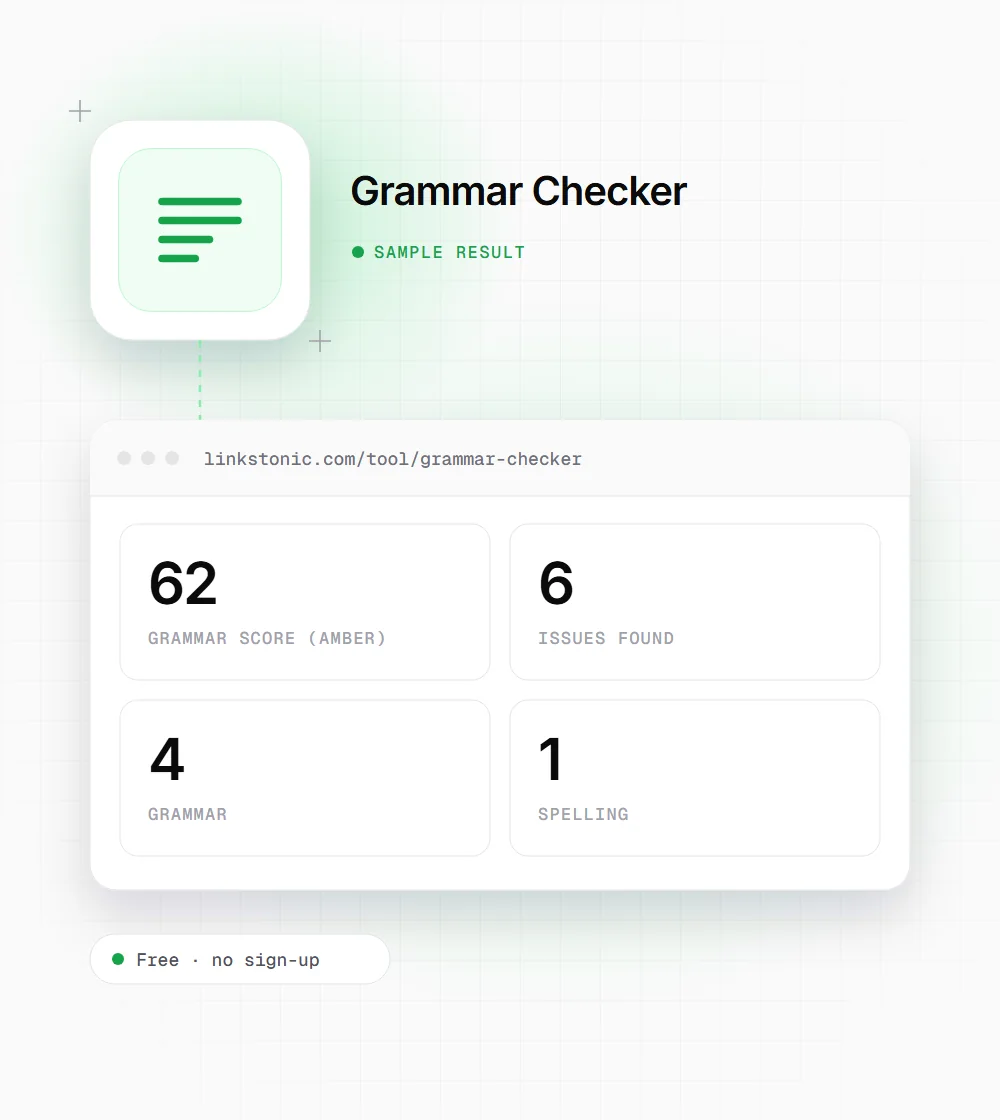
The headline number is a score the model gives the text, shown next to the count of issues found. It turns green at 80 or above, amber from 60 to 79, and red below 60. Read it as a measure of how much editing is left, not a grade to chase.
Four issue types
Every flagged item carries one badge: grammar, spelling, punctuation or style. The first three are usually plain errors. Style items are suggestions about wording, so weigh them against your own voice and your brand guide before you accept them.
Before and after
Each issue shows the original words struck through in red, an arrow, and the correction in green, followed by an explanation when the model gives one. You can decide on each change by eye without rereading the full text.
Corrected text
A green box holds the whole text with every correction applied, plus a Copy button. It's convenient, but style changes are applied along with real fixes. Compare it with your original before you paste it over anything you care about.
Input
There's no minimum length. The Check Grammar button turns on as soon as the box has text, and each click sends the text to the server again. On long drafts, checking a section at a time gives you a shorter list of fixes that's easier to review properly.
A sloppy sentence, corrected
An illustrative result. The model's scoring and wording can vary between runs, but these are the fixes you'd expect.
Their going to launch the new pricing page next week but the team havent decided wich plan to feature. Each of the plans have a free trial, and it last 14 days.
In American English "the team" takes a singular verb, so "havent" comes back as "hasn't" rather than "haven't". A British editor might happily leave it plural, which is why the explanation line is worth reading.
Who uses it, and for what
A grammar pass is the last step for most people. What changes is how much they trust the suggestions.
Writers in a second language
The explanation under each fix says why the change was made, not only what changed. Over a few weeks, the same corrections come up again and again, and you stop making those mistakes.
Marketers shipping copy fast
Product pages, emails and ad text often go live without a second reader. A pass here catches the "your" and "you're" slips that make a brand look careless in front of customers.
Support and documentation teams
Help articles and saved replies get read thousands of times. Cleaning them up once pays off, but be wary of style suggestions on step-by-step instructions, where short, blunt sentences are often the right choice.
Students and job seekers
Essays, cover letters and application forms get judged on small details. A last pass catches the slip you've read past five times, and the explanations help you understand the fix rather than accept it blindly.
Where grammar matters for search, and where it doesn't
Google hasn't named grammar as a ranking factor, and I wouldn't expect a single typo to cost a page its position. Readers are less forgiving. A pricing page with "your" for "you're" makes people wonder what else was rushed, and that doubt is a conversion problem long before it's an SEO one.
The bigger risk is over-correction. Grammar tools, this one included, tend to smooth style into something safe. A sentence fragment, a line starting with "And", a deliberately casual phrase: these are often choices. Accept spelling and agreement fixes without much thought, and argue with the style ones.
For AI answers, clean sentences help in a narrow way. A passage that ChatGPT or an AI Overview lifts has to make sense on its own, and a missing word or broken sentence can change its meaning. Correct grammar won't get a page quoted, but garbled text gives those systems one more reason to pass it over.
Proofreading with a checker
A grammar tool is fast, but it only catches what it's shown. This order keeps it useful.
- 01
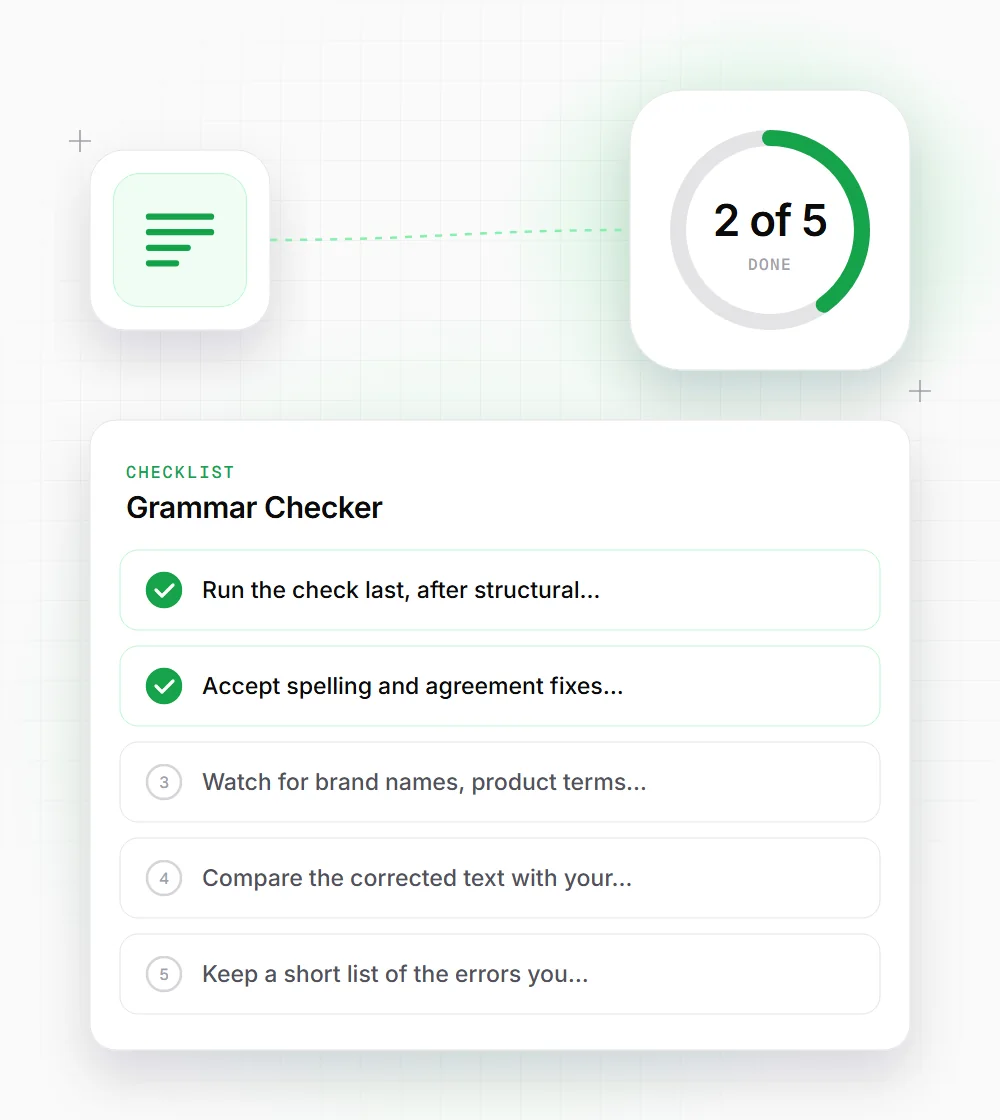
Run the check last, after structural edits. Proofreading a paragraph you then delete is wasted effort.
- 02
Accept spelling and agreement fixes quickly, but read each style suggestion aloud before taking it.
- 03
Watch for brand names, product terms and deliberate slang. The model may try to correct words that are right for your audience.
- 04
Compare the corrected text with your original before copying it over, especially on legal, medical or technical copy.
- 05
Keep a short list of the errors you make most. The tool is a backstop, and your own habits are the real fix.