XML Sitemap Generator
Paste the URLs you want indexed, one per line, choose a change frequency and priority, and click Generate. You get a standard urlset file with a loc, lastmod, changefreq and priority entry for every line, ready to copy or download as sitemap.xml.
Updated · by the Linkstonic team
What goes into each entry
The generator doesn't crawl your site. It wraps the URLs you give it in sitemap markup, so the quality of the file depends on the list you paste.
Your list, as typed
Each non-empty line becomes one url entry. Spaces around a line are trimmed and blank lines are skipped. Nothing else is checked: duplicates stay duplicated, relative paths aren't expanded, and URLs from two different domains end up in the same file.
Lastmod is today
Every entry gets the same lastmod, the current date in UTC (YYYY-MM-DD) at the moment you click Generate. That is fine for a brand-new site. For an older site, it tells search engines every page changed today, which usually isn't true.
One frequency, one priority
The change frequency (always, hourly, daily, weekly, monthly, yearly or never) and the priority (1.0 down to 0.1) apply to every URL. Defaults are weekly and 0.8. There's no way to give the homepage a different value than a blog post in the same run.
Ampersands aren't escaped
XML requires & to be written as &. The generator writes each URL exactly as you pasted it, so a URL like /shoes?size=10&color=red makes the file invalid. Escape those by hand, or better, leave parameter URLs out of the sitemap.
No size split
The sitemap protocol caps a file at 50,000 URLs and 50 MB uncompressed. The tool doesn't count or split, and it doesn't build a sitemap index. For big sites, generate the file in chunks and list them in an index yourself.
A three-page site
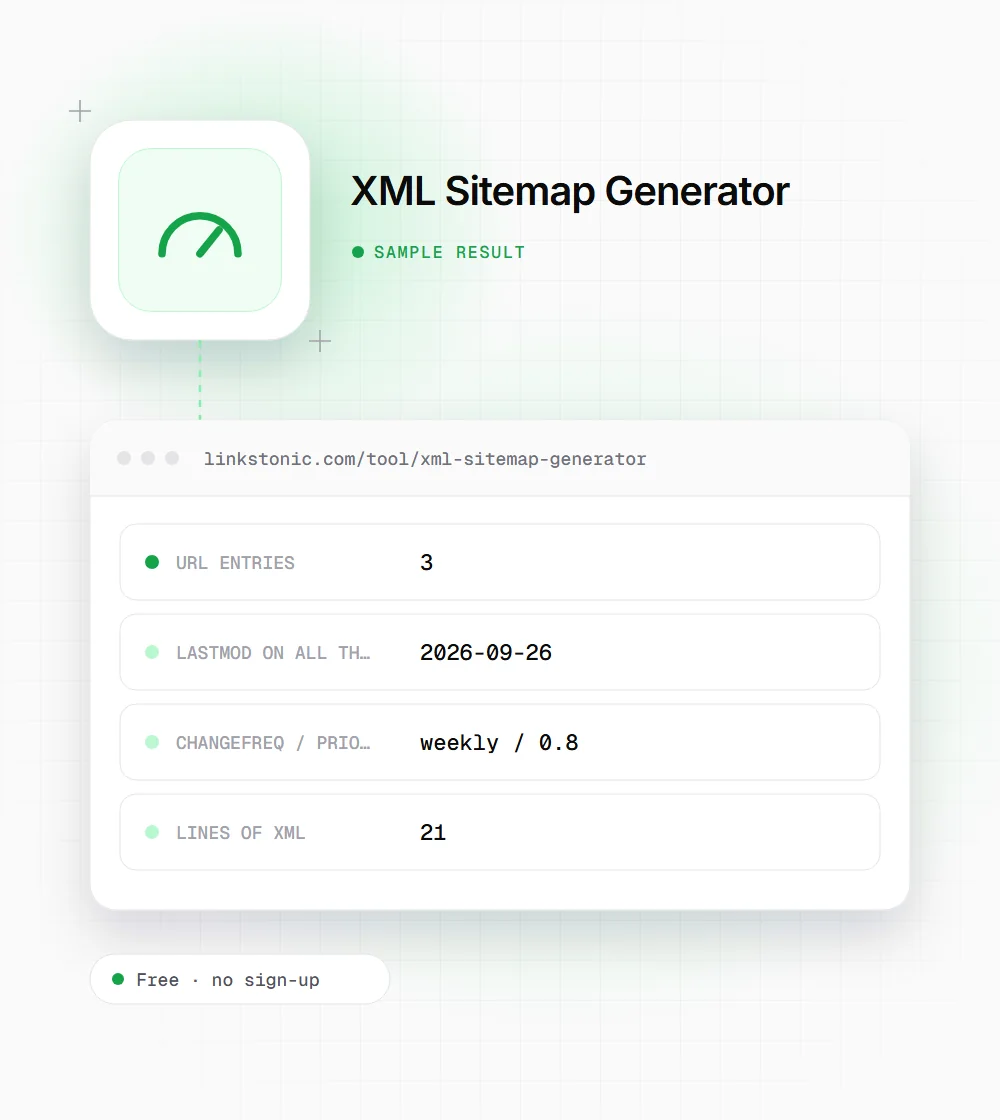
We pasted three URLs, kept the defaults (weekly, 0.8) and clicked Generate on September 26, 2026.
https://example.com/
https://example.com/about
https://example.com/blog/crawl-budget
The homepage and a blog post get identical dates and priority. Google ignores priority anyway, but that shared lastmod is worth editing if the pages weren't all updated today.
How Google treats each sitemap tag
The protocol allows four tags per URL. Google has been open about which ones it reads.
| Tag or limit | Required | What Google does with it |
|---|---|---|
| loc | Yes | The URL to crawl. Must be absolute and on the sitemap's host |
| lastmod | No | Used when it's consistently accurate, ignored otherwise |
| changefreq | No | Ignored |
| priority | No | Ignored |
| File size | n/a | 50,000 URLs or 50 MB uncompressed per file |
| Sitemap index | For large sites | Lists up to 50,000 sitemap files |
Bing has said lastmod matters to it too.Changefreq and priority are still valid XML, so leaving them in does no harm.
What a sitemap can and can't do
A sitemap is a list of hints. It helps search engines find URLs they might miss, like new pages with few internal links, and it tells them when something changed. It doesn't force indexing. A page that is thin, duplicated or blocked will stay out of the index no matter how many sitemaps list it.
The mistake I see most is a dirty list: redirected URLs, noindex pages, parameter variations and staging URLs all in the sitemap. That sends mixed signals. Only list the canonical, 200-status version of each page you actually want in search.
For small sites, a hand-built file like this one is fine. Once you publish often, a sitemap your CMS updates automatically is better, because a static file goes stale the day you add a page. The same goes for AI answers: Google's AI Overviews draw on Google's index, so a page has to be found and indexed before it can be quoted there.
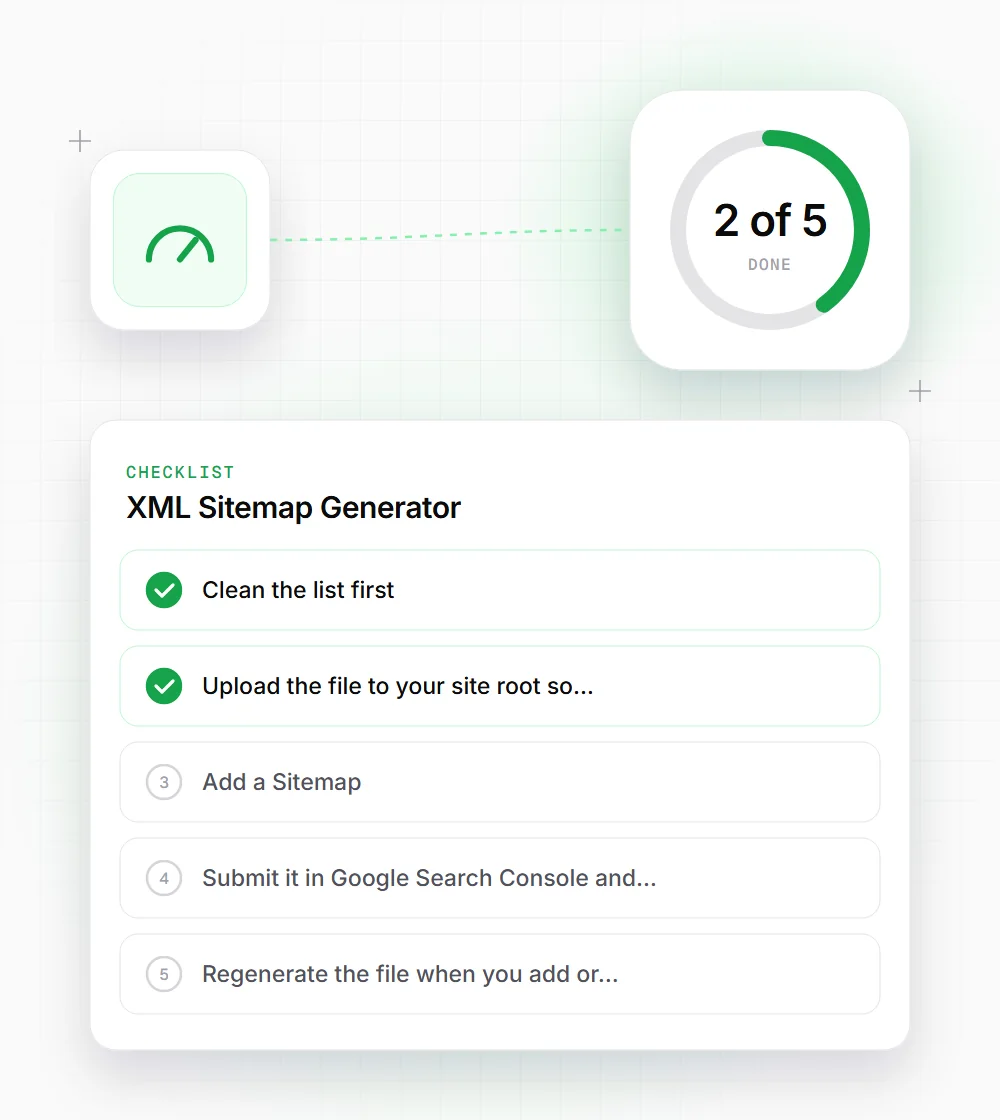
Getting the file live
Generating the XML is the easy part. These steps get it read.
- 01
Clean the list first: only canonical URLs that return 200, with no redirects, noindex pages or tracking parameters.
- 02
Upload the file to your site root so it loads at https://yourdomain.com/sitemap.xml.
- 03
Add a Sitemap: line with the full URL to robots.txt, so every crawler can find it without being told.
- 04
Submit it in Google Search Console and Bing Webmaster Tools, then check the Pages report a few days later for errors.
- 05
Regenerate the file when you add or remove pages, and edit lastmod so only changed pages get today's date.