SSL Checker
Enter a bare domain and the checker connects to it on port 443, reads the certificate the server presents and tells you whether it is valid. You get the subject, the issuer, the start and end dates, and a countdown of days left before it expires.
Updated · by the Linkstonic team
What the certificate check looks at
Our server opens a TLS connection the same way a browser would and reports what came back. Here is how to read each part.
Valid or not
The panel turns green with "Valid SSL Certificate" when the connection succeeds and the certificate checks out. It turns red with "SSL Issue Detected" when something fails, and the error message is printed underneath, for example an expired certificate or a name that doesn't match.
Days left
The badge counts the days until the certificate's end date. At 30 days or more it is green. Below 30 it turns red. Let's Encrypt certificates last 90 days and usually renew around day 60, so a red badge on one often means renewal has quietly failed.
Subject
This is the name the certificate was issued for. It has to match the domain you entered, or a wildcard that covers it. A certificate for example.com does not cover shop.example.com unless it also lists that name or uses *.example.com.
Issuer
The certificate authority that signed it: Let's Encrypt, Sectigo, DigiCert, Google Trust Services and so on. If you see your own company or "localhost" here, the certificate is self-signed and browsers will warn every visitor.
Enter the domain only
Type example.com, not https://example.com/page. The check is about the host, and it always uses port 443. Services on other ports, such as a mail server on 465 or an admin panel on 8443, aren't covered by this tool. Subdomains are fine, just type them in full.
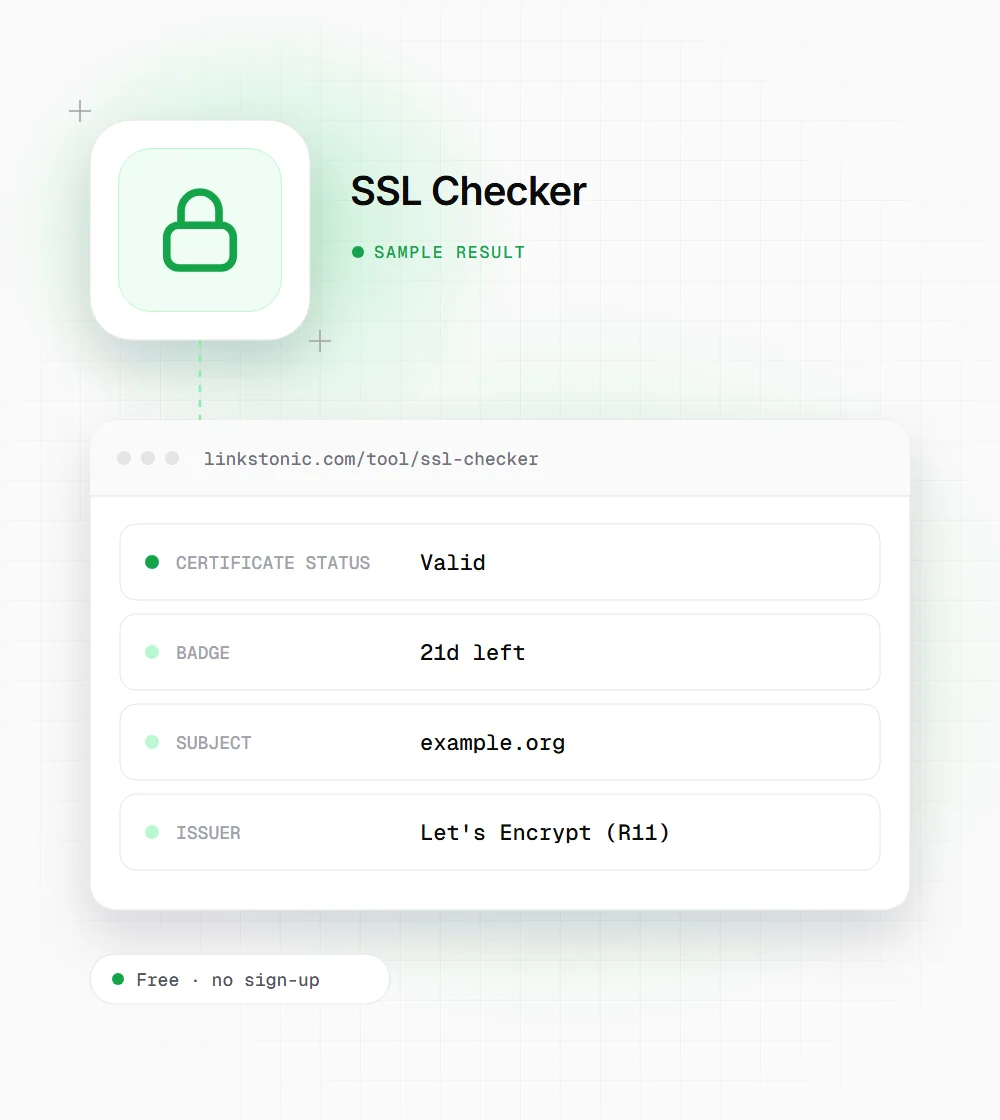
A certificate close to renewal
Illustrative output for a made-up domain on a 90-day certificate. The numbers are there to show how the panel reads, not a real check.
example.org
The certificate is still valid, so visitors see no warning today. The red 21-day badge is the useful part: a 90-day certificate that should have renewed around day 60 hasn't. Check the renewal logs on the server before the badge hits zero.
Who checks certificates, and why
An expired certificate takes a site offline for most visitors, so different people check for different reasons.
Site owners and freelancers
Run a check after moving hosts or adding a domain. Migrations are when auto-renewal breaks, because the new server never got the renewal job set up and nobody notices until the old certificate runs out.
Agencies managing client sites
Go down the client list once a month and note anything under 30 days. It is a five-minute job that saves an awkward phone call about a browser warning on the client's homepage.
Shoppers and cautious visitors
Before entering card details on an unfamiliar store, check who the certificate was issued to. A valid certificate only proves the connection is encrypted, not that the business is honest. Look at the domain in the address bar as well, letter by letter.
HTTPS is table stakes, expiry is the real risk
Almost every site has a certificate now, thanks to free issuers like Let's Encrypt. Google has used HTTPS as a light ranking signal since 2014, but at this point it is less a boost and more a baseline. The bigger problem is the day a certificate lapses. Chrome shows a full-page warning, most people leave, and crawlers can't fetch the page cleanly either.
Most expiries I see come from renewal that was set up once and then broken. A DNS change, a moved server or a firewall rule blocks the validation step, the renewal fails silently, and 90 days later the site goes red. A check that shows days left is the cheapest early warning there is.
For AI search, a working certificate matters in the same way it does for Google. Crawlers behind ChatGPT, Perplexity and Gemini fetch pages over HTTPS, and a certificate error means they get nothing to read or cite. The padlock won't win you citations. A broken one will lose you the fetch.
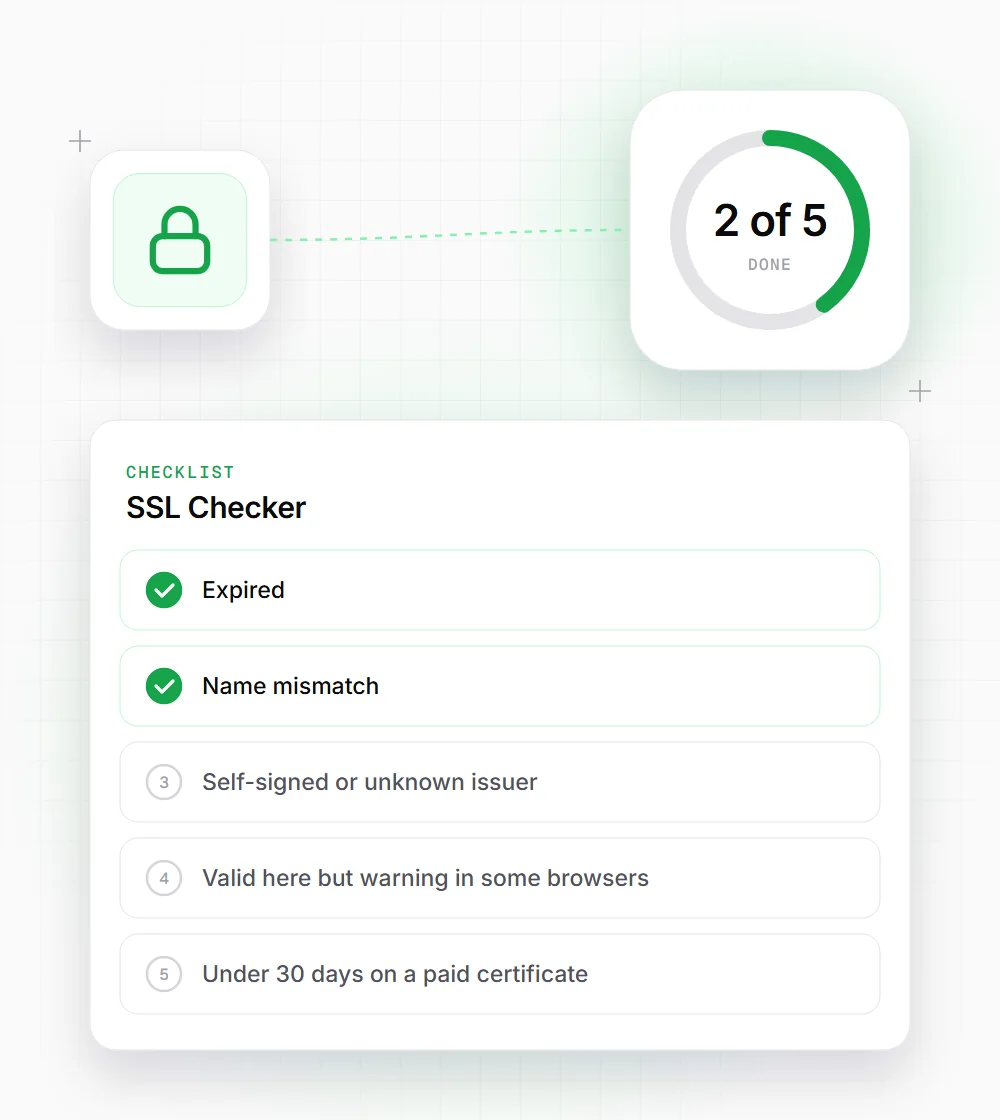
When the check comes back red
Match the error text under the panel to one of these and you're usually most of the way to a fix.
- 01
Expired: renew it now, then find out why auto-renewal failed. Check the cron job or your host's SSL panel.
- 02
Name mismatch: the certificate doesn't list the domain you typed. Add the www or subdomain variant to the certificate.
- 03
Self-signed or unknown issuer: replace it with a certificate from a public authority. Let's Encrypt is free.
- 04
Valid here but warning in some browsers: the server may be missing an intermediate certificate. Install the full chain file.
- 05
Under 30 days on a paid certificate: order the renewal now. Validation can take days for OV and EV certificates.
Related free tools
Server Status Checker
Get a page's HTTP code and response time from outside your network.
Open tool Free toolPhishing Site Checker
Look for warning signs on a suspicious link before you open it.
Open tool Free toolDNS Records Checker
Confirm A and CNAME records after moving a site to new hosting.
Open tool