DNS Records Checker
Enter a domain and the tool runs live DNS lookups for its A, MX, TXT, NS and CNAME records, then lists what it finds under each type. Record types that return nothing are named at the bottom, which is often the answer you were looking for.
Updated · by the Linkstonic team
How the lookup reports records
The lookups run on our server, not in your browser. A few formatting details are easy to misread the first time, so here they are.
Live server lookup
The domain goes to Linkstonic's server, which queries DNS with Node.js's built-in resolver. You see what that resolver gets back right now. If you changed a record minutes ago, the old value can still show until caches along the way expire.
One card per type
Each record type that returns data gets its own card, titled A, MX, NS and so on, with one record per line. Domains with several A records or name servers show every one of them, which is useful for spotting a stale IP left behind after a migration.
MX with priority
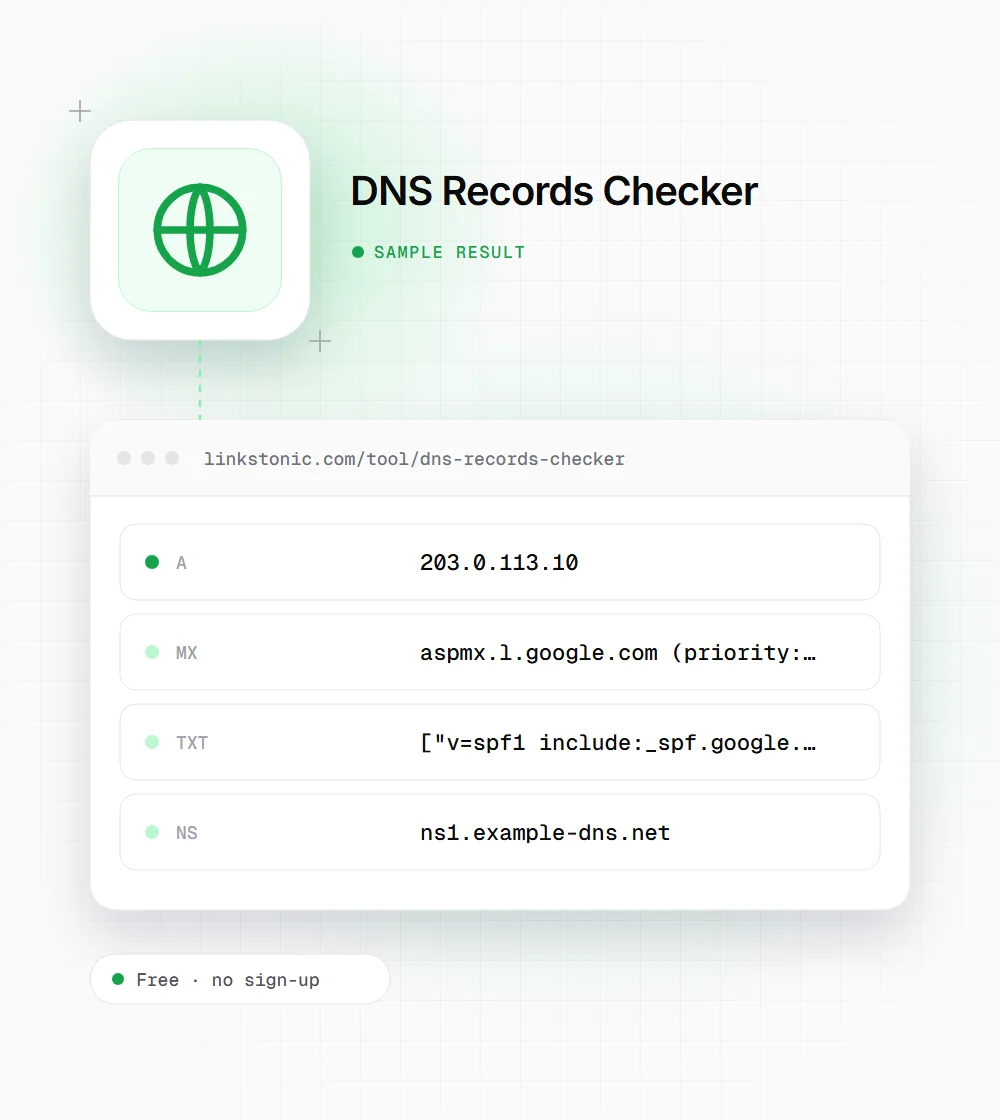
Mail records are shown as the mail host followed by its priority, like "aspmx.l.google.com (priority: 1)". Lower numbers are tried first. Two MX records with the same priority share the load, and a high-numbered one is a backup.
TXT as raw strings
TXT records appear in their raw form, as a bracketed list of quoted strings. That looks odd but is accurate: DNS stores long TXT values in chunks of up to 255 characters, so a long DKIM or SPF record can show as two or more quoted pieces on the same line.
Not found line
Types with no records are listed at the end as "Not found: CNAME" and similar. For a root domain, a missing CNAME is normal and correct, because DNS doesn't allow a CNAME at the zone apex next to the other records. The tool doesn't show TTL values.
A typical small-business domain
An illustrative result for example.com using Google Workspace for email. Addresses come from documentation ranges, not a real host.
example.com
The missing CNAME isn't a problem. It's the root domain, which can't hold a CNAME. Run www.example.com instead and a CNAME often appears, pointing at a host or CDN.
Why people look up DNS
DNS problems look like other problems: bounced mail, a site that won't load, a failed verification. This is the quickest way to rule them in or out.
SEOs verifying Search Console
Domain properties in Google Search Console need a TXT record. After adding it at your registrar, check here that the google-site-verification string is live before clicking Verify, so you're not waiting on a failed attempt.
Developers during a migration
Moving hosts means changing A records or name servers. Checking both before and after the switch shows whether the new values are live and whether an old IP is still hanging around.
Email and IT admins
When mail bounces or lands in spam, the MX and TXT cards show whether mail routes where it should and whether SPF includes every service that sends for you, from your helpdesk to your newsletter tool.
Buyers checking a domain
Before buying an expired or aftermarket domain, the NS and A records show whether it's parked with a marketplace, still hosted somewhere, or pointing at a server you'd rather not inherit along with the name.
Record types you'll see
The five types this tool looks up, plus the TXT records that matter most for email and verification.
| Record | What it does | Example value |
|---|---|---|
| A | Points a name to an IPv4 address | 203.0.113.10 |
| CNAME | Makes one name an alias of another | www → example.netlify.app |
| MX | Names the servers that accept email | mail.example.com, priority 10 |
| NS | Names the servers authoritative for the zone | ns1.example-dns.net |
| TXT (SPF) | Lists servers allowed to send mail for the domain | v=spf1 include:_spf.google.com ~all |
| TXT (DMARC) | Sets the policy for failed mail checks, on _dmarc.domain | v=DMARC1; p=quarantine |
| TXT (verification) | Proves ownership to Google Search Console and other services | google-site-verification=... |
A domain should publish only one SPF record. Two separate v=spf1 TXT records make SPF fail.
DNS rarely helps rankings, but it can break them
No DNS record makes a page rank higher. What DNS can do is make a site unreachable, and a site Googlebot can't reach for long enough starts dropping out of the index. So I'd treat DNS as plumbing: check it whenever something changes, and forget about it the rest of the time.
Migrations are where it goes wrong. Someone updates the A record for the root domain and forgets www, or moves name servers to a new provider and leaves the MX records behind. A two-minute lookup on both example.com and www.example.com after every hosting change catches most of it.
AI crawlers behave like any other client here. If GPTBot, PerplexityBot or Google's crawlers can't resolve your domain, your pages can't be fetched, cited or summarized. It's not a visibility tactic. It's the floor everything else stands on, and it's worth confirming after any change at your registrar or CDN.
Checks worth running
A few lookups catch most DNS mistakes we see.
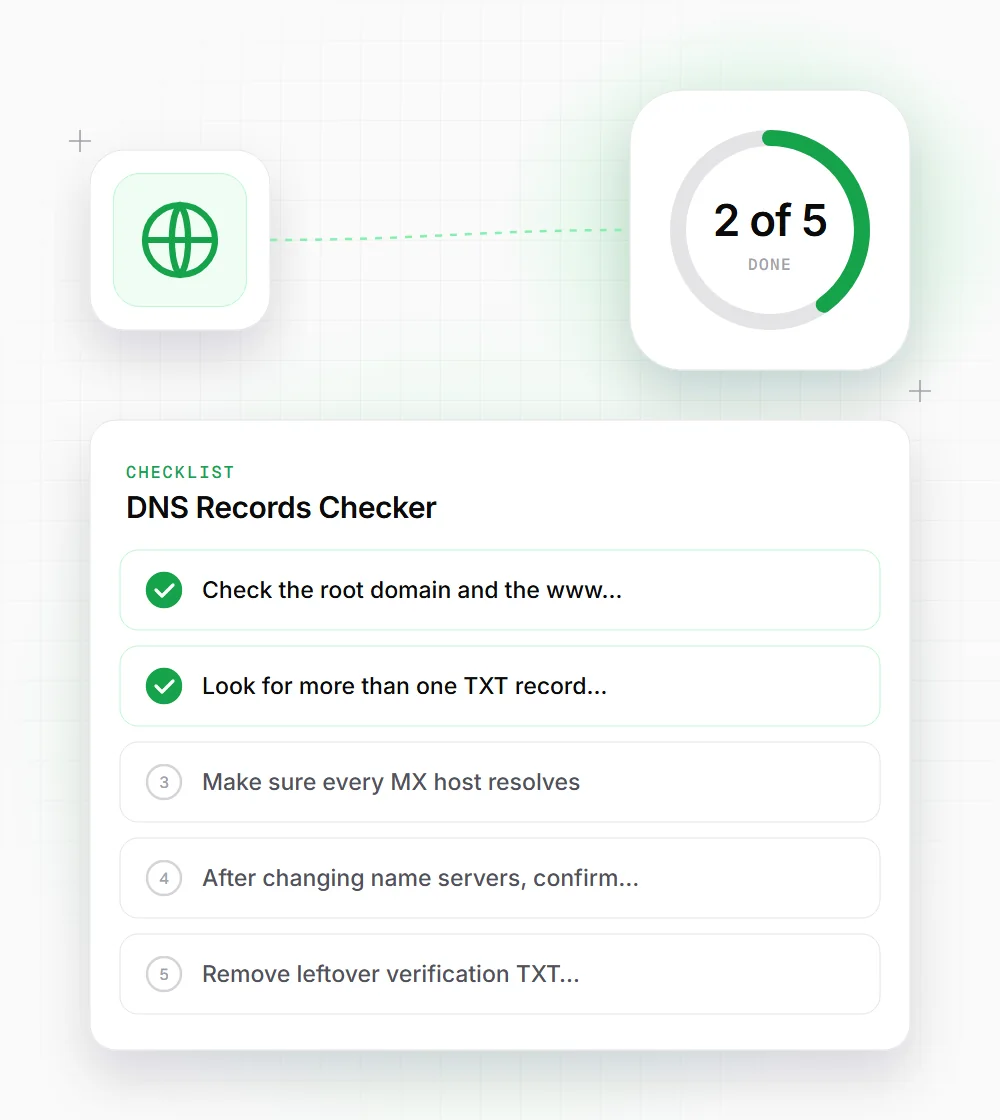
- 01
Check the root domain and the www subdomain separately. They are different names and can point to different places.
- 02
Look for more than one TXT record starting with v=spf1. Merge them into a single record.
- 03
Make sure every MX host resolves. An MX pointing at a name with no A record means mail for that host fails.
- 04
After changing name servers, confirm the NS card shows the new provider before editing records there.
- 05
Remove leftover verification TXT records for services you no longer use. They're harmless but make audits harder.