.htaccess Generator
Pick a www preference, tick HTTPS, caching or gzip, and list any old URLs that need a 301. The file rebuilds as you change each setting, and you copy it straight into the root folder of an Apache site.
Updated · by the Linkstonic team
What each option writes
Every block the generator adds is plain Apache syntax. Knowing what goes in makes the file much easier to debug later.
Always on
The file always starts with Options -Indexes. That stops Apache from listing the contents of a folder that has no index file, so nobody can browse your /uploads/ or /backup/ directory by typing its path. You can't switch it off in the tool, so delete the line by hand if you need listings.
HTTPS and www
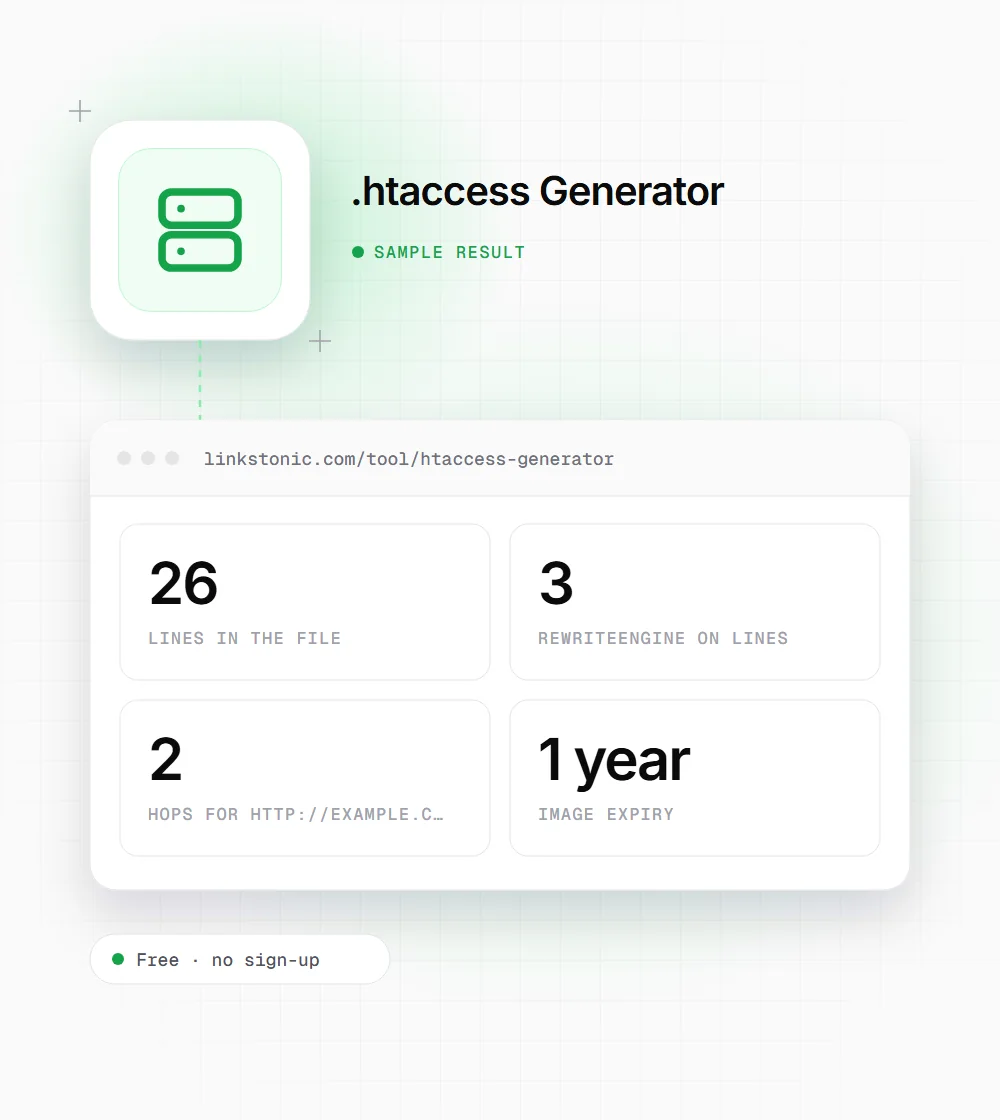
Force HTTPS adds a RewriteCond on %{HTTPS} off and a 301 to the same host and path. Force www and Remove www each add their own 301, and both point at https://. If you pick HTTPS and Force www together, a plain http://example.com visit goes through two hops before it lands.
Trailing slash
Remove trailing slash 301s /page/ to /page, but only when the path isn't a real directory on disk (RewriteCond %{REQUEST_FILENAME} !-d). It's off by default. Leave it off if your CMS or static site already uses slash-ended URLs, or every internal link will start redirecting.
Browser caching
Uses mod_expires. JPG, JPEG, PNG and WebP images get a one-year expiry. CSS and JavaScript get one month. GIF, SVG, fonts and HTML aren't in the list, so they fall back to whatever your server sends by default.
Gzip
Uses mod_deflate to compress HTML, CSS, JavaScript, XML and JSON responses. Both the caching and gzip blocks sit inside IfModule checks, so a server without those modules skips them instead of throwing a 500 error.
Custom redirects
Write one pair per line with an arrow, like /old-page -> /new-page. Each valid line becomes a Redirect 301 directive. A line without the arrow, or with nothing on one side of it, is dropped without a warning, so check that the number of Redirect lines matches your list.
A typical migration setup
We picked Force www, left Force HTTPS and browser caching on, turned gzip off and added one retired URL. This is what the file contains.
WWW redirect: Force www
Force HTTPS: on
Remove trailing slash: off
Browser cache headers: on
Gzip compression: off
Custom redirects:
/pricing-2024 -> /pricing
The repeated RewriteEngine On lines are harmless, but the two-hop chain is worth fixing. A single rule that sends http:// and bare-domain requests straight to https://www saves a round trip.
When people build one
Most .htaccess edits happen at one of a few moments in a site's life.
Moving to HTTPS
The certificate is installed but http:// pages still load. The HTTPS block sends every visitor and crawler to the secure version with a 301, which is the signal Google expects when a site changes protocol.
Picking one hostname
If example.com and www.example.com both return 200, you have two copies of every page. Choose one, force it here, and set the same version as canonical in your tags and sitemap.
Redesigns and URL changes
Retired pages with backlinks need a 301 to their closest replacement. The custom box turns a spreadsheet column of old and new paths into Redirect lines in one paste.
Quick speed fixes
On shared hosting you often can't touch the main server config. Caching and gzip rules in .htaccess are a low-effort way to improve repeat-visit load times and trim transfer sizes.
Where .htaccess helps and where it bites
An .htaccess file is read on every request, so a typo takes the whole site down with a 500 error the moment you upload it. I'd always keep a copy of the working file next to the new one and test on staging first. The generator gives you valid syntax, but it can't see the rules your host or CMS already put in there.
Mixing directives is the most common mistake. This tool writes the protocol and host rules with mod_rewrite and the custom redirects with mod_alias. Apache runs mod_rewrite first, so a RewriteRule can fire before your Redirect line. If a custom redirect seems ignored, look for a broader rewrite above it, such as a WordPress block.
For search, the goal is simple: one final URL per page, reached in one hop, returning 200. Google and the crawlers behind ChatGPT, Perplexity and Gemini all follow 301s, but every extra hop is another request that can fail or time out. Clean redirects won't lift rankings on their own. They stop you splitting signals across duplicate URLs.
Before you upload the file
A few minutes of checking saves a site-down panic later.
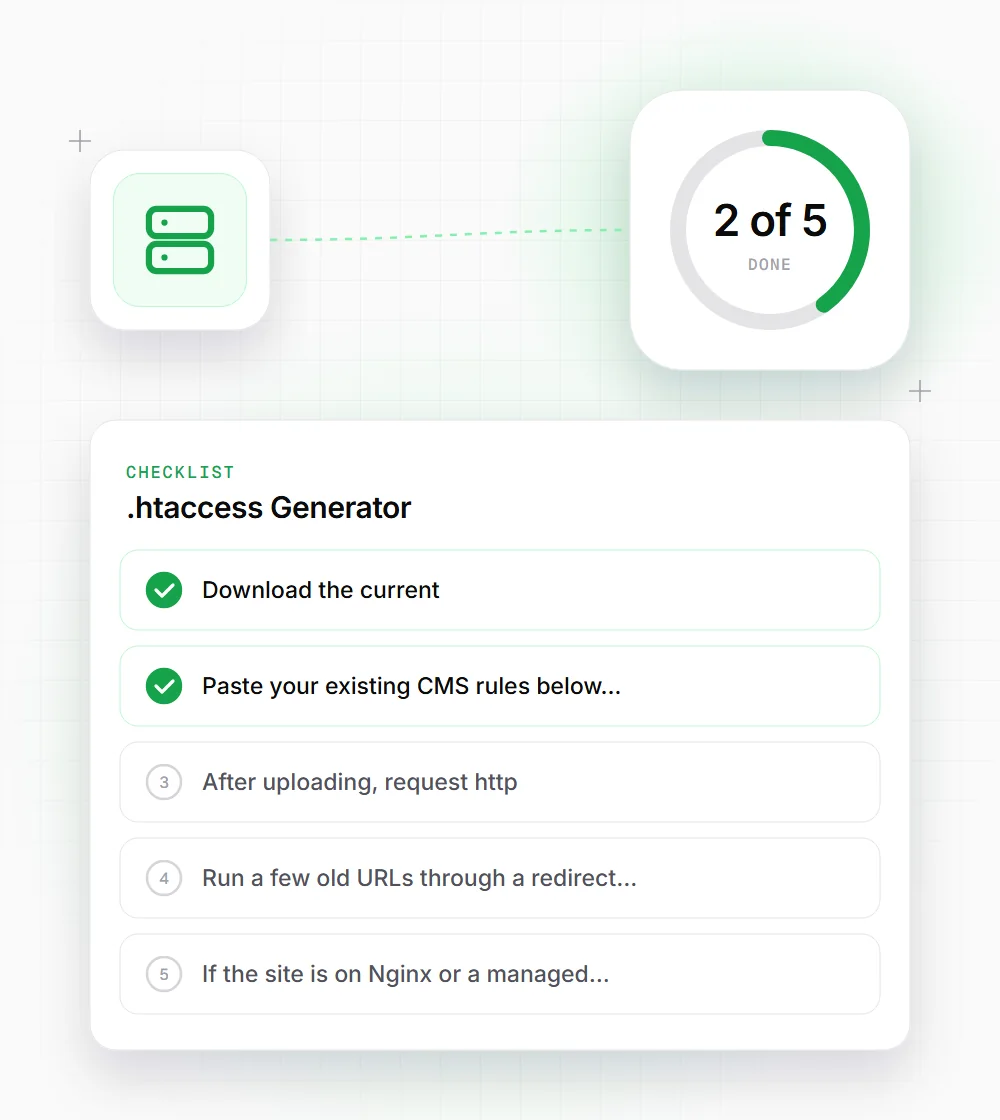
- 01
Download the current .htaccess from your server first. WordPress and many hosts add rules you'll want to keep.
- 02
Paste your existing CMS rules below the generated blocks, so the HTTPS and www redirects run before any front-controller rewrite.
- 03
After uploading, request http://, https://, www and non-www versions of your homepage and confirm each one lands on the same URL.
- 04
Run a few old URLs through a redirect checker to make sure each returns a single 301 and then a 200.
- 05
If the site is on Nginx or a managed host like Vercel or Netlify, don't use this file. Those platforms ignore .htaccess entirely.