URL Rewriting Tool
Paste a URL with capital letters, underscores, file extensions or a query string and the tool shows a clean, lowercase, hyphenated version of its path as you type. You also get a one-line .htaccess RewriteRule to use as the starting point for a redirect.
Updated · by the Linkstonic team
How a URL becomes a slug
The conversion is a short set of text rules applied to the path. Knowing them explains the odd results you'll sometimes get.
Only the path is kept
The domain, query string and #fragment are thrown away. So ?id=123&ref=home disappears, and a URL like /?p=42 whose content lives entirely in the query comes back as a bare "/". If the ID is what identifies the page, you'll need to write the new slug yourself.
Lowercase and hyphens
Each folder is lowercased, and any run of characters that isn't a to z or 0 to 9 becomes a single hyphen. Hyphens at the start or end of a folder are trimmed and empty folders are dropped. SEO_Tips!! becomes seo-tips.
Extensions become words
The dot before a file extension counts as a separator like any other, so index.php turns into index-php and page.html into page-html. Delete that tail by hand if you're moving to extensionless URLs.
Spaces and accents leak codes
The browser percent-encodes spaces and accented letters before the rules run. A space becomes -20 in the slug, and café comes out as caf-c3-a9. Fix these by hand, since the tool has no transliteration step.
Scheme is optional
If the input doesn't start with http, the tool adds https:// before parsing, so example.com/Blog works. When the input can't be parsed as a URL at all, it falls back to lowercasing and hyphenating the whole string.
The RewriteRule is a template
The rule uses the new slug as both the pattern and the target, so pasted as is it would redirect the clean URL to itself. Replace the pattern with the old path, and add a RewriteCond if the old URL depends on its query string.
An old PHP category URL
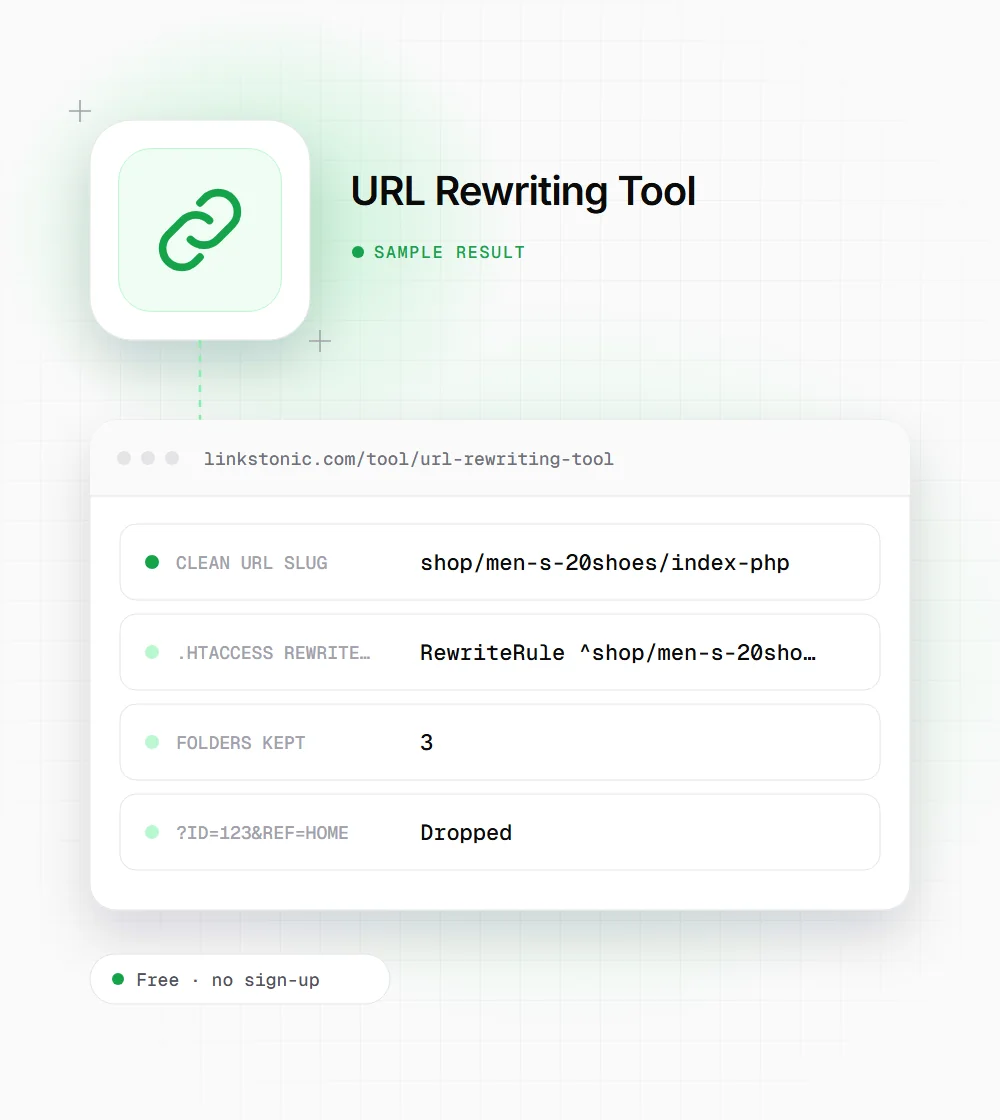
We pasted a legacy shop URL with a space, an apostrophe, a file extension and two parameters. These are the exact outputs.
https://example.com/Shop/Men's Shoes/index.php?id=123&ref=home
The "20" in men-s-20shoes is the encoded space showing through. A human would write shop/mens-shoes, which is why we treat the slug as a first draft and edit it.
Clean URLs help, but moving URLs costs
Google's own guidance is simple: readable words, hyphens rather than underscores, and no long strings of parameters where you can avoid them. Clean URLs are easier to share, easier to read in search results, and easier for you to group in reports. They are a small ranking signal at best.
The risk sits on the other side. Changing the URL of a page that already ranks means a 301, a sitemap update, fresh internal links and a few weeks of Google settling down. I'd rewrite URLs on new sections and on pages that barely get traffic, and leave well-ranking old URLs alone unless they're truly broken.
For AI answers, the URL matters less than the page. ChatGPT, Perplexity and Google's AI Overviews cite pages for what they say. A descriptive slug does help people decide to click a citation, though, because the URL is often all they see.
Turning the output into a working redirect
The generated line needs editing before it goes into .htaccess. This is how we finish it on Apache.
- 01
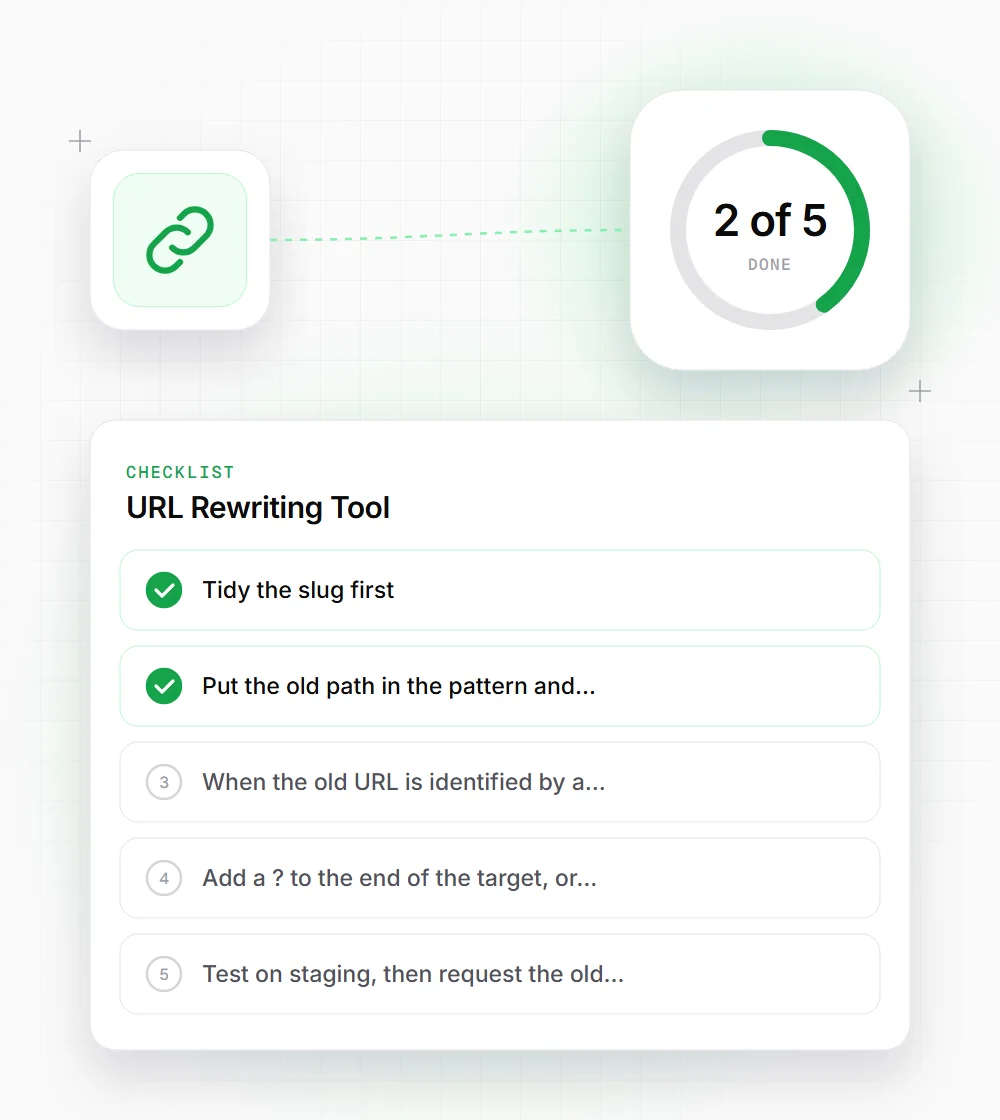
Tidy the slug first: remove index-php, fix -20 and accent codes, and shorten folders to the words people would search.
- 02
Put the old path in the pattern and the new slug in the target, for example RewriteRule ^Shop/index\.php$ /shop/mens-shoes [R=301,L].
- 03
When the old URL is identified by a parameter, match it with RewriteCond %{QUERY_STRING} ^id=123$ on the line above the rule.
- 04
Add a ? to the end of the target, or the QSD flag on Apache 2.4, so the old query string isn't carried over to the new URL.
- 05
Test on staging, then request the old URL and confirm a single 301 hop with no redirect chain.
- 06
Update internal links, canonicals and the XML sitemap to the new URL, so the redirect is only a safety net.