URL Encoder / Decoder
Paste text on the Encode tab to turn spaces, ampersands and accented letters into percent codes that are safe inside a URL. Paste an encoded string on the Decode tab to get the readable version back.
Updated · by the Linkstonic team
How the encoding behaves
Both tabs call the browser's own functions, encodeURIComponent and decodeURIComponent. That choice decides what gets encoded and what doesn't.
Everything reserved is encoded
Encode treats your input as a single value, so it also encodes : / ? & = and #. Paste a whole URL and you get https%3A%2F%2F... back. That is right for passing a URL inside a parameter, wrong if you wanted a clickable link.
What stays as is
Letters, digits and the marks - _ . ! ~ * ' ( ) are never touched. Everything else, including the space, becomes one or more %XX codes. A space turns into %20, never a plus sign.
Non-English characters
Text is encoded as UTF-8 bytes, so one accented letter can become several codes. "café" becomes caf%C3%A9 and most emoji become four codes each. Decoding reverses this exactly.
Plus signs stay plus signs
Decode doesn't treat + as a space. Form submissions and some analytics tools write spaces as +, so "red+shoes" comes back unchanged. Replace the plus signs with %20 first if you need real spaces.
Broken input
A stray % that isn't followed by two hex digits, like "100%", or a code that isn't valid UTF-8, makes decoding fail. The output box shows an error message instead of a half-decoded string.
One box for both tabs
Encode and Decode share the same input and output. Switch tabs and your text is still there, so you can encode, then paste the result back and decode it to check the round trip.
Encoding a search URL as a parameter
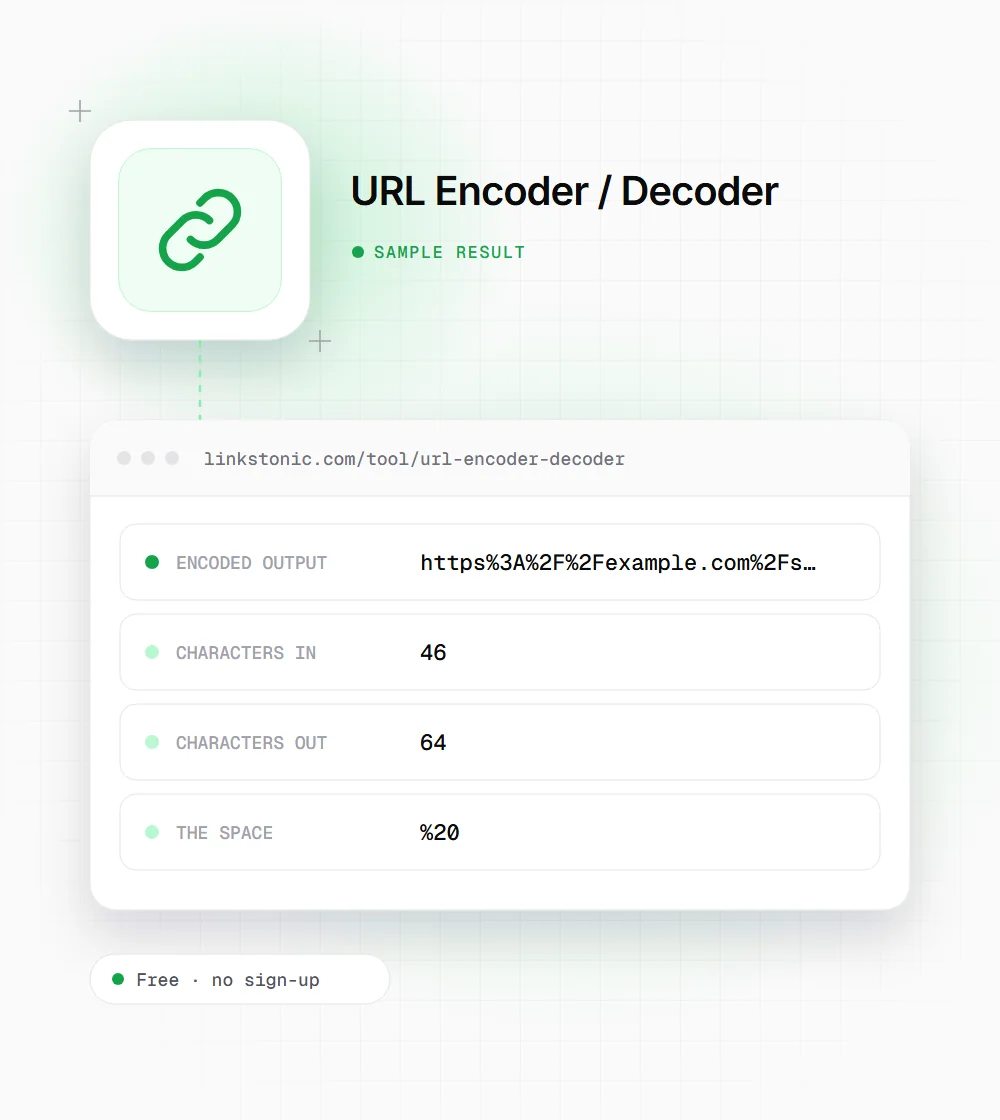
Say you need to pass a search results URL inside a redirect parameter. We pasted it into the Encode tab.
https://example.com/search?q=red shoes&size=10
The encoded & is the point. Left raw, it would split the outer URL's parameters and size=10 would get lost. Encoded, the whole search URL survives as one value.
Who ends up decoding URLs
Encoded strings turn up in more places than the address bar.
SEO analysts
Crawl exports and server logs are full of encoded paths. Decoding them shows which URLs are really the same page with different encoding, and which ones carry stray parameters that waste crawl activity.
Marketers building links
UTM values with spaces, ampersands or non-English words need encoding before they go into an email or ad platform. One broken character can drop the campaign data from analytics.
Developers
Redirect URLs, OAuth callbacks and API query values all need to travel as a single encoded value. It is quicker to check a tricky string here than to add a debug line.
Characters you'll see encoded most
A short lookup for reading encoded URLs by eye.
| Character | Encoded | Why it needs encoding |
|---|---|---|
| space | %20 | Not allowed in URLs at all |
| & | %26 | Separates query parameters |
| = | %3D | Splits a parameter name from its value |
| ? | %3F | Starts the query string |
| / | %2F | Separates path segments |
| # | %23 | Starts the fragment, never sent to the server |
| + | %2B | Some servers read a raw + as a space |
| % | %25 | Starts every percent code |
Encoded letters can be upper or lower case. %2F and %2f mean the same thing.
Where encoding goes wrong in SEO work
Double encoding is the one I see most. A URL gets encoded once by a CMS, then again by a tracking script, and %20 turns into %2520. Search engines treat that as a different URL, so you end up with duplicates in reports and sometimes in the index. If you see %25 in a URL, decode it twice and look at what's underneath.
The second is UTM links built by hand. A campaign name with a space or an ampersand breaks the query string, and the rest of the tags silently fall off. Encode just the values, not the whole link.
For non-English slugs, browsers show the readable version in the address bar while the HTML carries the encoded form. Both are the same URL to Google. What matters is picking one form and using it the same way in canonicals, sitemaps and internal links.