Short URL Expander
Paste a shortened link and our server follows it for you, hop by hop, until it reaches the real page. You get the final destination URL with a copy button, plus the full redirect chain and the status code of each step.
Updated · by the Linkstonic team
How the expander follows a link
Despite the page name, this tool expands links. It doesn't create short ones. Here's what it does with the URL you give it.
Server-side requests
The redirects are followed by Linkstonic's server, not your browser. Nothing loads on your screen and no cookies from the destination land on your device, which is the point when the link came from a stranger's message or an odd email.
Up to 12 hops
The server follows the chain for up to 12 redirects and then stops. Legitimate short links rarely need more than three or four. A chain that runs to the limit is either a redirect loop or a tracking setup that has gotten out of hand.
Final destination
The green box shows the last URL in the chain, the page you'd actually land on. It has a copy button, so you can paste the clean address somewhere else without ever clicking the short link. Query strings stay visible, so tracking parameters are easy to spot.
The redirect chain
When there is more than one step, you get a numbered list of every URL visited with its HTTP status: 301 or 308 for permanent moves, 302 or 307 for temporary ones, and usually 200 at the end. If the URL doesn't redirect at all, only the final box appears.
Any URL works
It isn't limited to bit.ly or t.co. Paste any address and it will trace whatever redirects sit in front of it, which makes it handy for checking your own old URLs, affiliate links and QR code targets too.
Unwrapping a campaign link
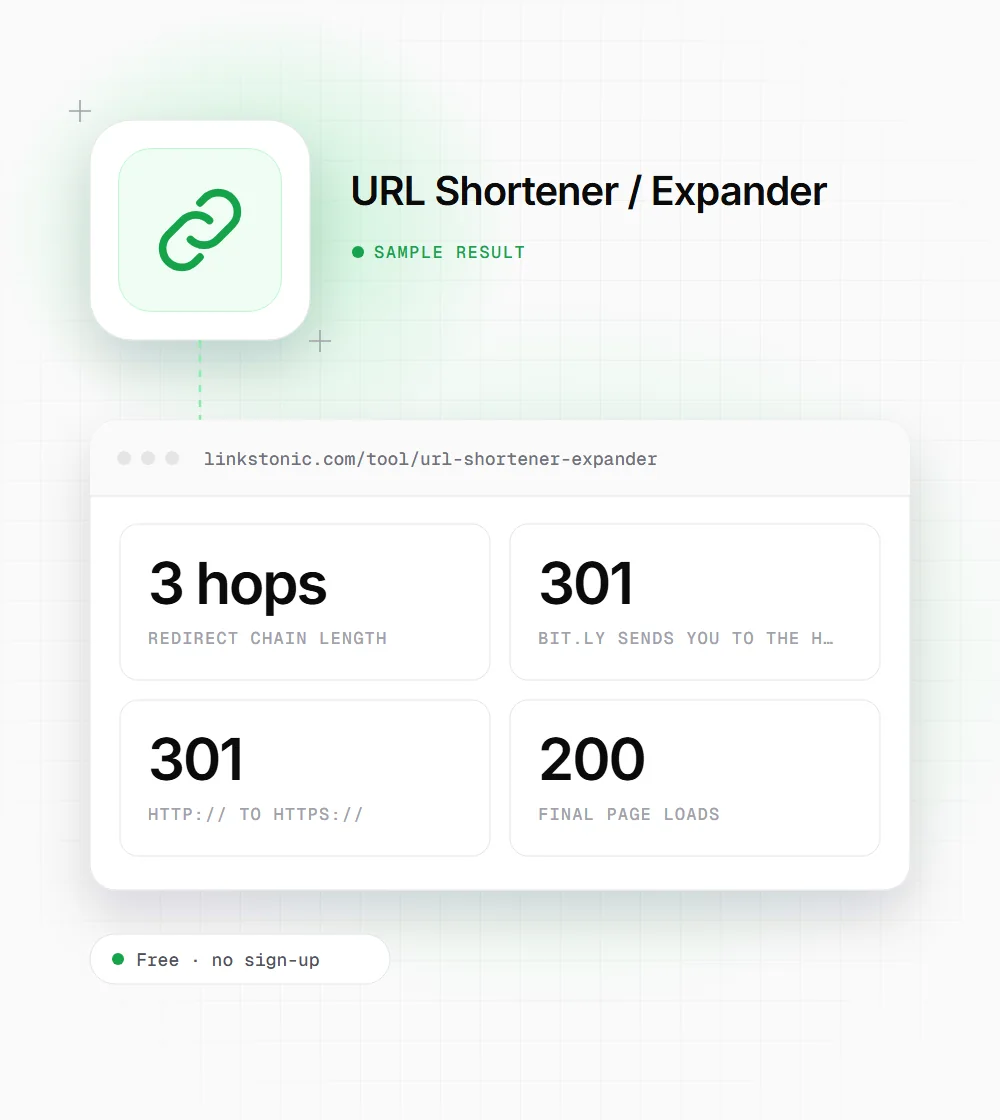
An illustrative trace of a made-up short link, the kind that shows up in a newsletter. It isn't a real link.
https://bit.ly/example-spring
The middle hop is the site forcing HTTPS. The shortener points at the http:// version, so every click pays for an extra redirect that one edit in the shortener's dashboard would remove.
Good reasons to expand a link
Short links hide the one thing you most want to know before clicking. These are the situations where that matters.
Anyone who got a suspicious link
A text claiming to be from your bank or a delivery company, with a shortened link. Expand it here and read the real domain. If it isn't the company's own domain, delete the message.
Marketers checking campaigns
Before a newsletter goes out, trace every short link in it. You'll catch links pointing at old landing pages, missing UTM tags and extra hops that slow the first page view.
SEO teams auditing redirects
Links you earned years ago may now pass through three or four redirects after site moves. Tracing them shows which ones to update at the source and which redirect rules to clean up.
Affiliates and partners
Confirm your affiliate link still ends on the right product page with your tag intact. Networks and merchants change redirect setups without telling anyone.
Short links cost a hop, and sometimes more
Short links are fine for what they're for: social posts, print, QR codes and SMS where length matters. Most big shorteners use 301 redirects, and Google follows those. I still wouldn't use a shortener for links on your own site or for links you ask other sites to place. Link to the real URL and there's nothing in between to break.
The real risk is time. Shorteners shut down, free plans expire, and accounts get closed. When that happens every link you printed or posted goes dead at once. If you rely on short links, use a branded domain you control so you can repoint them later.
Chains matter too. Each hop is another round trip before the page starts to load, and crawlers don't follow forever. Google has said Googlebot follows up to 10 redirect hops before giving up. AI crawlers fetching a page for ChatGPT or Perplexity have their own limits, so a link that takes four hops to resolve is one more place for the fetch to fail.
Reading a trace like a pro
A few quick checks on the hop list will tell you whether a link is healthy.
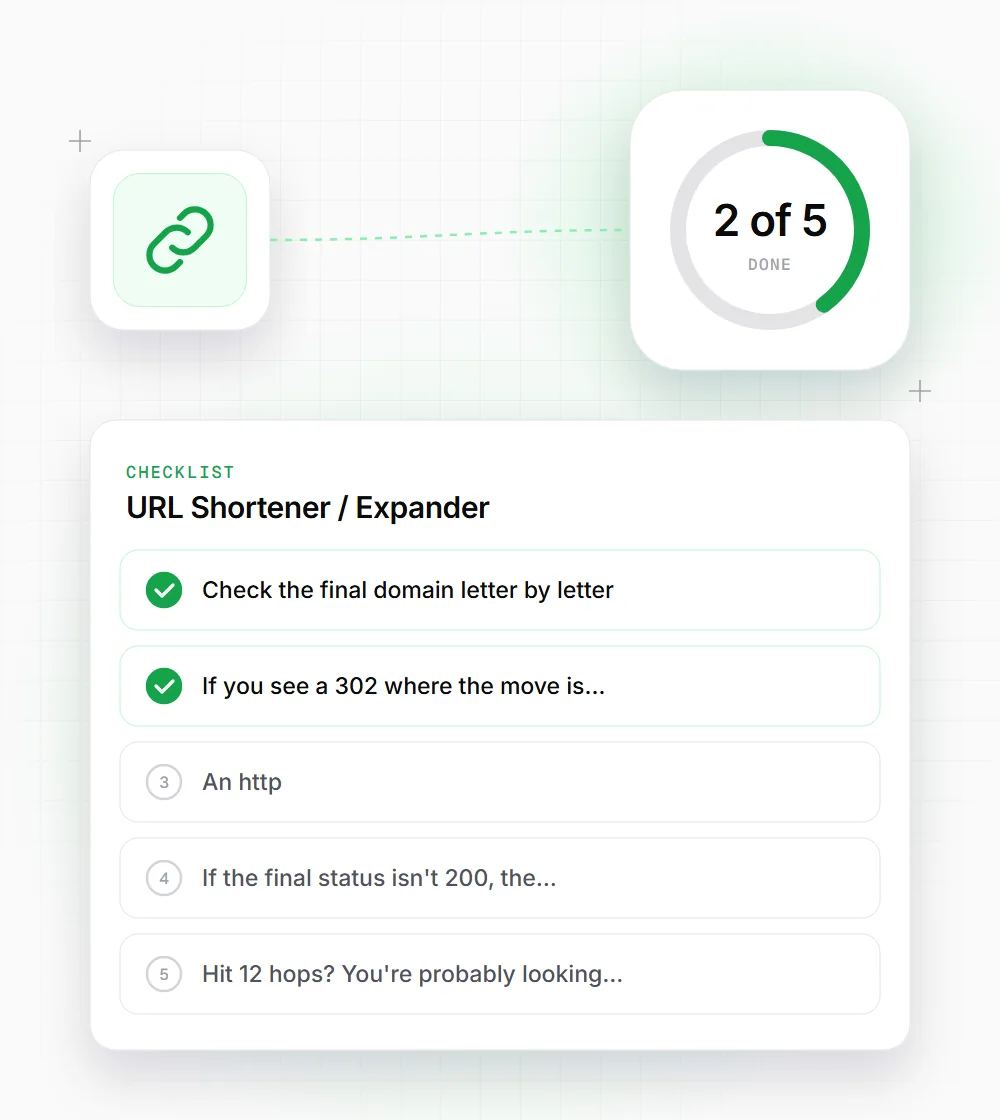
- 01
Check the final domain letter by letter. Lookalike domains like examp1e.com are a common phishing trick.
- 02
If you see a 302 where the move is permanent, ask whoever owns the redirect to switch it to 301.
- 03
An http:// hop in the middle means the chain can be shortened. Point the first link at the https:// URL.
- 04
If the final status isn't 200, the destination is broken, even if the short link itself still works.
- 05
Hit 12 hops? You're probably looking at a loop. Check the redirect rules on the destination site.