Redirect Chain Analyzer
Enter any URL and the analyzer follows it one redirect at a time, listing each hop with its HTTP status code and where it points next. You also get a warning box when the trace looks like a loop or the chain has other problems worth fixing.
Updated · by the Linkstonic team
How a trace runs
A browser hides redirects and just shows you the final page. This tool stops at every step instead, so you can see the whole path a crawler takes.
One URL at a time
Paste the full URL, protocol included, and press Enter or click Trace chain. An empty box or the bare https:// placeholder is rejected with an "Enter a URL" message. Test the exact version people link to, since http, https, www and trailing-slash variants often take different paths.
Hop by hop
The request goes out from Linkstonic's server, not your browser, with automatic redirects turned off. Each response is recorded as its own numbered card showing the URL requested, the HTTP status, and the Location it points to. The last card is where the chain ends.
Loop warning
If the server sees the chain coming back on itself, an amber box opens with "Loop risk detected." at the top. A loop never reaches a real page, so browsers show an error and crawlers give up. This is the first thing to fix if it appears.
The issues list
Any other problems the server finds are listed as bullets in the same amber box. When nothing is flagged you get a green line reading "No major chain issues flagged (heuristic)." That wording is honest: a clean result means no obvious problem, not a full audit.
When a trace fails
Some hosts, firewalls and CDNs block automated requests or refuse HEAD requests. You may then see a "Trace failed" message, a 403, or a different chain than a normal browser gets. If the result looks wrong, test the same URL with curl from your own machine.
An old page after two migrations
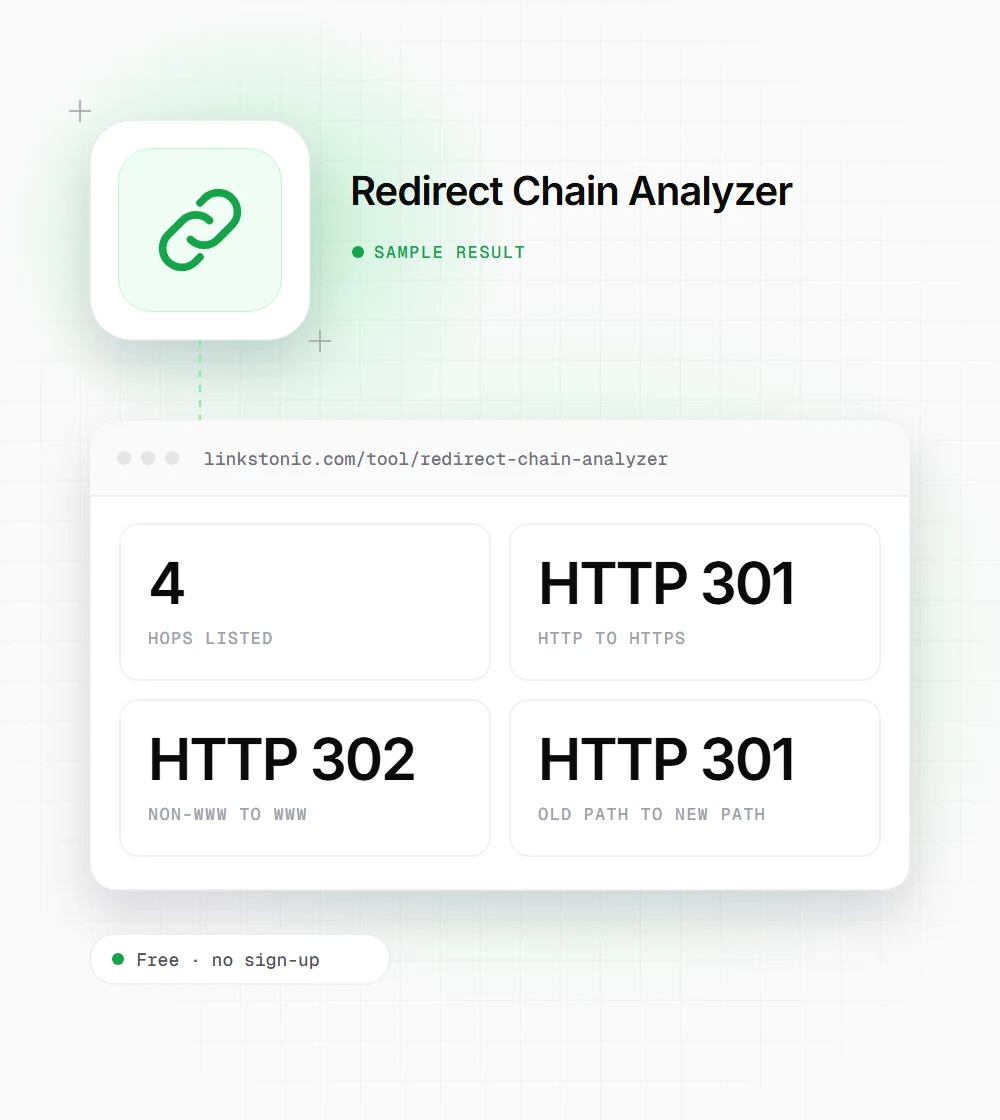
This is an illustrative trace for a made-up page on example.com, showing a pattern we see often after a site moves to HTTPS and later renames its URLs.
http://example.com/old-page
Three redirects stand between the old link and the page, and one is a temporary 302. Pointing http://example.com/old-page straight at the final URL with a single 301 removes two hops.
When people trace redirects
A trace takes seconds, so it fits into several different jobs.
Site migrations
Before and after a domain move or URL restructure, trace the old URLs that have the most backlinks. Each one should land on its new page in a single 301, not bounce through the old rules first.
Link building and PR
When a partner links to an old URL, trace it before asking them to update anything. If it already reaches the right page in one hop, the link is doing its job and the request can wait.
Debugging odd traffic
A page suddenly losing traffic, or a campaign link landing on the homepage, is often a redirect rule gone wrong. The trace shows which hop sends people off course and which status code it uses.
Redirect status codes you'll see in a trace
The code on each hop tells crawlers how long the move is meant to last and whether the request method changes.
| Code | Meaning | Typical use |
|---|---|---|
| 301 | Moved permanently | Retired URLs, domain moves, http to https |
| 302 | Found (temporary) | Short-term moves, A/B tests, geo routing |
| 303 | See other | Sending a user to a result page after a form POST |
| 307 | Temporary redirect | Like 302, but the method and body must not change |
| 308 | Permanent redirect | Like 301, but the method and body must not change |
| 200 | OK | The end of a healthy chain |
| 404 / 410 | Not found / gone | A chain that ends in an error page |
Browsers can also be sent from HSTS-preloaded http URLs to https internally with a 307. That hop never reaches the server, so a server-side trace will show the real 301 instead.
Why one hop beats three
Google's documentation says Googlebot follows up to 10 redirect hops before giving up, so a three-hop chain won't stop indexing on its own. The real costs are smaller and add up: every hop is another round trip for users on slow mobile connections, and another request crawlers spend on a URL that isn't the page.
Google treats 301 and 308 as a strong signal that the target should be the canonical URL, and 302 and 307 as a weak one. A temporary redirect left in place for years is one of the most common findings in audits. If the move is permanent, say so with a 301.
Chains mostly come from stacked projects: an https move, then a www change, then a URL redesign, each adding its own rule. The fix is to update old rules so they point straight at the final URL, and to change internal links so your own pages never trigger a redirect at all.
Cleaning up a chain
Most chains can be fixed in the redirect rules, without touching the pages.
- 01
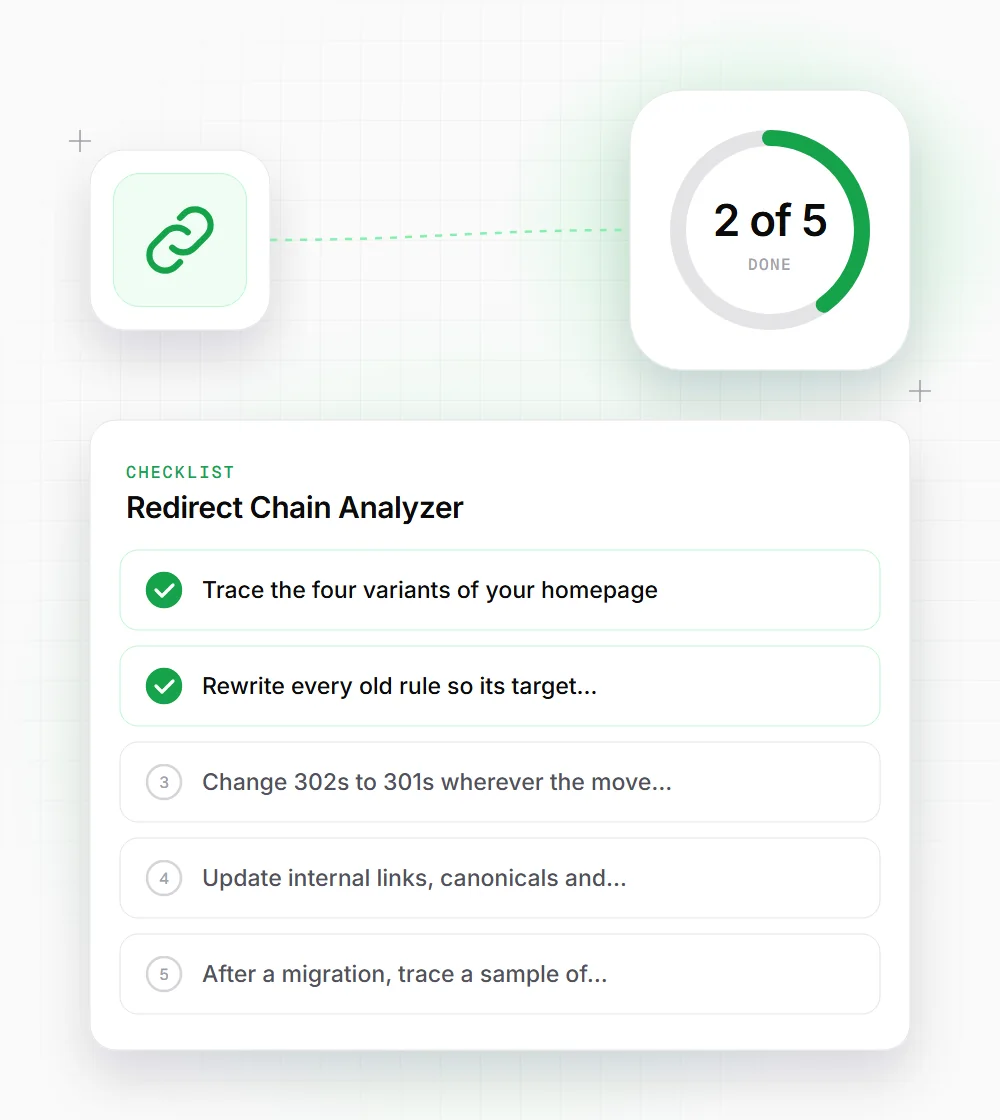
Trace the four variants of your homepage: http and https, with and without www. Each should reach the final URL in one hop.
- 02
Rewrite every old rule so its target is the final URL, not the next rule in the chain.
- 03
Change 302s to 301s wherever the move is permanent. A 302 that has been live for a year is rarely temporary.
- 04
Update internal links, canonicals and sitemap entries to the final URL so they never redirect.
- 05
After a migration, trace a sample of your most-linked old URLs, not only the homepage.