Sitemap Health Checker
Enter the address of your XML sitemap and the checker fetches it, counts the URLs it lists and requests a sample of them. You get a table of those URLs with their HTTP status codes, so broken pages and redirects in the sitemap are easy to spot.
Updated · by the Linkstonic team
What gets fetched and what gets skipped
The work happens on Linkstonic's server. The page shows the totals it reports and a row for each URL it tested. A few rules shape what ends up in that table.
Start with the sitemap URL
Paste the full address of the sitemap file, such as https://example.com/sitemap.xml, not your homepage. An empty box or the bare https:// placeholder gets a "Sitemap URL required" message. If the fetch fails, you'll see "Sitemap check failed" with the server's reason.
Index files
If the URL is a sitemap index, the checker opens the first child sitemap listed in it and works from that. Other child sitemaps are not checked in the same run. To test your product or blog sitemap, paste that child file's URL directly.
Same hostname only
Only URLs on the same hostname as the sitemap are tested. A sitemap on example.com that lists www.example.com URLs will have those skipped. If the sampled count is much lower than you expect, a host mismatch like that is worth checking first.
A sample, not a crawl
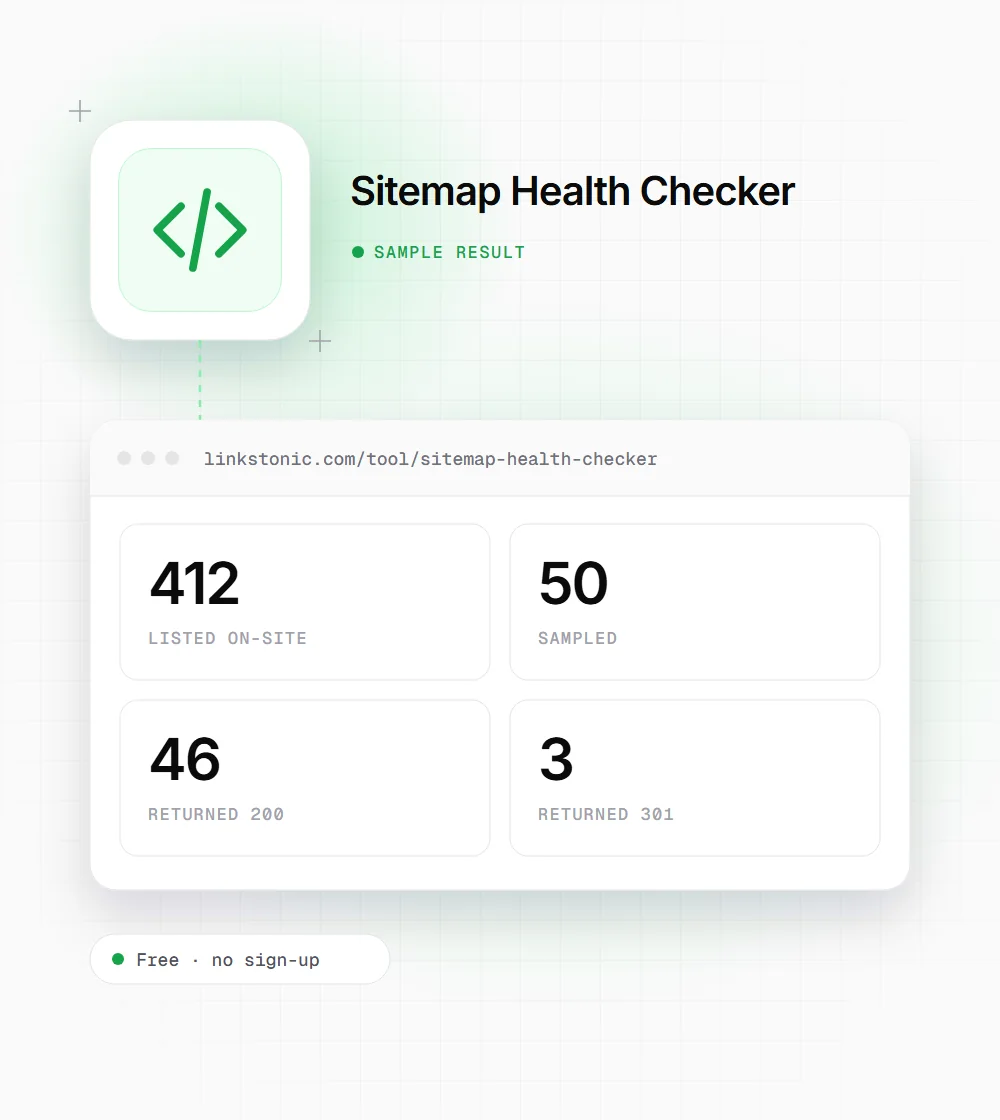
"Listed on-site" is the number of URLs found, and "Sampled" is how many were actually requested, using lightweight HEAD requests where possible. The sample size is set by the server, and a note under the totals may explain limits. Large sites need several runs or Search Console.
Reading the status column
Each sampled URL shows its HTTP status. Codes the checker treats as healthy are green and the rest are red. A dash means no status came back at all, usually a timeout, DNS failure or a server that blocks automated requests.
A blog sitemap with a few leftovers
This is an illustrative result for a made-up site on example.com. The numbers are invented but show a pattern that's common after a content cleanup.
https://example.com/post-sitemap.xml
Four of 50 sampled URLs aren't live pages. If that ratio holds across all 412, around 30 URLs in the sitemap point to redirects or dead pages, which is worth a full export and cleanup.
When a sitemap check pays off
Sitemaps drift quietly, so a spot check is worth doing at a few set moments.
After a redesign or migration
New URL structures often leave the old sitemap generator running. A quick check shows whether the file lists the new URLs or a pile of redirects from the previous site.
When indexing drops
If Search Console shows fewer indexed pages than expected, check the sitemap first. Errors in the sample often point to a template or plugin that started listing the wrong URLs.
Ecommerce catalog cleanups
Stores delete and merge products all the time. Checking the product sitemap after a cleanup catches discontinued items that still appear in the file and now return 404 or redirect to a category page.
Sitemap rules worth knowing
These come from the sitemaps.org protocol and Google's own documentation.
| Rule | Limit or value | Notes |
|---|---|---|
| URLs per sitemap file | 50,000 | Split into several files and use an index above that |
| File size | 50 MB uncompressed | Gzip is allowed, the limit applies before compression |
| Sitemaps per index file | 50,000 | Index files can't list other index files |
| URL format | Absolute, fully qualified | Include the protocol, such as https:// |
| Encoding | UTF-8 | Escape characters like & as & |
| lastmod | W3C date or datetime | Google uses it when it's consistently accurate |
| priority / changefreq | Optional | Google says it ignores both |
A sitemap only covers URLs on its own host unless you verify the other hosts in Search Console.
A sitemap is a list of promises
Every URL in a sitemap tells search engines "this is a page I want indexed". A sitemap full of redirects, 404s and noindex pages makes that list less trustworthy. Google doesn't penalize a messy sitemap, but it does spend crawl requests on URLs you've already abandoned, and on big sites that time is limited.
The usual cause is a plugin or export that lists whatever is in the database. Deleted products, draft pages, tag archives and old URLs that now redirect all end up in the file. I'd rather have a sitemap with 2,000 clean URLs than one with 5,000 where a fifth are dead ends.
AI search leans on the same plumbing. Bing has said accurate lastmod dates help it find fresh content, and Bing's index is what Copilot answers from. An accurate lastmod on URLs that really return 200 is one of the cheapest things you can do for both kinds of search.
Cleaning up after a check
The sample tells you whether there's a problem. These steps help you fix it across the whole file.
- 01
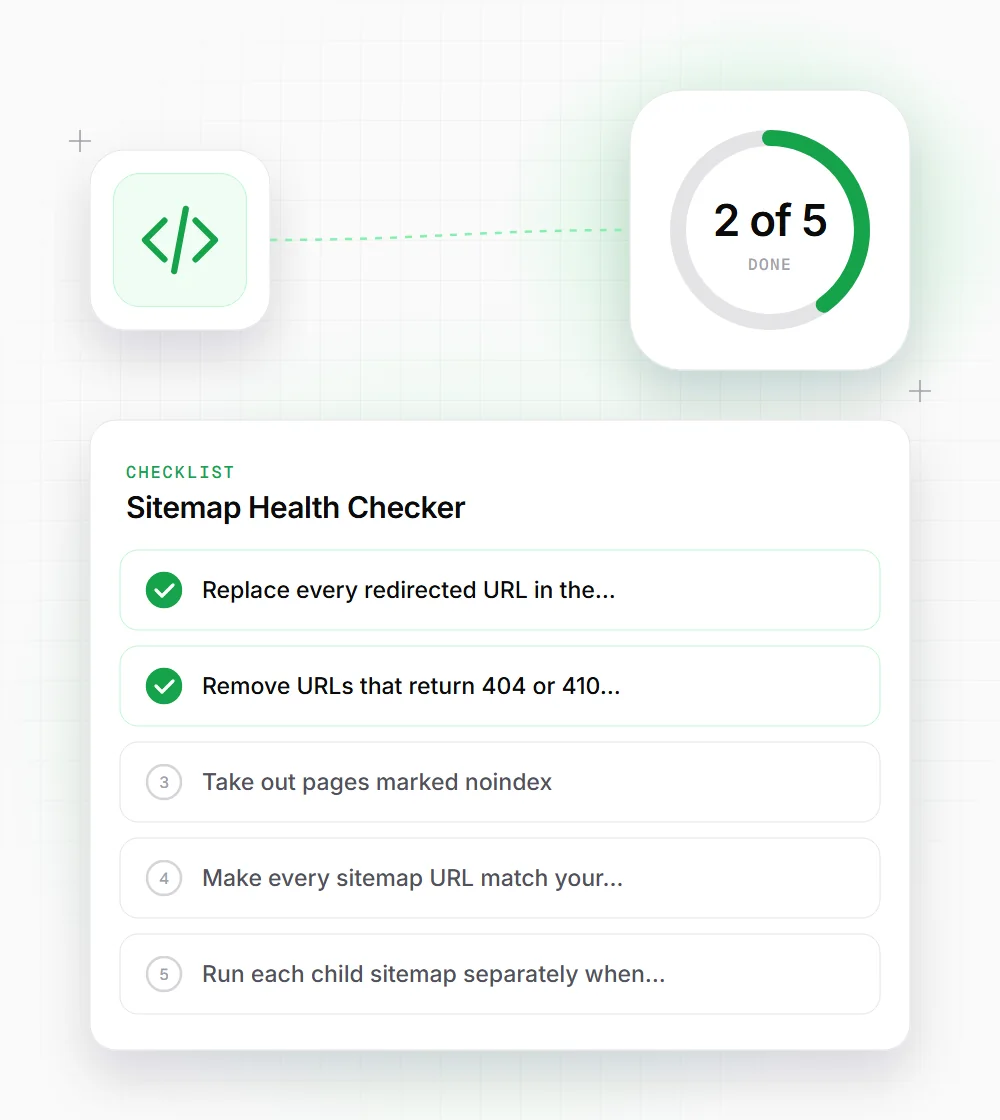
Replace every redirected URL in the sitemap with its final destination, then check the new URL returns 200.
- 02
Remove URLs that return 404 or 410 unless the page is coming back soon, such as a seasonal product.
- 03
Take out pages marked noindex. A sitemap should only list URLs you want indexed, and noindex says the opposite.
- 04
Make every sitemap URL match your canonical host and protocol, so none get skipped as a host mismatch.
- 05
Run each child sitemap separately when you have an index file, starting with the one for your most important pages.