Crawl Budget Optimizer
Paste a list of URLs, one per line, or point the tool at an XML sitemap. It sorts each path into high, medium, low or waste crawl value using URL patterns, and shows the count plus up to five example URLs for every bucket.
Updated · by the Linkstonic team
How a URL lands in a bucket
Classification is pure pattern matching on the path. The rules run in a fixed order and the first match wins, which explains most surprising results.
Waste is checked first
Paths containing wp-admin, wp-login, wp-json, /cart, /checkout, /my-account, /login, oauth, /admin, .php?, replytocom, /tag/ or utm_source=, or ending in /feed, go straight to waste. These are pages Googlebot rarely needs: account areas, WordPress internals, tag archives and tracking duplicates.
Low means pagination and facets
Next come sort=, filter=, page= or offset= parameters and /page/2 style paths. They're marked low rather than waste because some paginated pages do help discovery, but they multiply fast on stores and blogs. A category with five sort options and 40 pages is already 200 URLs.
High and medium by section
Paths with /product, /products, /shop, /store, /p or /item are high value. Paths with /blog, /article, /guide, /resources, /learn or /news are medium. The homepage and any single-segment path such as /pricing or /about are also high.
Everything else is medium
A deeper path that matches none of the rules, like /docs/api/v2 or /category/shoes, falls back to medium. Matching ignores letter case, so /Blog/ and /blog/ are treated the same. If your key content lives under a custom folder, expect it here.
Full URLs lose their query string
When you paste a full URL, only its path is classified, so https://example.com/shop?sort=price is read as /shop and lands in high. Paste the path alone, /shop?sort=price, and the parameter survives and it's marked low. For faceted URLs, paste paths.
Sitemap mode
The sitemap tab sends your sitemap URL to a Linkstonic server, which reads it and returns the listed URLs for classification. Since those arrive as full URLs, the query string rule above applies. Paste mode runs entirely in your browser.
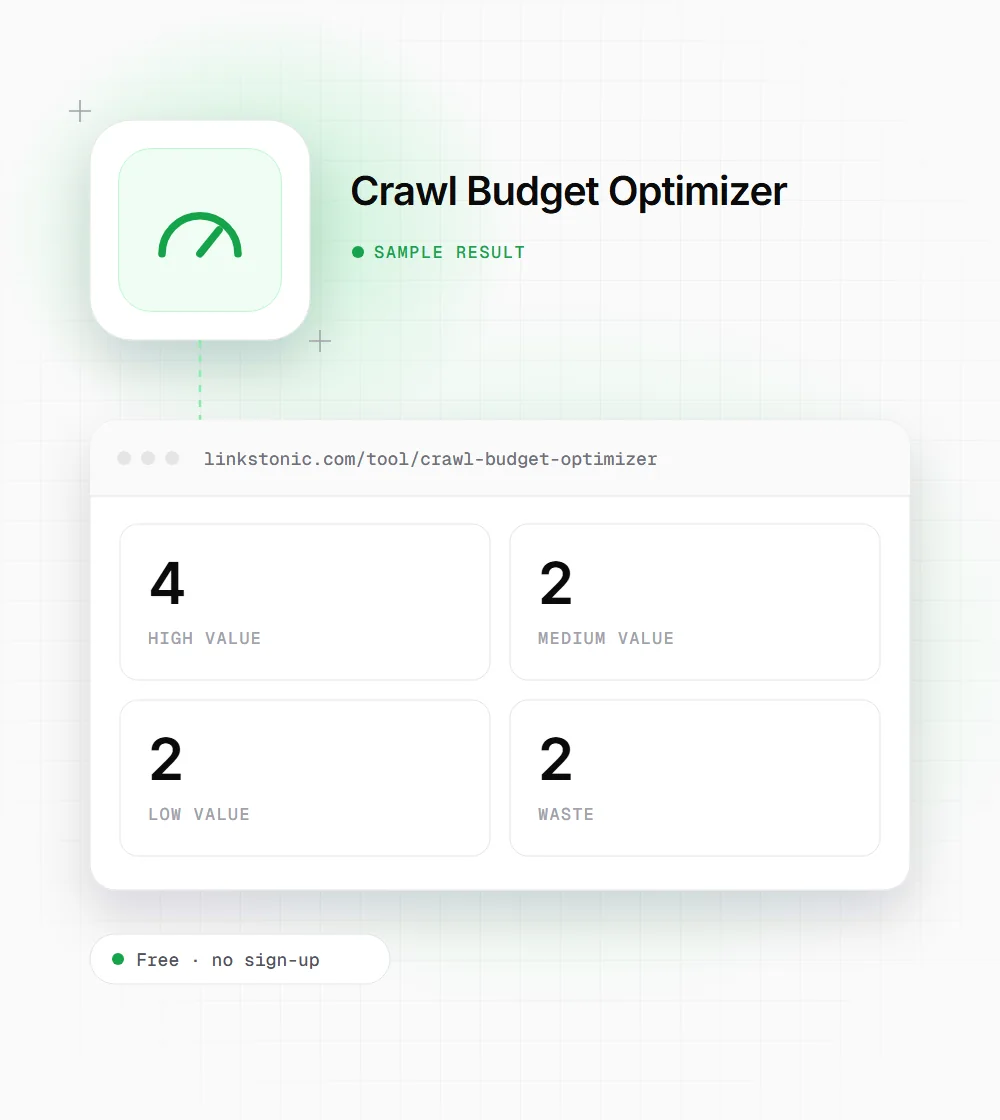
Ten URLs, four buckets
We pasted this list into the Paste URLs tab. The same /shop?sort=price page appears twice, once as a full URL and once as a bare path.
https://example.com/
https://example.com/pricing
https://example.com/product/blue-mug
https://example.com/shop?sort=price
/shop?sort=price
https://example.com/blog/crawl-budget-guide
https://example.com/blog/page/3
https://example.com/docs/api/v2
https://example.com/tag/seo/
https://example.com/cart
The sorted shop URL counts as high when pasted as a full URL and low when pasted as a path. /blog/page/3 goes to low, not medium, because the pagination rule runs before the blog rule.
Where the buckets help
It's a triage tool for a URL list you already have. These are the jobs it speeds up.
Store owners
Load the product sitemap and see whether cart, account or tag URLs slipped into it. Anything in the waste bucket shouldn't be in a sitemap at all, and it's usually one plugin setting away from gone.
Technical SEOs
Export the URLs Googlebot hit from your logs and paste them as paths. If low and waste together outnumber high, you have a concrete argument for robots.txt rules or parameter cleanup.
WordPress site managers
Tag archives, feeds, replytocom comment links and wp-json endpoints are the classic WordPress crawl leaks. A quick paste of crawled URLs shows how many of them are getting Googlebot's attention.
Most sites don't have a crawl budget problem
Google's own guidance is that crawl budget is mainly a concern for very large sites, roughly a million pages or more, and for sites with tens of thousands of pages that change daily. If you run a 300-page brochure site and new pages get indexed within days, this isn't where your time should go.
Where it does matter is ecommerce and anything with filters. Every sort order and filter combination is a new URL, and a crawler can spend most of its visits on near-duplicates while new products wait. That's the pattern this tool is built to surface quickly.
Remember the buckets are guesses from the path. A /tag/ page that ranks well isn't waste for you, and a /docs page might be your most valuable content. AI crawlers such as GPTBot and PerplexityBot make their own choices, but the same cleanup helps them find your best pages too.
Cutting crawl waste
Once you know what's in the waste and low buckets, these are the fixes we reach for first.
- 01
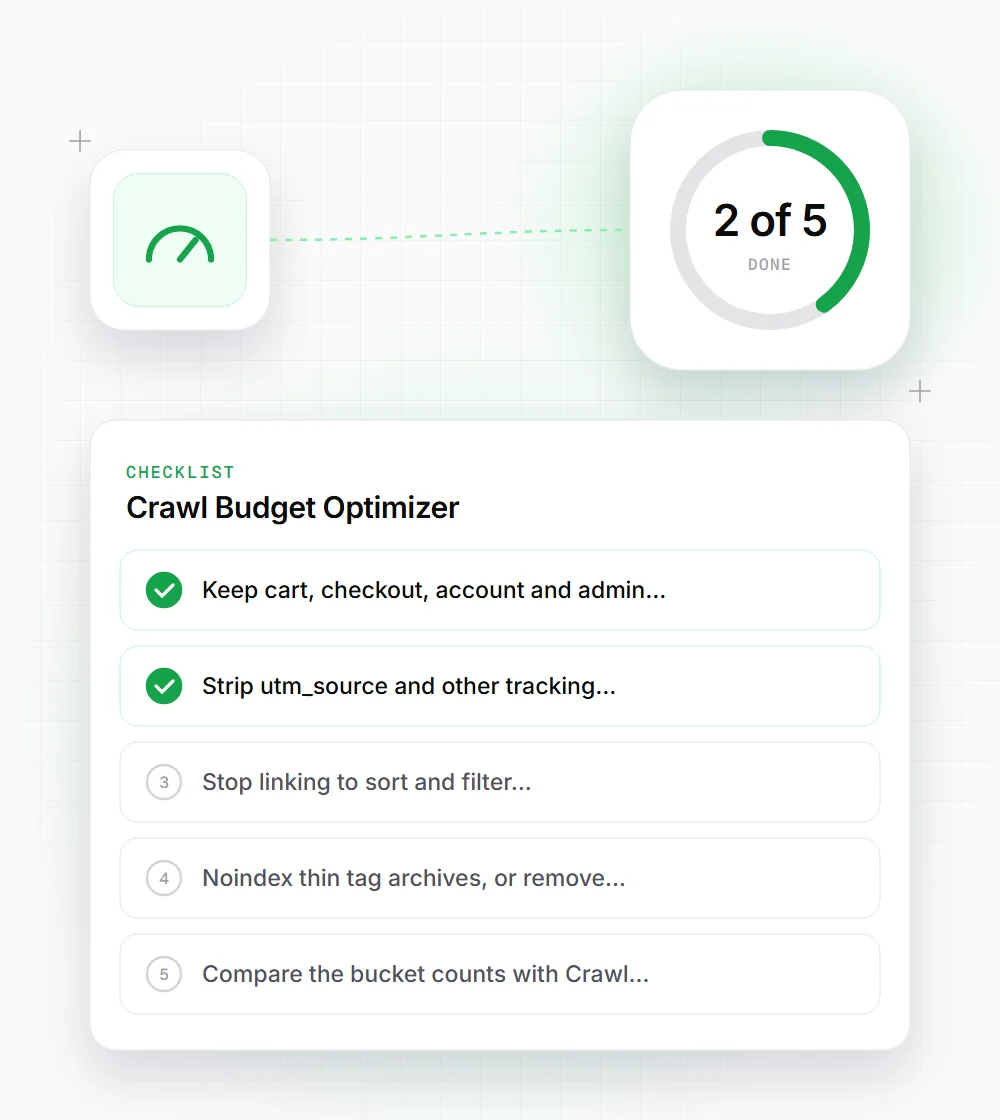
Keep cart, checkout, account and admin paths out of the sitemap and block them in robots.txt if nothing public lives there.
- 02
Strip utm_source and other tracking parameters from internal links. They create duplicate URLs that only exist because of your own navigation.
- 03
Stop linking to sort and filter combinations you don't want crawled, or render them as buttons rather than links.
- 04
Noindex thin tag archives, or remove them, rather than blocking them outright if they already have links pointing in.
- 05
Compare the bucket counts with Crawl Stats in Search Console. Patterns here mean little until you see where Googlebot really spends time.