Log File Analyzer
Paste lines from your Apache or Nginx access log. The analyzer keeps the ones from Googlebot, pulls the requested path out of each, and shows how many Googlebot lines it found plus a table of the 25 most-requested paths.
Updated · by the Linkstonic team
How lines are matched and counted
Log formats vary, so the parser keeps its rules short. Here is exactly what it does with each line you paste.
Googlebot filter
A line counts if the word "googlebot" appears anywhere in it, in any case. That includes Googlebot-Image and Googlebot-Video. Other Google crawlers like AdsBot-Google, Storebot-Google and GoogleOther are skipped, as is every non-Google bot and all human traffic.
No verification
The filter trusts the user agent text. Scrapers that pretend to be Googlebot are counted too. Google recommends confirming real Googlebot with a reverse DNS lookup on the IP, so check the IPs behind any path that looks suspiciously busy.
Path extraction
The path is taken from the quoted request, such as "GET /blog/post HTTP/1.1". Only GET, POST and HEAD are recognized. If a line has no quoted request in that shape, its hit is filed under "(unparsed)" rather than dropped.
Query strings are dropped
Everything from the question mark onward is cut, so /shop?sort=price and /shop?sort=name are both counted as /shop. That makes totals per page easy to read, but hides which parameter combinations Googlebot is spending time on.
What the table shows
Paths are sorted by hit count, highest first, and the table stops at 25 rows. Status codes, response sizes, timestamps and IPs are ignored, so a path returning 404 or 301 looks the same as one returning 200.
Six log lines, worked through
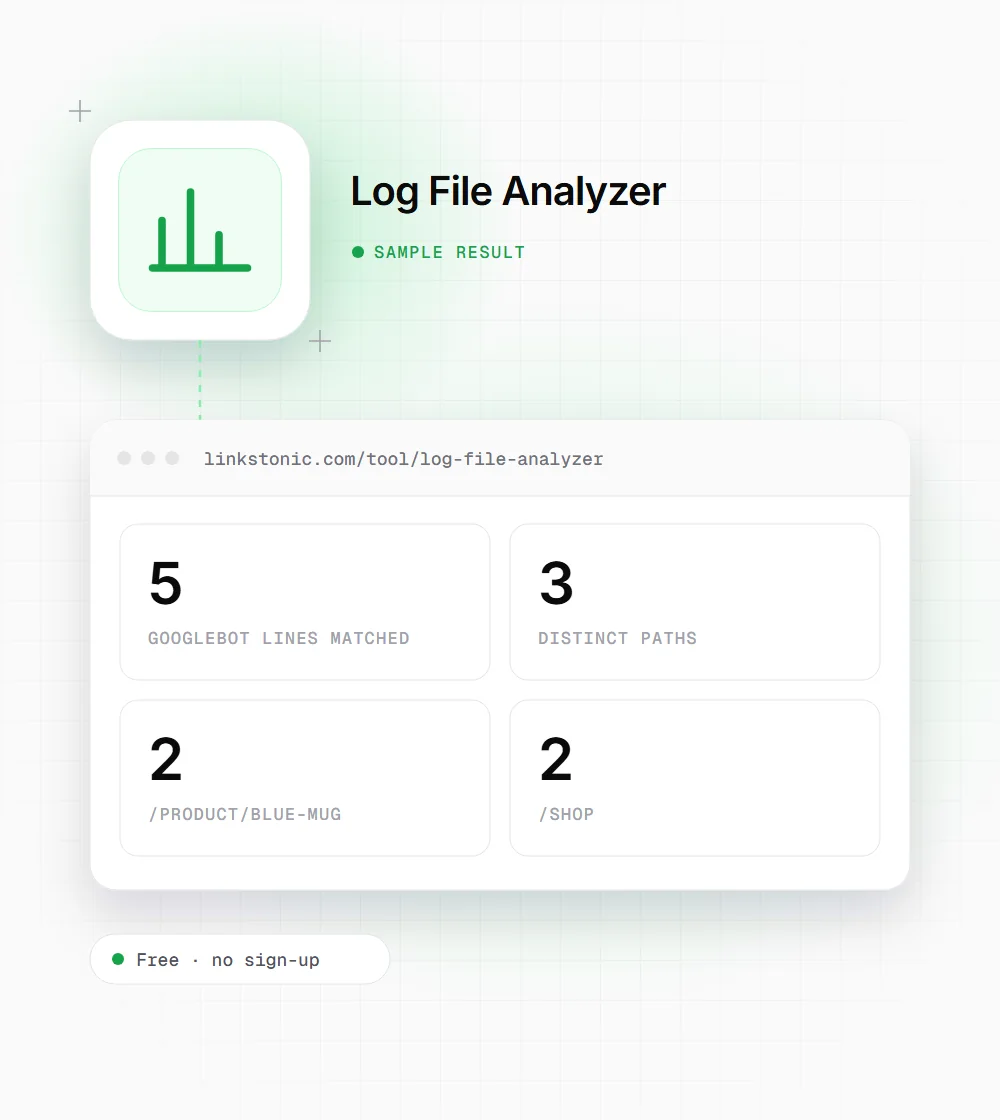
We pasted six lines in the standard combined log format: five from Googlebot and one from Bingbot.
66.249.66.1 - - [21/Sep/2026:06:14:02 +0000] "GET /product/blue-mug HTTP/1.1" 200 5123 "-" "Mozilla/5.0 (compatible; Googlebot/2.1; +http://www.google.com/bot.html)"
66.249.66.1 - - [21/Sep/2026:06:14:09 +0000] "GET /shop?sort=price HTTP/1.1" 200 8840 "-" "Mozilla/5.0 (compatible; Googlebot/2.1; +http://www.google.com/bot.html)"
66.249.66.7 - - [21/Sep/2026:06:15:31 +0000] "GET /shop?sort=name HTTP/1.1" 200 8812 "-" "Mozilla/5.0 (compatible; Googlebot/2.1; +http://www.google.com/bot.html)"
40.77.167.2 - - [21/Sep/2026:06:16:40 +0000] "GET /blog/ HTTP/1.1" 200 6420 "-" "Mozilla/5.0 (compatible; bingbot/2.0; +http://www.bing.com/bingbot.htm)"
66.249.66.7 - - [21/Sep/2026:06:17:03 +0000] "GET /product/blue-mug HTTP/1.1" 304 0 "-" "Mozilla/5.0 (compatible; Googlebot/2.1; +http://www.google.com/bot.html)"
66.249.66.9 - - [21/Sep/2026:06:18:22 +0000] "GET /robots.txt HTTP/1.1" 200 312 "-" "Mozilla/5.0 (compatible; Googlebot/2.1; +http://www.google.com/bot.html)"
The two sorted shop URLs merge into a single /shop row because the query string is dropped. The Bingbot line never appears, and the 304 response is counted the same as the 200s.
When to pull the logs
Log data answers questions Search Console can only hint at. These are the moments we reach for it.
After a migration
Paste a day of logs from launch week and check that Googlebot is hitting the new URLs, not hammering old ones. If old paths dominate, your redirects or internal links haven't been picked up yet.
Ecommerce SEOs
Stores leak crawl activity into filters and sort orders. Group by path here, then grep the raw log for the busiest path to see which parameters Googlebot keeps requesting and whether they return 200.
Developers debugging indexing
When a new section isn't getting indexed, the first question is whether Googlebot has requested it at all. A quick paste answers that in seconds, without setting up a log platform.
Site owners chasing slow indexing
If new blog posts take weeks to appear in Google, paste a week of logs and look for them in the table. No hits means discovery is the problem, so check internal links and the sitemap.
Google crawlers you'll see in logs
Not every Google user agent contains the word Googlebot. This is what the filter catches and what it leaves out.
| User agent token | What it fetches | Counted here |
|---|---|---|
| Googlebot (smartphone) | Pages for mobile-first indexing, the bulk of Google's crawling | Yes |
| Googlebot (desktop) | Pages from a desktop user agent, now a small share | Yes |
| Googlebot-Image | Images for Google Images and other image features | Yes |
| Googlebot-Video | Video files and video-related pages | Yes |
| Storebot-Google | Product and checkout pages for Google Shopping | No |
| AdsBot-Google | Landing pages to check Google Ads quality | No |
| GoogleOther | One-off fetches by Google teams, such as research | No |
| Google-InspectionTool | Search Console URL Inspection and the Rich Results Test | No |
Google-Extended never appears in logs. It's a robots.txt token only, controlling use of content for Gemini training, and crawling is done by the regular Googlebot.
Logs are the only first-hand crawl data you have
Search Console's Crawl Stats report is useful, but it's a sample and a summary. Your server logs record every request Googlebot actually made. When you want to know whether a page was crawled last Tuesday, or how often a section gets visited, the log is the only place with a definite answer.
This analyzer is a quick look, not a log platform. It suits a few thousand lines copied from a server or a CDN export. For months of data, or to break results down by status code and day, you'll want a proper log tool or a warehouse. I'd use this one to answer one question fast.
AI crawlers show up in the same logs. GPTBot, ClaudeBot and PerplexityBot all identify themselves in the user agent, but this tool only counts Googlebot. To see them, search the raw log for their names. Some AI requests arrive through CDNs or caches and never reach your origin server at all.
Getting clean results
A few minutes of prep makes the table far more useful.
- 01
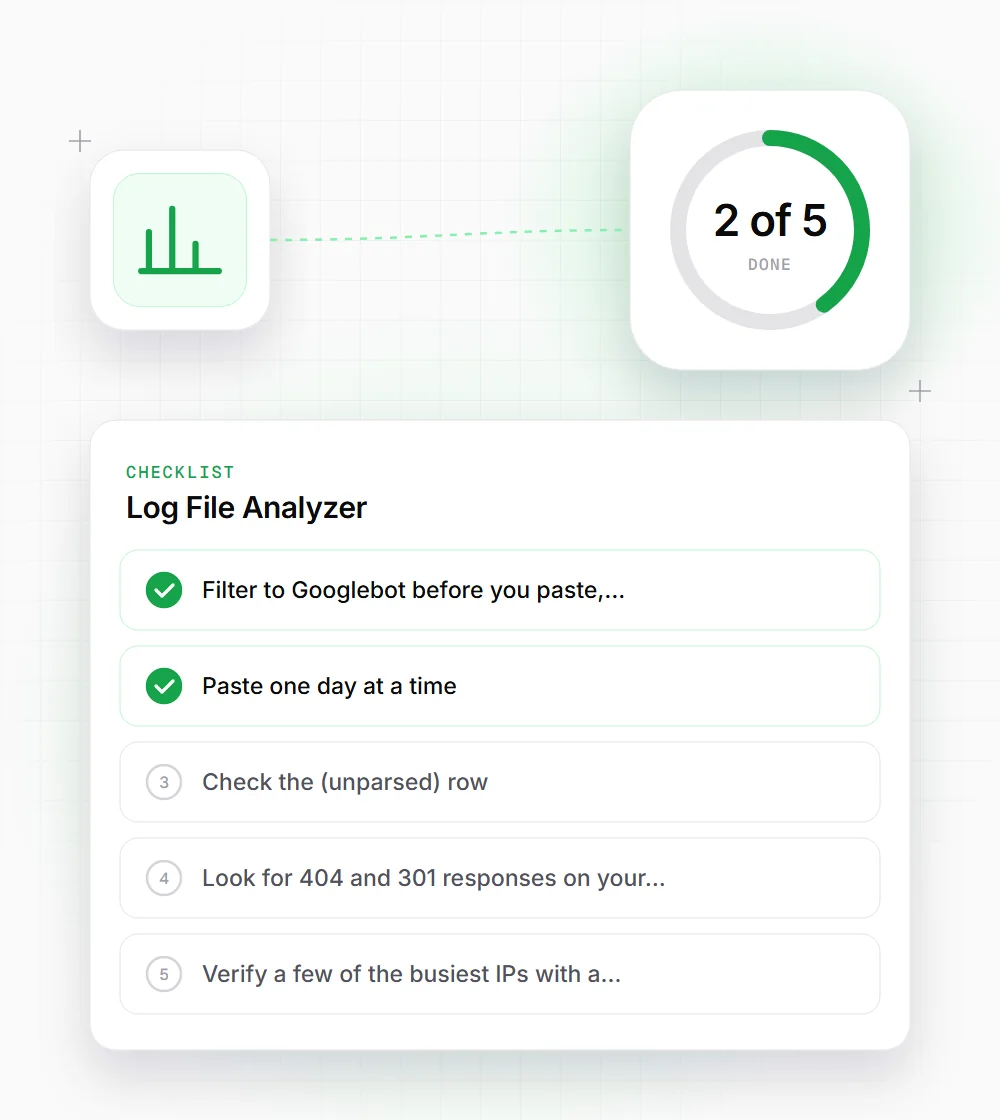
Filter to Googlebot before you paste, for example with grep -i googlebot access.log, so the text box isn't handling millions of irrelevant lines.
- 02
Paste one day at a time. Crawl patterns change daily and a single day is easier to compare against a known deploy or outage.
- 03
Check the (unparsed) row. If it's large, your log format doesn't quote the request line and the path can't be read.
- 04
Look for 404 and 301 responses on your top paths separately, since this table counts every status the same.
- 05
Verify a few of the busiest IPs with a reverse DNS lookup. Genuine Googlebot resolves to googlebot.com or google.com.
- 06
Keep a copy of the top-25 table from each run. Comparing this week's list with last month's shows whether Googlebot's attention is moving toward the pages you care about.
Related free tools
Crawl Budget Optimizer
Sort your crawled paths into high, medium, low and waste value.
Open tool Free toolRedirect Chain Analyzer
Trace every hop a busy old URL takes before it resolves.
Open tool Free toolSitemap Health Checker
Load a sitemap and see the HTTP status of each listed URL.
Open tool