Reverse Image Search
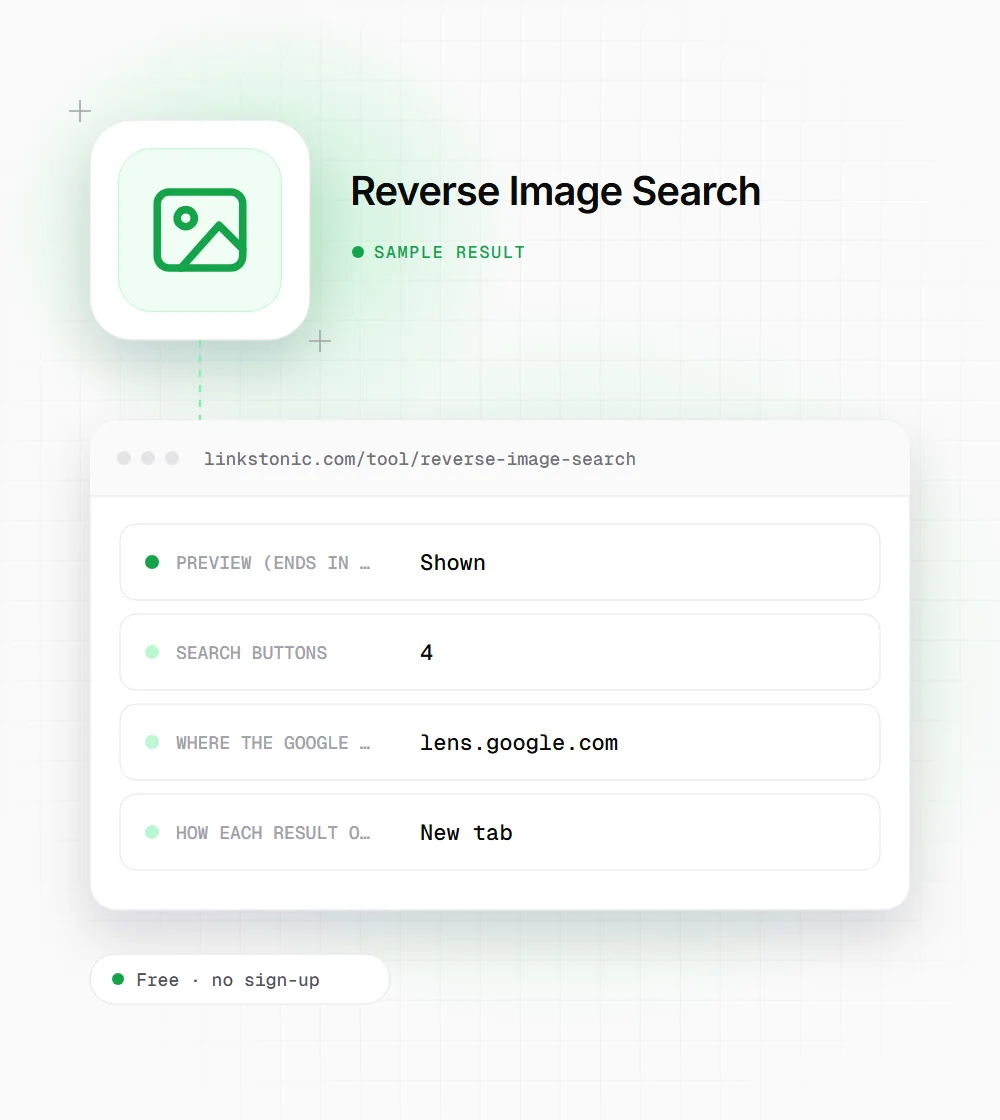
Paste the web address of an image and you get four buttons: Google Lens, Bing Visual Search, Yandex Images and TinEye. Each one opens that engine's reverse search for your image in a new tab, so you can compare results without re-uploading anything.
Updated · by the Linkstonic team
How the launcher works
This tool doesn't run a search itself. It builds the right link for each engine and hands your image address over. A few details decide whether that goes smoothly.
URL in, links out
Your image address is URL-encoded and dropped into each engine's search-by-URL link: Google Lens, Bing's visual search, Yandex's image view and TinEye's URL search. The buttons appear as soon as the field has text, and each opens in a new tab.
The image must be public
Each engine fetches the image from the address you give it. Files on your computer, images behind a login, and links that expire (common with some social and cloud storage URLs) won't work. There's no upload option here, so host the file somewhere public first.
When a preview shows
A thumbnail appears only if the address ends in .jpg, .jpeg, .png, .webp, .gif or .bmp. An address with a query string such as ?w=800, or an .avif or .svg file, gets no preview, but the four buttons still work normally.
No check on the link
The tool doesn't test whether the URL is valid or actually points to an image. If you paste a page address instead of the image file, the engines will usually fail or search the wrong thing. Right-click the image and copy the image address, not the page link.
What gets shared
Nothing goes to Linkstonic. Your browser loads the preview straight from the image's host, and clicking a button sends the image address to that search engine, under their own privacy terms.
Tracing a product photo
Say a store owner finds their product photo on another site and wants to see where else it's used. They paste the image address from their own site.
https://example.com/images/red-city-bike.jpg
Had the address been red-city-bike.jpg?w=800, the preview would be skipped because the URL no longer ends in .jpg. The searches themselves would still run.
Why people search by image
Running the same picture through four engines is most useful when one engine alone misses things.
Photographers and brands
Find sites using your photos without permission or credit. TinEye focuses on copies of the same image, while Google and Bing also surface visually similar pictures, so checking both catches crops and edits.
SEO and link builders
Sites that use your images often don't link back. Each one you find is a polite outreach email asking for a credit link, which is often an easier ask than a cold link request.
Fact-checkers and cautious buyers
Check whether a viral photo is old or from somewhere else, or whether a seller's product shot or a dating profile picture was lifted from another site. Earlier copies are a strong hint something's off.
Shoppers and the curious
Identify a product, plant, landmark or artwork from a photo. Google Lens is especially good at naming objects and pointing to places to buy them.
Why one engine is rarely enough
Each engine has its own index and its own idea of a match. Google Lens leans toward identifying what's in the picture and finding similar ones. TinEye is stricter and better for finding exact copies, even resized ones. Bing and Yandex often surface pages the other two miss. When a first search comes up empty, I try the other three before giving up.
For image SEO, reverse search is a practical audit. Search your own key images and see which pages Google associates with them. If a scraper's copy shows up ahead of yours, that's a signal to add clear file names, alt text and ImageObject details on your original page.
Visual search is spreading into AI tools too. Gemini and ChatGPT can both describe an uploaded photo, and Google Lens results can now include an AI Overview. None of them can credit you if your image isn't clearly tied to your page, and descriptive text next to the image does most of that work.
Getting better matches
Most failed searches come down to the address you paste.
- 01
Right-click the image and choose Copy image address. A page URL won't work as an image search.
- 02
If the URL has resize parameters like ?w=300, remove them to search the full-size image, which usually matches better.
- 03
Crop out borders, watermarks or collage elements first, then host the cropped version. Busy images match poorly.
- 04
For finding unauthorized copies, start with TinEye, then use Google Lens to catch edited or cropped versions.
- 05
For a photo that only exists on your phone, upload it to Google Lens or TinEye directly, since this tool needs a public URL.