Favicon Generator
Type one or two letters, pick a background color and a text color, choose a size and press Generate favicon. You get a rounded-square PNG preview and a download button, with the image drawn on a canvas right in your browser.
Updated · by the Linkstonic team
How the icon gets drawn
The generator paints the icon on an HTML canvas with a few fixed proportions. Those proportions are the same at every size, so a 16 px and a 256 px icon look alike.
One or two characters
The text box accepts two characters at most. Initials like "LS" work, and so does a single emoji, since most emoji count as two characters in the browser. An emoji plus a letter is too long and gets cut.
Rounded square
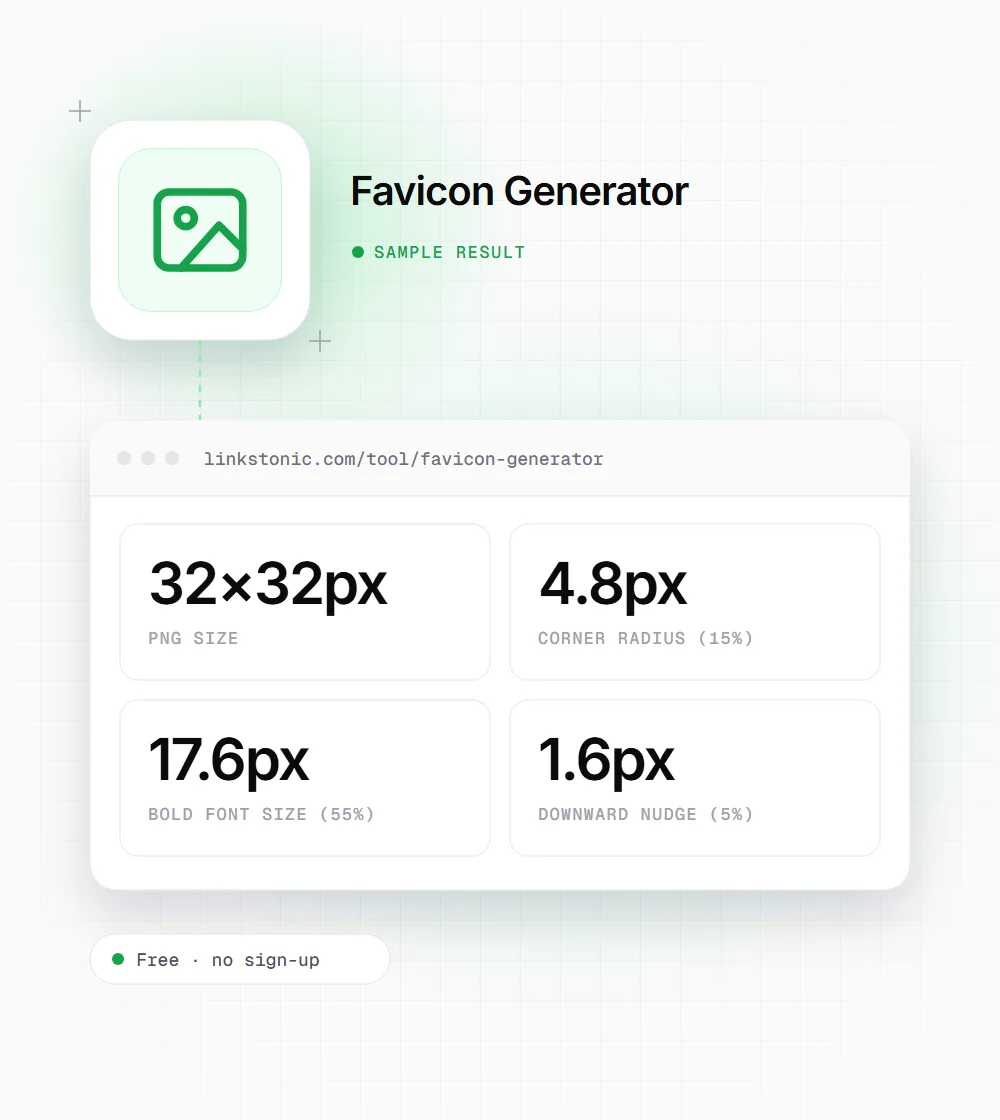
The background fills the whole canvas as a square with rounded corners. The corner radius is 15% of the size, so a 64 px icon has 9.6 px corners. The corners are transparent, which looks right on both light and dark browser tabs.
Type size and position
The letters are set in the system's bold UI font at 55% of the icon size, centered, and nudged down by 5% so capitals look optically centered. The font comes from your operating system, so the same letters can look slightly different on a Mac and on Windows.
Sizes on offer
You can pick 16, 32, 48, 64, 128 or 256 px. The default is 64 px with a green background (#51A051) and white text. Each press of Generate makes one size, so run it again for each size you need.
What you download
The download is a PNG named after its size, such as favicon-32x32.png. The preview on screen is always shown at 64 px with pixelated scaling, so a 16 px icon looks blocky in the preview. That is on purpose: it shows you the real pixels.
Initials at tab size
We made a two-letter icon at 32 px, the size most browsers use for tabs on high-resolution screens. The numbers come straight from the tool's proportions.
Text: LS
Size: 32×32px
Background: #1F3A5F
Text color: #FFFFFF
At 17.6 px, two letters fill most of the width of a 32 px square. At 16 px each letter gets under 9 px of height, so a single letter usually reads better at that size.
Who a letter favicon suits
A letter icon is a stopgap for some people and the final answer for others.
New sites and side projects
The default browser globe looks unfinished in tabs and bookmarks. A letter icon in your brand color takes a minute and fixes that until a proper logo exists.
Agencies building staging sites
Give each client's staging or dev site its own letter and color. With a dozen tabs open, you can tell at a glance which one is production and which one is safe to break.
Brands with a wordmark logo
A long wordmark turns to mush at 16 px. The first letter on a solid brand-color square is often more recognizable in a tab than the full logo squeezed down. Match the exact hex code from your brand guide.
Common favicon sizes and where they appear
Browsers and platforms ask for different sizes. Here is what each one is for and whether this tool can make it.
| Size | Where it's used | This tool |
|---|---|---|
| 16×16 | Classic browser tab and bookmark icon | Yes |
| 32×32 | Tabs on high-resolution screens, taskbar shortcuts | Yes |
| 48×48 | Windows site icons; Google suggests larger than 48 px for Search | Yes |
| 256×256 | Largest size inside a Windows .ico file | Yes, as PNG |
| 180×180 | apple-touch-icon for iPhone and iPad home screens | No |
| 192×192 | Android home screen, set in the web app manifest | No |
| 512×512 | Web app manifest splash and install screens | No |
Google Search asks for a square favicon at least 8×8 px and recommends going larger than 48×48 px.
Small icon, surprisingly visible
A favicon shows up in more places than the browser tab. Google shows it next to your site name in its search results, and Chrome shows it in history, bookmarks and the new tab page. A missing or blurry icon makes a result look less finished next to competitors that have one. Google doesn't treat the favicon as a ranking factor, but it does sit right beside your listing.
The mistake I see most is a detailed logo scaled down to 16 px. Fine lines and small text vanish at that size. A bold letter or a simple shape on a solid color reads better. Test at 16 px first, because that is where most designs fail.
This tool makes PNG files only. Every modern browser accepts PNG through a link rel="icon" tag, so you don't need an .ico file for them. If you want an iPhone home screen icon or an Android install icon, you'll need 180 px and 192 or 512 px versions, which this generator doesn't offer.
Putting the icon on your site
Generating the file is the quick part. Wiring it up correctly is where people slip.
- 01
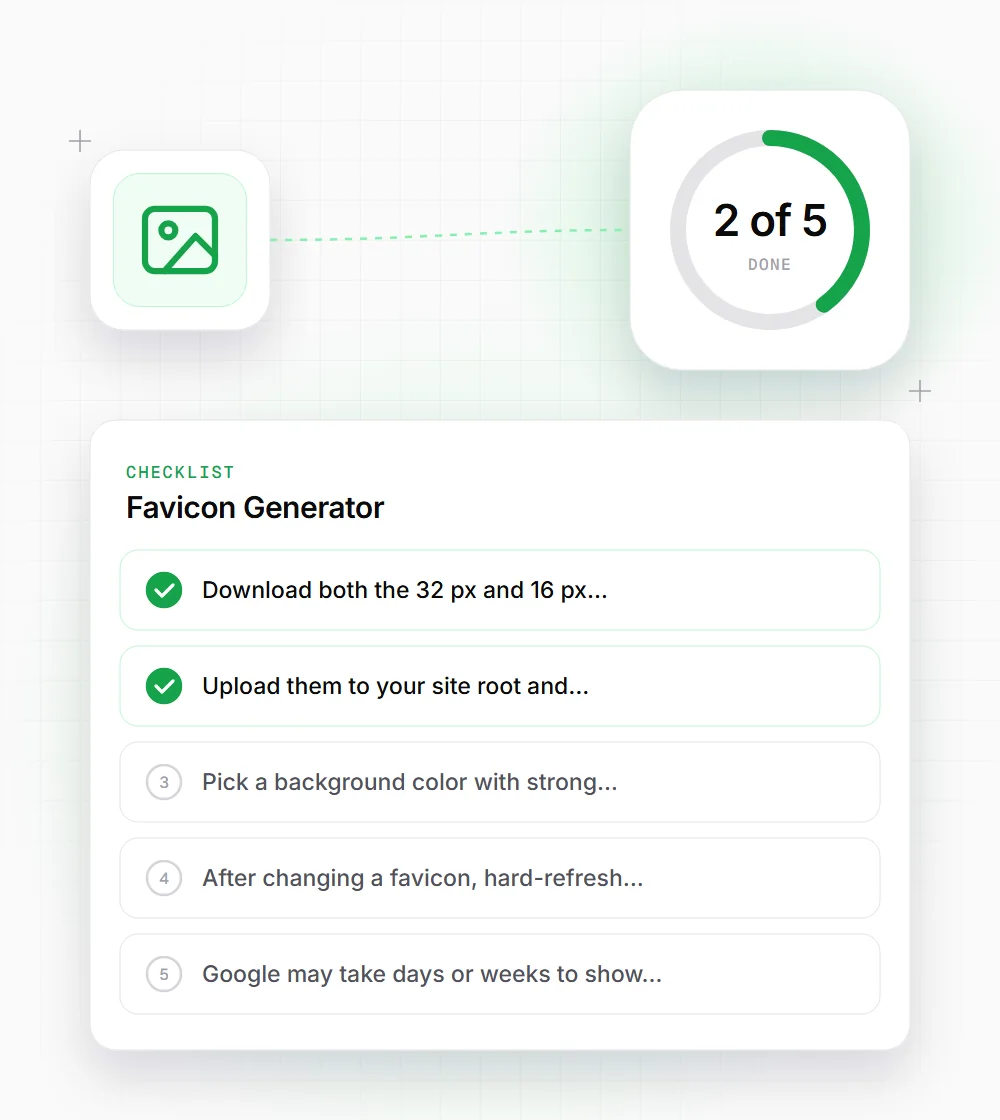
Download both the 32 px and 16 px versions. Browsers pick the one that fits the screen density.
- 02
Upload them to your site root and reference each with a link rel="icon" tag that states its sizes.
- 03
Pick a background color with strong contrast against white letters, or the icon disappears in dark tabs.
- 04
After changing a favicon, hard-refresh or open a private window. Browsers cache favicons stubbornly.
- 05
Google may take days or weeks to show a new favicon in search results. Make sure Googlebot can crawl the file.
- 06
Keep the colors and letters you used in a note. When you need a 180 px Apple icon later, you can match it exactly in a design tool.