Proxy Checker
Paste an IP address and the checker tells you whether it's known as a proxy or VPN, belongs to a hosting data center, or looks like a clean residential or business connection. The verdict comes with the ISP name and the country.
Updated · by the Linkstonic team
How the verdict is decided
The checker runs the same ip-api.com lookup as our IP Location Finder, then reduces it to one answer. The order of the checks matters.
Proxy/VPN detected
Shown when the lookup's proxy flag is set, meaning the address is known as a proxy, VPN or Tor exit. This check wins over the others. An address that is both a VPN and in a data center shows as Proxy/VPN, not as Hosting.
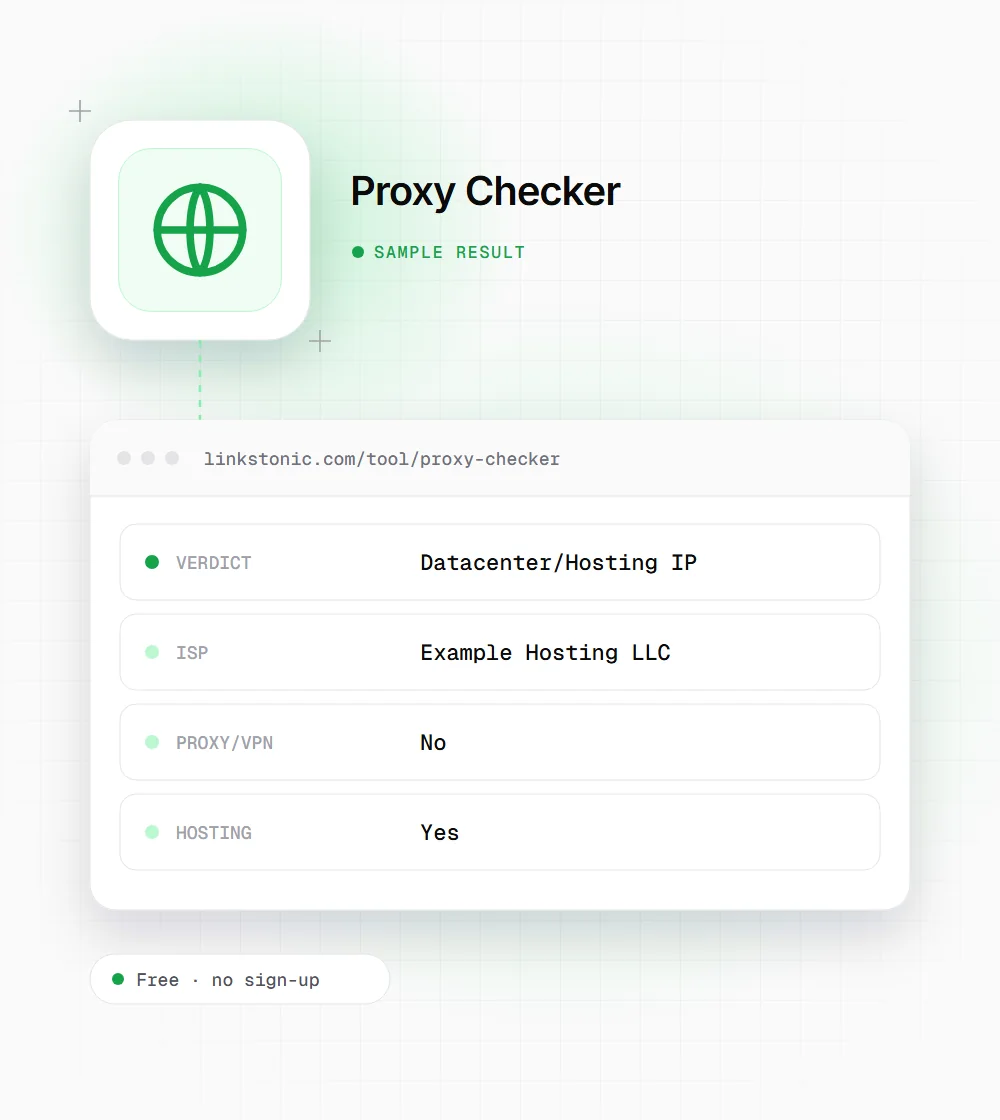
Datacenter/Hosting IP
Shown when the proxy flag is off but the hosting flag is on. The address belongs to a cloud or hosting provider. Real people rarely browse from these, so this verdict on a visitor's IP usually means a bot, a scraper, or a VPN the database hasn't labeled yet.
Clean IP
Shown when both flags are off. It means the address isn't in the proxy or hosting lists, not that it's safe or trustworthy. Residential proxy networks route through ordinary home connections and will usually pass as clean.
ISP line
Under the verdict you get the ISP name. It's often the fastest sanity check: a name like a cloud provider or a VPN brand confirms the flag, while a local broadband or mobile carrier name suggests a normal user.
Three detail boxes
Proxy/VPN (Yes or No), Hosting (Yes or No) and Country. Both flags are shown separately, so you can see when an address is both, even though the verdict only names the proxy result. Private addresses such as 192.168.x.x have no public record to check.
Checking a suspicious signup
An illustrative check of an address from a documentation range, dressed up like a common signup-spam case. It isn't a real lookup.
198.51.100.23
Not flagged as a proxy, but it sits in a hosting range. For a form submission claiming to be a local customer, that mismatch is worth a second look before you approve it.
Where a proxy check earns its place
Different teams care about proxies for different reasons.
Fraud and signup review
When an order or account looks off, check the IP. Hosting or proxy flags combined with a mismatched billing country are a common pattern in card testing and fake signups. It's one signal to weigh, not a reason to block on its own.
Analytics cleanup
If a handful of IPs in your server logs drive odd engagement numbers, check them. Data center traffic is mostly automated, and you may want to exclude it from reports.
VPN users testing their setup
Paste your VPN's exit IP and see how a site's fraud tools may classify you. If it shows Proxy/VPN, some streaming, banking or checkout pages may challenge or block you.
Treat the flags as hints
Proxy detection is a database lookup, and databases lag. New VPN servers take time to be labeled, and residential proxies are built specifically to look like home users. The tool's own note says it isn't fully accurate for every VPN. A Clean IP result means nothing known was found.
The opposite mistake is common too. Plenty of legitimate people use VPNs for privacy or work, and corporate networks can route through cloud providers. I'd use a proxy flag to add friction, such as an extra verification step, and keep hard blocks for addresses that also misbehave.
There's an SEO angle when auditing crawlers. Bots claiming to be Googlebot, GPTBot or PerplexityBot from random hosting ranges are usually scrapers wearing a costume. The operators publish their real IP ranges, so check the address against those lists instead of trusting the user agent string.
Acting on a result
What we'd do with each verdict.
- 01
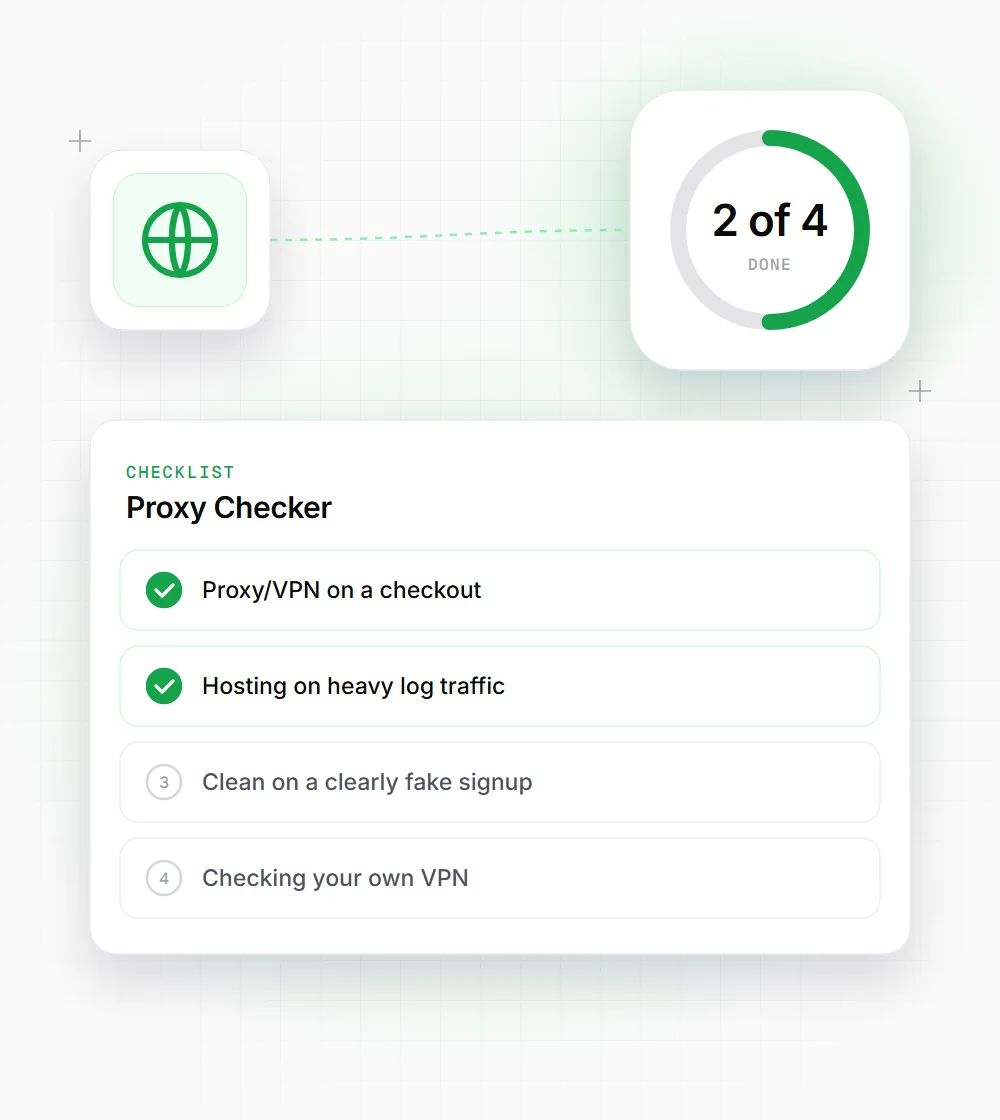
Proxy/VPN on a checkout: ask for an extra verification step rather than rejecting the order outright.
- 02
Hosting on heavy log traffic: check the user agent and request pattern, then rate-limit or block if it's scraping.
- 03
Clean on a clearly fake signup: look at other signals such as email domain, timing and form behavior. Residential proxies pass this check.
- 04
Checking your own VPN: run My IP Address first, then paste that IP here to see how sites classify it.