IP Location Finder
Enter an IP address or a domain name and the finder returns where that address is registered: country, region, city, timezone and coordinates. It also shows the ISP and organization, flags proxy and hosting networks, and links to the spot on Google Maps.
Updated · by the Linkstonic team
What each field tells you
Linkstonic's server passes your query to ip-api.com and the panel lays out what comes back. Each field answers a slightly different question.
IP or domain
You can type an address like 8.8.8.8 or a domain like example.com. For a domain, the IP row shows the address it resolved to, which is usually the web server or the CDN edge in front of it, not the company's office.
Country, region, city
The country appears as a heading with its two-letter code, then region and city below. These come from where the network is registered. Country is reliable for most addresses. City is often the provider's nearest hub, so treat it as the area, not the place.
ISP and Org
ISP is the network provider that routes the address. Org is the organization the address block is assigned to. Often they match. A large company with its own network may show its name as Org and its carrier as ISP, while a small site on a cloud host usually shows the cloud provider in both.
Coordinates and map
Lat/Lon is the center point for the matched location, with a View on Google Maps link that opens that point. It marks a city or region center, not a building. Many lookups for the same city land on exactly the same pin.
Proxy and Hosting flags
Proxy is Yes when the address is known as a proxy, VPN or Tor exit. Hosting is Yes for data center ranges. If a lookup fails (a private address such as 10.0.0.1, or a typo), the panel shows the error message instead of the grid.
Looking up a domain
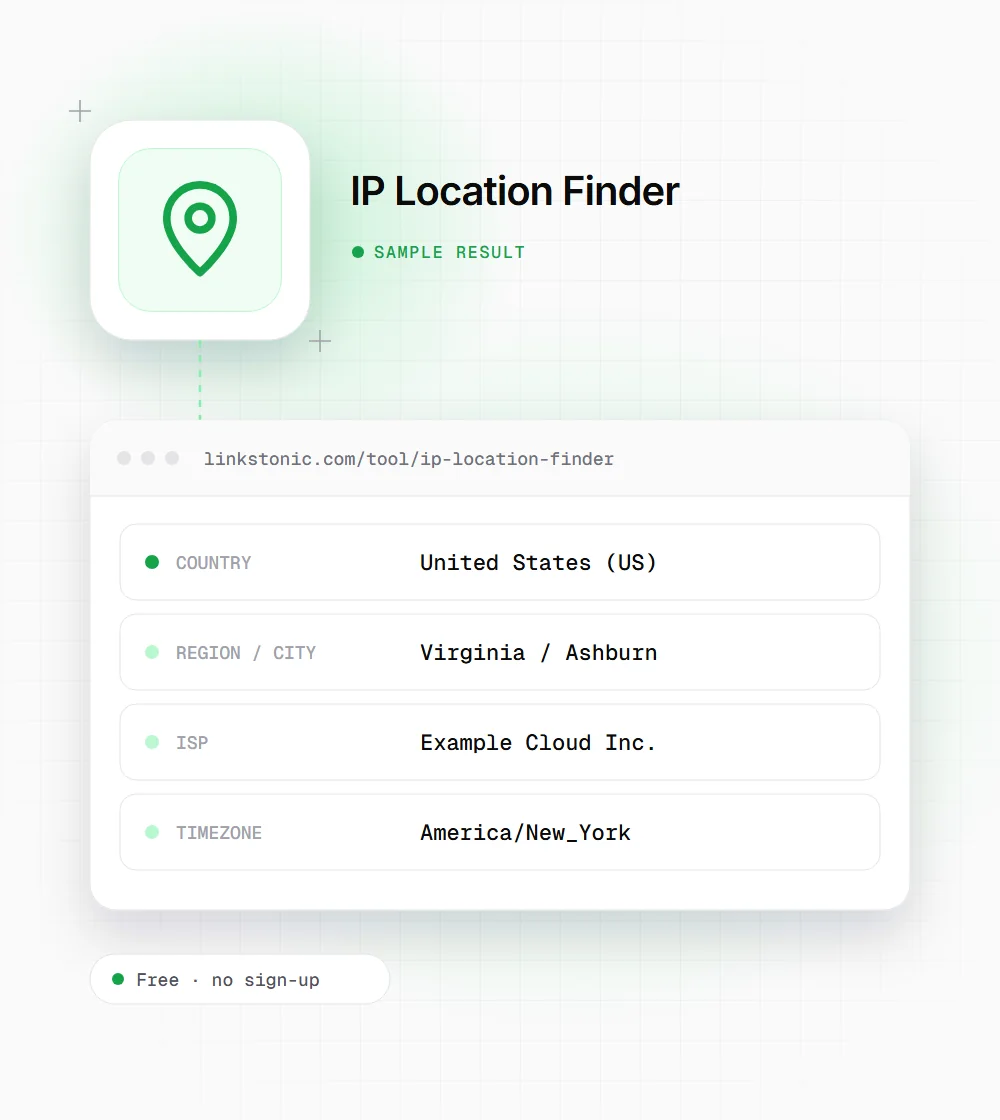
An illustrative lookup for a small business site hosted with a cloud provider. The values show a typical pattern; they aren't a live result.
example.com
A company based in Texas can easily show Virginia, because the lookup finds the data center, not the business. Hosting: Yes is expected for any website; it would be odd for a visitor's IP.
Who runs IP lookups
The same lookup answers very different questions depending on where the IP came from.
Site owners reading logs
A spike of hits from one address in your server logs is easier to judge once you know it's a data center in another country. Hosting: Yes on heavy traffic usually means a bot or scraper, not customers.
Developers testing geo features
When a currency switcher or regional redirect misbehaves, look up the IP the request came from and see what country a geo database assigns to it. The bug is often the database, not your code.
SEOs checking hosting
Looking up a domain tells you which provider and region serve it. That's useful when auditing a client's setup, comparing competitors' hosting, or confirming that a migration actually moved the site to the new server.
How much to trust IP location
IP geolocation is an educated guess from registration and routing data. It's good at countries and fair at regions. At city level it's often off, especially on mobile networks, and it never identifies a street address. Anyone promising more than that from an IP alone is overselling.
For hosting and SEO, where your server sits matters less than it used to. Google's guidance on multi-regional sites leans on ccTLDs, hreflang and the content itself, and server location is a weak hint at most. A CDN puts copies of your site near visitors anyway, so a lookup often shows an edge location that changes by region.
Where the lookup is useful is judging traffic. Knowing that a crawler claiming to be a search or AI bot comes from a random hosting range instead of the operator's published IP ranges is a quick sign it's an impostor. Google, OpenAI and others publish their crawler IP ranges for exactly that check.
Getting more from a lookup
A few habits that make IP data more useful and less misleading.
- 01
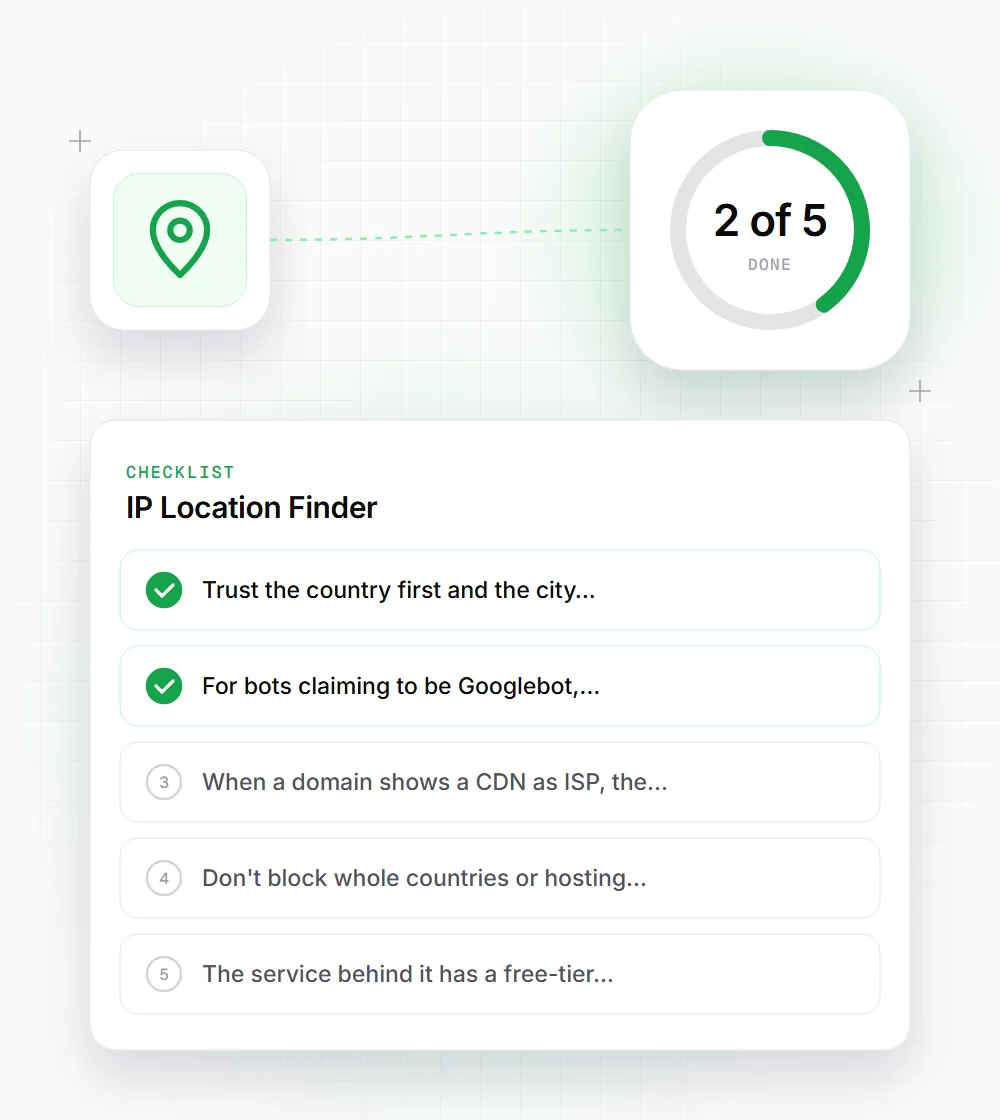
Trust the country first and the city last. If the city matters, confirm it another way.
- 02
For bots claiming to be Googlebot, check the IP against Google's published crawler ranges or do a reverse DNS check.
- 03
When a domain shows a CDN as ISP, the origin server's location is hidden behind it. That's normal.
- 04
Don't block whole countries or hosting ranges on one lookup. Corporate VPNs and shared offices can look like data centers.
- 05
The service behind it has a free-tier limit of 45 lookups a minute, so pace large batches.