My IP Address
Click Get my IP and the tool shows the public IP address your connection presents to websites, with a button to copy it. Below it you get the approximate country, city, ISP and timezone, plus flags for proxy and hosting networks.
Updated · by the Linkstonic team
Where the answer comes from
Your browser can't see its own public IP. The tool asks Linkstonic's server what address the request came from, then looks that address up.
The IP address
The server reads the address your request arrived from, via the X-Forwarded-For header added by the proxy in front of it. That's your public IP, the one your router or mobile carrier shares with the internet, not the 192.168.x.x style address your laptop has on the home network.
Copy button
The address appears in large type with a Copy button next to it. It's there because the usual next step is pasting the IP into a firewall allowlist, an analytics filter or a support ticket, and typing an IPv6 address by hand is asking for a typo.
Location and ISP
The address is looked up on ip-api.com, which returns country with its two-letter code, city, ISP and timezone. The city is where the network is registered, which is often a nearby hub rather than your town. The country is usually right.
Proxy and Hosting
Two yes/no flags from the same lookup. Proxy says the address is known as a proxy, VPN or Tor exit. Hosting says it belongs to a data center. If you're on a VPN, both are often Yes, which is a quick way to confirm the VPN is active.
When details don't appear
If the geo lookup doesn't come back with a success status, you still see the IP and the copy button, but the location grid stays hidden. That's rare on ordinary broadband and mobile connections, and more common on unusual or newly assigned address ranges.
Home connection vs VPN
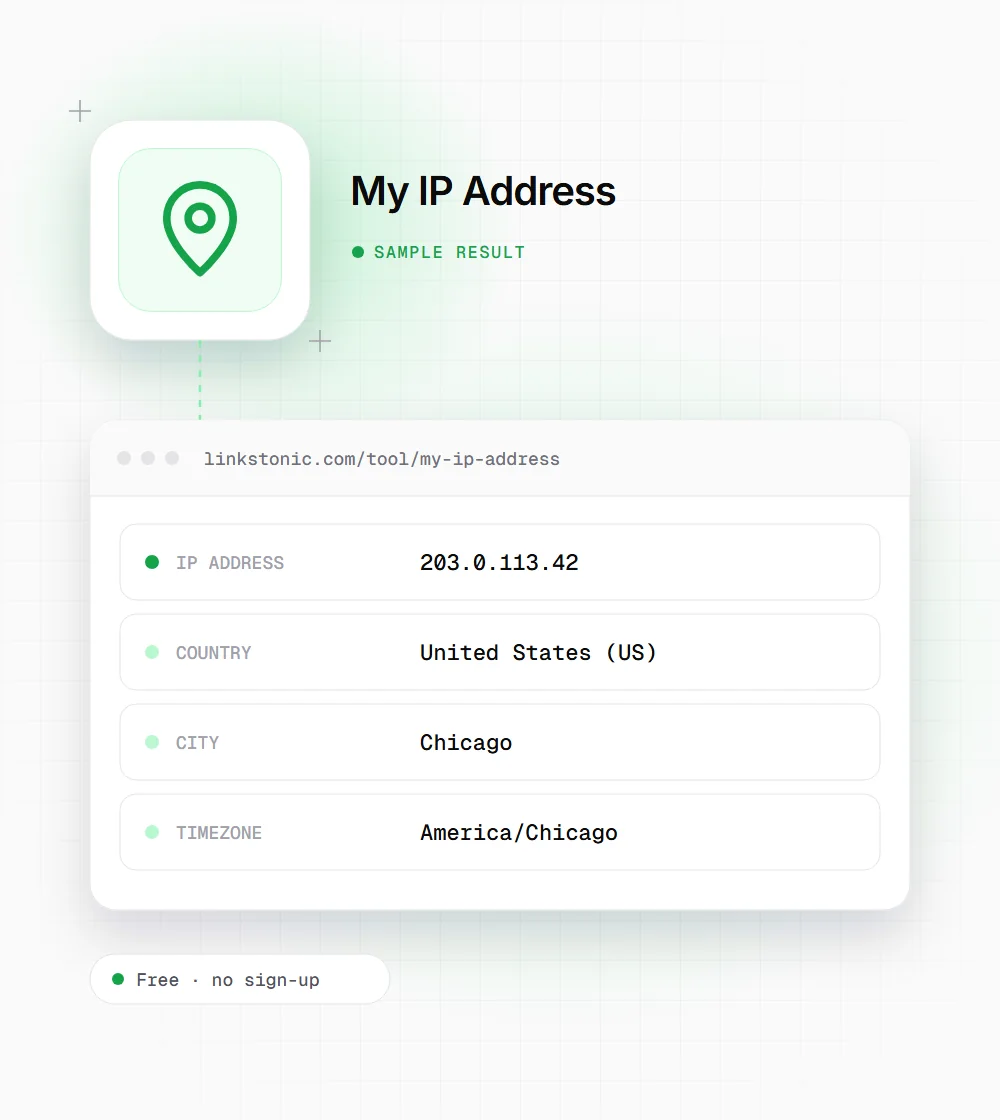
An illustrative result from a home broadband line, using an address from the range reserved for documentation. Your own values will differ.
Click "Get my IP" (no input needed)
Turn on a VPN and run it again. The IP, city and ISP switch to the VPN's exit server, and Proxy or Hosting usually flips to Yes. If nothing changes, the VPN isn't routing your browser traffic.
Why people look up their IP
It's rarely curiosity. Someone usually needs the address for a setting.
Allowlisting access
Admin panels, databases, staging sites and cloud firewalls often only accept listed IPs. Copy the address here and paste it into the rule. Remember that most home connections get a new IP now and then, so the rule may need updating.
Cleaning up analytics
Your own visits inflate traffic on small sites. Adding your office or home IP to an internal traffic filter in GA4 keeps your testing, previews and reloads out of the reports you share with others.
Checking a VPN or proxy
Before testing geo-targeted pages or local search results, confirm the VPN is doing its job. The country, the ISP and the Proxy flag tell you in one click whether traffic leaves from where you think.
Support and troubleshooting
Hosting companies and IT teams often ask for your IP when a site blocks you or a login fails. Sending the exact address, copied rather than retyped, saves a round of back-and-forth.
Your IP says less than you think
An IP address points at a network, not a person or a house. The location shown here is where the ISP registered that block of addresses. On mobile data it can be a city hundreds of miles away, because carriers route many users through a few gateways.
The most common mistake I see is allowlisting a home IP and assuming it will stay put. Most consumer connections are dynamic. The address can change after a router restart or at the ISP's schedule. For anything that has to keep working, a VPN with a fixed exit IP or proper login is safer.
For SEO work the IP matters mostly when you're checking local results. Google personalizes by location, and AI assistants with web search such as ChatGPT and Perplexity may too. If your results look odd, check what location your connection presents before assuming the rankings changed.
Using your IP safely
A few habits that save lockouts and confusion.
- 01
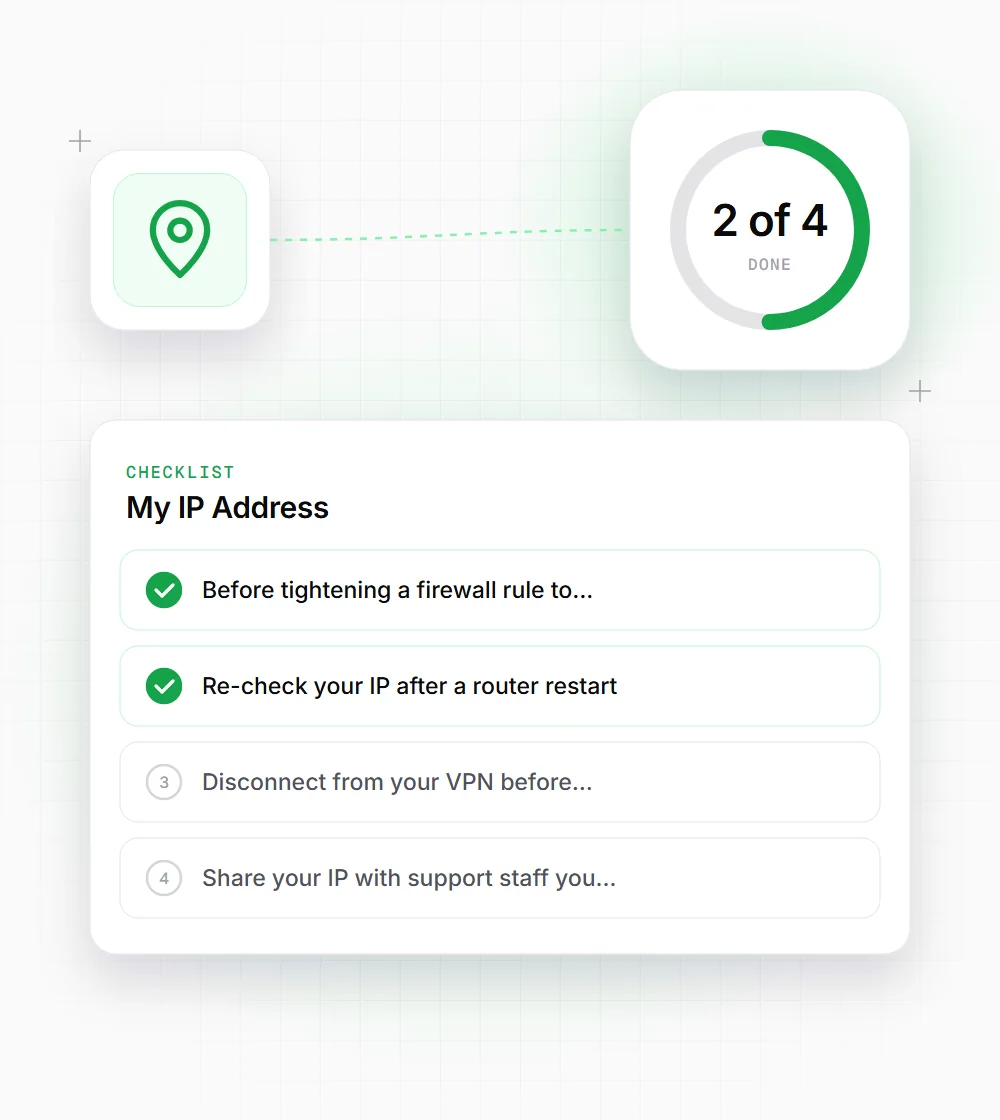
Before tightening a firewall rule to your IP, keep a second way in, such as a console login, in case the address changes.
- 02
Re-check your IP after a router restart. If it changed, update any allowlists that depend on it.
- 03
Disconnect from your VPN before copying the IP for an allowlist, unless you plan to always connect through that VPN.
- 04
Share your IP with support staff you trust, but don't post it in public forums along with your name.