Blacklist Lookup
Type a domain or an IP address and the tool checks it against five DNS-based spam blocklists. You see whether it's listed anywhere, which IP was tested, and a Listed or Clean result for each list, which is usually the first thing to check when email starts bouncing.
Updated · by the Linkstonic team
How the lookup works
Spam blocklists are published through DNS, and checking one is a DNS query. Here's what the tool does with your input and how to read what comes back.
Five lists
According to the tool card, the server checks five DNSBL zones: Spamhaus, SpamCop, Barracuda, SORBS and CBL. Every zone gets its own row in the results, with a green Clean or red Listed badge next to the zone name, so you can see exactly which list flagged you.
Domain or IP
You can enter a domain like example.com or an address like 1.2.3.4. These lists track IP addresses, so when you enter a domain the result shows the IP that was actually checked. Make sure it's the IP your mail leaves from, which is often not your website's IP.
How a DNSBL answers
To check 1.2.3.4, a lookup reverses the octets and queries 4.3.2.1 under the list's zone. An answer in the 127.0.0.x range means listed. No record means not listed. The tool runs those queries server-side and turns the answers into the badges.
Summary line
The top box shows either "Not blacklisted" or "Listed on N blacklist(s)", where N counts the red rows below. A single listing is common and usually has one clear cause. Listings on several lists at once tend to mean a problem that is still going on.
Errors
If the domain doesn't resolve or the input isn't a valid host, expect an error message in place of results. Check for typos, and leave off https:// and any path. The lookup wants a bare hostname or an IP.
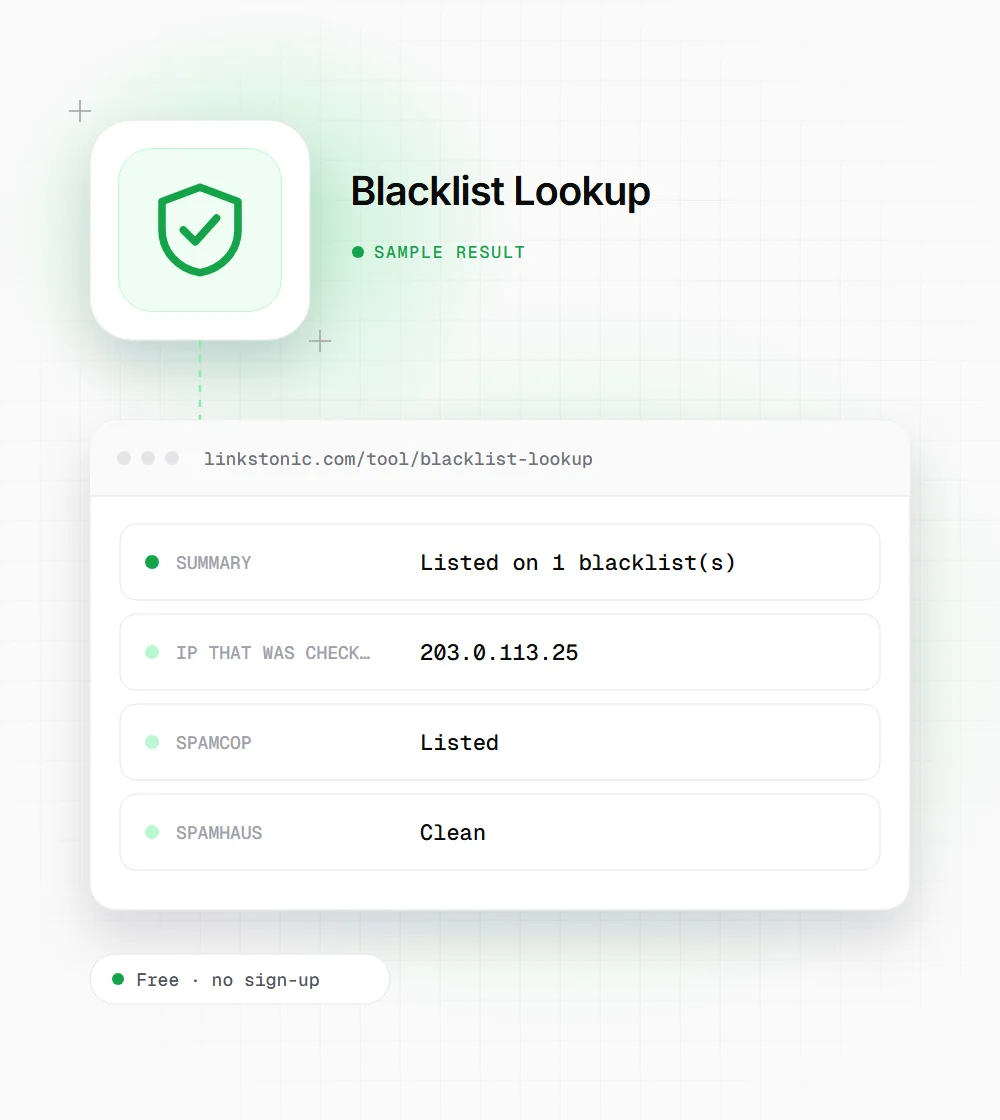
A mail server with one listing
An illustrative result for a made-up mail host. The IP is from a documentation range, not a real server.
mail.example.com
A lone SpamCop listing is often the mildest case. SpamCop lists IPs based on recent user spam reports and drops them automatically once the reports stop, so fixing the cause is usually enough.
When people run this check
Nobody checks blocklists for fun. It's usually one of these moments.
Bounced email
When a bounce message mentions a blocklist or "poor reputation", check your sending IP here first. The per-list result tells you which removal process to start, and the bounce text often names the same list.
New server or IP
A fresh VPS or dedicated IP may have been used by a spammer before you. Checking before you point MX or your mail service at it saves a week of confused deliverability debugging.
After a hack
Compromised WordPress sites and infected office machines often send spam quietly. If you've just cleaned up an incident, a listing on CBL or Spamhaus confirms the mail went out and shows where to request removal.
Vetting a link or partner domain
Before accepting a guest post or a partnership, a quick look at the domain's server IP tells you whether it's been sending spam. It isn't proof of bad intent, but it's a reason to look closer.
The five lists at a glance
Each list has its own criteria and removal process. Delisting requests only work after the cause is fixed.
| List | What it tracks | Getting removed |
|---|---|---|
| Spamhaus | Spam sources, hijacked machines and IP ranges that shouldn't send mail directly | Look up the IP on Spamhaus's own site and follow the removal steps for that listing |
| SpamCop | IPs recently reported by users in spam complaints | Expires on its own about 24 hours after reports stop |
| Barracuda | IPs with poor sending reputation seen by Barracuda's filters | Removal request form on Barracuda Central |
| CBL | Machines infected with spam-sending malware or bots | Now run by Spamhaus; clean the machine, then use the Spamhaus lookup |
| SORBS | Spam and open relay sources | Shut down by its owner in 2024, so a result here says little |
Gmail, Outlook and Yahoo mostly rely on their own reputation systems, so a clean DNSBL result doesn't guarantee inbox delivery.
What a blocklist result does and doesn't mean
Blocklists are an email problem first. They decide whether receiving servers accept your mail, not where your pages rank. Google Search has its own spam systems and has never said it uses email blocklists for ranking. If your traffic dropped, look elsewhere. If your invoices stopped arriving, this is the right place.
Treat any web-based check, including this one, as a quick read rather than the final word. Spamhaus refuses queries from many large public DNS resolvers and returns error codes instead of real answers, and lists change hour to hour. If a result matters, confirm it on the list's own lookup page before you file a removal request.
The most common mistake is checking the wrong IP. Your website may sit on one server while your email goes out through Google Workspace, Microsoft 365 or a sending service, each with its own IPs. Look at the Received headers of a bounced message to find the IP that actually sent it, then check that.
If you're listed
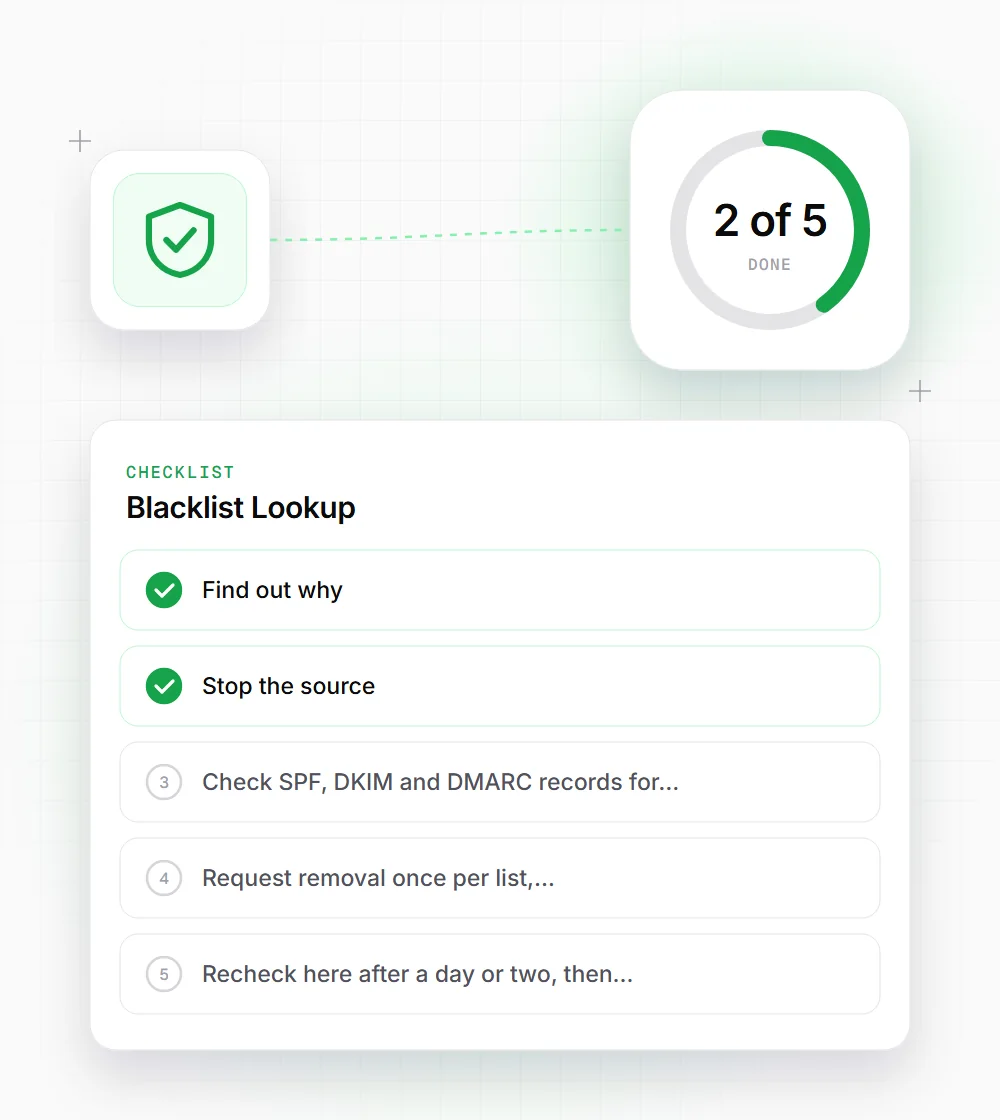
Removal requests fail when the cause is still there. Work through these in order.
- 01
Find out why. Most lists explain the reason on their lookup page, such as an infected host, spam trap hits or a missing reverse DNS.
- 02
Stop the source: patch the compromised site, change leaked mail passwords, or pause the campaign that caused complaints.
- 03
Check SPF, DKIM and DMARC records for your sending domain. Missing authentication makes every other problem worse.
- 04
Request removal once per list, following that list's own process, and only after the fix is in place. Lists re-add IPs that keep misbehaving.
- 05
Recheck here after a day or two, then keep an eye on bounce rates for the following week.