Do-Follow / No-Follow Link Checker
Enter the URL of a live page and the checker fetches it, reads every link and sorts them into dofollow, nofollow and internal. You get three counts at the top and a filterable list showing each link's destination and anchor text.
Updated · by the Linkstonic team
How links get sorted
The page is fetched on Linkstonic's server, not in your browser. The panel then shows what came back, grouped a few specific ways.
Three counters
The top row shows Do-Follow, No-Follow and Internal as three separate totals, so same-site links get their own box instead of padding the other two. On most content pages Internal is the biggest number by far, because menus, footers and related-post blocks repeat on every page.
Follow badge on every link
Each row carries a green dofollow or red nofollow badge. The badge is binary. The panel doesn't show rel="sponsored" or rel="ugc" as their own labels, so if you need to confirm those values, open the page source and look at the rel attribute directly.
Four filters
All, dofollow, nofollow and internal. The dofollow and nofollow filters only show external links. The internal filter shows every same-site link regardless of its rel value, which is where you catch a nofollowed menu item that shouldn't be.
Destination and anchor text
Each row shows the link's href, cut to the first 80 characters, plus the anchor text on a second line when there is any. Image links and icon buttons often have no text, so an empty second line usually means an image or an aria-only link.
List length
Each filter lists at most 50 links at a time, and the tool's own note says up to 100 links come back per page. On a big page with a mega menu, switch filters instead of scrolling one long list. Pages that block server-side fetches return an error instead of results.
What a blog post audit looks like
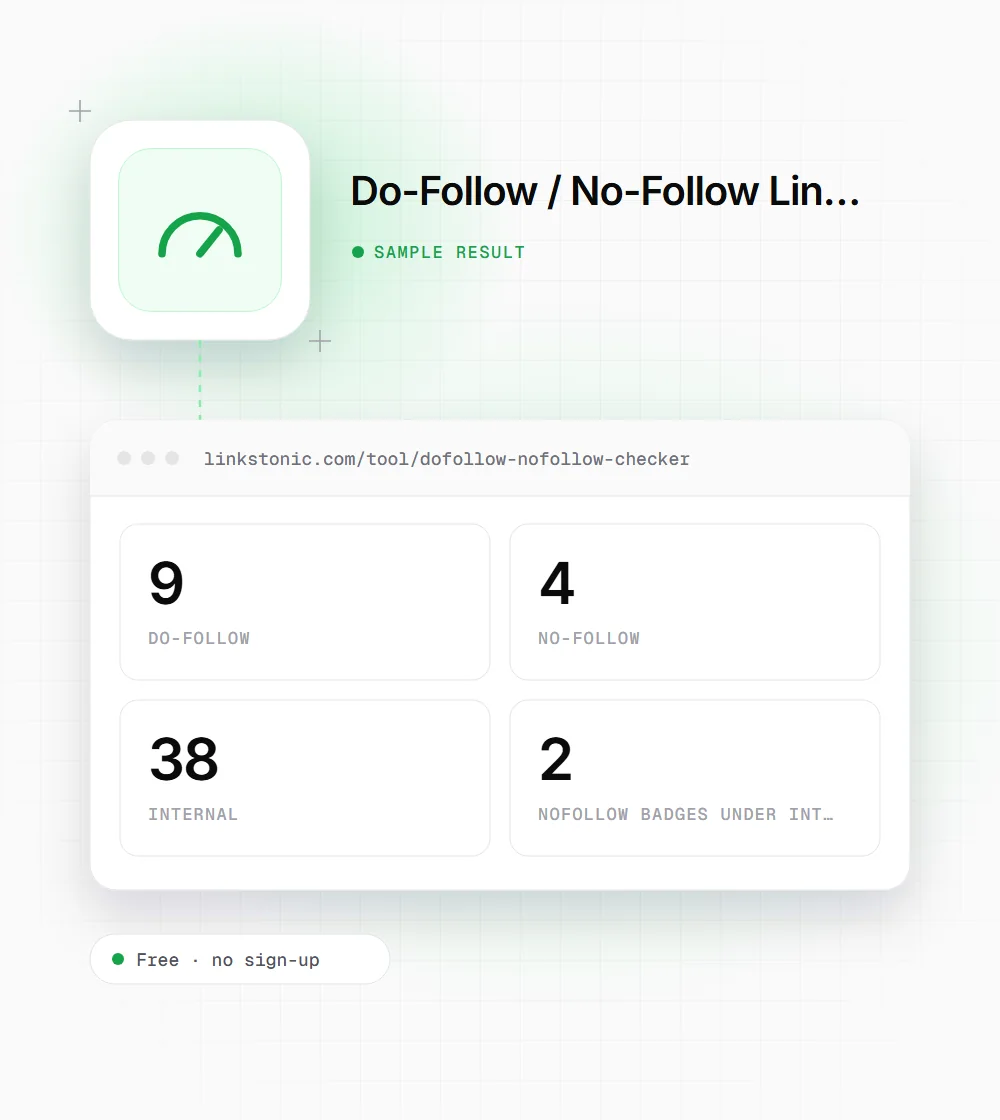
An illustrative result for a typical article at example.com/blog/post. The numbers are made up but consistent with how the panel counts.
https://example.com/blog/link-building-basics
The two nofollowed internal links were the login and cart links in the header. That's harmless. If they had been category links, it would be worth fixing, since you rarely want to hint Google away from your own pages.
Who checks link attributes
Link attributes look like a small detail until someone's traffic or budget depends on them.
Link builders
Before you log a placement as won, check that the link on the partner's page is actually dofollow. Editors sometimes add nofollow after publishing, and a quick recheck every few weeks catches that before a report goes to the client.
Publishers with sponsored content
Paid posts and affiliate roundups need a qualifying rel value on commercial links. Run each sponsored article through the checker and make sure none of the paid outbound links show up under the dofollow filter.
Site owners after a redesign
New themes and SEO plugins sometimes ship with nofollow on footer or navigation links. The internal filter shows those in seconds, which is much faster than viewing source on every template after the new design goes live.
The rel values Google recognizes
Google has documented these link attributes. The checker's badge shows followed or not; this table is the context for what each value means.
| Attribute | Use it for | How Google treats it |
|---|---|---|
| No rel value | Normal editorial links | Followed, can pass ranking signals |
| rel="nofollow" | Links you don't want to vouch for | A hint since 2020, not a strict rule |
| rel="sponsored" | Paid, affiliate or sponsored links | Hint that the link is commercial |
| rel="ugc" | Comments and forum posts | Hint that users added the link |
| rel="sponsored ugc" | Paid links inside user content | Values can be combined |
Google has said paid links should carry sponsored or nofollow. The other values are optional but help it understand the link.
Why nofollow isn't the villain
A lot of link reports treat nofollow as a wasted link. I don't. Since 2020 Google reads nofollow as a hint, and a nofollowed mention on a busy site can still send visitors, get your brand seen, and lead to followed links later. Judge a link by who clicks it first, and by the attribute second.
The more common problem is on your own site. Plugins and themes add nofollow to things they shouldn't, and some sites blanket-nofollow every external link out of habit. Linking to good sources without nofollow is normal editorial behavior. Save the attributes for paid, affiliate and user-submitted links, where Google actually asks for them.
For AI answers the attribute matters less than people assume. ChatGPT, Perplexity and Google's AI Overviews pull from pages they can crawl and quote, and they don't publish rules about rel values. Being mentioned on pages they trust is the part you can influence. Clean attributes are just good hygiene around that.
A quick link audit routine
This is the order I'd use on a site I've just inherited.
- 01
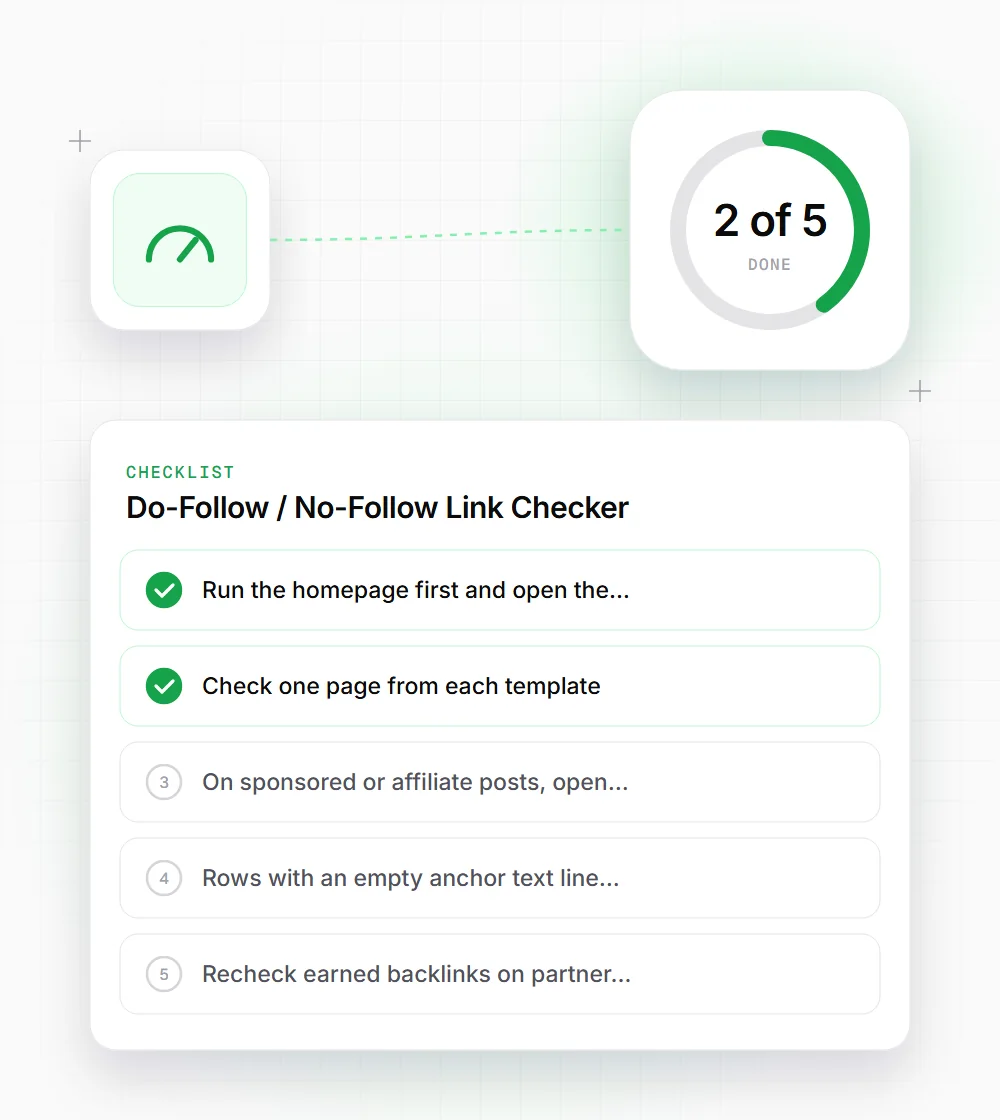
Run the homepage first and open the internal filter. Any nofollowed navigation link there repeats on every page of the site.
- 02
Check one page from each template: a post, a category, a product. Templates cause most attribute mistakes.
- 03
On sponsored or affiliate posts, open the dofollow filter. Every commercial link that appears there needs a sponsored or nofollow value.
- 04
Rows with an empty anchor text line are usually image links. Make sure the image has alt text so the link still has context.
- 05
Recheck earned backlinks on partner sites a month after they go live. Attributes change after publication more often than you'd expect.