YouTube Tag Extractor
Paste a YouTube link and see the tags the creator added in YouTube Studio, the ones viewers never see on the watch page. Copy the whole list or a single tag, check it against the 500-character limit, and jump to a full SEO score for the video.
Updated · by the Linkstonic team
How to see the tags of a YouTube video
Three steps, and the first one is just a paste.
Paste a YouTube video link
Copy the link from your browser or the share button and paste it into the box. Normal watch links, youtu.be share links, Shorts links and Live links are all accepted, so there's no need to clean up the URL first.
See every tag
The tool lists each tag the creator added in YouTube Studio, in the order they were entered. These tags are part of the video's public metadata, but YouTube doesn't show them to viewers on the watch page.
Copy them, then check the full score
Copy the whole list as one comma-separated line, or click any single tag to copy only that one. From there, one click opens the video's full SEO score with title, description, caption and spoken-keyword checks.
Everything about a video's tags
The tag list is the main result. The rest helps you judge whether those tags are any good.
All tags, in their original order
You get the exact tags the creator typed into YouTube Studio, in the same order they appear there. Nothing is guessed, reworded or padded with suggestions of our own.
Copy all in one line
One click copies every tag as a comma-separated list. That's the format YouTube Studio expects, so you can paste it straight into the tags field of your own upload and edit from there.
Copy a single tag
Only want two or three of them? Click any tag and just that one goes to your clipboard. It's quicker than copying the full list and deleting what you don't need.
500-character meter
YouTube caps tags at 500 characters in total, and it counts commas and the quotes around multi-word tags as well. The meter uses that same count, so the number you see is the number YouTube sees.
Title match
Tags that also appear in the video title are highlighted. You can see at a glance which keywords the creator backed up in the title and which ones live only in the hidden tag list.
Description hashtags
Hashtags from the video description are pulled out and listed on their own, apart from the tags. The two are easy to confuse, and they sit in different places on a video.
Full SEO score, one click away
A button opens the same video in the YouTube Transcript Generator, which scores the title, description, tags and captions, and checks whether the target keyword is actually spoken in the video.
A clear answer when there are no tags
Plenty of videos, including big ones, have no tags at all. When that happens the tool says so plainly, so you don't wonder whether the lookup failed or the link was wrong.
Works with every common link type
Watch URLs, youtu.be share links, Shorts and Live links all point to a video the tool can read. Paste whatever you copied and it finds the tags without any editing on your part.
What a result looks like
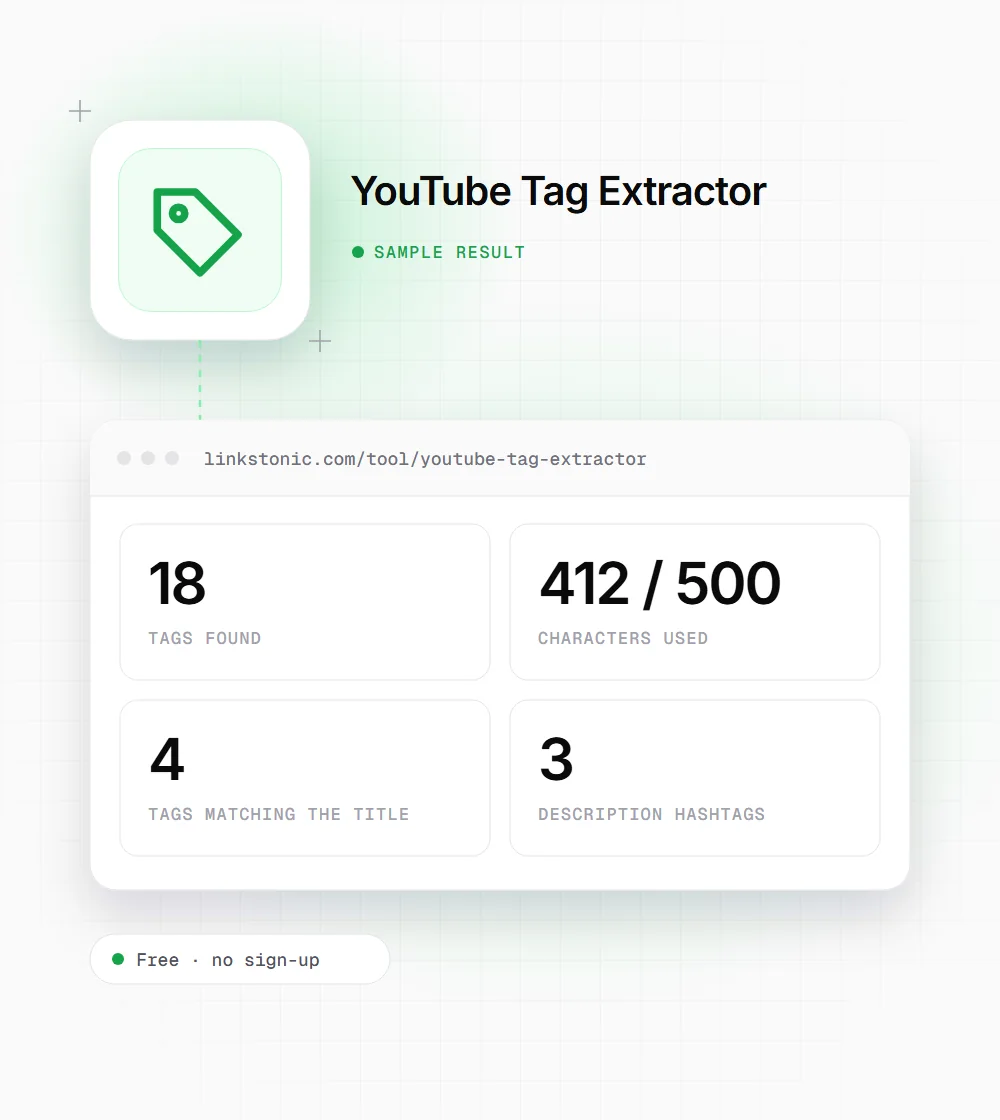
An illustrative result for a tutorial video whose creator filled in tags and added a few hashtags to the description. Your numbers will depend on the video.
https://www.youtube.com/watch?v=VIDEO_ID
Only 4 of the 18 tags match the title here, which is common. The title carries the main keyword, and the tags cover variations and misspellings.
What people use it for
Three jobs come up again and again.
Competitor research
Open the top videos in your niche and see which keywords their creators are aiming at. The tags often name search terms that never make it into the title or description.
Checking your own videos
Paste your own link to confirm the tags fit inside 500 characters and that the important ones also appear in your title. Title matches are highlighted, so gaps are easy to spot.
Content ideas
A competitor's tags show the related topics they hope to rank for. Some of those topics may deserve a video of their own on your channel, with your own angle and your own tags.
How the 500-character tag count works
YouTube's limit isn't only the letters in your tags. These are the parts it counts, and the meter in this tool counts them the same way.
| What gets counted | How it adds up |
|---|---|
| Characters in each tag | Every letter, number and space inside a tag counts toward the total. |
| Commas between tags | Each comma that separates one tag from the next counts as a character. |
| Quotes on multi-word tags | A tag with a space in it counts its quotes too, so video seo takes 11 characters instead of 9. |
| The total | 500 characters for all tags together, including the commas and quotes above. |
A list that looks comfortably under 500 in a text editor can go over once commas and quotes are added.
Do YouTube tags still matter?
Less than most people think. Tags are a minor ranking signal, and YouTube says they mainly help with common misspellings of a video's topic. If a tag list is all you change on an underperforming video, don't expect much to move. I'd spend that time on the parts viewers actually see.
The title, the description and what's actually said in the video carry far more weight. That's why this tool links straight to a full SEO score instead of stopping at tags. The score checks all of those, including whether your keyword is spoken out loud, which is the check I'd look at first.
Tags are still worth a look for research. They show what a competitor was aiming for, even when the title hides it. And many videos, big ones included, have no tags at all. When that happens the tool tells you, and knowing a rival skipped them is useful too.
Getting more out of tag research
A few habits that make the results more useful.
- 01
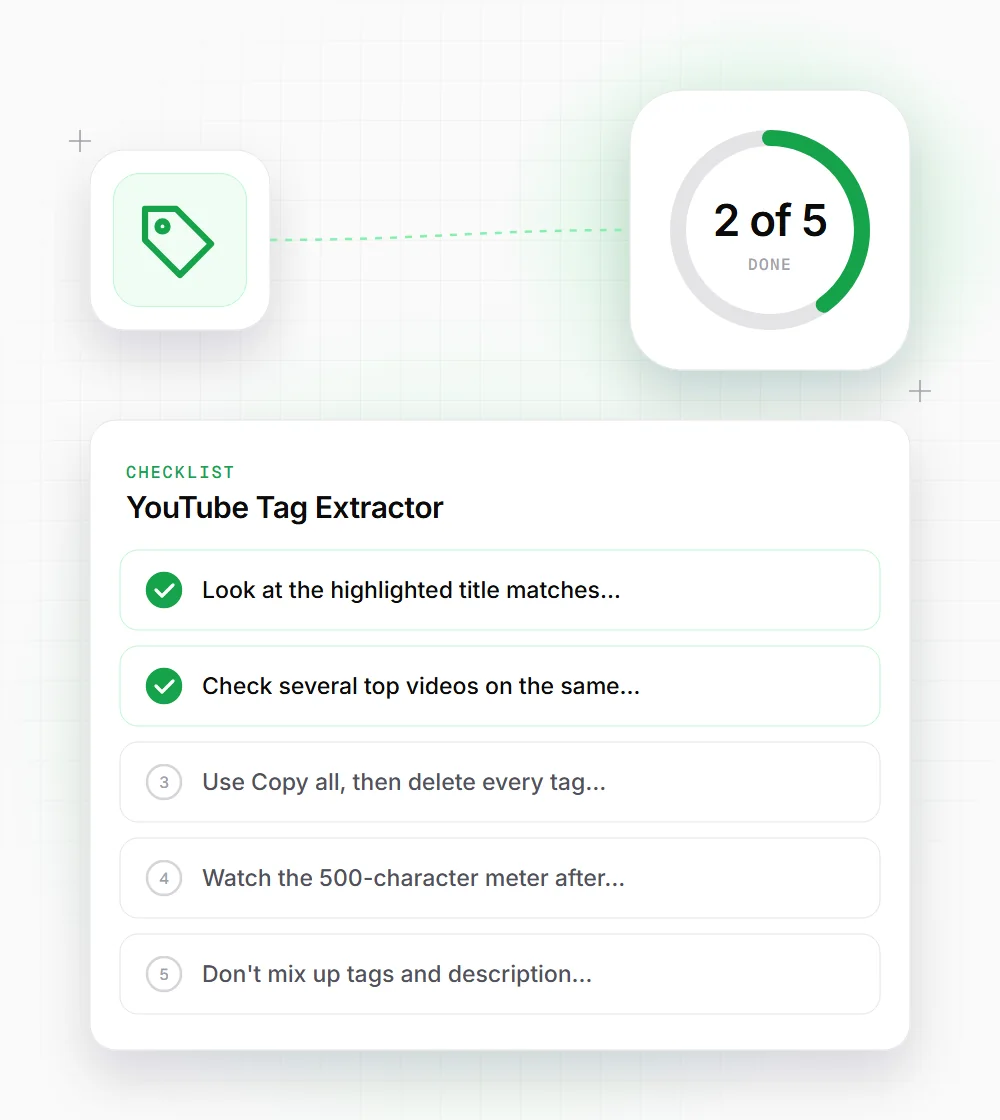
Look at the highlighted title matches first. Those are the keywords the creator cared about enough to put in the title.
- 02
Check several top videos on the same topic. A tag that shows up across most of them tells you more than any single list.
- 03
Use Copy all, then delete every tag that doesn't describe your own video before you save it in YouTube Studio.
- 04
Watch the 500-character meter after editing. Long multi-word tags eat into the limit faster because their quotes count too.
- 05
Don't mix up tags and description hashtags. The tool lists them separately, so treat them as two different fields.
- 06
Open the full SEO score before you worry about tags. The title, description and spoken keywords matter much more.
Related free tools
YouTube Transcript Generator
Full SEO score for a video, plus its transcript.
Open tool Free toolYouTube Keyword Explorer
Explore keyword ideas for YouTube videos.
Open tool Free toolYouTube Channel Analyzer
Look at a YouTube channel as a whole.
Open tool Free toolYouTube Tag Generator
Suggest tags for a video from its topic.
Open tool