YouTube Keyword Explorer
Type a topic and see what people actually enter into YouTube search. You get hundreds of keyword ideas, real questions and comparisons, pulled from YouTube's own suggestions for the country and language you choose, ranked and grouped so you can plan your next videos.
Updated · by the Linkstonic team
How to find YouTube keywords
Three steps, and the tool does the repetitive part for you.
Enter a topic
Start with a short phrase that describes your video, for example "home workout". Keep it broad at first. The tool builds dozens of variations from it, so you don't need to guess the long versions yourself.
Pick a country and language
Suggestions differ a lot between markets, so choose the audience you're making the video for. There are 17 countries and 8 languages to pick from, including India, Pakistan, UAE and Saudi Arabia, plus Hindi and Arabic.
Get the ideas
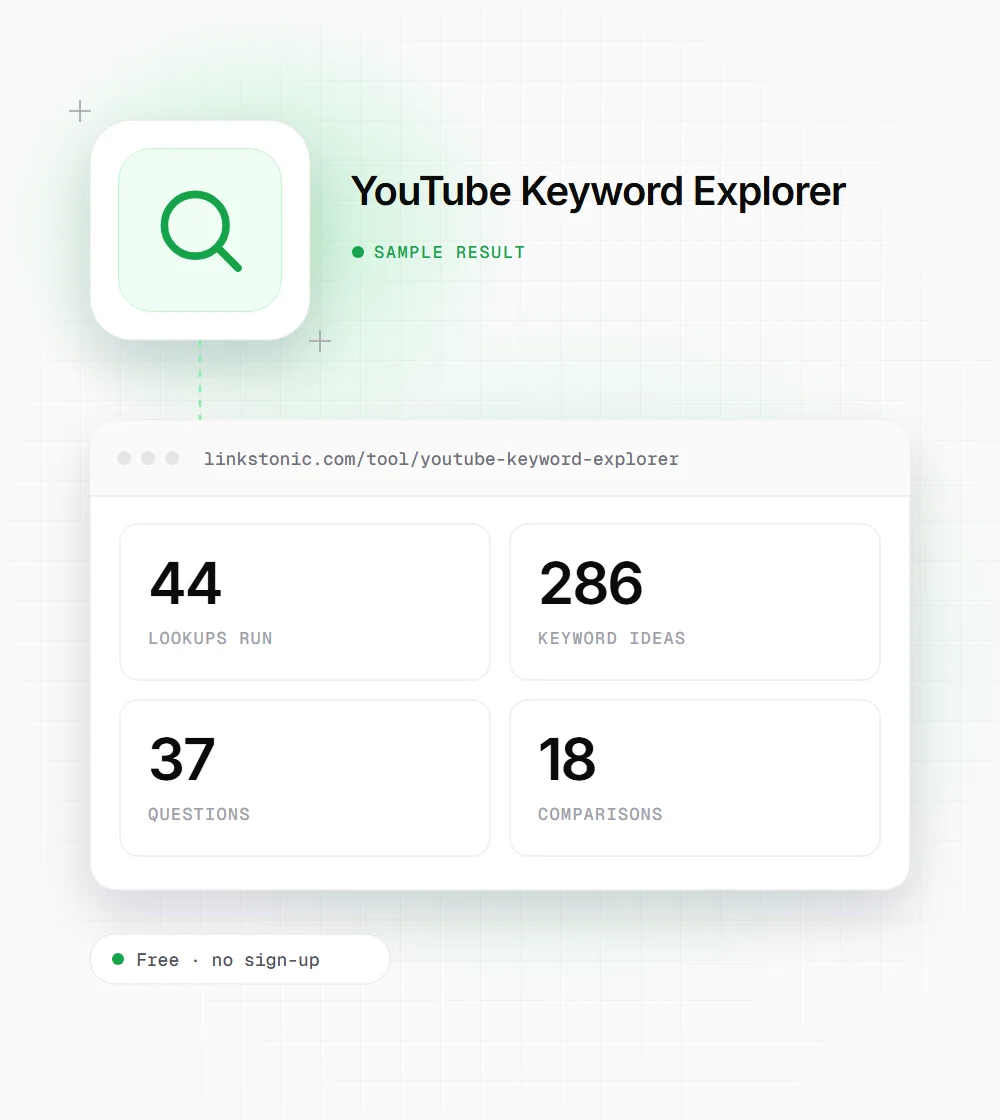
The tool asks YouTube's search suggestions about 44 different ways: the topic on its own, A to Z, question words, comparisons and modifiers. It then ranks everything it finds and sorts the results into groups you can filter.
Keyword research built on real search behavior
Every idea comes from YouTube's autocomplete, the list people see while they type. Here's what the tool does with it.
Hundreds of ideas per search Free
Ideas come straight from YouTube's autocomplete, the suggestions people see as they type into the search box. A popular topic can return hundreds of phrases, while a narrow one returns fewer.
44 lookups per search
One search runs the topic itself, then A to Z, question words like how, what and why, comparisons with vs and or, and modifiers such as best, for beginners and tutorial. That's 44 lookups you'd otherwise type by hand.
Grouped for you
Results land in five groups: Top, Questions, Comparisons, Modifiers and A-Z. Jump to the group that fits the video you're planning instead of scrolling one long list of phrases.
Suggestion strength from 1 to 100
Each phrase gets a score based on how often and how high YouTube suggests it. You also see how many times it appeared across the lookups and the best position it reached.
Related words
The tool lists the words people most often add to your topic. Click one and it becomes your next search, which is a quick way to find a sub-topic worth its own video.
17 countries and 8 languages
Run the same topic for a different market and compare. Coverage includes India, Pakistan, UAE and Saudi Arabia, and languages include Hindi and Arabic as well as English.
Filter, select, copy or export
Filter the list, tick the keywords you want and copy them, or copy the whole list at once. Download a CSV when you want the ideas in a spreadsheet or content plan.
Open any keyword on YouTube
Each phrase links to a YouTube search for it, so you can see which videos rank today and judge whether there's room for yours before you start recording.
What a result looks like
An illustrative result for the topic "home workout" searched for India in English. Real counts depend on the topic and the market you pick.
Topic: home workout

Country: India
Language: English
Start with the Questions group. A phrase like "home workout for beginners without equipment" with a high strength score is close to a finished video title.
What people use it for
Most searches start with one of these jobs.
Video ideas
The Questions group shows real questions your audience types into YouTube. Each one can become a video, and the ones with the highest strength are the ones people ask most.
Titles and descriptions
Use the exact phrasing people type instead of the wording you'd guess. A title that matches a suggested phrase reads naturally to viewers and lines up with how they search.
Comparison videos
"X vs Y" searches show which matchups people care about in your niche. If a comparison keeps coming up in suggestions, it's a video people are already looking for.
Local content
Compare suggestions between countries and languages before you record. The same topic can pull very different phrases in India and Saudi Arabia, or in Hindi and English.
What each result group contains
The 44 lookups feed five groups. Each one answers a different planning question.
| Group | Where the ideas come from | Good for |
|---|---|---|
| Top | The highest-ranked phrases across every lookup, sorted by suggestion strength | Picking the main keyword for a video |
| Questions | Your topic combined with question words such as how, what and why | Video ideas and FAQ-style titles |
| Comparisons | Your topic with vs and or, showing the matchups people search for | "X vs Y" videos |
| Modifiers | Your topic with words like best, for beginners and tutorial | Angling a video at a specific viewer |
| A-Z | Your topic followed by each letter of the alphabet | Finding long-tail phrases you wouldn't think of |
Suggestion strength is relative to the results of your search. It isn't a monthly search count.
Why there's no search-volume number
YouTube doesn't publish search volumes. Any tool that shows you an exact monthly number for a YouTube phrase is estimating it, usually from sources you can't check. I'd rather not put a precise-looking figure on screen when nobody outside YouTube knows the real one. A number you can't verify is worse than no number, because people plan around it.
So the tool shows suggestion strength instead. It comes from YouTube's own suggestions: a phrase that YouTube offers often and near the top of the list is one people really search for. YouTube is telling you that directly, every time someone starts typing, and it's the same list your viewers see.
The catch is that strength is relative. A score of 90 means a phrase is strong compared with the other results in your search, not that it gets a set number of views. Use it to rank ideas against each other, then open the keyword on YouTube to see the competition.
Getting more out of your keyword research
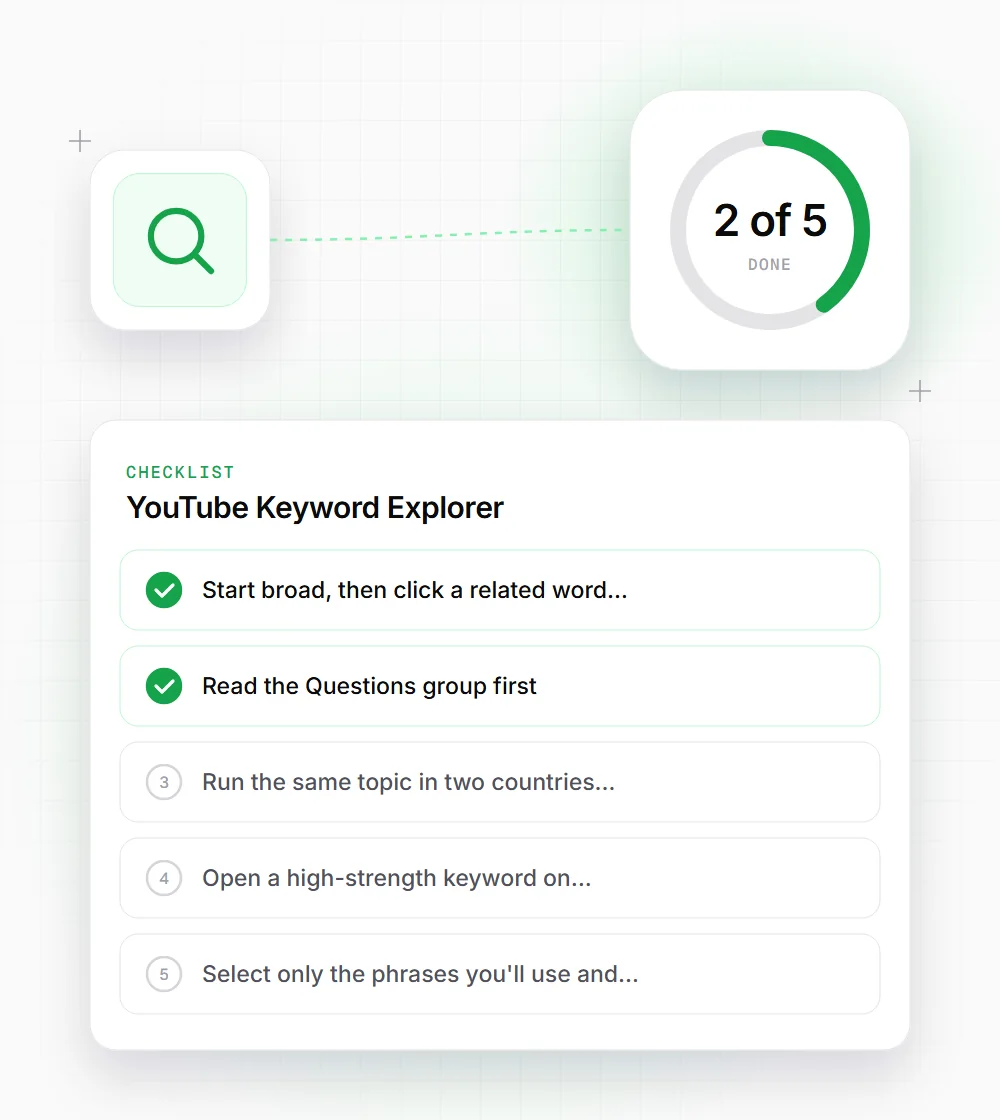
A few habits that turn a long list into a short plan.
- 01
Start broad, then click a related word to go one level deeper instead of typing a new topic from scratch.
- 02
Read the Questions group first. It's the fastest route from a keyword list to a video title.
- 03
Run the same topic in two countries you publish for and compare which phrases show up in only one.
- 04
Open a high-strength keyword on YouTube before committing, so you know what you're up against.
- 05
Select only the phrases you'll use and export them as CSV, so your content plan stays short.
- 06
Treat strength as a ranking inside one search, not a volume figure to compare across topics.
Related free tools
YouTube Tag Extractor
See the tags on any YouTube video.
Open tool Free toolYouTube Channel Analyzer
Analyze any YouTube channel.
Open tool Free toolYouTube Transcript Generator
Full transcript of any video, with an SEO score.
Open tool Free toolYouTube Title Generator
Title ideas for a video, grouped by style.
Open tool