YouTube Channel Analyzer
Paste any public YouTube channel and see which of its recent videos beat its usual views, how fast each upload is picking up views per day, and which days and times the channel tends to post. It's free and there's no account to create.
Updated · by the Linkstonic team
How to analyze a YouTube channel
Three steps, and the first one is the only one that needs you.
Paste a channel
Use whatever you have. A channel link, an @handle, the plain channel name or a link to any video from that channel all work. Some very old "/c/" links no longer resolve, so paste the @handle for those.
See the latest uploads
The channel's recent uploads load in a list with views, views per day, likes and like rate for each one, plus the channel's typical views and how often it posts.
Spot the outliers
Any video that got 2x or more the channel's typical views is flagged with its multiple, such as "4.8x typical". Those are the topics working for that audience right now.
Competitor research in one screen
Everything below comes from a single paste. No tabs to juggle and nothing to export first.
Outlier finder
Each upload is compared with the channel's typical (median) views. Anything at 2x or more gets flagged with its multiple, for example "4.8x typical", so the standouts are obvious at a glance.
Fair comparisons
Shorts are compared with Shorts and long videos with long videos. One viral Short can't drag the baseline up and make every regular upload look like a miss.
Too new to judge
Uploads less than 2 days old are marked "New" instead of being counted as flops. A video that went up this morning hasn't had a fair chance yet.
Key stats
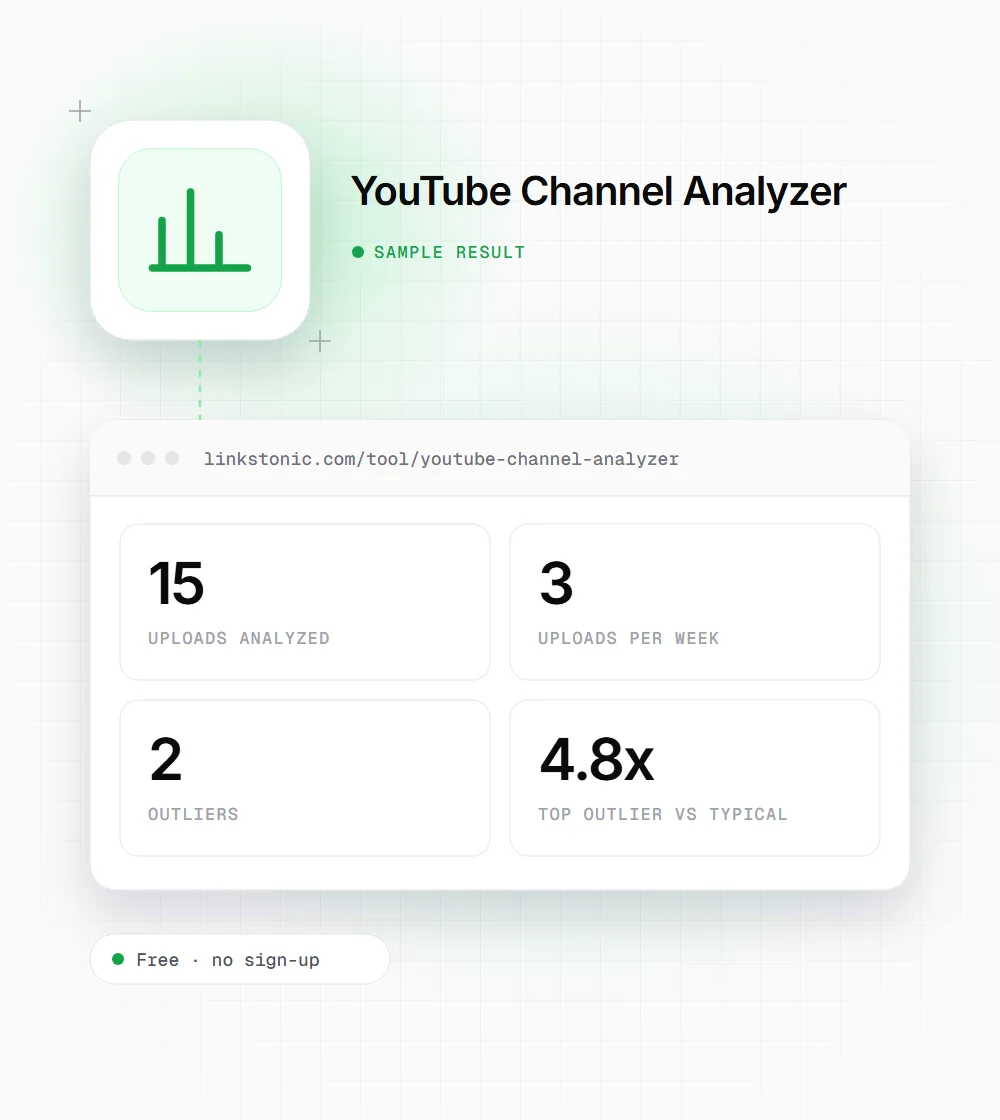
Uploads per week, typical views for videos and for Shorts, like rate and the number of outliers, all at the top of the result so you can size up a channel quickly.
Views chart
Every upload plotted from oldest to newest, with outliers in green. Hover over a point to see the title and views, and click it to open the video on YouTube.
Upload rhythm
Which weekdays the channel posts on and at what time. Times are shown in your own time zone, so you don't have to convert anything in your head.
Sort and filter
Sort by outlier score, most views or newest. Filter to all uploads, videos only or Shorts only when you want to study one format on its own.
Per-video details
Views, views per day, likes, like rate and age for every upload. Views per day matters most here, because it puts a week-old video and a month-old one on the same footing.
One-click deep dives Free
Open any video's transcript and SEO score, or its tags, in our other free YouTube tools. It's the quickest way to see how an outlier was titled, tagged and scripted.
What a result looks like
An illustrative result for a mid-size channel that mixes long videos and Shorts. The tool isn't showing live numbers here; this is the shape of what you get back.
@channelhandle

Sort: outlier score
Filter: all uploads
Start with the 4.8x video. Open its tags and transcript, then check whether the second outlier covers a similar topic. Two hits on one theme is a stronger signal than one.
What people use it for
Most people come here to size up someone else's channel. These are the common reasons.
Finding proven video ideas
A competitor's outliers show which topics beat their audience's usual interest. That's a better starting point for your next video than guessing from a list of their most-viewed uploads.
Benchmarking your channel
Run your own channel and a few others in your niche. Compare typical views and like rate side by side to see where you actually stand against similar creators.
Planning an upload schedule
See how often the successful channels in your niche post and on which days. If they all cluster on the same weekdays, that tells you something about when the audience watches.
Agency pitches
Show a client what's working for their competitors in a few minutes. Outliers with their multiples make the point faster than a slide full of raw view counts.
Where the numbers come from
The analyzer reads the channel's public YouTube feed. That feed holds the 15 most recent uploads with their views and likes, which is the right window for seeing what's working now.
| Data | Included? | Notes |
|---|---|---|
| Recent uploads | Yes | The 15 most recent, from the channel's public feed |
| Views, likes and like rate | Yes | Per video. Like rate is likes divided by views |
| Views per day and age | Yes | Per video, so older and newer uploads compare fairly |
| Outliers | Yes | 2x or more the median views, Shorts and videos judged separately |
| Upload days and times | Yes | Shown in your time zone |
| Subscriber counts | Not yet | Needs the YouTube Data API. On our roadmap |
| Full channel history | No | Only the recent uploads in the public feed are covered |
Uploads under 2 days old are marked "New" and left out of the outlier call until they've had time to settle.
Why we use the median, not the average
Most channel stats lean on average views, and averages lie on YouTube. One video that takes off can pull the average so high that everything else looks like a failure. The median is the middle upload, so a single hit barely moves it. That's why the outlier multiple here is measured against the median.
Splitting Shorts from long videos follows the same logic. A Short can pick up far more views than a 20-minute video from the same creator, and mixing the two makes the numbers useless. I'd rather compare each format with itself and see two honest baselines.
The 15-upload window is a limit of the public feed, but I don't mind it for this job. If you want to know what to make next, a channel's last few weeks tell you more than what worked for it three years ago, when its audience and YouTube itself were different.
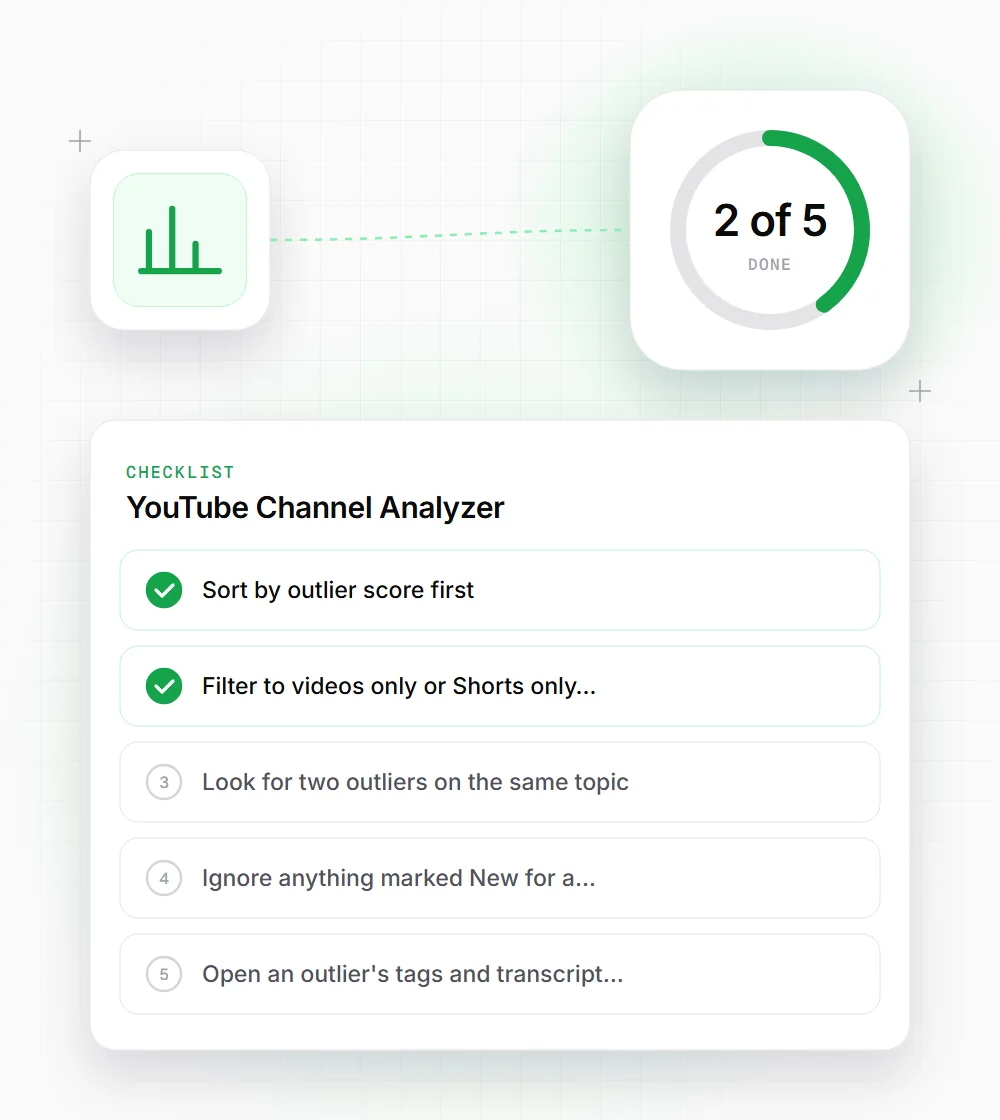
Getting more out of a channel analysis
A few habits that turn a list of numbers into video ideas.
- 01
Sort by outlier score first. The top of the list is where the ideas are, and views alone can hide them.
- 02
Filter to videos only or Shorts only when a channel posts both. Each format tells a different story.
- 03
Look for two outliers on the same topic. One hit can be luck; two usually means real audience demand.
- 04
Ignore anything marked "New" for a couple of days, then run the channel again once it has settled.
- 05
Open an outlier's tags and transcript in our other free tools to see how the creator framed the topic.
- 06
Check the upload rhythm against your own time zone before copying a competitor's posting schedule.
Related free tools
YouTube Transcript Generator
Get the full transcript of any video with timestamps.
Open tool Free toolYouTube Tag Extractor
See the tags any YouTube video was published with.
Open tool Free toolYouTube Keyword Explorer
Find keyword ideas for your next YouTube video.
Open tool Free toolYouTube Thumbnail Preview
Preview how a thumbnail and title look on YouTube.
Open tool