Query Fan-out Simulator
Type a seed keyword or topic and get back five to eight sub-queries that branch it into comparison, pricing, how-to, review and beginner angles. It's a quick way to see which follow-up questions a page on that topic should probably answer.
Updated · by the Linkstonic team
What the simulator actually does
This is a template expander, not a language model. Knowing exactly how it builds the list helps you decide which branches are worth a section and which to ignore.
Your seed is cleaned first
Spaces at either end are trimmed and the whole seed is lowercased. "Email Marketing" and "email marketing" are treated as the same input and return the same list. Nothing else is changed, so typos and plurals go straight into every sub-query.
Eight fixed patterns
The seed is dropped into eight templates, always in this order: best practices, vs alternatives, pricing, tutorial, how to use, reviews plus the year, for beginners, and enterprise. Six of them start with the seed. "How to use" and "enterprise" put it at the end.
How many you get
The count is 5 plus a hash of the seed divided by 4, keeping the remainder, so every seed gets between 5 and 8. You always get the first five patterns. The enterprise branch only shows when a seed happens to land on 8.
The year in the reviews branch
The reviews sub-query adds the current year from your device's clock. On a laptop set to the wrong date, the year will be wrong too. It updates on its own on January 1, so saved lists from last year will show last year's date.
What it doesn't know
There is no search data behind the list: no volumes, no live results, no AI model. The same patterns apply to every seed, so some branches won't fit. "Pricing" makes little sense for a history topic. Keep the branches that match real intent and drop the rest.
Fanning out "Email Marketing"
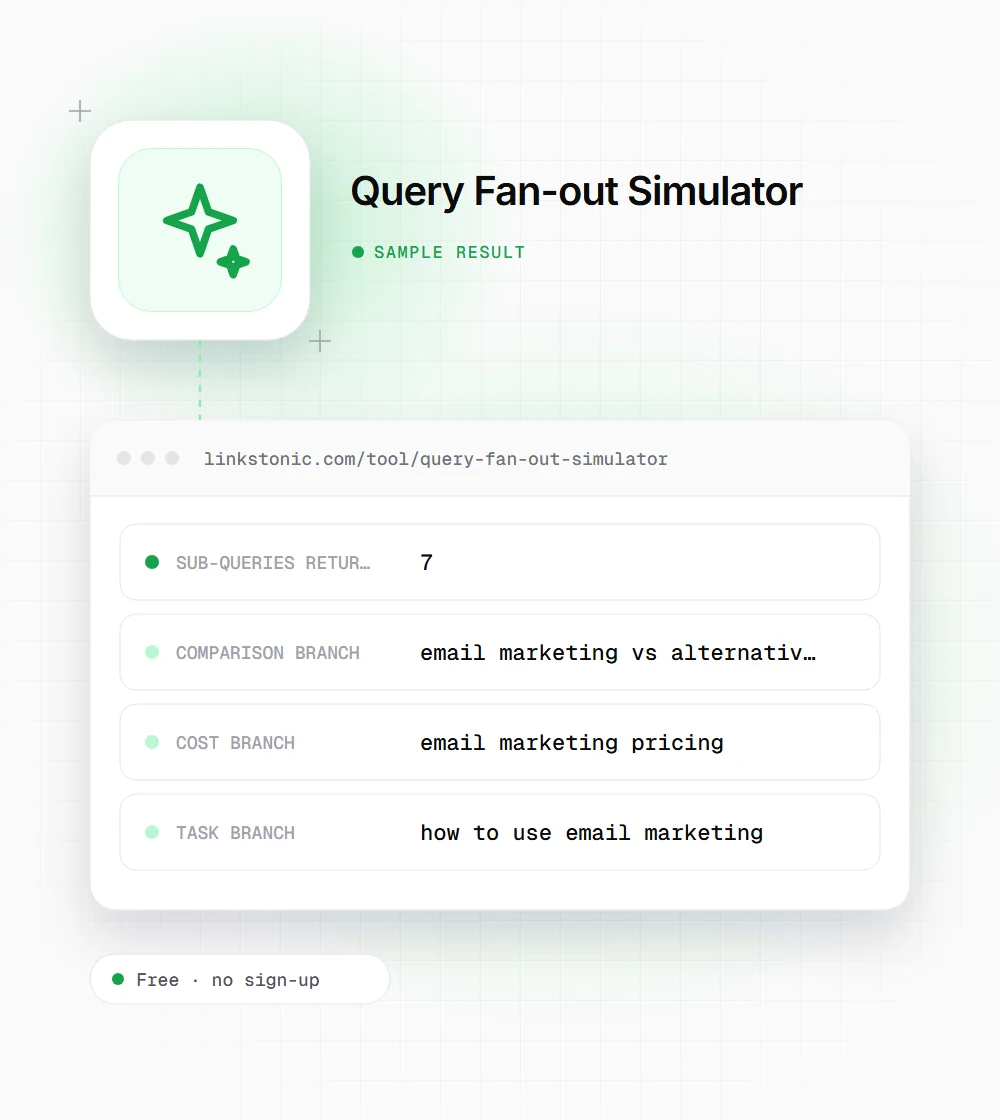
We typed Email Marketing with capitals. The seed was lowercased, and its hash landed on seven sub-queries.
Email Marketing
The other two in the list are "email marketing best practices" and "email marketing tutorial". "Enterprise email marketing" is missing because this seed stops at seven, even though it's a real search angle.
Who uses a fan-out list
The list is short, so it works best as a prompt for people who already know the topic.
Content writers
Before outlining a guide, run the head term and check which branches the draft already covers. A missing pricing or comparison section is a common gap, and it's often the part readers came for.
SEO leads planning clusters
Each branch is a candidate for its own page or its own H2. Run the seed, decide which branches deserve a separate URL, and give the rest a section on the main page.
Product marketers
Vs alternatives, pricing and reviews are the branches buyers search right before a decision. Running your category name shows at a glance whether your site has a page for each of those three.
Why fan-out became a thing to plan for
Google has described how AI Mode answers a question by splitting it into many related searches, running them at once and combining the results. It calls this query fan-out. ChatGPT search and Perplexity work in a similar way. A page that only answers the head term can miss every one of those follow-up searches.
Real fan-out depends on the model, the wording of the question and what the user asked before. No outside tool can see it. This simulator doesn't try to. It applies eight intent patterns that come up for most commercial topics, which is enough to catch the obvious gaps in a page or a content plan.
The mistake I see is writing one thin page per branch. Five 300-word pages on pricing, tutorial and reviews compete with each other and rarely beat one strong guide. Group branches that share an intent, give each a clear heading with a direct answer under it, and only split out a page when a branch has its own search demand.
Turning the branches into a content plan
A few minutes of filtering makes the list far more useful.
- 01
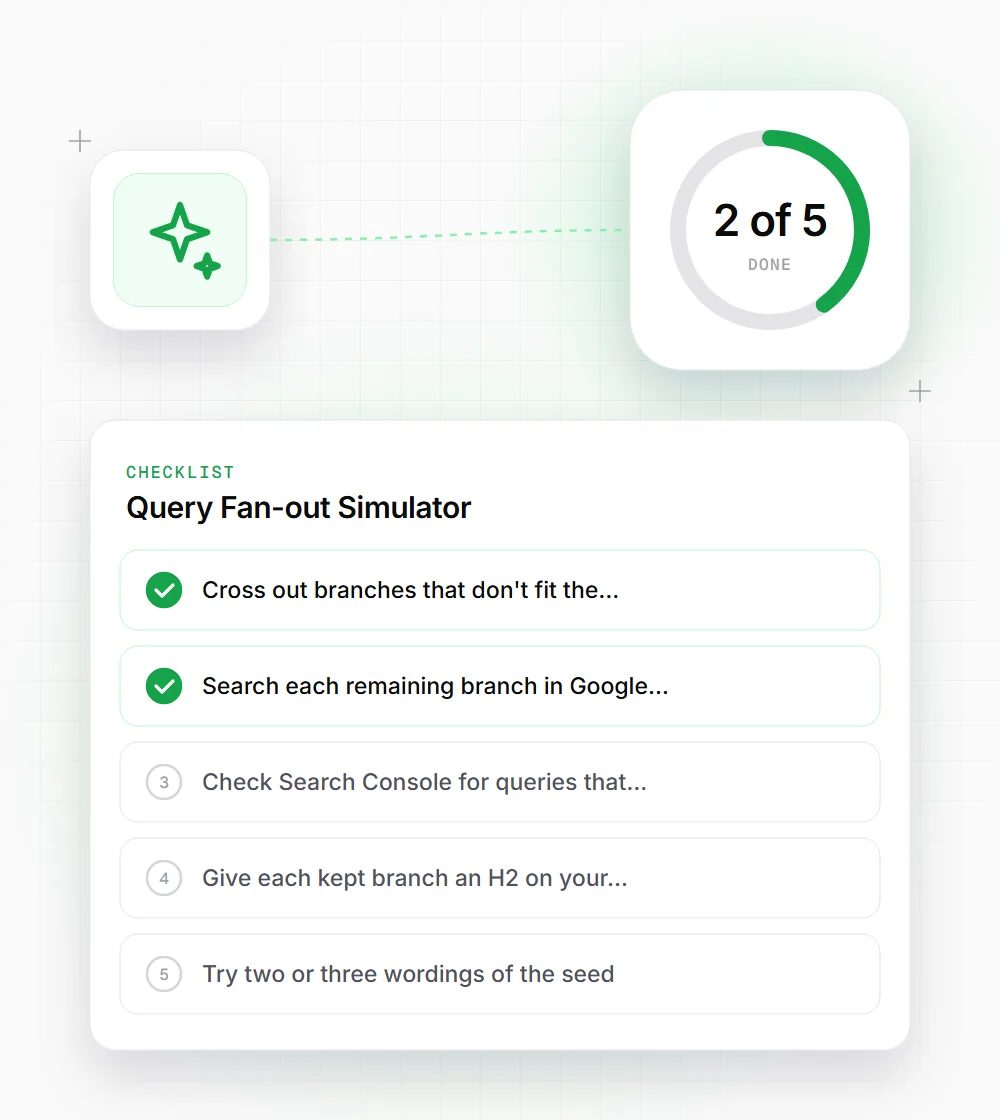
Cross out branches that don't fit the seed's intent before doing anything else. A pricing branch for a free topic is noise.
- 02
Search each remaining branch in Google and note whether a People Also Ask box or AI Overview appears.
- 03
Check Search Console for queries that already contain the branch words, such as pricing or vs.
- 04
Give each kept branch an H2 on your main page with a two or three sentence answer directly under it.
- 05
Try two or three wordings of the seed. Each one hashes differently and can return a longer list.