Markdown Generator
Paste a chunk of HTML, such as an article body copied out of your CMS, and get Markdown back with the headings, paragraphs, lists, links and emphasis converted. The conversion runs inside your browser tab, and one click copies the result.
Updated · by the Linkstonic team
What converts, and what gets flattened
The converter walks the HTML tree and knows a short list of tags. Everything else is reduced to its text. Knowing the list tells you which parts of a page will need a manual pass.
Headings
h1 through h4 become #, ##, ### and ####. There is no rule for h5 or h6, so those come out as plain text with no heading marker. If your CMS uses h5 for small section labels, add the hashes yourself after converting.
Inline formatting
strong and b become double asterisks, em and i become single asterisks, and code becomes a backtick span. Any backtick inside a code tag is swapped for a straight single quote so the span doesn't break. A br becomes a line break and span tags are simply unwrapped.
Links
An a tag with an href turns into [text](href), with the href copied exactly as written. Relative links like /pricing stay relative, so fix them to absolute URLs if the Markdown will live on another site. An a tag with no href keeps only its text.
Lists
Every li becomes a line that starts with a dash. Ordered lists get the same treatment, so numbered steps come out as bullets. Nested lists are not indented, which flattens a two-level list into one. Renumber and re-indent by hand if the order matters.
Images, tables and code blocks
Images have no rule and produce nothing, alt text included. Tables collapse into their cell text with no pipes or separators. A pre block is not fenced, so multi-line code loses its formatting. Text inside a script or style tag in your fragment comes through as plain text, so strip those first.
Spacing
Blockquotes get a > at the start of every line. Runs of three or more line breaks are squeezed to a single blank line and the whole result is trimmed. Line breaks inside a paragraph's source HTML are kept as they are, which can leave hard wraps in the output.
A short article fragment, converted
This fragment has a heading, inline formatting, a relative link, an ordered list and an image. Here is what the converter does with each part.
<article>
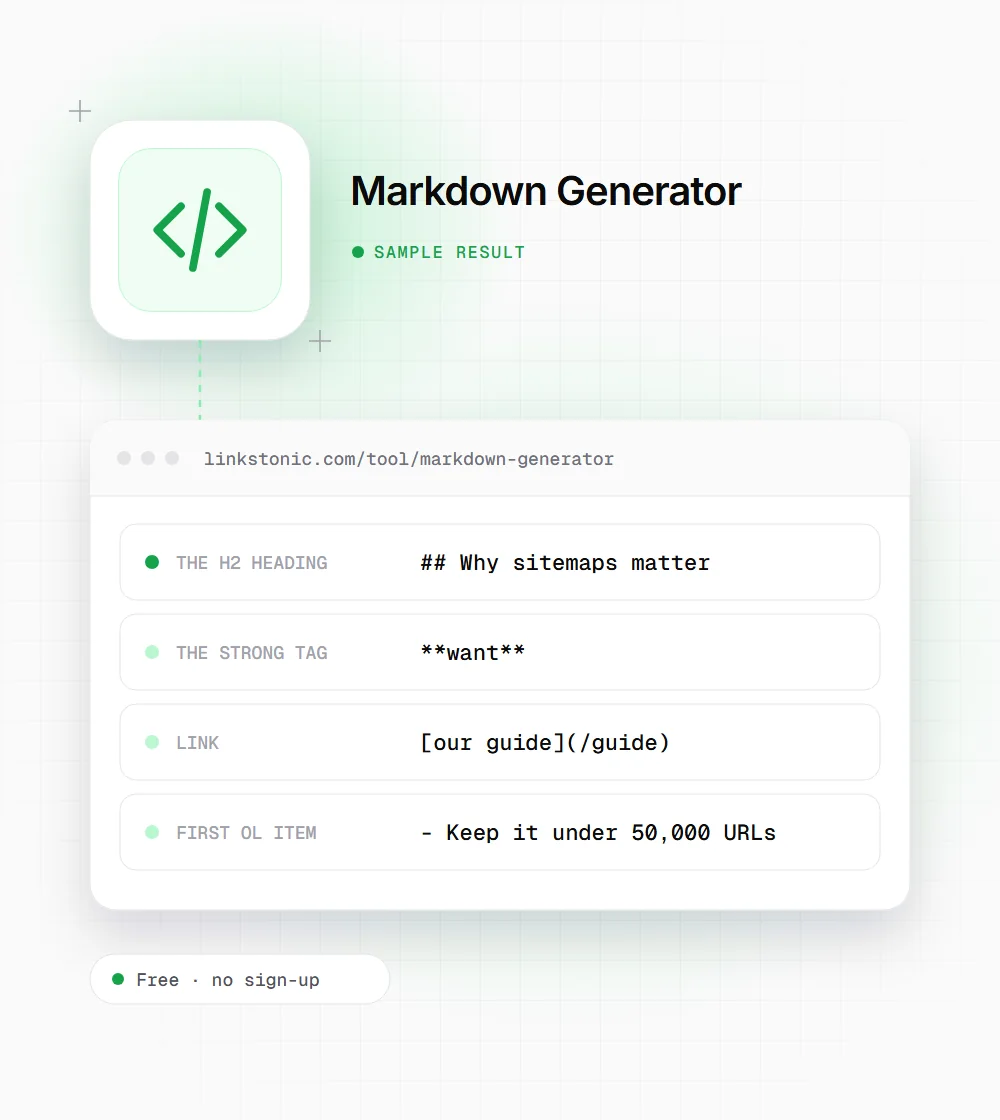
<h2>Why sitemaps matter</h2>
<p>A sitemap lists the URLs you <strong>want</strong> crawled. See <a href="/guide">our guide</a>.</p>
<ol><li>Keep it under 50,000 URLs</li><li>Use absolute URLs</li></ol>
<img src="map.png" alt="Sitemap diagram">
</article>
The final Markdown is four lines of content with blank lines between blocks. The numbered list lost its numbers and the image vanished, which are the two things to check on any real page.
Where the Markdown ends up
The same conversion gets used for very different jobs.
Moving content to a static site
Teams leaving WordPress or another CMS for Hugo, Astro or a docs site in Git need each post as Markdown. Converting the article body here gets most of the way, and the flattening rules above tell you what to fix.
Feeding text to an AI model
Pasting raw HTML into ChatGPT or Claude wastes tokens on tags and attributes. Markdown keeps the heading structure and links while dropping the markup, so the model sees the content and its outline.
Writing README and help docs
Developers often need to turn a published help page into a README or a GitHub wiki entry. Copy the page's main HTML from the browser inspector, convert, and tidy the code blocks by hand.
Markdown for readers, crawlers and models
Markdown has no direct SEO effect. Google indexes the HTML your Markdown becomes, not the Markdown itself. What carries over is structure: a page written as clean headings, short paragraphs and real lists usually renders as clean semantic HTML, and that is easier for any parser to follow.
The newer reason people want Markdown is AI. The llms.txt proposal suggests publishing Markdown versions of key pages for language models to read, and some documentation sites already do. Google hasn't said it uses these files, so I'd treat them as a cheap experiment for docs-heavy sites, not a priority for a typical blog.
The common mistake is converting a whole page, navigation and footer included. You end up with menus and cookie text mixed into the article. Copy only the main content element, usually an article or main tag, and the output needs far less cleanup. Check the heading levels too: if the HTML jumps from h2 to h4, so will the Markdown.
Getting a clean conversion
A minute of prep on the HTML saves more time than fixing the Markdown afterward.
- 01
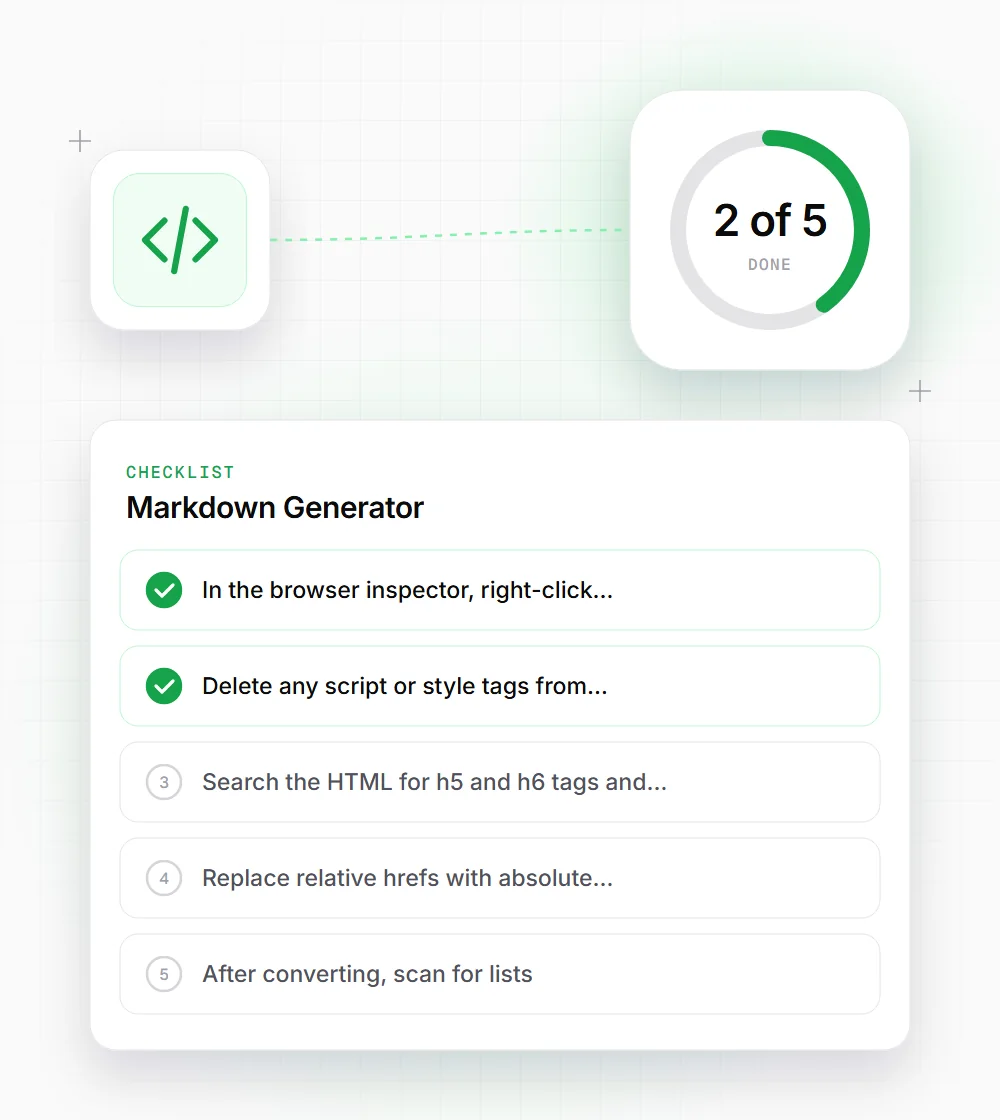
In the browser inspector, right-click the article element and choose Copy outer HTML. That skips the header, sidebar and footer.
- 02
Delete any script or style tags from the fragment before converting, since their contents come through as text.
- 03
Search the HTML for h5 and h6 tags and change them to h4 if you want them to keep a heading marker.
- 04
Replace relative hrefs with absolute URLs first if the Markdown is going to a different domain.
- 05
After converting, scan for lists. Put the numbers back on steps and indent any nested items.
- 06
Re-add images as Markdown image syntax with their alt text, because the converter drops them entirely.