LLM.txt Generator
Paste the URLs you most want AI tools to read, one per line. The generator wraps them in a starter llms.txt file with headings and a bulleted Paths list, ready to copy, edit and upload to the root of your site.
Updated · by the Linkstonic team
What goes into the file
The generator is deliberately simple. It formats your list; it doesn't crawl your site or pick pages for you.
Input cleanup
Each line is trimmed and empty lines are dropped. Nothing else is checked: duplicates stay in, relative paths stay relative, and a typo in a URL is copied into the file as is. The box starts with two example.com lines, so replace them first.
Fixed header
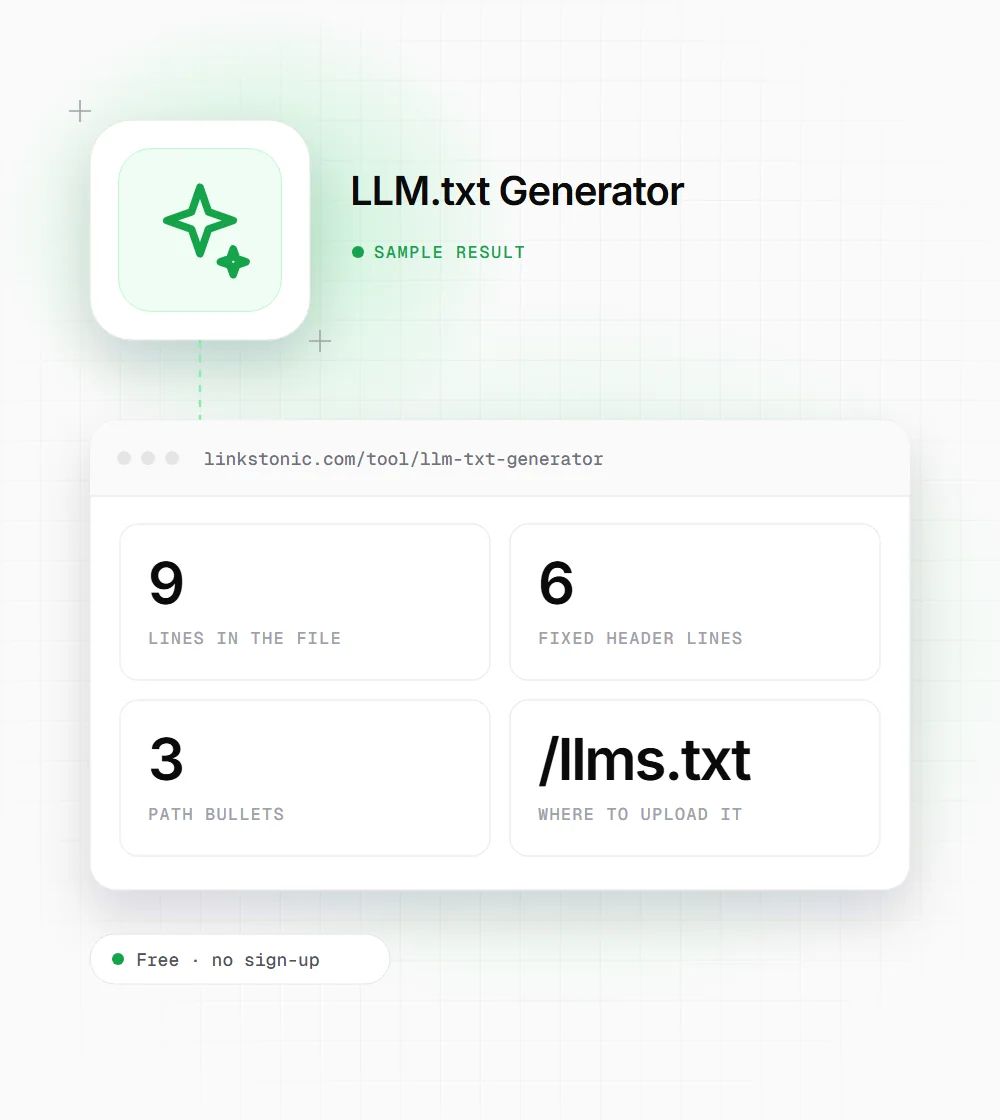
Every file starts with the same six lines: an "# llms.txt" title, a blank line, an "## Optional" heading, a one-line note about which paths AI crawlers should prefer, another blank line and a "## Paths" heading.
One bullet per URL
Your URLs follow the Paths heading as dash bullets, in the order you pasted them. There are no link titles or descriptions, so each line is a bare URL. Order matters to readers, so put your most important pages first.
Edit before you publish
The proposed llms.txt format starts with an H1 of your site or project name, then a short blockquote summary. It also gives a section named "Optional" a special meaning: links a model can skip. Rename the title and move the Optional heading below your main list.
Local only
The file is built in your browser the moment you click Build llms.txt, with no server request. Use the copy button in the corner of the output, save it as llms.txt and upload it so it loads at yourdomain.com/llms.txt.
Three URLs in, nine lines out
We replaced the sample lines with three pages from a docs site, including a stray blank line between two of them.
https://example.com/docs/getting-started

https://example.com/docs/api-reference
https://example.com/pricing
The blank line in the input is dropped, so the output has exactly three bullets. The first line of the file reads "# llms.txt", which is the part we'd change first to the site's own name.
Who tends to add an llms.txt
The file makes most sense where there's a clear set of pages worth reading first.
Developer docs
Documentation sites are where llms.txt started. Coding assistants and developers pasting docs into a chat benefit from one file that points straight to the getting-started guide, API reference and changelog, without crawling the whole site.
SaaS marketing sites
List the pages that define the product: features, pricing, security and comparison pages. It gives any tool that reads the file a short, current map instead of old blog posts.
Publishers and knowledge bases
Point to your cornerstone guides and topic hubs rather than every article. A curated list of 20 good URLs, each with a short description, is more useful than a dump of 2,000.
Open source projects
Maintainers use llms.txt to point assistants at the current install guide and API docs instead of outdated README forks. Listing the versioned docs URL helps avoid answers built on an old release.
llms.txt next to the files you already have
llms.txt is often confused with robots.txt. They do different jobs, and only one of them controls access.
| File | What it does | Status |
|---|---|---|
| robots.txt | Tells crawlers which paths they may fetch | Standardized as RFC 9309, honored by major search crawlers |
| sitemap.xml | Lists URLs you want discovered, with optional last-modified dates | Supported by Google, Bing and others |
| llms.txt | A Markdown index of the pages you'd like language models to read | Community proposal from 2024, support varies by tool |
| llms-full.txt | The full text of your docs in one Markdown file | Informal convention used by some docs platforms |
| meta robots / X-Robots-Tag | Controls indexing and snippets for a single page or file | Supported by Google and Bing |
llms.txt blocks nothing. To keep an AI crawler out, use robots.txt rules for its user agent.
Should you bother with llms.txt?
I'd set expectations low. llms.txt is a proposal, not a standard, and the big AI companies haven't confirmed that their crawlers or answer engines use it. Google has said it doesn't support the file. So don't expect it to change how ChatGPT, Gemini or Perplexity describe you next week.
It's still cheap to add, and it does get read in some places: developer tools, IDE assistants and people who feed a site into a model by hand. For a docs site with hundreds of pages, a good llms.txt is a useful index that saves a model from guessing where to start. For a ten-page local business site, it adds little.
The common mistake is treating it like a sitemap and listing everything. The point is curation: the handful of pages that explain what you are and how things work, each with a one-line description. If the file would be longer than your navigation menu, trim it.
Making the draft a good llms.txt
The generator gives you the list. These edits turn it into a file that follows the proposal.
- 01
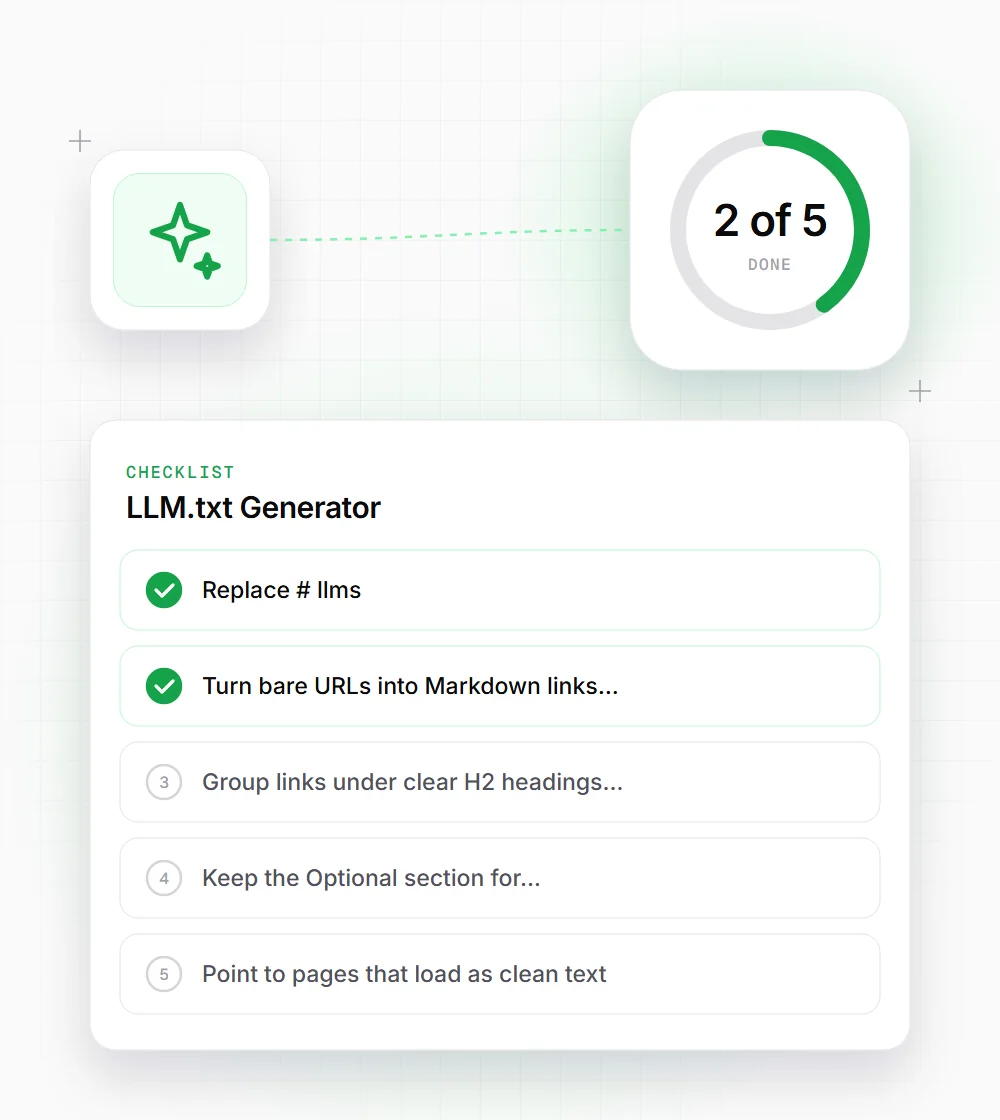
Replace "# llms.txt" with your site or product name, and add a one or two sentence summary under it as a blockquote starting with ">".
- 02
Turn bare URLs into Markdown links with a note: "- [API reference](https://example.com/docs/api): endpoints and auth".
- 03
Group links under clear H2 headings such as Docs, Product and Policies instead of one Paths list.
- 04
Keep the Optional section for secondary links a model can skip when it's short on context.
- 05
Point to pages that load as clean text. If a page needs JavaScript to show its content, link a Markdown version instead.
- 06
Review the file whenever you launch, rename or retire a key page. A stale llms.txt that points to 404s is worse than having none.
Related free tools
AI Robots.txt Generator
Write allow and block rules for GPTBot, ClaudeBot and others.
Open tool Free toolXML Sitemap Generator
Paste a URL list and get sitemap.xml with lastmod and priority.
Open tool Free toolMarkdown Generator
Paste HTML and get clean Markdown back for text-only versions.
Open tool