AI Robots.txt Generator
Tick the AI crawlers you want to let in and untick the ones you want to keep out, then click Generate snippet. You get one robots.txt group per bot, with either an open Disallow line or a site-wide block, ready to paste into your existing file.
Updated · by the Linkstonic team
What the snippet contains
The output is short and deliberately simple. That simplicity has a few side effects worth knowing before you paste it.
The twelve bots
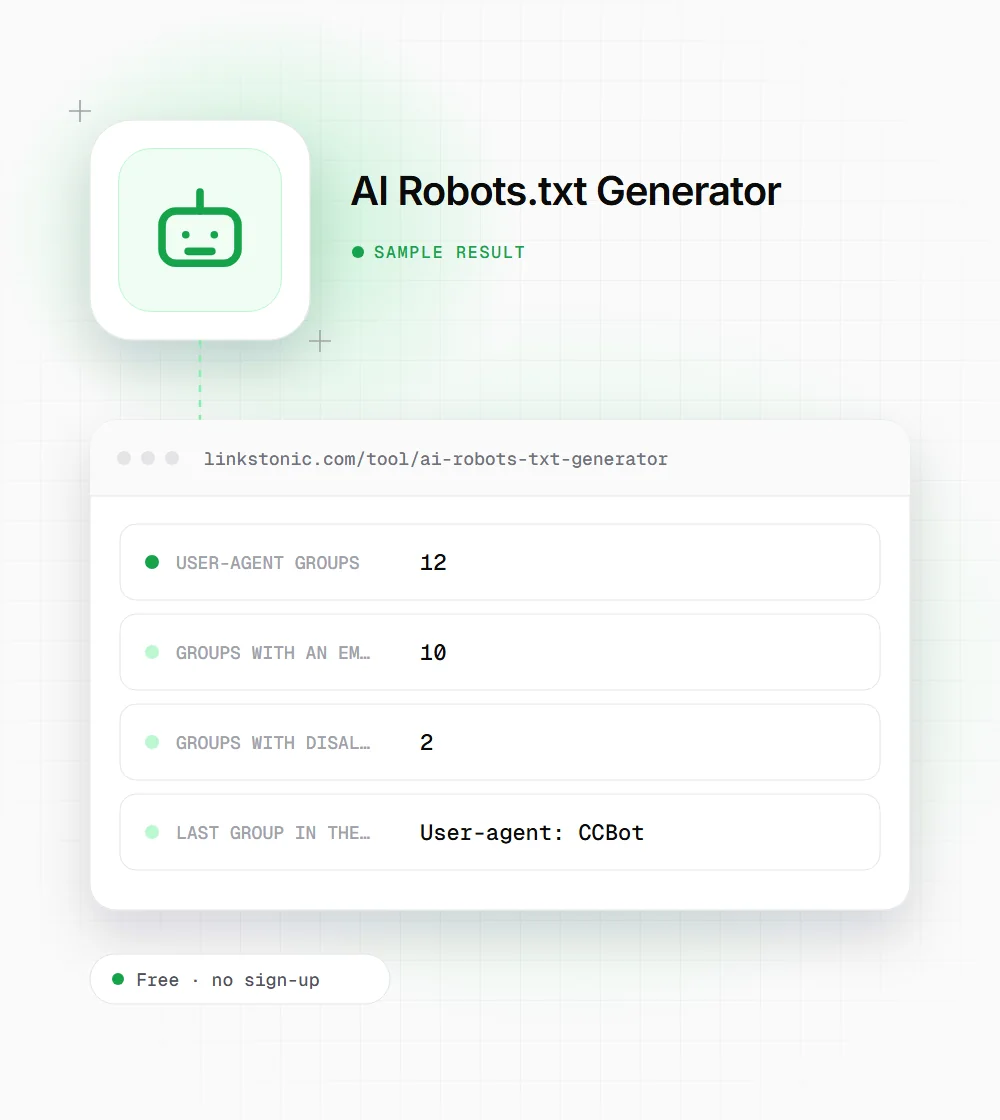
GPTBot, ClaudeBot, PerplexityBot, Google-Extended, Bytespider, anthropic-ai, Cohere-AI, Diffbot, Omgilibot, FacebookBot, Applebot-Extended and CCBot. Every box starts ticked, so if you generate without changing anything, every bot gets an allow.
Allow or block, nothing between
A ticked bot gets "Disallow:" with nothing after it, which means no path is off limits. An unticked bot gets "Disallow: /", which covers the whole site. There are no folder-level rules, Allow lines or Crawl-delay settings.
A snippet, not a file
The output starts with a comment line and holds only the AI groups. There is no User-agent: * group and no Sitemap line, so don't replace your robots.txt with it. Paste it into your current file, above or below the existing rules.
Allowing can undo your other rules
A crawler that finds a group with its own name follows that group only and ignores the * group. If your * group blocks /cart/ or /admin/, a ticked GPTBot with an empty Disallow line can now crawl those paths. Copy the important Disallow lines into the AI groups if that matters.
Watch the FacebookBot box
The FacebookBot checkbox writes facebookexternalhit, which is Meta's link-preview fetcher. Unticking it can stop Facebook and Messenger from showing a title and image when people share your links. Meta's AI crawler, Meta-ExternalAgent, isn't in this list.
Blocking two bulk crawlers
A publisher who wants to stay visible in AI answers but keep bulk dataset crawlers out unticks Bytespider and CCBot. This is what the generated snippet contains.
Ticked (allow): GPTBot, ClaudeBot, PerplexityBot, Google-Extended, anthropic-ai, Cohere-AI, Diffbot, Omgilibot, FacebookBot, Applebot-Extended
Unticked (block): Bytespider, CCBot
The ten allowed groups do nothing on a site whose robots.txt has no other rules. They only start to matter if you already block paths for all crawlers, because then they override that block.
Deciding which AI bots get in
The first question isn't technical. Do you want your content in AI training data, in AI answers, both or neither? Training crawlers like GPTBot, ClaudeBot and CCBot feed future models. Answer bots like PerplexityBot fetch pages to cite them. Treat them as separate decisions, because blocking one family doesn't block the other.
Google-Extended is the one people misread. It only covers Gemini apps and grounding. AI Overviews and AI Mode run on Googlebot, so blocking Google-Extended won't take you out of them, and blocking Googlebot would take you out of Search entirely.
Keep in mind that robots.txt is a public request. The large AI companies say they follow it, but it is not access control. If content must stay private, put it behind a login. And note what this list leaves out: OAI-SearchBot and ChatGPT-User, which drive ChatGPT search visits, need their own lines if you want to control them.
Putting the snippet live safely
A robots.txt mistake can block far more than you meant to. These steps keep it contained.
- 01
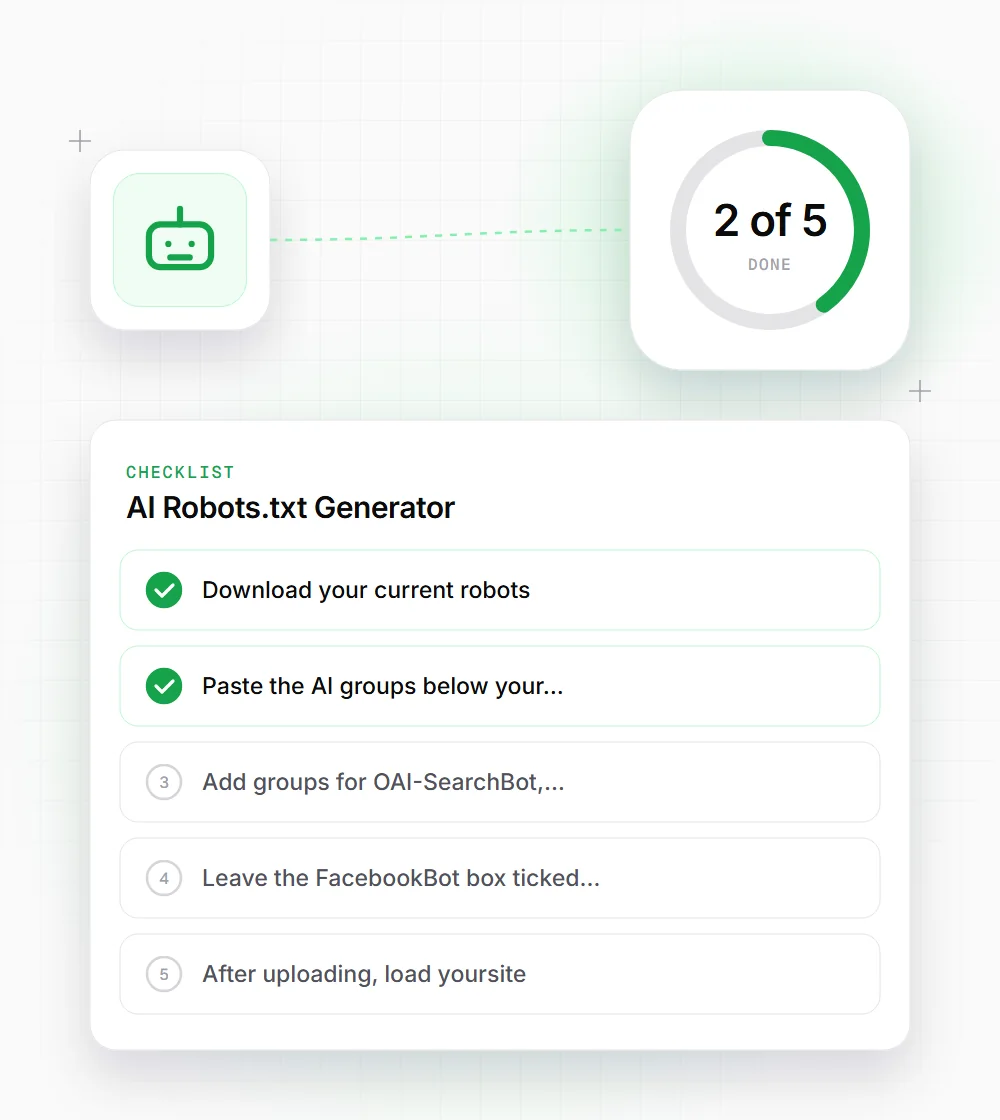
Download your current robots.txt and keep a copy before you edit anything.
- 02
Paste the AI groups below your existing rules, and copy any important Disallow paths from the * group into each allowed AI group.
- 03
Add groups for OAI-SearchBot, ChatGPT-User, Meta-ExternalAgent or Amazonbot by hand if you want to control them, since the generator doesn't list them.
- 04
Leave the FacebookBot box ticked unless you're sure you don't need link previews on Facebook.
- 05
After uploading, load yoursite.com/robots.txt in a private window to confirm the live file changed, then watch your logs for a week.