AI Crawler Checker
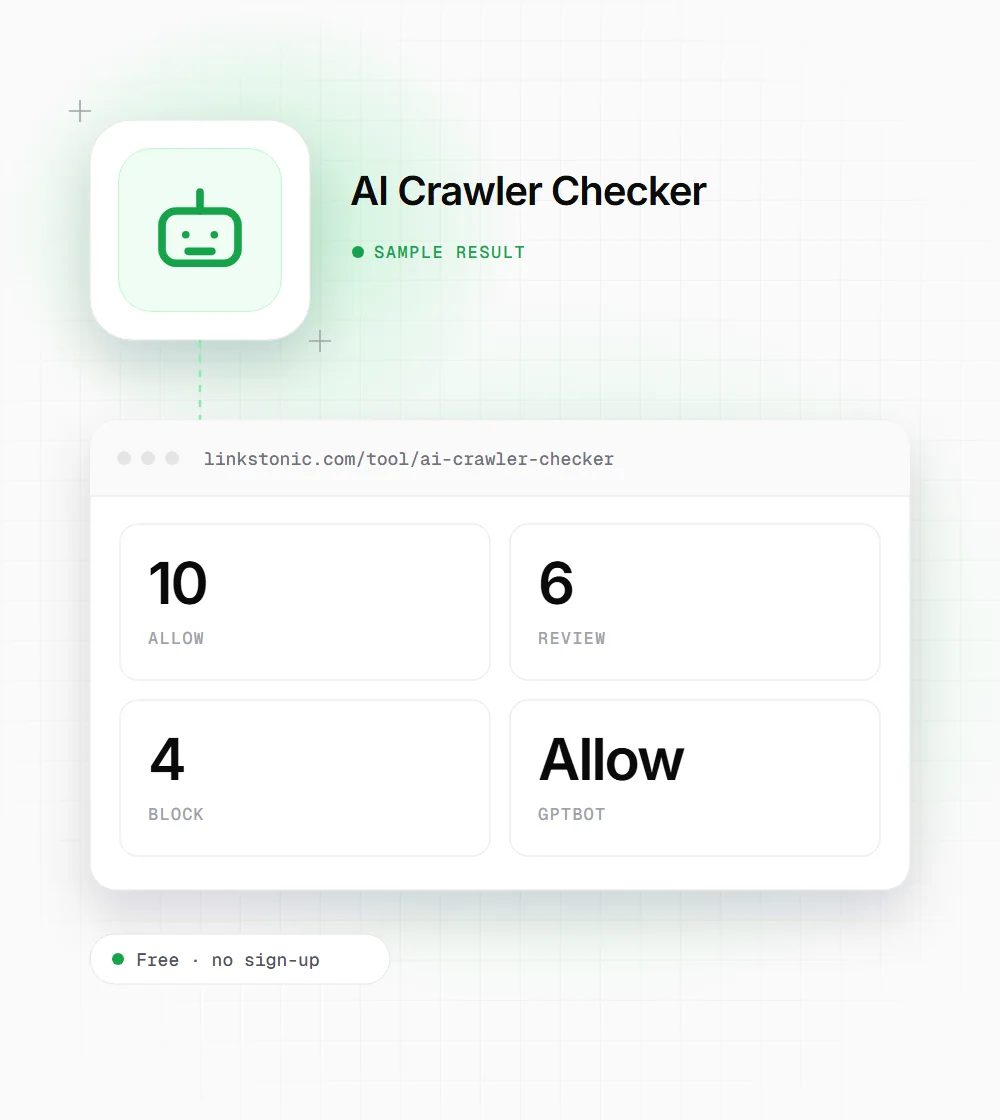
Enter a site URL and get a table of 20 AI crawler user-agent tokens, each marked Allow, Review or Block. The marks are a simulated view worked out from the URL text, not read from your live robots.txt, so treat the table as a checklist and confirm each bot yourself.
Updated · by the Linkstonic team
What the checker does, and what it skips
We'd rather be plain about this tool than oversell it. It is a quick way to list the AI bots that matter, not an audit of your server.
The 20 bots
GPTBot, ClaudeBot, PerplexityBot, Google-Extended, Bytespider, anthropic-ai, Cohere-AI, Diffbot, Omgilibot, FacebookBot, Applebot-Extended, CCBot, ImagesiftBot, YouBot, Amazonbot, Meta-ExternalAgent, MistralAI-User, DuckAssistBot, Cohere-Training and Timpibot. The UA token column shows the exact string to search for in robots.txt.
No request is made
The tool doesn't download your robots.txt, check HTTP status codes or look at firewall rules. After a short pause it derives each label from a hash of the URL you typed. The panel's own footer calls it a simulated policy view.
Always the same mix
Because of how the labels are generated, every URL gets 10 Allow, 6 Review and 4 Block. Only which bot lands on which label changes. Case is ignored, but a trailing slash is not, so example.com and example.com/ show different tables.
One mislabeled row
The FacebookBot row carries the token facebookexternalhit. That is Meta's link-preview fetcher, the one that builds the card when someone shares your URL. Meta's AI crawler is Meta-ExternalAgent, which has its own row.
How to get a real answer
Open yoursite.com/robots.txt and search for each token. A bot with its own User-agent group follows only that group and ignores the * group. Then check your CDN or firewall bot settings, which can block a crawler even when robots.txt allows it.
Same site, two tables
We entered https://example.com. These are the labels the tool shows, and they come from the URL string, not from example.com's robots.txt.
https://example.com
Add a trailing slash, https://example.com/, and GPTBot flips to Block while PerplexityBot flips to Allow. Nothing about the site changed, which is why the live robots.txt is the only source of truth.
Who runs the main AI crawlers
The tokens that come up most in client robots.txt reviews, and what each one does.
| Token | Operator | What it does |
|---|---|---|
| GPTBot | OpenAI | Crawls content that may be used to train OpenAI models |
| ClaudeBot | Anthropic | Crawls content that may be used to train Claude models |
| PerplexityBot | Perplexity | Indexes pages for Perplexity's search answers |
| Google-Extended | A robots.txt control for Gemini use, not a separate crawler. Doesn't affect Search | |
| Applebot-Extended | Apple | A control for Apple's AI training. Applebot does the fetching |
| CCBot | Common Crawl | Builds the open web archive many AI labs train on |
| Meta-ExternalAgent | Meta | Crawls for Meta's AI models and products |
| Amazonbot | Amazon | Amazon's general web crawler |
| Bytespider | ByteDance | ByteDance's web crawler |
OAI-SearchBot and ChatGPT-User, which OpenAI uses for ChatGPT search and user-requested visits, aren't in the checker's list. Look for them too.
Training bots and answer bots are different decisions
Most AI crawler policies go wrong because they treat every AI bot the same. A training crawler like GPTBot or CCBot takes content into a future model. A search or retrieval bot like OAI-SearchBot or PerplexityBot fetches pages so an answer can cite and link to them. Blocking the first has no effect on the second, and blocking the second is how sites disappear from AI answers without noticing.
Google is its own case. AI Overviews are part of Search and use Googlebot, so blocking Google-Extended doesn't remove you from them. It only covers Gemini apps and grounding.
Robots.txt is a request, not a lock. The big operators say they honor it, not every crawler does, and plenty of sites block bots at the CDN without the SEO team knowing. Check the server logs to see who actually shows up.
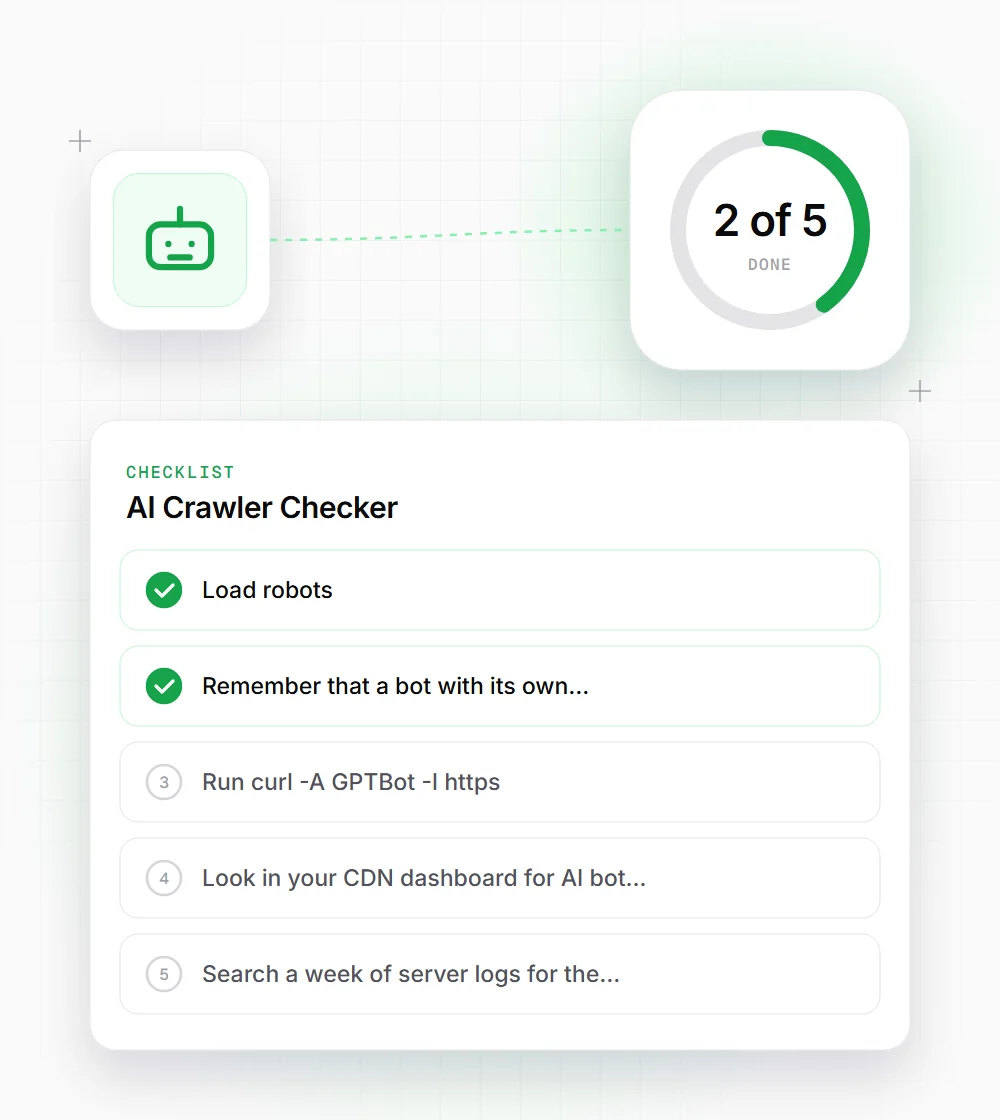
A 15-minute manual check
This is how we verify AI crawler access for real, using the table above as the list.
- 01
Load robots.txt on every hostname you serve, including www and non-www, and search for each token.
- 02
Remember that a bot with its own User-agent group skips the * rules entirely, so an allow there can undo a site-wide block.
- 03
Run curl -A "GPTBot" -I https://yoursite.com/ and check for a 200. A 403 points to a firewall or CDN rule.
- 04
Look in your CDN dashboard for AI bot or bot-fight settings, which some providers switch on by default.
- 05
Search a week of server logs for the tokens to see which bots actually visit and what status codes they get.