HTML Minifier
Paste a block of HTML, press Minify, and get a single compact string with comments and indentation gone. Under each box you see the character count, and the output side shows the percentage you saved.
Updated · by the Linkstonic team
The five passes it makes
This minifier is a short chain of find-and-replace rules, not an HTML parser. That keeps it fast, and it also explains every surprise you might see in the output.
Comments go first
Everything between <!-- and --> is deleted, across multiple lines. That includes old IE conditional comments and any license or build notes you left in the markup. If a template engine or CMS relies on comment markers, keep a copy of the original.
Whitespace runs shrink
Any run of two or more spaces, tabs or line breaks becomes one space. A single space or a single line break on its own is left as it is, so some newlines can survive in the output.
Gaps between tags vanish
Whitespace between a closing > and the next < is removed completely. For block elements that changes nothing. For inline ones it does: two links separated by a space, like Home and Blog, render as HomeBlog once the space is gone.
Tag edges tighten
Spaces right before > and right after < are stripped, so <br /> becomes <br/> and < div > becomes <div>. Attribute values and quotes are left untouched.
No special cases
The rules run on everything, including <pre>, <textarea>, <script> and <style>. Indented code in a <pre> loses its layout, and an inline script with a // comment can swallow the code on the following line once the line break turns into a space.
How savings are counted
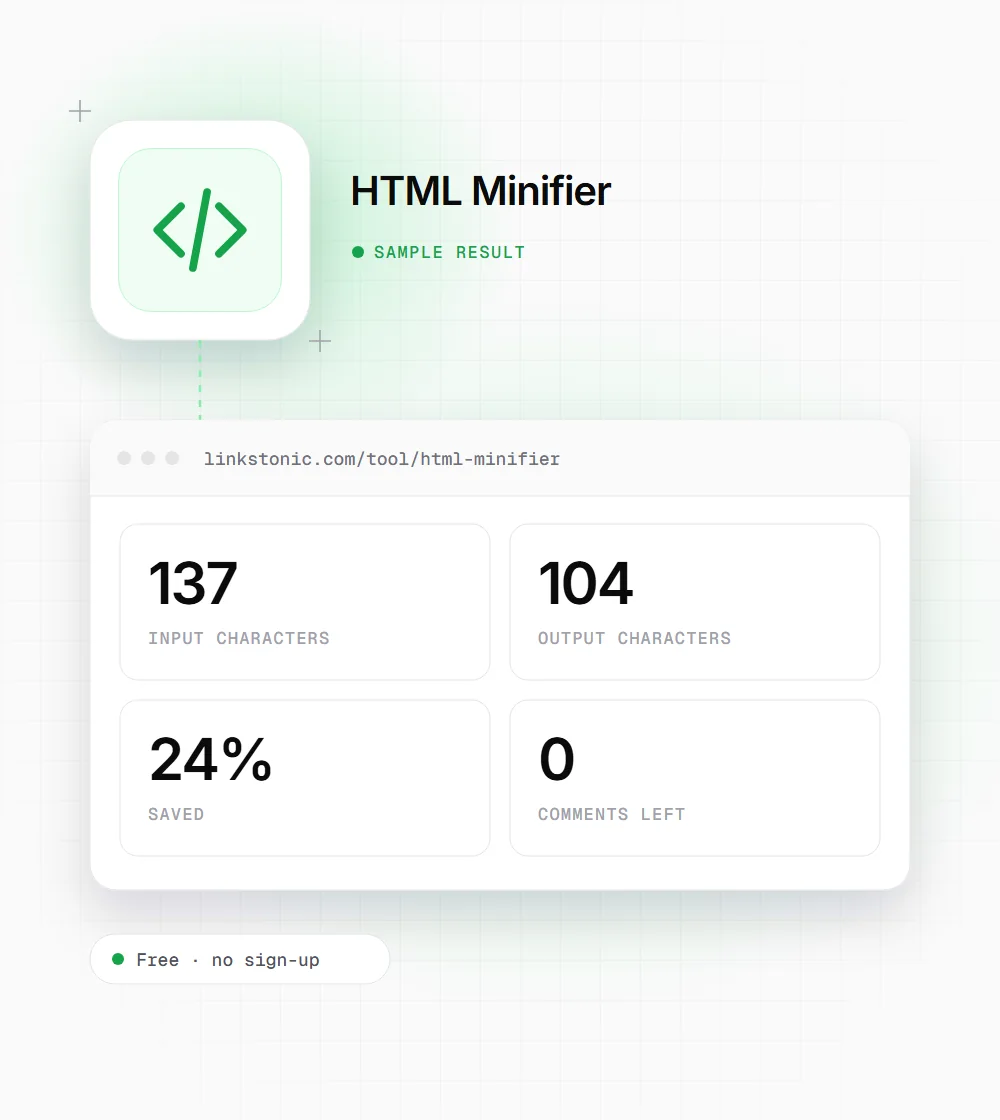
Percent saved is 1 minus output length over input length, rounded to a whole number. It counts characters, not bytes, and it's measured before gzip or Brotli, which already squeeze repeated whitespace very well.
A nav and a code block
This snippet has a comment, indented tags, two inline links and a <pre> block. We ran it through the tool as-is.
<!-- Main navigation -->
<nav class="menu">
  <a href="/">Home</a> <a href="/blog/">Blog</a>
</nav>
<pre>
npm install
  --save-dev
</pre>
The two links now sit with no space between them, and the two-line command in the <pre> block collapsed into one line. Both are the kind of change you only catch by looking at the page afterward.
Good fits for a quick minify
A regex minifier works best on small, simple markup where you can eyeball the result.
Email templates
Gmail clips messages over about 102KB. Stripping comments and indentation from a long HTML email can pull it back under the limit. Send a test to yourself afterward to check the layout.
Embed and widget snippets
When you hand a client a copy-paste embed code, a one-line version is less likely to get mangled by a CMS editor that rewraps or reindents pasted HTML.
Static pages without a build step
A hand-written landing page on basic hosting has no bundler to minify it. Running it through here before upload trims the file and removes internal comments you'd rather not publish.
Pasting into length-limited fields
Some page builders, ad platforms and form tools cap how many characters a custom HTML field accepts. Removing comments and indentation can get a snippet under the cap without changing what it does, as long as you check the result renders the same.
How much minifying HTML really buys you
Less than most people expect. If your server sends HTML with gzip or Brotli, and nearly every host does now, repeated spaces and newlines compress down to almost nothing. A 24% character saving often ends up as a few hundred bytes over the wire. Images, fonts and JavaScript usually matter far more for load time.
Where it does pay off is size limits and hygiene. Comments leak things: old menu items, staging URLs, developer notes. Removing them is worth doing even when the byte saving is small. Email is the other case, since clipping happens on the raw size.
For search, Google renders the page and reads the text either way, and so do the crawlers behind ChatGPT and Perplexity. Minified HTML won't change how your content is understood. A broken inline script or a squashed link label can, so I'd always compare the rendered page before and after.
Keeping the output safe
Since the tool doesn't understand HTML structure, a quick review catches the few things it can break.
- 01
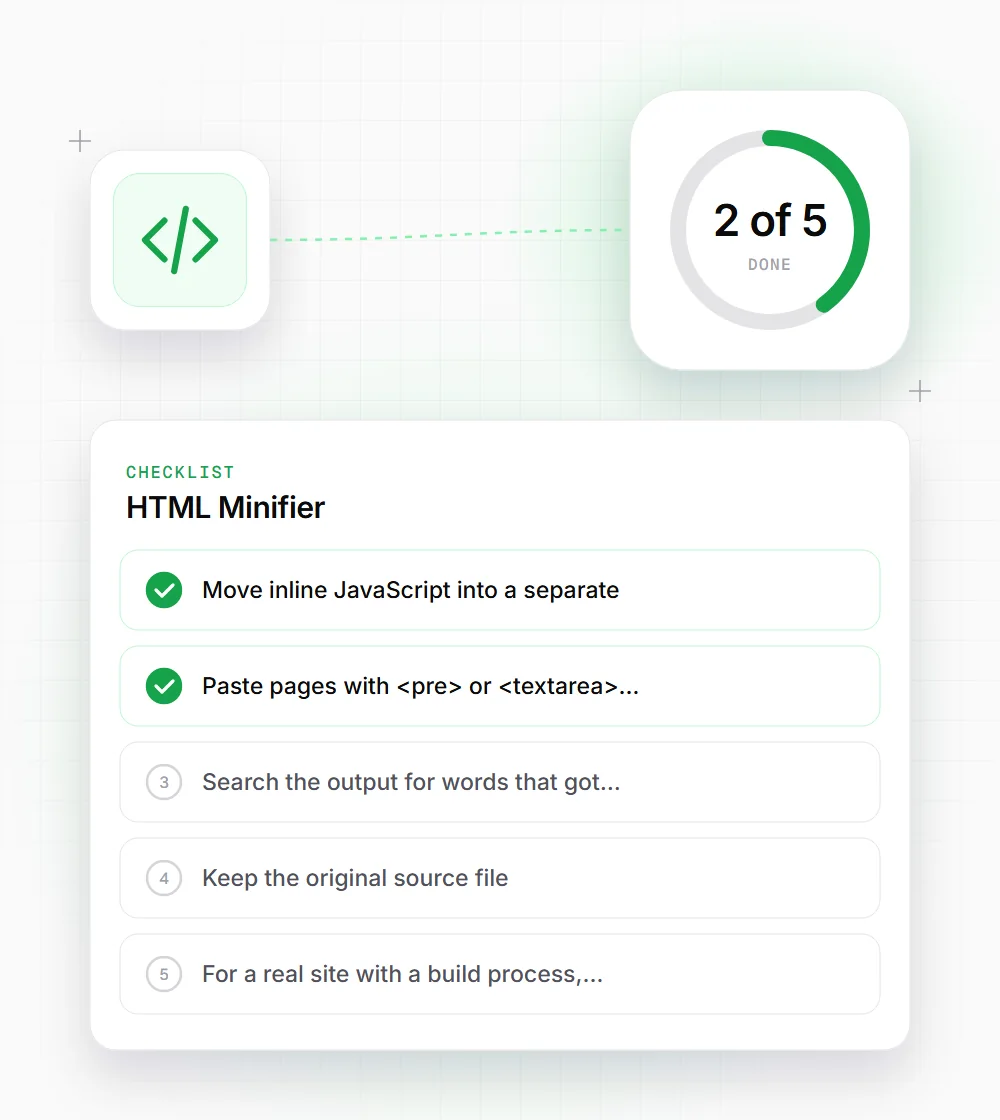
Move inline JavaScript into a separate .js file before minifying, or at least remove any // comments inside it.
- 02
Paste pages with <pre> or <textarea> content in sections, and keep those blocks out of the minified part.
- 03
Search the output for words that got glued together, such as link labels or icons followed by text.
- 04
Keep the original source file. Minified HTML is painful to edit, so treat the output as a build artifact.
- 05
For a real site with a build process, use a parser-based minifier like html-minifier-terser, which knows which whitespace matters.
- 06
Compare the character counts under each box. If the saving is under 10%, the file was already lean and minifying it isn't worth the risk.